
Once you have installed and activated the Galleryberg plugin, you’ll be asking to enter your license key.
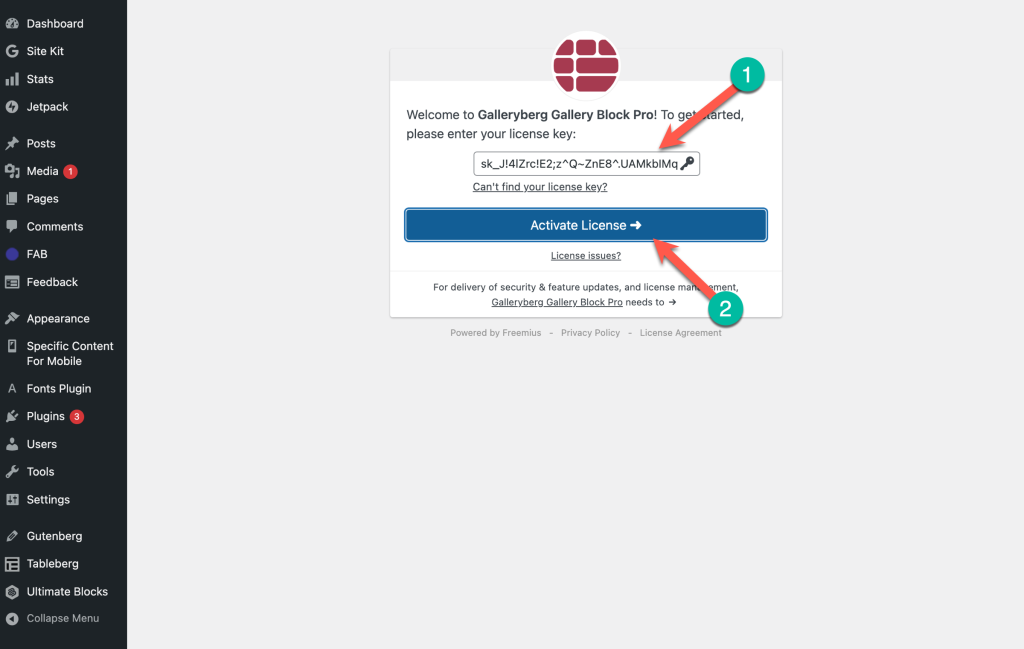
Simply insert your license key and click on the ‘Active License’ button.
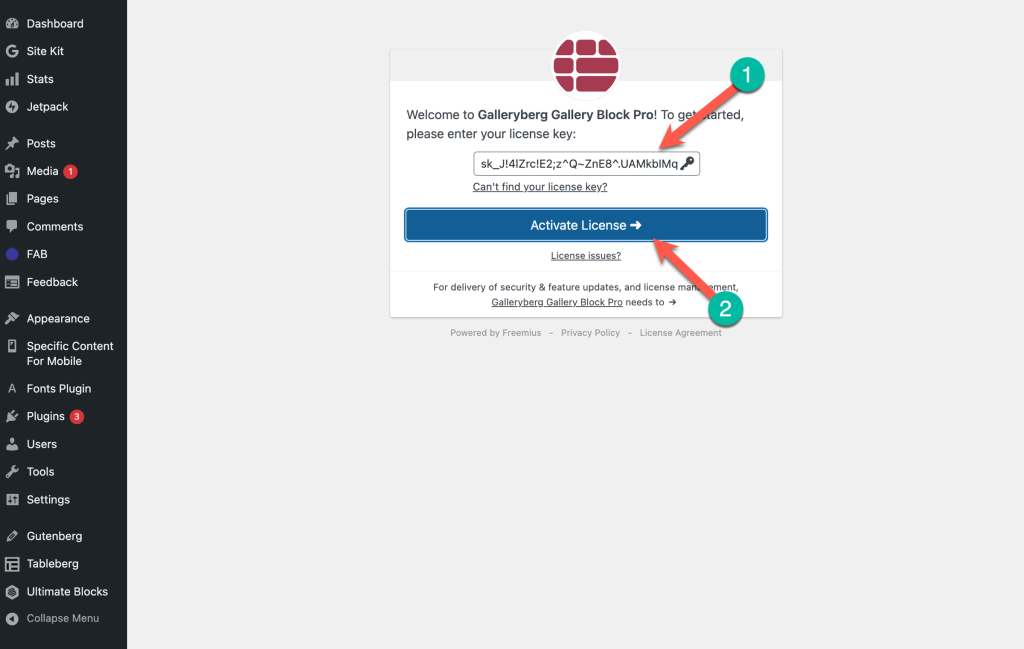
If you are not prompted immediately after activation, you can easily activate your license key by following these steps:
Step 1: Navigate to Installed Plugins #
- Log in to your WordPress Dashboard.
- In the sidebar menu, navigate to Plugins and click on Installed Plugins.
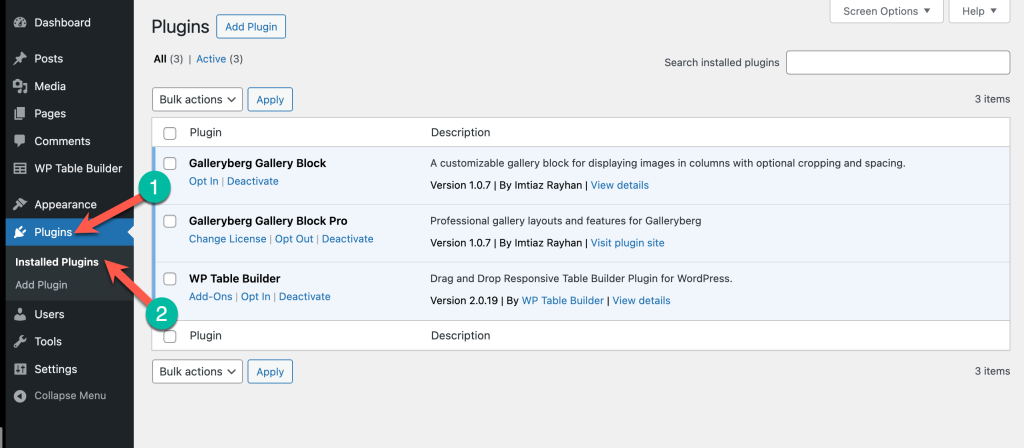
Step 2: Access the Activation Screen #
- Find the Galleryberg Pro plugin in your list of installed plugins.
- Under the plugin’s name, click on the ‘Activate License’ link.
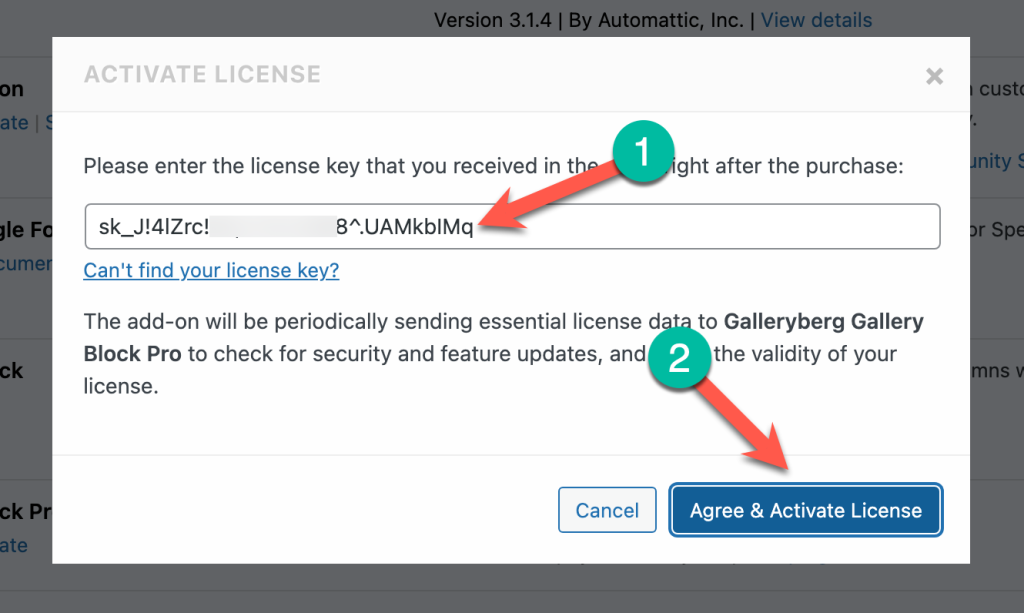
Step 3: Enter and Activate the Key #
- A license key field will appear. Enter your license key into the designated input box.
- Click on the “Agree & Activate License” button (or a button with similar text).
That’s it! Your license key is now activated. You should see a confirmation message, and the plugin will be ready for use with all its premium features.


