
Replacing images inside WordPress galleries lets you update visuals without rebuilding the gallery. It helps keep content fresh and accurate. This process saves time, maintains layout settings, and ensures galleries always show the most relevant images.
Let’s check how to replace images inside WordPress galleries.
Replacing Images Inside WordPress Galleries #
Here’s a demo gallery we have already created to explain to you the process.

Select an image you want to replace in the gallery. Once selected, click the Replace button in the toolbar.
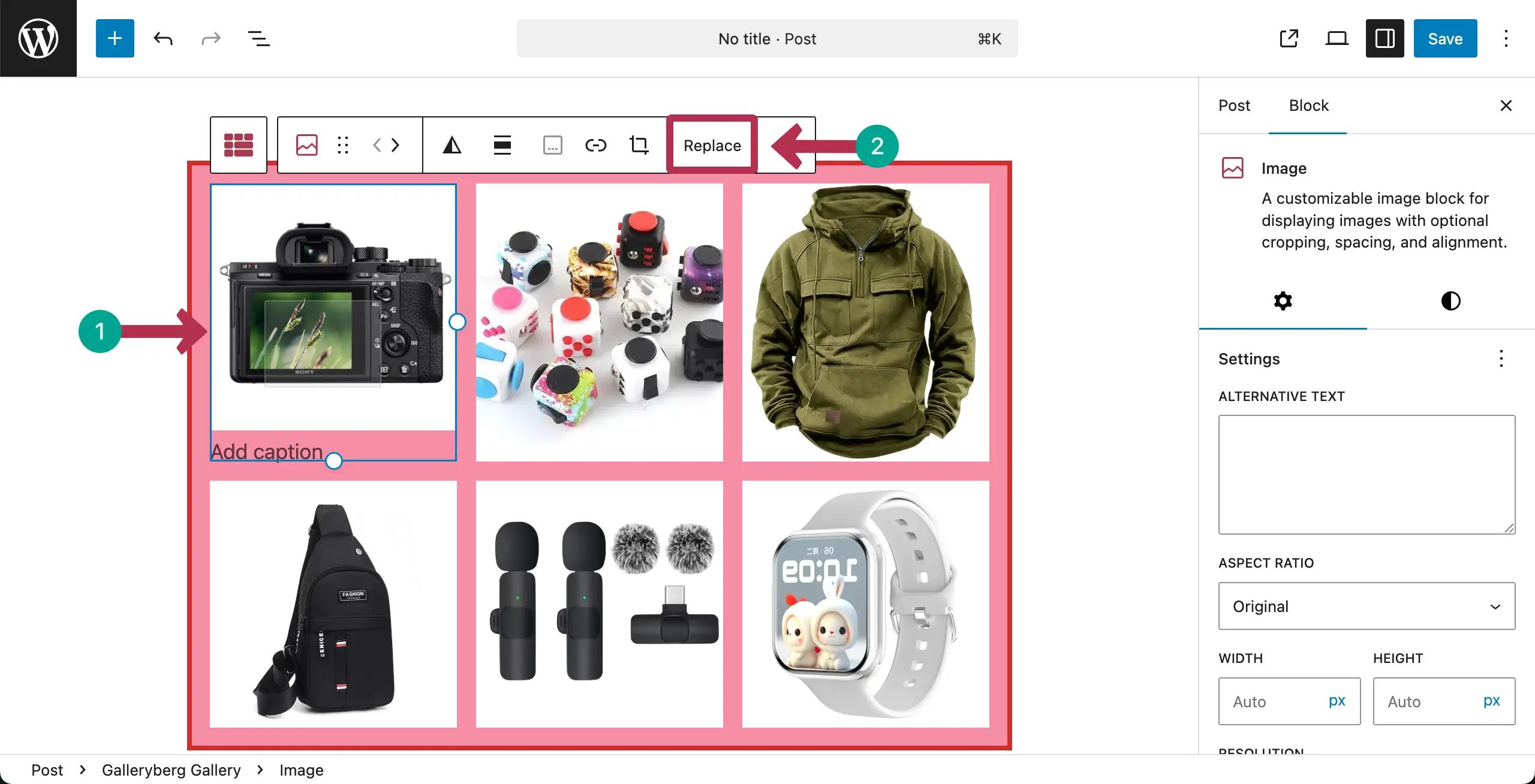
You’ll get the option to upload the new image from your local drive or from your media library. Choose the suitable option you want.

If it’s from a local drive, choose the image you want and then hit the Open button.

The image will be replaced in the WordPress gallery right away. You can see that in the screenshot attached below.
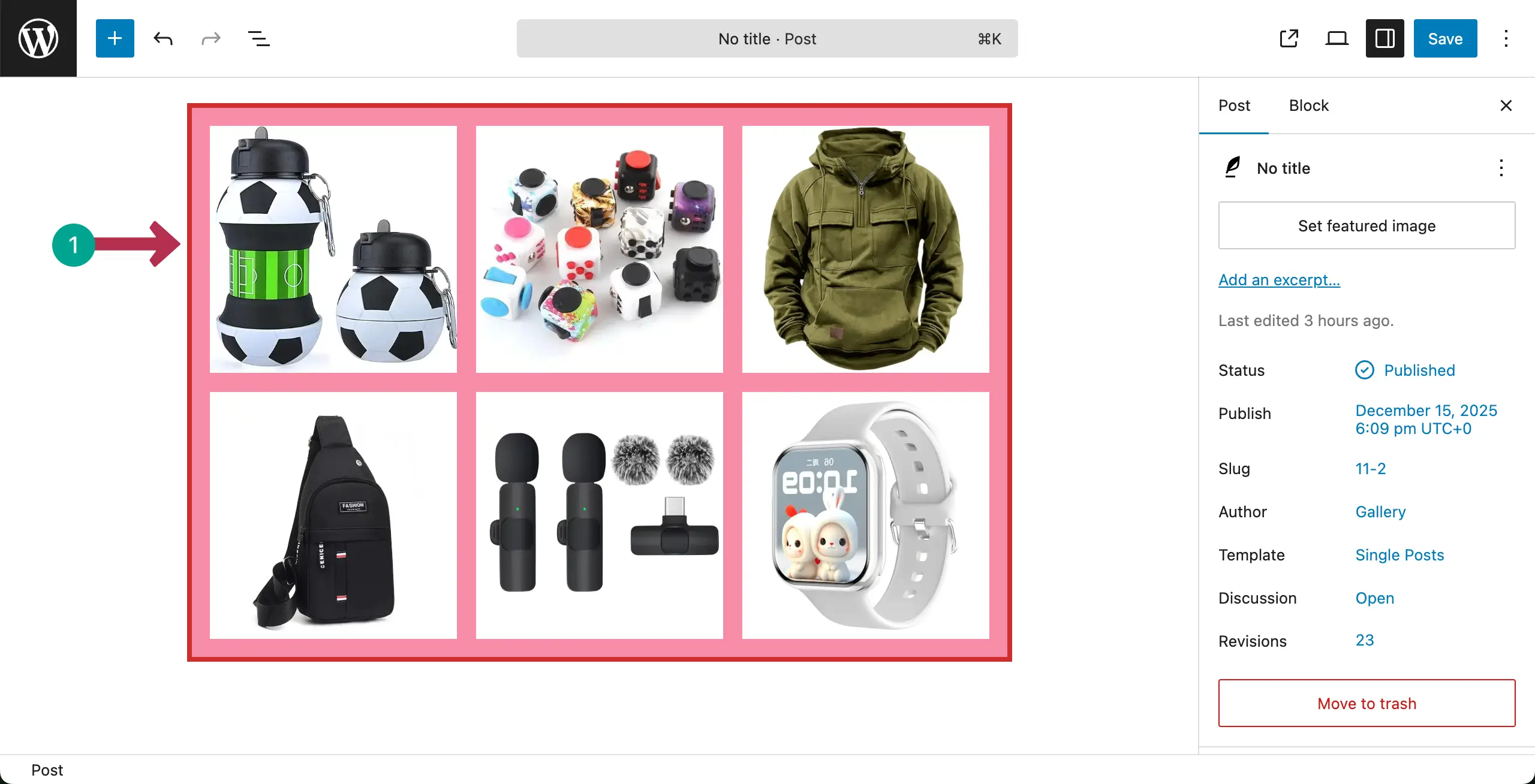
Thus, you can easily replace images in your WordPress gallery without using any additional plugin.
Conclusion #
Replace images carefully to maintain the gallery layout and order. Keep new images consistent in size and style with existing ones. Always back up originals before replacing.


