


When it comes to grabbing your visitors’ attention, images play a huge role. But a plain grid of photos isn’t always enough to keep people engaged. Modern website visitors expect galleries that feel alive — layouts that adapt, animations that respond, and a viewing experience that’s smooth and enjoyable.
That’s exactly where Galleryberg stands out.
Unlike the default WordPress Gallery block, Galleryberg gives you the power to create modern, interactive galleries directly inside Gutenberg; without relying on shortcodes or bulky page builders.
In this complete breakdown, let’s explore how Galleryberg makes your WordPress galleries more interactive and enjoyable.
- Multiple Gallery Layouts That Encourage Exploration
- Smooth Hover Effects That Make Images Feel Alive
- Fully Interactive Lightbox for an Enhanced Viewing Experience
- Advanced Captions That React to User Interaction
- Completely Responsive and Touch-Friendly
- Design Controls That Make Your Galleries More Engaging
- Performance & Optimization Benefits That Keep Your Galleries Fast
Multiple Gallery Layouts That Encourage Exploration
Different layouts create different browsing experiences. Galleryberg gives you five beautiful layout options that instantly elevate interactivity.
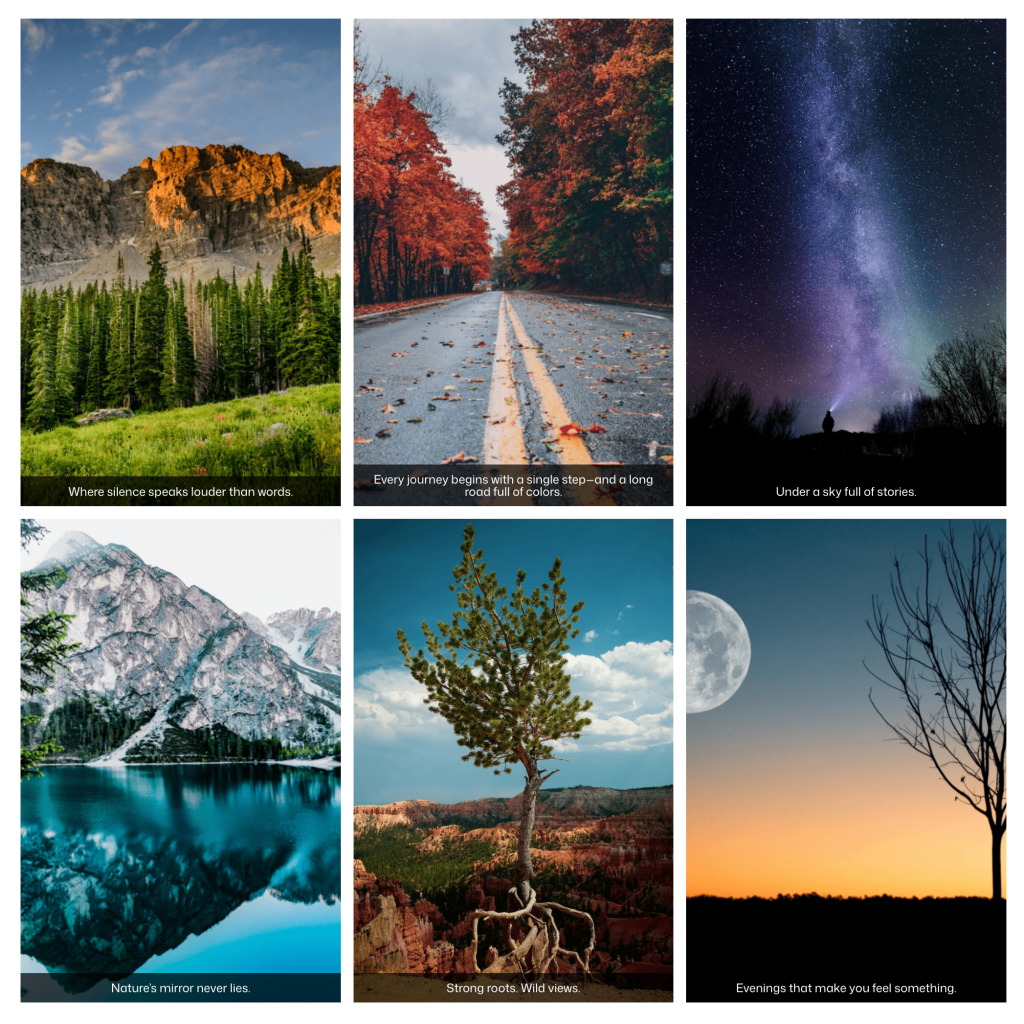
Tiles Layout
A clean, balanced grid perfect for blogs and general photo sections.
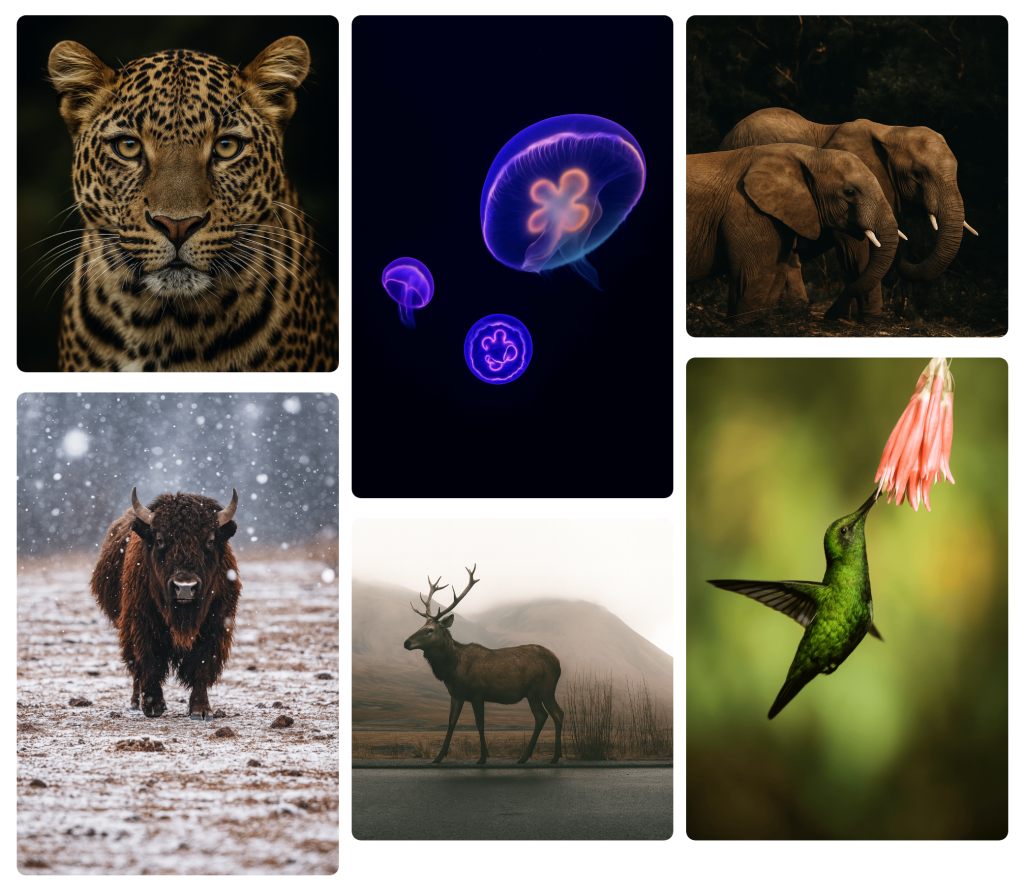
Masonry Layout
The Pinterest-style layout that encourages scrolling and exploration. Ideal for travel blogs, portfolios, lifestyle sites, and long visual stories.
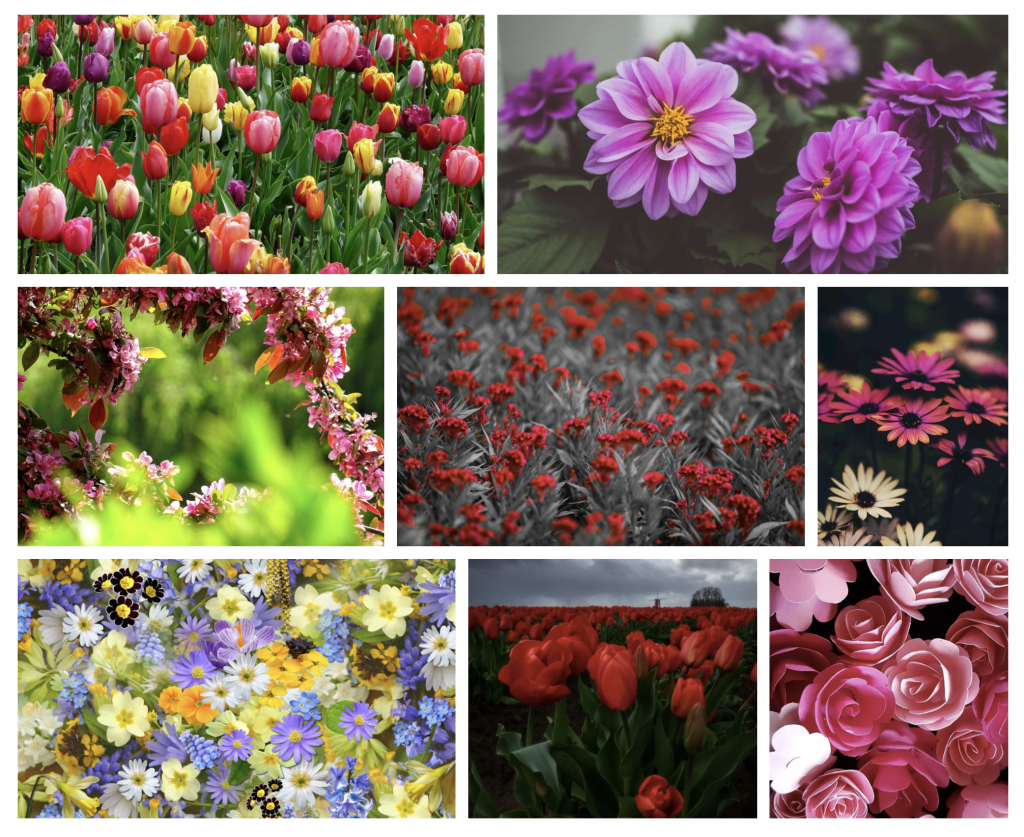
Justified Layout
Creates even, beautiful rows — perfect for photographers or anyone who wants a polished, magazine-style look.
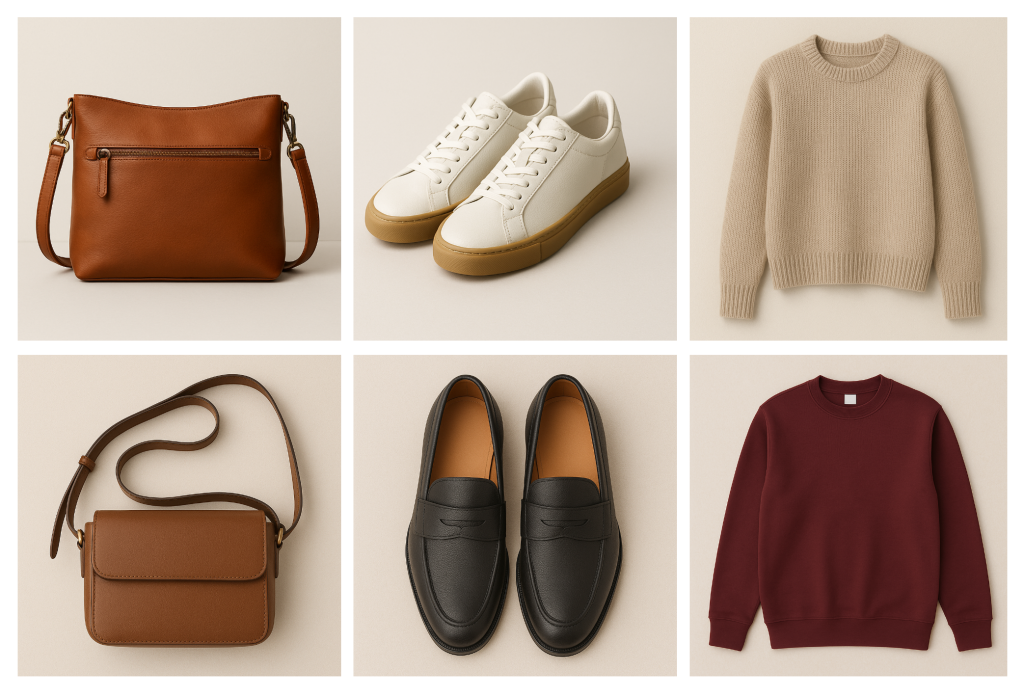
Square Layout
A uniform visual style great for product galleries, eCommerce stores, and portfolio thumbnails.
Mosaic Layout
A dynamic, visually striking layout that works work incredibly well for creative portfolios, photography showcases, and galleries where you want to highlight visual storytelling.
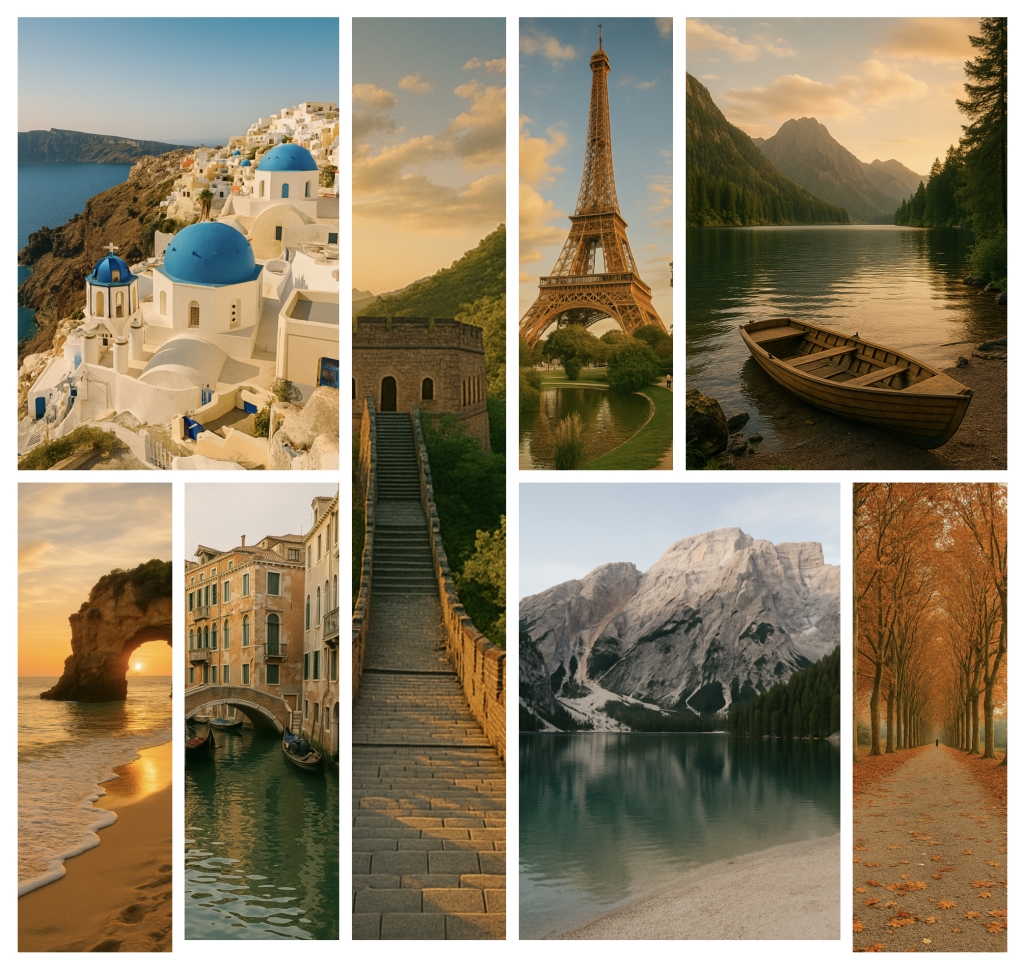
Why it’s interactive:
Each layout encourages different types of user behavior – scrolling, hovering, zooming, or exploring the lightbox. With the addition of the Mosaic Layout, Galleryberg gives you a layout for every purpose, from clean and structured to bold and expressive.
Smooth Hover Effects That Make Images Feel Alive
Hover effects instantly add a layer of interactivity.
With Galleryberg, you can enable:
- Zoom-in / Zoom-out animations
- Overlay captions
These small interactions make your gallery feel modern and engaging without being distracting.
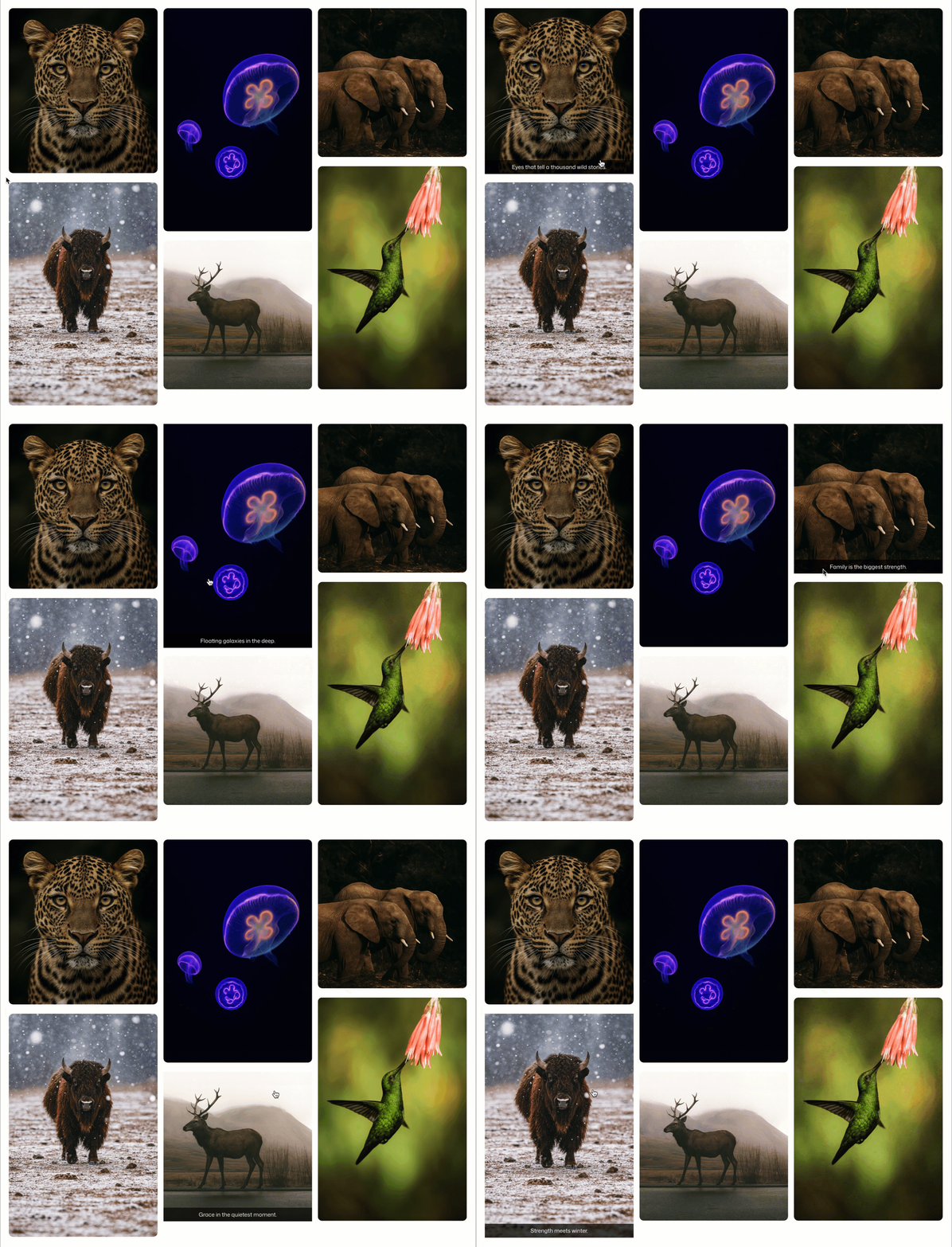
Why it matters:
Hover effects guide attention and create a responsive, premium feel — especially on desktop.
Fully Interactive Lightbox for an Enhanced Viewing Experience
The real magic happens when someone clicks an image.
Galleryberg opens a beautiful, responsive lightbox with features like:
- Open/Close Effect (Zoom/Fade/None)
- Slide effect
- Keyboard navigation (← → ESC)
- Mobile swipe support
- Drag navigation
- Smooth slide transitions
- Optional thumbnails (Pro)
The lightbox transforms your gallery into a full interactive slideshow — something the core Gallery block simply can’t match.
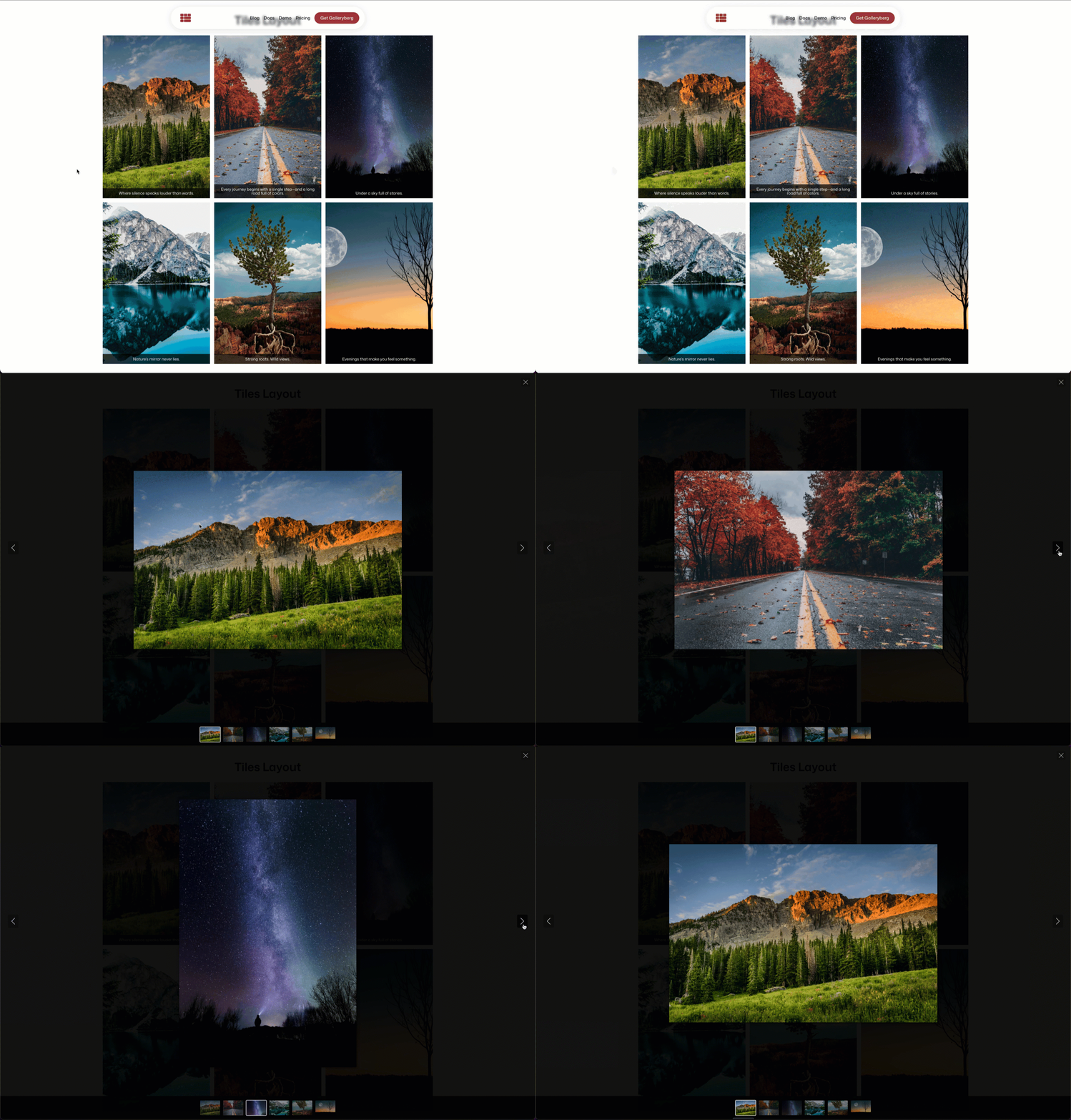
Why it’s interactive:
Users spend more time exploring images, clicking through slides, zooming in, and navigating comfortably.
Advanced Captions That React to User Interaction
Captions are not just text — they’re part of the experience.
Galleryberg gives you flexible caption designs:
Caption Types
- Below image
- Full overlay
- Bar overlay
Visibility Settings
- Always visible
- Show on hover
- Hide on hover
These options allow captions to appear, disappear, or shift based on user interaction.
Why it’s interactive:
Captions respond to user actions — making the gallery feel dynamic and responsive.
Completely Responsive and Touch-Friendly
Interactivity shouldn’t stop on desktop. Galleryberg is fully optimized for touch devices.
Mobile Interactions Include:
- Tap-to-open lightbox
- Smooth swipe navigation
- Pinch-to-zoom
- Adaptive layouts
- Clean, uncluttered UI
Since 50–70% of visitors browse from mobile, these touch-friendly features dramatically improve overall engagement.
Design Controls That Make Your Galleries More Engaging
Better design leads to better interaction. Galleryberg gives you intuitive controls to match your brand and style.
You can customize:
- Spacing and gaps
- Borders and radius
- Overlay colors
- Background styling
- Aspect ratios
- Caption alignment
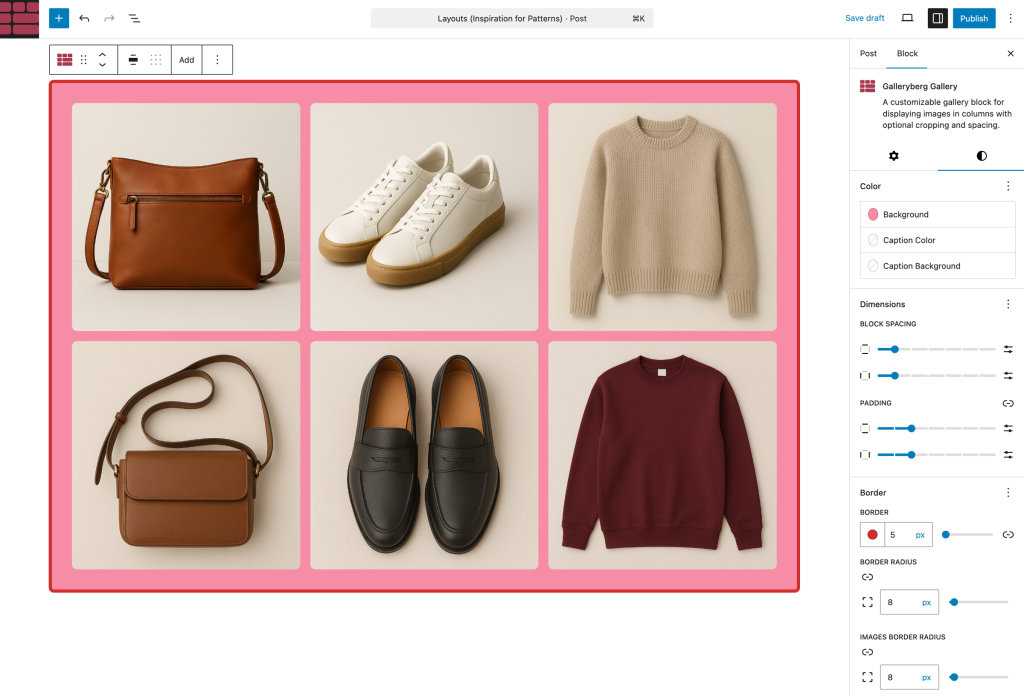
A cleaner design naturally encourages visitors to interact with your images more.
Performance & Optimization Benefits That Keep Your Galleries Fast
Interactive features are great — but only if your website stays fast and lightweight. Galleryberg is built with performance in mind, ensuring your galleries load quickly and feel smooth across all devices.
Here’s how Galleryberg keeps things optimized:
-
Lightweight Scripts: Galleryberg uses minimal, performance-optimized scripts so your galleries don’t slow down your page. No heavy libraries, no unnecessary bloat.
-
Smart Image Rendering: Images are displayed using clean, modern frontend techniques to ensure smooth loading and consistent rendering across layouts.
-
Mobile-First Optimization: Every layout — Tiles, Masonry, Justified, Square, and Mosaic — is built to adapt instantly to mobile screens. Interactions like tapping, swiping, and zooming work naturally and efficiently.
-
Smooth Lightbox Performance: The lightbox uses optimized transitions and efficient event handling to keep navigation fluid, even on lower-end devices.
-
Accessibility-Friendly Design: Interactive elements follow semantic patterns and keyboard navigation works out of the box — improving usability for all visitors.
-
Cleaner, Faster Experience: By combining optimized scripts, responsive layouts, and smooth interactions, Galleryberg ensures your galleries look great and load fast.
Why it matters:
A fast, interactive gallery increases user engagement, reduces bounce rate, and creates a better overall experience — especially on mobile.
Conclusion
Galleryberg turns ordinary WordPress galleries into modern, interactive experiences — without needing shortcodes, page builders, or complicated settings.
With its layouts, hover effects, advanced captions, touch-friendly lightbox, and clean design controls, it gives your visitors a smoother, richer way to explore your images.
If you want your website to feel more polished, more modern, and more engaging; try Galleryberg. It’s free.
Try Galleryberg for Free and start creating interactive WordPress galleries in minutes.
Leave a Reply