Best WordPress Hosting for Photographers (Top Picks)

Best WordPress Hosting for Photographers (Top Picks)

A photography website is not like a normal website. It holds large image files. It needs more storage. It also needs a fast loading speed. When visitors open your site, they want to see photos clearly and quickly. If your hosting is slow, images load late.

A good WordPress hosting plan helps your photos load fast and stay sharp on all devices. It also gives you regular backups, security protection, and stable uptime. It can handle traffic when many people visit at the same time.

This is why choosing the right hosting plan is one of the prime requirements for setting up a photography website. So, in this blog post, we’ll list and discuss the best WordPress hosting for photographers.

Kinsta

Premium Managed

$350/year

WPX

Fast & Supportive

$179.90/year

Hostinger

Best Budget

$143.52/four years

Bluehost

For Beginners

$59.9/year

SiteGround

Shared Hosting

$47.9/year

Let’s explore them below!

Best WordPress Hosting for Photographers

Now, we will discuss some of the best hosting platforms for photography websites in this section and cover their key features. We hope this will help you choose the right one for your website. Keep reading!

1. Kinsta (Premium Managed)
Kinsta Hosting

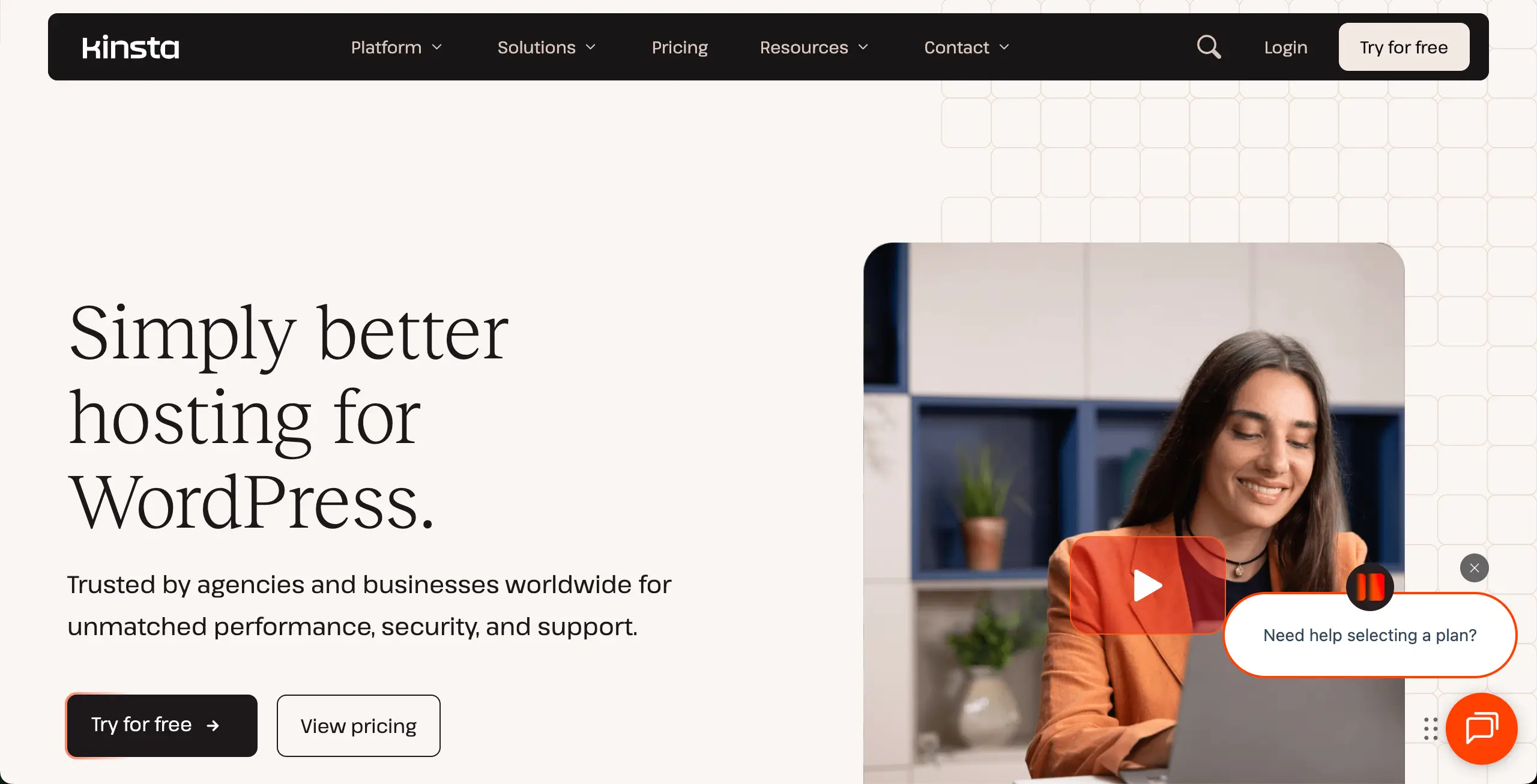
Kinsta is a premium managed WordPress hosting solution. It’s made for professionals who want the best speed and stability. It is built on Google Cloud’s premium network, which means your photography website runs on powerful servers. This is very helpful for photographers who upload large, high-quality images or run busy portfolio websites with many visitors every day.

Kinsta uses isolated container technology. So, your site resources are never shared with other websites. This keeps your photo galleries fast and smooth at all times. Kinsta’s Edge Caching serves your images from more than 260 global locations. Their strong security and free hack fixing service also gives peace of mind.

Check how to create responsive galleries in WordPress.

Key features of Kinsta

  • Google Cloud C2/C3D Infrastructure: High-performance server architecture optimized for resource-intensive photography galleries.
  • Built-in Image Optimization: Server-level tools to ensure high-resolution photos load quickly without losing quality.
  • Automatic Scaling: Seamlessly handles sudden traffic spikes if your work goes viral or during seasonal print sales.
  • One-Click Staging: Create a private environment to test new portfolio layouts or plugins before pushing them live.
  • 24/7 Expert Support: Instant access to WordPress-certified engineers via live chat with a 97% solve rate.
Pros

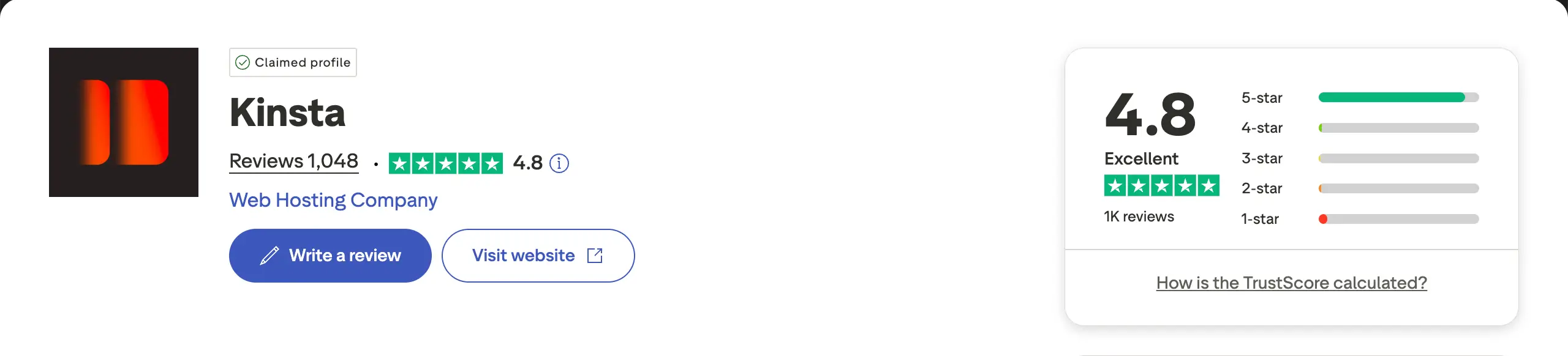
  • Exceptional speed and performance
  • Highly scalable
  • Top-notch security
  • Developer-friendly

Cons

  • No built-in email hosting
  • Limited backup retention
  • No domain registration

Pricing of Kinsta

Starts from $35/month. It has both monthly and annual plans. The annual plan starts from $350/year.

2. WPX Hosting (Fast & Supportive)

WPX Hosting

WPX Hosting is known for its excellent speed and very helpful support team. It is a favorite choice for freelance photographers and creative agencies. WPX focuses on performance and offers a custom CDN called XDN. This ensures your hero images and gallery photos appear instantly with a fast loading speed.

So, you can clearly understand that it’s great for image-heavy websites. Its “Fixed For You” support promise means its team will fix site problems for you without extra cost. It has a great reputation for amazing uptime and very low server response times. This can definitely improve user experience.

Explore the best Gutenberg gallery block plugins.

Key features of WPX Hosting

  • Custom XDN (Content Delivery Network): Optimized specifically for WordPress to deliver image-heavy content rapidly worldwide.
  • 30-Second Support Response: Rapid live chat assistance from experts who can handle complex WordPress issues.
  • Free Malware Removal: Unlimited cleanup services to protect your site and client data from cyber threats.
  • Free Site Migrations: Five or more expert-led migrations are included to move your portfolio without downtime.
  • Daily Staging & Backups: Automatic daily backups are kept for 28 days with easy one-click restoration options.
WPX Hosting

Pros

  • Industry-leading speed
  • Free malware removal
  • High-performance security
  • Unlimited free migrations

Cons

  • Limited storage space
  • Minimal data center locations
  • No phone support

Pricing of WPX Hosting

WPX Hosting has multiple pricing plans. Its annual plan starts from $179.90/year with 2 months free included.

3. Hostinger (Best Budget)

Hostinger

Hostinger is an excellent option for photographers who want affordable hosting without losing speed. It uses LiteSpeed web servers, which are much faster than traditional servers. This helps your photography blog or portfolio load images quickly, even on a low-cost plan.

Hostinger has already powered up millions of websites worldwide. It offers generous SSD storage, which is important for photographers storing many images. The free domain and SSL certificate help new photographers start their online journey without extra costs. Overall, Hostinger is a smart choice for budget-friendly users.

Check the best Gutenberg slider block plugins.

Key features of Hostinger

  • LiteSpeed Server Technology: Advanced caching ensures quick loading of high-resolution image galleries.
  • AI Website Builder: Specialized tools to help photographers generate a professional portfolio layout in minutes.
  • Weekly/Daily Backups: Redundant data protection to ensure your creative work is never lost.
  • Free Domain & SSL: Essential features included at no extra cost to establish a professional and secure brand.
  • 99.9% Uptime Guarantee: Reliable service that ensures your work is always accessible to prospective clients.
Hostinger rating & review

Pros

  • Highly affordable
  • AI website builder
  • Generous storage limits
  • Intuitive hPanel

Cons

  • Strict long-term commitment
  • Lack of PCI compliance
  • Occasional support delays

Pricing of Hostinger

Starts from $143.52/four years with a free three-month period included.

4. Bluehost (Beginner Friendly)

Bluehost

Bluehost is one of the easiest hosting platforms for new photographers. It is officially recommended by WordPress.org and offers smooth WordPress integration. Bluehost’s WonderSuite uses AI tools and ready-made templates, which help photographers build beautiful portfolio websites without technical skills.

Bluehost offers unmetered bandwidth, so your website can handle many visitors viewing high-resolution photos. Bluehost continues to provide strong uptime and reliable performance. Their 24/7 support team is very useful for beginners who need help with themes, plugins, or image settings.

Key features of Bluehost

  • Official WordPress Recommendation: Trusted by over 5 million users for its native optimization and reliability.
  • WonderSuite AI Tools: Guided site-building experience tailored for visual artists and creative professionals.
  • Unmetered Bandwidth: Allows for unlimited visitors to view your image-heavy site without performance throttling.
  • One-Click WordPress Install: Simplified setup that gets your photography site live in minutes.
  • Free CDN Integration: Uses Cloudflare to speed up your portfolio delivery to clients across the globe.

Pros

  • AI-powered WonderSuite
  • Free domain for one year
  • Unmetered bandwidth
  • Automatic WordPress updates

Cons

  • Constant upselling
  • Aggressive renewal rates
  • Limited storage on basic plans

Pricing of Bluehost

Bluehost has numerous pricing plans and categories. However, its initial pricing starts from $59.9/year.

5. SiteGround (Best Shared Hosting)

SiteGround

SiteGround is one of the best shared hosting providers for photographers. It runs on Google Cloud infrastructure and offers strong performance at a reasonable price. SiteGround’s SuperCacher technology is very useful for photography websites because it speeds up pages with large images and galleries.

It is also known for its excellent security and customer support. Their AI security system blocks attacks automatically, which keeps your photos safe. The custom Site Tools dashboard is easy to use and helps photographers manage emails, backups, and multiple galleries.

Explore the best Gutenberg button block plugins.

Key features of SiteGround

  • Google Cloud Powered: High-speed infrastructure that provides superior reliability compared to traditional shared hosts.
  • SuperCacher Technology: Multi-layered caching system designed to make image-heavy pages load instantly.
  • On-Demand Backups: Manually trigger backups before updating plugins or changing your portfolio design.
  • Free Site Migrator Plugin: Easily move your existing photography site to SiteGround with a few clicks.
  • Environmentally Conscious: Utilizes renewable energy via Google Cloud, appealing to eco-conscious photographers.
Siteground rating & review

Pros

  • Free email hosting
  • Eco-friendly hosting
  • SuperCacher technology
  • Google Cloud infrastructure

Cons

  • Higher renewal prices
  • No free domain name
  • No direct cPanel access

Pricing of SiteGround

SiteGround has lots of categories and pricing plans. But its hosting plan for WordPress starts from $47.9/year.

Final Takeaways

So, we are at the end of today’s discussion. Hope you will be able to choose a great hosting solution for your photography website from the discussion above. Indeed, there are many more hosting platforms other than these. If you want to choose from them, there are several things you must carefully check.

You should always check their speed, friendliness to image-heavy issues, optimization, backup options, etc. Good support is also very important, especially if you are not very technical and need help quickly. You should also think about your future plans before choosing a hosting provider.

If you want to grow your portfolio, sell photos, or handle more traffic later, your hosting should support that growth. Check if the hosting plan allows easy upgrades, staging, and CDN support.

We hope that, by considering all these issues meticulously, you’ll definitely be able to select a great hosting platform for your website.

Comments

Leave a Reply

Your email address will not be published. Required fields are marked *