


When you visit a professional website, whether it’s an agency, product, service, or portfolio portal, you often see logos of brands, partners, and clients displayed in a section. It has become a standard feature for modern websites today.
This section is created to build trust and credibility with visitors, especially with new visitors. Because it sends a strong message that the business is trusted by others. It works as social proof and makes others confident in decision-making.
But without the right logo showcase plugin, you can’t create this section easily in a responsive way. In this blog post, we’ll comprehensively discuss the best logo showcase WordPress plugins, so you can choose the right one for your site.
Must-Have Features in a Logo Showcase WordPress Plugin
Just showcasing logos is not always enough. Depending on your website’s style and content type, you may need different types of customization options and functionalities. So, below are the features your logo showcase plugin must have. Take a quick look at them.
Multiple Layout Options
A good logo showcase plugin should offer multiple layout styles, such as grid, carousel, slider, or list. This gives you the flexibility to choose the style that suits your respective web section to engage users.
Responsive Design
On a desktop, you may show more logo columns, like five in a row. But on mobile, you may show a maximum of two. So, your logo showcase plugin must offer this kind of column control. Without it, your logo section won’t be mobile responsive.
Styling and Design Control
You should be able to match the logo section with your website’s design. So, it must allow you custom styling options like spacing, border, background color, hover effects, padding, margin, and more.
Carousel and Slider Support
If you have a large number of logos, using a carousel or slider, you can display them in a compact space. On top of that, it can add an interactive vibe and increase user sessions on the website.
Animation and Hover Effects
Subtle animations or hover effects can make your logo section look more interactive. Features like fade-in, zoom, grayscale to color on hover, or tooltip display can enhance user experience without affecting page speed.
Best Logo Showcase WordPress Plugins
In addition to dedicated logo showcase plugins, you’ll also find many multipurpose tools that let you display logos along with other types of content. In this section, we’ll explore a mix of both types of plugins. Let’s get started!
1. Logo Showcase Ultimate Pro
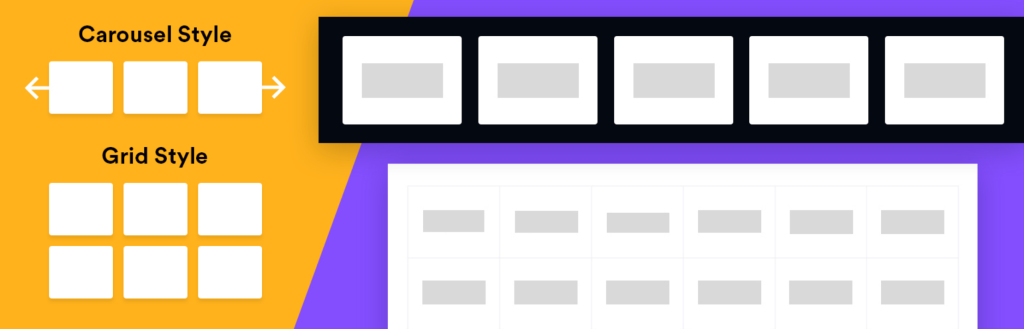
Logo Showcase Ultimate Pro is a versatile WordPress plugin designed to help you display client logos, brand partners, sponsors, or featured collaborators. With its auto-generated shortcode system, users can instantly create responsive logo grids or dynamic sliders without writing code.
It includes a rich library of modern themes, flexible display controls, and strong customization options, making it ideal for agencies, service providers, and portfolio-based websites. Fully responsive and performance-optimized, it ensures your logos look stunning across all devices.
Key Features of Logo Showcase Ultimate Pro
Modern Grid & Carousel Themes: The plugin offers 24+ layout options, including 16 carousel themes and 8 grid themes, ensuring visually appealing displays that match any website design.
Shortcode-Based Setup: Place logo sliders or grids inside pages and posts using auto-generated shortcodes — simple, fast, and beginner-friendly.
Advanced Logo Display Filters: Showcase logos by: Category, Logo ID, Random order, Yearly segmentation, Latest or older published logos.
Responsive Controls & Navigation: Define the number of logos per slide, adjust responsive breakpoints, and allow touch/swipe navigation for mobile devices.
Extensive Customization: Customize title colors, font sizes, hover effects, tooltip position and styling, navigation arrows, backgrounds, and more — all without custom CSS.
Auto Image Resize & Cropping: Automatically resize and crop logo images to maintain uniformity across all uploaded logos, ensuring a cleaner layout.
Performance-Optimized: Enjoy autoplay, infinite loop, dynamic Ajax pagination, smooth transitions, and adjustable slider speed and direction for a seamless viewing experience.
Pros
-
Easy shortcode integration
-
Wide selection of modern grid and carousel layouts
-
Rich customization options
-
Strong responsive controls and mobile-friendly features
Cons
-
Feature-rich interface may overwhelm beginners
-
Auto-cropping may need adjustments for irregular logo shapes
2. WP Logo Showcase Responsive Slider and Carousel
WP Logo Showcase Responsive Slider and Carousel is a well-known plugin in this niche. It offers simple ways to showcase your logos in a grid or carousel format. The plugin is equally compatible with the Gutenberg block editor and popular page builders, like Elementor, Divi, and Beaver Builder.
It’s lightweight and built with SEO-friendliness in mind. Its flexibility and customization options let you create multiple logo carousels with unique settings for each. You can display logos both in horizontal and vertical slider layouts.
Key features of WP Logo Showcase Responsive Slider and Carousle
Category-Based Display: You can organize and display logos by categories with the shortcode [logoshowcase cat_id=”category_ID”]. So, you can show a specific group of logos on different pages as required.
Lazy Load Option: Hope you already know what the Lazy Load option is. By using this shortcode [logoshowcase lazyload=”ondemand”], you can optimize website performance by loading images only when they are needed.
Link and Title Customization: You can add internal or external links to logos with options to open in a new or the same tab.
Image Size and Max Height Control: You can set logo image sizes and maximum height to ensure consistency across different logo dimensions.
Control Options: Not only can you control the slider speed, but it also enables users to explore slides by paginating and using arrows manually.
Pros
-
Shortcode integration
-
Easy to change orders
-
Set the number of logos slides
Cons
-
Often conflicts with themes
-
Documentation needs updates
Pricing of WP Logo Showcase Responsive Slider and Carousle
The plugin has a free version available. Its premium version starts from $59/year.
3. Ultimate Blocks
Ultimate Blocks is a multipurpose WordPress plugin with 25+ custom blocks. It includes a dedicated Image Slider block that can be used to display logos. Beyond that, it offers a comprehensive toolkit that includes buttons, ratings, reviews, timelines, accordions, testimonials, tabbed content, and more blocks.
Using them, you can create more interactive content that can accompany the image slider block and make it more meaningful. For example, you can display multiple logo sliders in the same section using the Tabbed Content block, with each slider under a different category.

Key features of Ultimate Blocks
Customizable Navigation and Pagination: The Image Slider block offers options to show or hide navigation arrows and customize pagination colors to enhance user interaction and visual appeal.
SEO-Friendly Features: The plugin incorporates SEO best practices, such as support for alt tags and optimized code. This improves search engine visibility without compromising site speed.
Gutenberg-Native Integration: Designed specifically for the WordPress block editor. So, if you think of designing your site with Gutenberg, Ultimate Blocks could be a great choice for web design and content marketing.
Responsive: All blocks, including the Image Slider, are fully responsive and optimized for performance. You can even hide any block for particular device types, whether it’s desktop, tablet, or mobile phone.
Block Spacing and Alignment: It lets you adjust spaces and alignment with other blocks so you get utmost flexibility in layout designing.
Pros
-
Easy to link images
-
Set the column number of the image slider
-
Cost-effective
-
Beginner-friendly
Cons
-
Doesn’t integrate with page builders
-
Hard to find a con
Pricing of Ultimate Blocks
UB has a free version on WordPress.org. Its premium plan starts from $49/year with a 14-day money-back guarantee.
4. Galleryberg
Galleryberg is a versatile gallery-builder plugin, built especially for the block editor. It offers a straightforward way to display logos or images in various layouts, such as tiles, square, masonry, or justified formats. As it works as a Gutenberg block, you don’t have to depend on shortcodes.
Its ARIA labels feature improves accessibility by making websites easier to use for people with disabilities, especially those who rely on assistive tools to browse. However, it’s built with privacy issues in mind, so no personal data is stolen.
Key features of Galleryberg
Built-in GLightbox: It’s a next-gen lightbox feature. It’s a modern, lightweight, and customizable JavaScript lightbox library used to display images, videos, and other media in a popup overlay on websites.
Advanced Image Controls: You can customize individual images with borders, captions, aspect ratios, duotone filters, and custom link destinations.
Customizable Layout Options: It’s easy to adjust column counts, image spacing, cropping, captions, border styles, and image sizes to create logo display layouts as you personally want.
Responsive Design: The plugin supports adjustable column counts (1-8) that adapt to various screen sizes. This means it automatically reduces the column number on smaller screen sizes.
Performance Optimized: Its server-side rendering minimizes client-side processing. It ensures fast page loads even with large galleries.
Pros
-
Multiple layout options
-
Completely free to use
-
Flawless Gutenberg integration
Cons
-
Limited block variety
-
Basic documentation
Pricing of Galleryberg
Galleryberg is a relatively new plugin. It doesn’t have a pro version yet. So, it’s completely free to use as of now.
5. Logo Carousel By ShapedPlugin
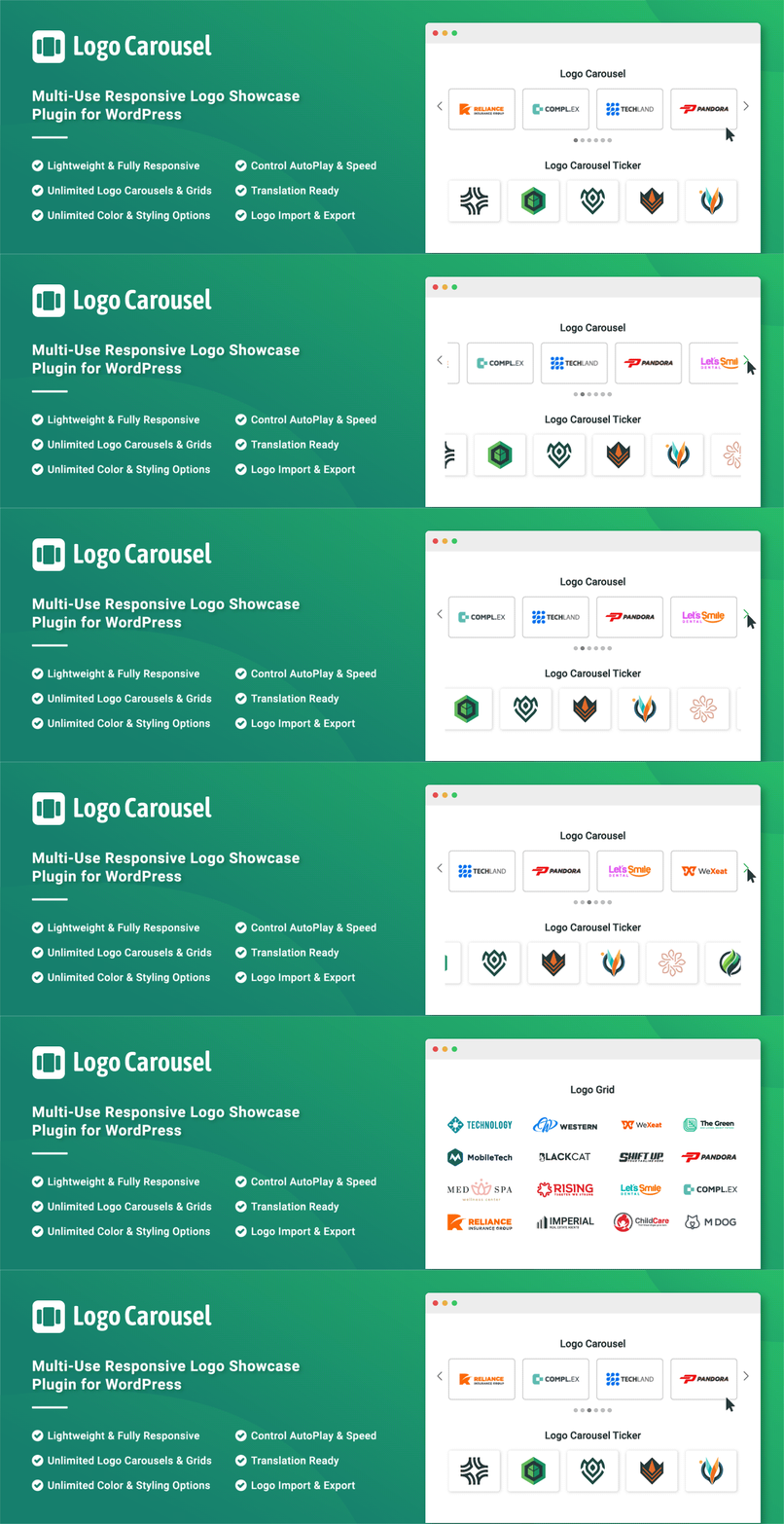
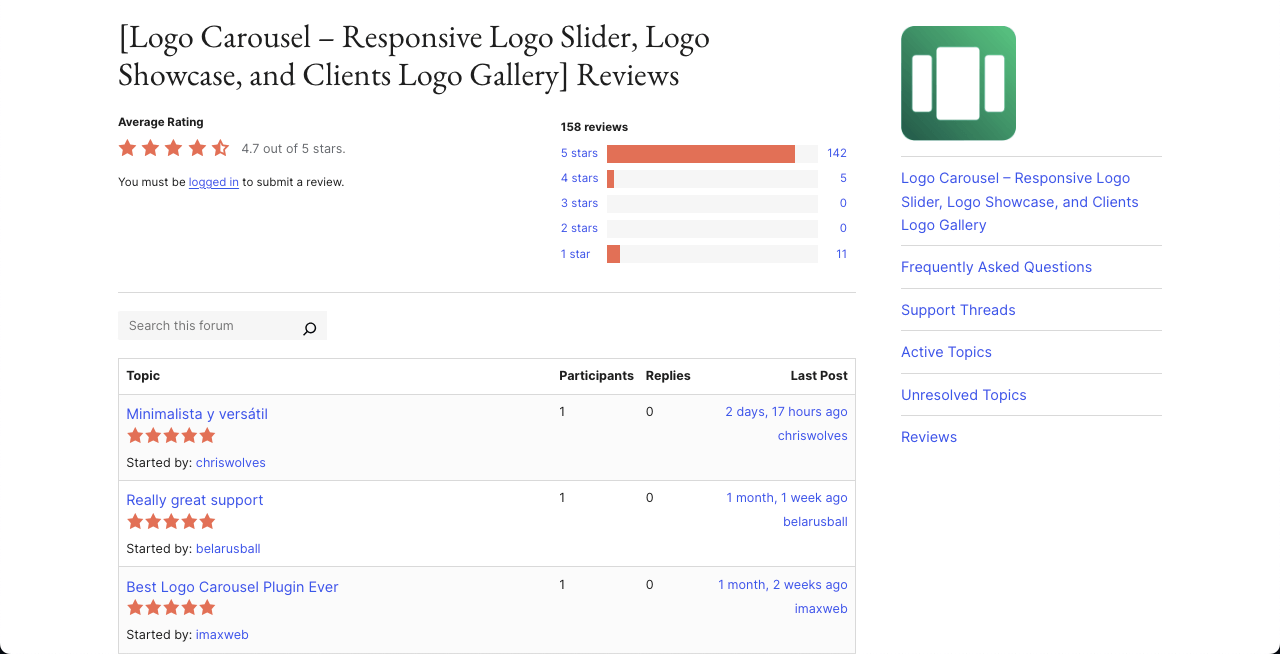
With over 20,000 active installations, Logo Carousel by ShapedPlugin is a great WordPress tool to display client, partners, sponsored, and brand logos in the carousel format. This one also creates a dedicated editor in the backend dashboard where you can create as many carousels as you want.
After the logo carousels are ready, you get a shortcode for each of them. By embedding the shortcodes on posts, pages, and widgets, you can display logo carousels anywhere on your website. Due to the shortcode nature, the plugin works equally with page builders and the Gutenberg editor.
Key features of Logo Carousel By ShapedPlugin
Multiple Layout Options: It supports five layouts (carousel, grid, isotope filter, list, and inline) to display logos in various formats according to your design needs.
Customizable Carousel Settings: Offers controls for autoplay (on/off, speed), pagination speed, stop on hover, infinite looping, and navigation visibility.
Multilingual: Integration with WPML, Polylang, and other multilingual tools makes the plugin translation-ready.
Custom CSS: Includes a custom CSS field to override styles. Also, you’ll have options to enqueue/dequeue scripts and styles.
Logo Styling Options: Provides customization for logo margins, border width, style, color, hover effects, and section title margins.
Pros
-
RTL and LTR carousel direction
-
Woks with page builders
-
Ajax live filtering
-
Developer friendly
Cons
-
Occasionally creates bugs
-
Limited features in the free version
Pricing of Logo Carousel By ShapedPlugin
You’ll get its free version on WordPress.org. Its premium version starts from $29/year with a 14-day refund policy.
6. Tableberg
Tableberg is a Gutenberg-block based multipurpose table builder plugin. It actually overcomes the limitation of the default table block. It allows you to add various custom blocks into the table cells. One of them is the Image block.
With the plugin, you can create as many rows and columns as needed to build your own custom table. Then, by adding image blocks inside the cells, you can display your logos in a grid format. After that, you can adjust the padding, margin, and borders to style the appearance just the way you like.

Key features of Tableberg
Many Custom Blocks: You can add various custom blocks to the table cells. Such as image, styled list, button, ribbon, custom HTML, rating, and more.
Extensive Customization: In addition to padding and margin, you can change the background color, border color, border width, and more options.
Responsive: Like all other plugins, the layout designed by Tableberg automatically adapts to different screen sizes.
Global Font Style: You can control the font color, link color, font size, and more options so they stay consistent across the table.
Header & Footer: Not all table-builder plugins have this option. You can enable/disable the header and footer of the table to display additional information.
Pros
-
Gutenberg-friendly
-
Beginner-friendly
-
SEO-friendly
Cons
-
No slider/carousel
-
No animation
Pricing of Tableberg
Tableberg has a free version available. Its premium version starts from $69/year with a 30-day money-back guarantee.
7. Logo Slider

It’s another potentially great logo slider plugin for WordPress. It offers a user-friendly shortcode generator to easily incorporate logo sliders into posts, pages, and theme files. Like others, this one also supports responsive layouts.
The touch-swipe and mouse-draggable navigation options let users manually explore the logos. Each logo can have an image, title, tooltip, link, and description. You can sort logos by drag-and-drop, date, title, or randomly.
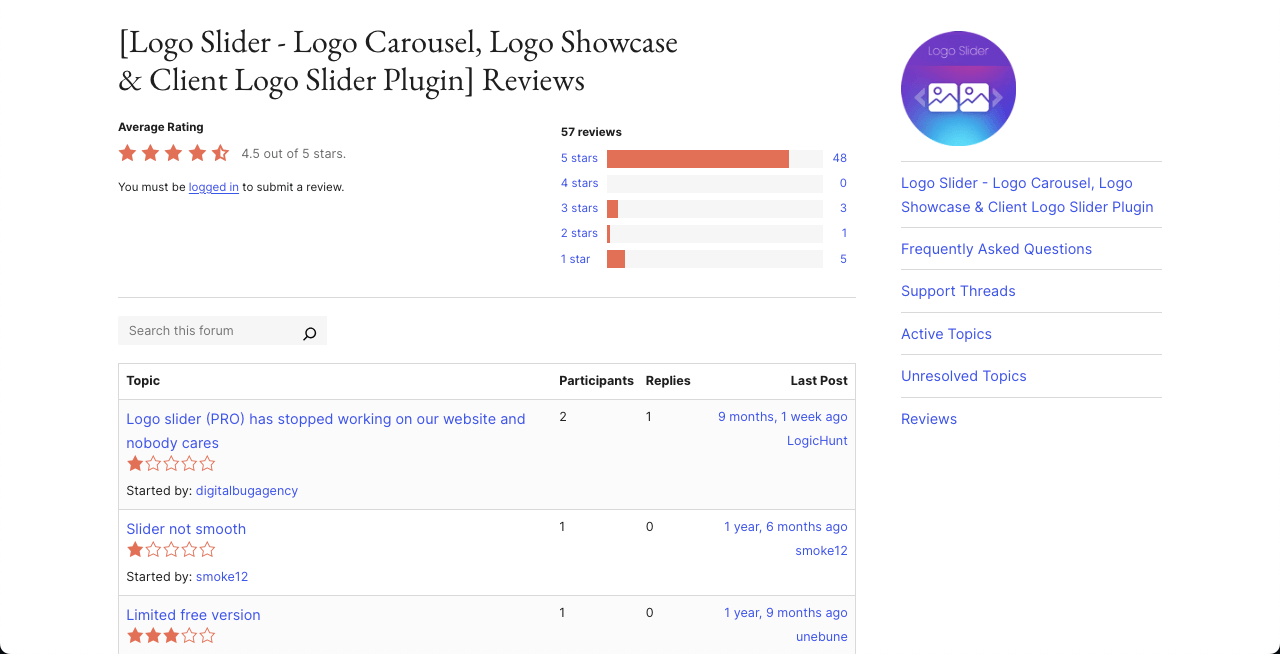
Key features of Logo Slider
Hover Animations: It offers over 100 hover animations. Once hovered over images, it can zoom in, fade, slide, rotate, flip, bounce, or show effects like grayscale-to-color.
Tooltip Customization: You can modify the custom tooltip text with five animation types – adjustable position, duration, delay, and hover/click triggers.
Carousel Controls: It’s easy to configure autoplay, pause-on-hover, infinite looping, adjustable sliding speed, pagination, and navigation arrows.
Lightbox Functionality: It has lightbox for grid and masonry layouts. It allows users to view larger logo versions with additional details, improving engagement.
Lazy Loading: Hope we don’t need to discuss much, as you already know about this feature. It’s a must for reducing the page loading time.
Pros
-
RLT supported
-
Provides quick support
-
CSS3-based animations
-
Control the column number
Cons
-
Documentation lacks regular updates
-
Limited free features
Pricing of Logo Slider
You’ll get a free version of the plugin on WordPress.org. Its premium version starts from $19/year with a 15-day refund policy.
8. GS Logo Slider
GS Logo Slider uses a custom post type for managing logos and a shortcode generator. As a result, you can easily embed logo sliders into WordPress posts and pages. It supports multiple layout styles, including Grid, Slider, Ticker, and List, with full control over how logos appear and behave across devices.
It includes 24 ready-made themes, various transition styles, and layout modes such as Full Width Slider, Center Mode, Vertical Ticker, 2 Rows Slider, and Live Filter view. Besides, you can control the direction of logo movement (right-to-left or left-to-right). It includes numerous other features as well, explained below.
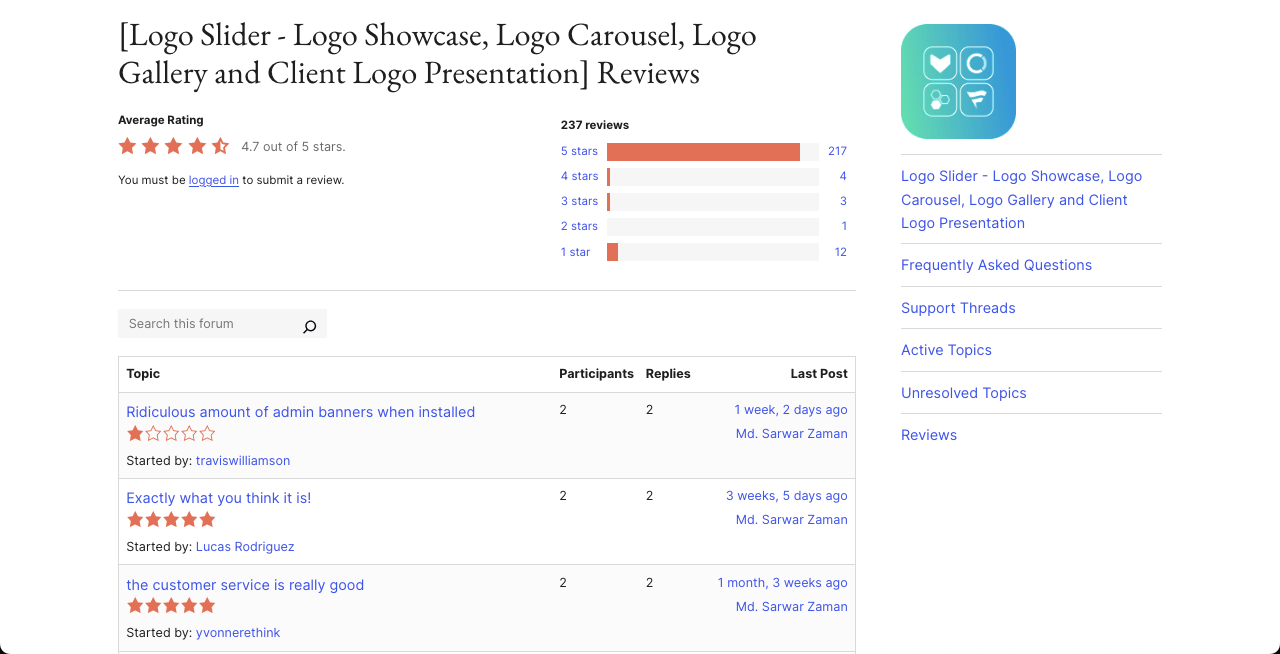
Key features of GS Logo Slider
Custom Post Type for Logos: You can manage logos as a separate content type just like posts or pages. So, you can create, edit, delete, and organize logo items without mixing them with other content.
Drag-and-Drop Reordering: You can reorder logos manually by dragging and dropping them in the desired order.
Ticker Mode: You can enable a ticker-style slider that scrolls logos like a news feed. The ticker can scroll vertically or horizontally.
Tooltip Support: Each logo can show a tooltip on hover. You can customize the tooltip text, color, position, animation style, delay, and background.
Custom Template Override: If you are a developer, you can override the plugin’s default templates inside the theme folder.
Pros
-
Hover control
-
Category-wise logos
-
Well-documented
-
Transition control
Cons
-
Limited free features
-
Steep learning curve
Pricing of GS Logo Slider
GS Logo Slider has a free version available. Its premium version starts from $29/year with a 7-day refund policy.
9. WP Table Builder
WP Table Builder is a drag-and-drop table builder plugin that can also be used effectively to showcase client logos in a clean grid layout. Instead of relying on sliders or carousels, it lets you place logos inside table cells, giving you full control over alignment, spacing, borders, and background styling.
Using the plugin, you can define the exact number of rows and columns you need and then insert image elements into each cell to display logos. This approach works especially well if you want a simple, distraction-free logo section without animations or auto-sliding effects.
Since WP Table Builder generates shortcodes, you can easily embed your logo tables anywhere on your website, including posts, pages, and widget areas. The tables are responsive by default, so your logo grids adapt smoothly to different screen sizes.
Key Features of WP Table Builder
- Drag-and-Drop Table Builder: Create tables visually by defining rows and columns without writing any code.
- Image Elements in Cells: Add logos using the image element inside table cells for precise placement and sizing.
- Design & Styling Controls: Customize table borders, inner borders, background colors, padding, and spacing to match your site’s design.
- Responsive Layout: Logo tables automatically adjust for mobile, tablet, and desktop screens.
- Shortcode-Based Embedding: Insert logo tables anywhere using a generated shortcode.
Pros
-
Very easy to use
-
Clean and structured logo layouts
-
Works well with any WordPress theme
-
Lightweight and performance-friendly
Cons
-
No carousel or slider functionality
-
No built-in animations or hover effects
Pricing of WP Table Builder
WP Table Builder offers a free version on WordPress.org. Its premium plans start at $69/year for unlimited sites, which unlocks advanced features, templates, and styling options.
Final Words!
At first, adding a logo section to your website might not seem very important. But when your visitors or potential customers notice that your competitors are proudly displaying client or partner logos, they may trust those sites more than yours.
That’s when you’ll understand how important a logo section really is. Still, spending a lot of money just to build a logo showcase might feel unnecessary. If that’s how you feel, you can use multipurpose plugins like Ultimate Blocks or Tableberg.
These plugins let you create logo sections and also help you build many other types of content for your website. Hope you found this post helpful. Feel free to share your thoughts in the comments below!
Leave a Reply