


A Button block plugin is a tool made for the WordPress Gutenberg editor. It helps you create better buttons than the default button block. You can change size, color, spacing, and alignment to make buttons look clean and professional.
A Gutenberg Button block plugin can do many useful things. You can add hover effects, icons, and custom styles. Some plugins also allow responsive control for different devices. You can place buttons anywhere on a page and link them to pages, forms, or products.
In this article, we’ll introduce you to some of the best Gutenberg Button block plugins, explaining what you can do with them. Let’s get started!
3 Best Gutenberg Button Block Plugins
According to our observation, the three best Gutenberg button block plugins are Ultimate Blocks, Button Block by bPlugins, and Tableberg. We’ll discuss them below. Keep reading.
1. Ultimate Blocks
With 50,000+ active installations, Ultimate Blocks is a feature-rich Gutenberg block plugin made specially for bloggers and content marketers. It adds many useful blocks to the default WordPress editor. Some of its popular blocks are table of contents, review box, call to action, content filter, and more.
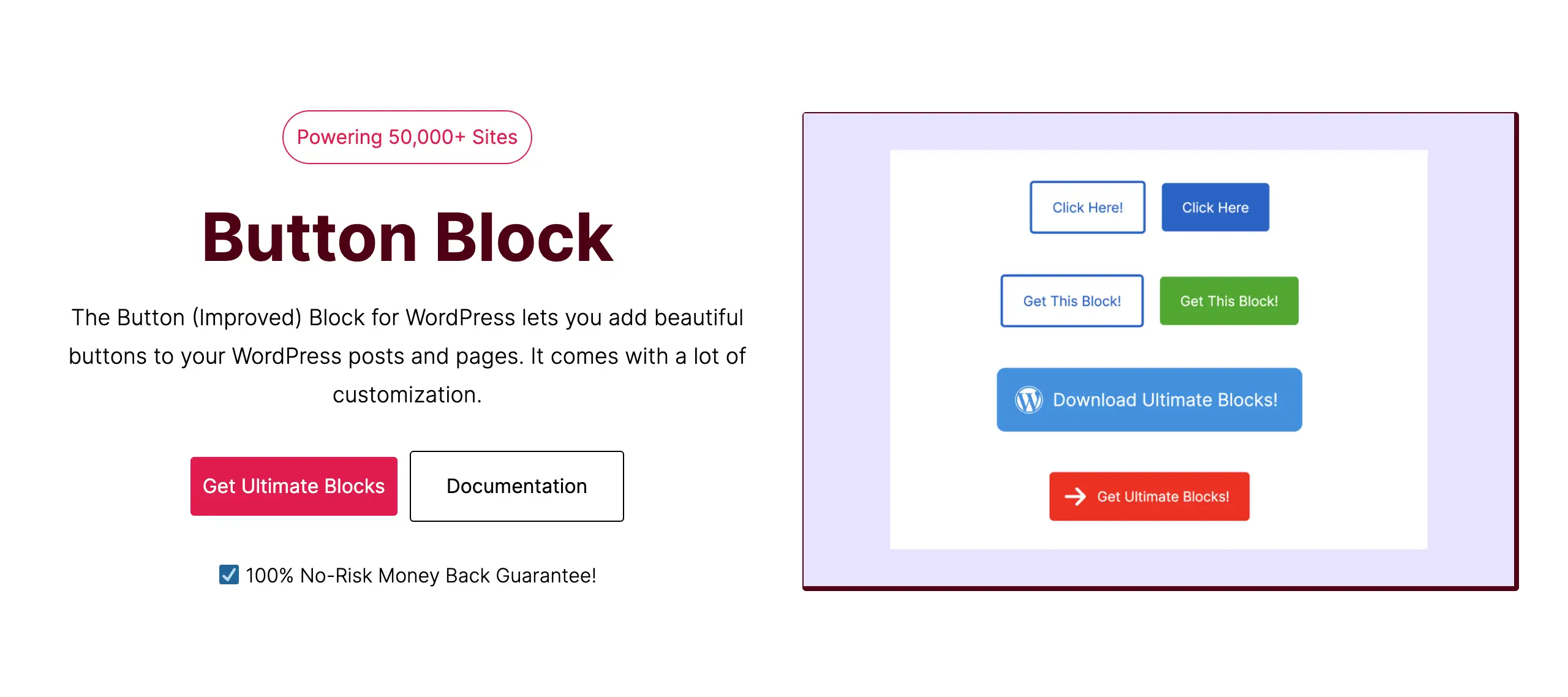
The Button block is one of them. It gives you more control than the default WordPress button. You can change text size, font style, colors, and spacing easily. It also lets you add icons to make buttons more attractive. You can adjust border radius, background style, and hover effects.
The block supports multiple buttons side by side and works well on all devices. This makes it a great choice for creating strong and responsive call-to-action buttons.
Key features of the Button block of the Ultimate Blocks plugin:
- Extensive Icon Support: Access to hundreds of Dashicons and FontAwesome icons to add visual cues like “Download” or “Camera” symbols.
- Granular Hover Effects: Customize separate colors for text, background, and borders when a user hovers over the button.
- Adjustable Border Radius: Fine-tune corners from sharp squares to pill-shaped rounds to match your photography portfolio’s aesthetic.
- Full-Width Options: Easily toggle between fixed-width or full-width buttons to create striking mobile-responsive CTAs.
- Dual Button Layouts: Create two buttons side-by-side (e.g., “View Portfolio” and “Contact Me”) within a single block container.
Pros
-
Beginner-friendly
-
Zero bloat
-
Free version available
-
Responsive design controls
Cons
-
Must install the entire plugin
Pricing of Ultimate Blocks:
Ultimate Blocks has a free version available. Its premium version starts from $49/year. But currently, you can have it for $19/year.
2. Button Block by bPlugins
bPlugins is actually a WordPress plugin company that builds simple and useful Gutenberg block plugins. It offers many lightweight tools that add extra features to the block editor and help users design better content with fewer clicks.
The Button Block plugin by bPlugins helps you create responsive and interactive buttons easily. You can add icons, tooltips, animations, and even 3D effects. The button size can be small, large, or full-width. You can use the button to download files, open popups, or link to other pages.
It also supports advanced options like hiding buttons on specific devices, setting link attributes, and adding security rules. This makes the Button Block a flexible tool for strong call-to-action buttons.
Key features of the Button block by bPlugins:
- Pre-designed Templates: Choose from a library of professional button styles to instantly match your site’s theme.
- Gradient Backgrounds: Create sophisticated multi-color fades that make your ‘Book Now’ buttons pop against your images.
- Advanced Shadow Effects: Add depth with customizable shadows, making buttons appear elevated off the page.
- Icon Positioning: Place icons before or after the text with custom spacing to ensure perfect alignment.
- Animation Support: Subtle entry animations to draw the visitor’s eye to your primary call to action.

Pros
-
Highly specialized
-
Feature-rich
-
Visual presets
-
Lightweight footprint
Cons
-
You need additional plugins if more options are required
Pricing of the Button block by bPlugins:
It has a free version available. Its premium version starts from $29.99/year. Take a look at the best Gutenberg block plugins for WordPress.
3. Tableberg
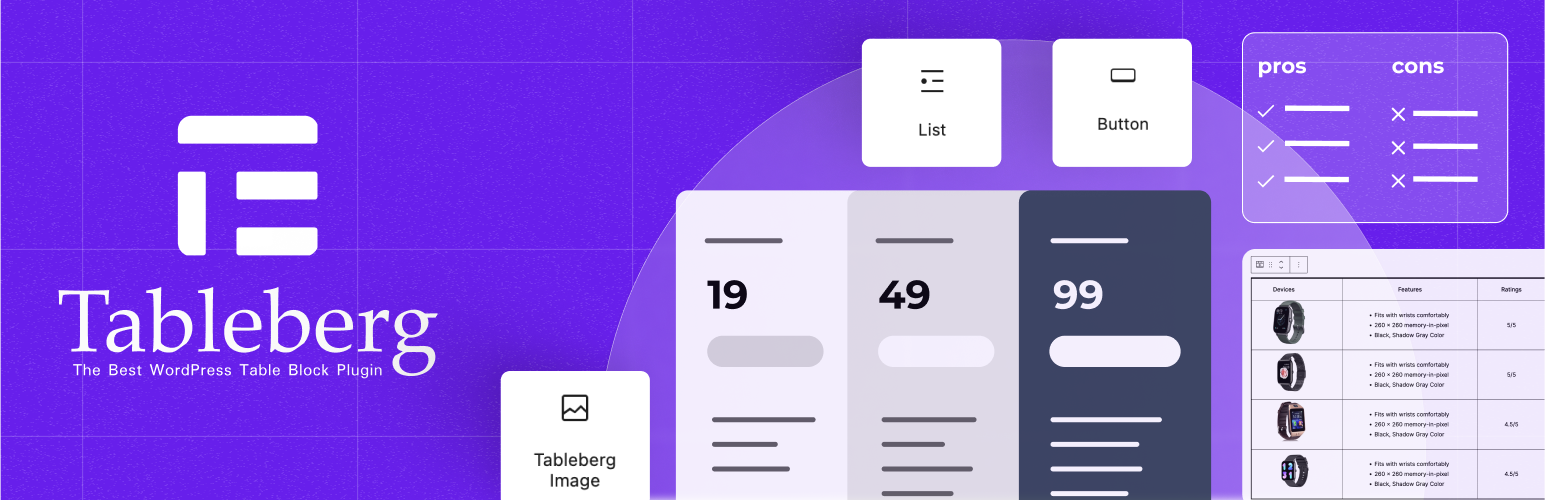
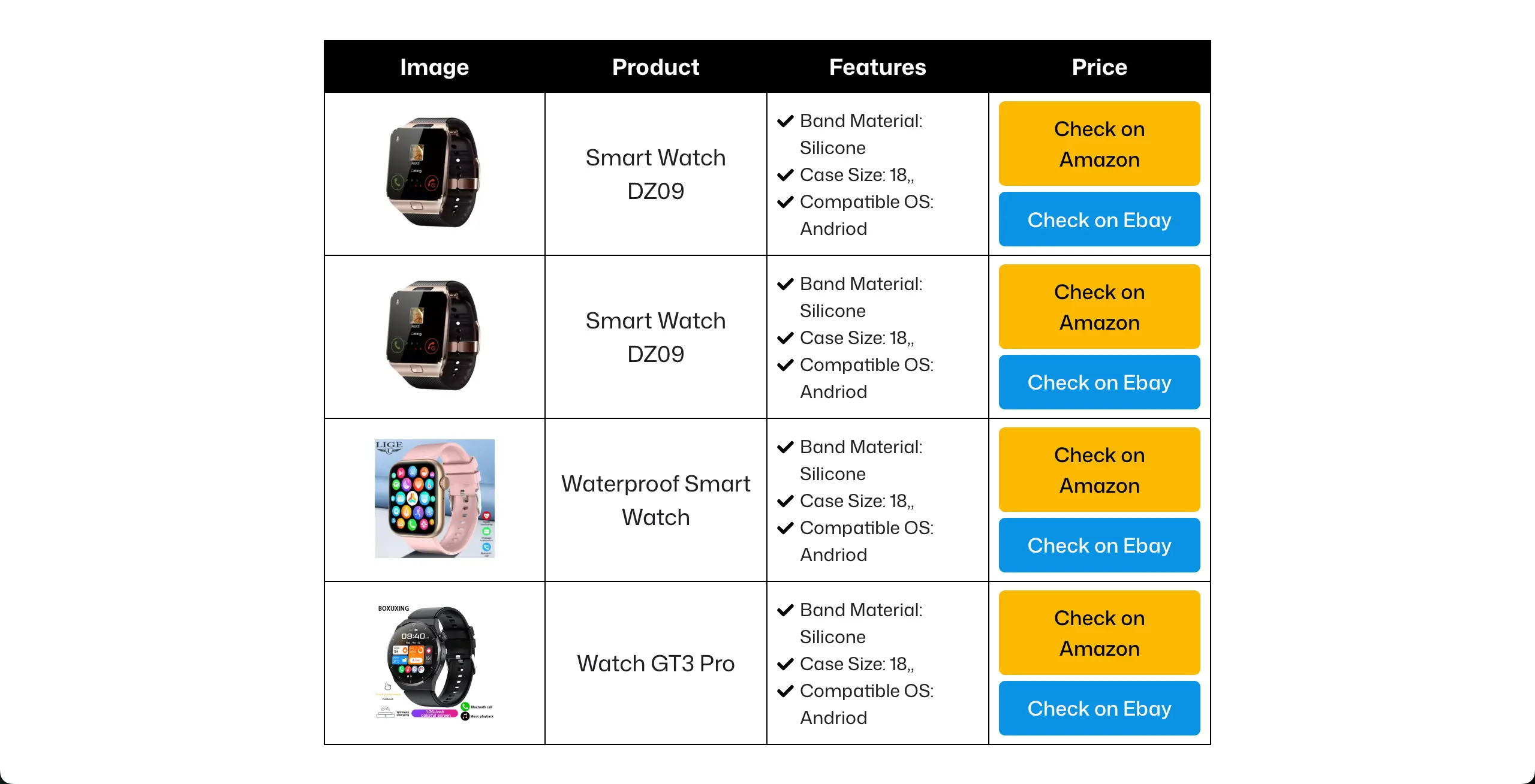
Tableberg is a powerful table builder plugin. It helps you create advanced tables. Each table cell works like a small content area. You can add images, text, lists, ratings, and more to the table using various blocks. This makes it perfect for pricing tables, product comparisons, and affiliate tables.
It has a Button block by which you can create call-to-action buttons inside table cells. You can control button text style, font size, and padding. It also supports solid and gradient backgrounds, custom border radius, and hover color effects.
The button stays responsive and aligned across all devices. This block helps turn simple tables into action-focused sections that drive clicks and conversions.
Key features of the Button block of Tableberg:
- Nested Button Capabilities: The only block on this list specifically optimized to function perfectly inside table cells and rows.
- Consistent Styling: Easily copy and paste button styles across different table columns for a uniform look.
- Custom Padding & Margin: Precise control over the button’s spacing within a cell to ensure it doesn’t look crowded.
- External & Internal Linking: Full support for linking to external booking platforms or internal contact pages.
- Border Styling: Options for solid, dashed, or dotted borders to differentiate between primary and secondary offers.
Pros
-
Template library
-
Lots of blocks
-
Free version available
-
Clean alignment
Cons
-
Great only for table building
Pricing of Tableberg:
Tableberg has a free version available. Its premium version starts from $49/year. Explore the best Gutenberg plugins for photographers.
Conclusion
Choosing the right Gutenberg Button block plugin can make a big difference on your WordPress website. A good button should be clear, visible, and easy to click on all devices. Hope you can choose the right Button block plugin from this discussion.
Always keep button text action-focused. Use proper spacing and size so users can tap buttons easily, especially on mobile screens. Do not overuse button effects and animations. Too many styles can distract users and slow down your site.
Use consistent colors that match your brand. Test buttons on desktop, tablet, and mobile before publishing. When used properly, a strong Button block plugin helps improve user experience and increases clicks and conversions.
Check the best Gutenberg slider block plugins.
Leave a Reply