


Photographers today can’t rely on just a good camera and editing software to succeed. Most of them also maintain a personal website to showcase their works, build a brand, and attract clients. And to do that well, they need the right set of plugins to support their goals.
Well-picked plugins not only can help photographers display images in beautiful galleries but also protect their photos, speed up their site, and even sell prints or digital files. The wrong plugin, on the other hand, can slow down the site or limit its features.
From gallery builders to SEO tools, photographers need many plugins that enhance both visual appeal and performance. In this post, we’ll present the best WordPress plugins for photographers, along with their key features and other issues.
Choosing the Best WordPress Plugins for Photographers
While building a photography website, presenting your photos isn’t the only thing that matters. You also need features to optimize the site, back up your content, ensure security, and more. So, let’s look at the key points you should consider when choosing plugins in this regard.
Gallery-Builder to Present Photographs
Choose a gallery plugin that offers responsive and customizable layouts to showcase high-resolution portfolios professionally. Ensure it supports SEO-friendly deeplinking and integrates with social or eCommerce tools to maximize visibility.
SEO Capabilities to Boost Discoverability
Prioritize an SEO plugin that optimizes images and content for search engines. It should create image sitemaps to improve keyword rankings and attract clients searching for photography services.
Backup Reliability for Data Protection
Select a backup plugin that automates secure and off-site backups of your image-heavy site to cloud storage. For photographers, this guarantees protection of large photo libraries and client data against server failures or hacks.
Image Optimization for Speed and Quality
Opt for an image optimization plugin that compresses high-resolution photos without quality loss. It should support lazy loading and convert to modern formats like WebP. This supports fast load times for galleries.
Social Media Integration for Promotion
A social media plugin can provide customizable sharing and follow buttons. Users can easily share their photos on social platforms like Instagram, Pinterest, and Facebook just by clicking the buttons.
Tools for Sales and Bookings
If you want to do business, you must have some plugins by which you can run marketing campaigns, allow users to book an appointment with you, and pay for premium work.
Best WordPress Plugins for Photographers
Keeping the above points in mind, in this section, we’ll discuss the ten best WordPress plugins that can play crucial roles in the success of your photography website. Let’s explore them.
1. Galleryberg

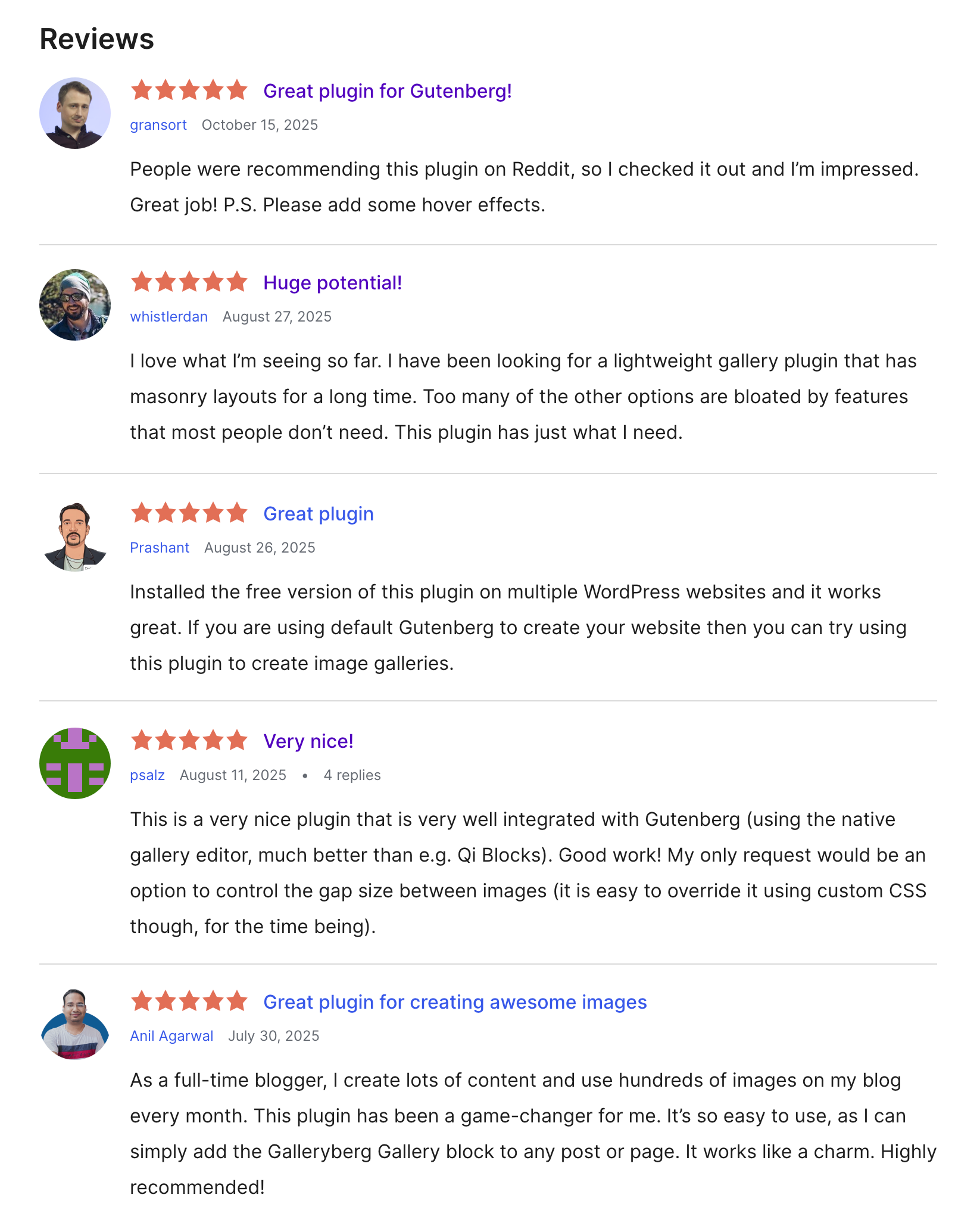
With its modern block-based approach, Galleryberg is one of the best free Gutenberg Gallery Block plugins for WordPress. Designed to work seamlessly within the block editor, it enhances the default Gallery block by adding more layouts, lightbox functionality, and customization options. Whether you’re a photographer, designer, or blogger, Galleryberg makes it effortless to showcase your images beautifully.
It comes with four layout styles (Tiled, Square, Masonry, and Justified) ensuring your photos look stunning on all devices. The plugin is lightweight, responsive, and optimized for performance, helping your galleries load fast and look professional. Plus, it offers a one-click transformation from the default Gallery block, making it beginner-friendly and easy to use.
Key features of Galleryberg
Multiple Layouts: Choose from Tiled, Square, Masonry, and Justified layouts to create visually captivating galleries that match your site’s style.
Built-in Lightbox: Enable elegant lightbox popups for all your images, allowing visitors to view them in a distraction-free environment.
Responsive Design: Every layout automatically adjusts to different screen sizes, ensuring your galleries look perfect on mobile, tablet, and desktop.
Column Control: Customize the number of columns for your gallery to achieve your desired grid structure without any coding.
Row Height Control (Justified Layout): Easily adjust row heights to maintain balanced and proportional image displays in Justified galleries.
One-Click Transformation: Instantly convert WordPress’s default Gallery block to Galleryberg, keeping your existing content intact while gaining advanced features.
Pros
-
100% Gutenberg-native
-
Four stunning gallery layouts
-
Responsive and lightweight
-
One-click block transformation
-
Free and beginner-friendly
Cons
-
No hover effects yet
-
Lacks category/filtering feature
Pricing of Galleryberg
Galleryberg is completely free and available on the WordPress.org plugin repository.
Its Pro version (coming soon) will include more layouts, lightbox thumbnails, and advanced customization options.
2. Yoast SEO
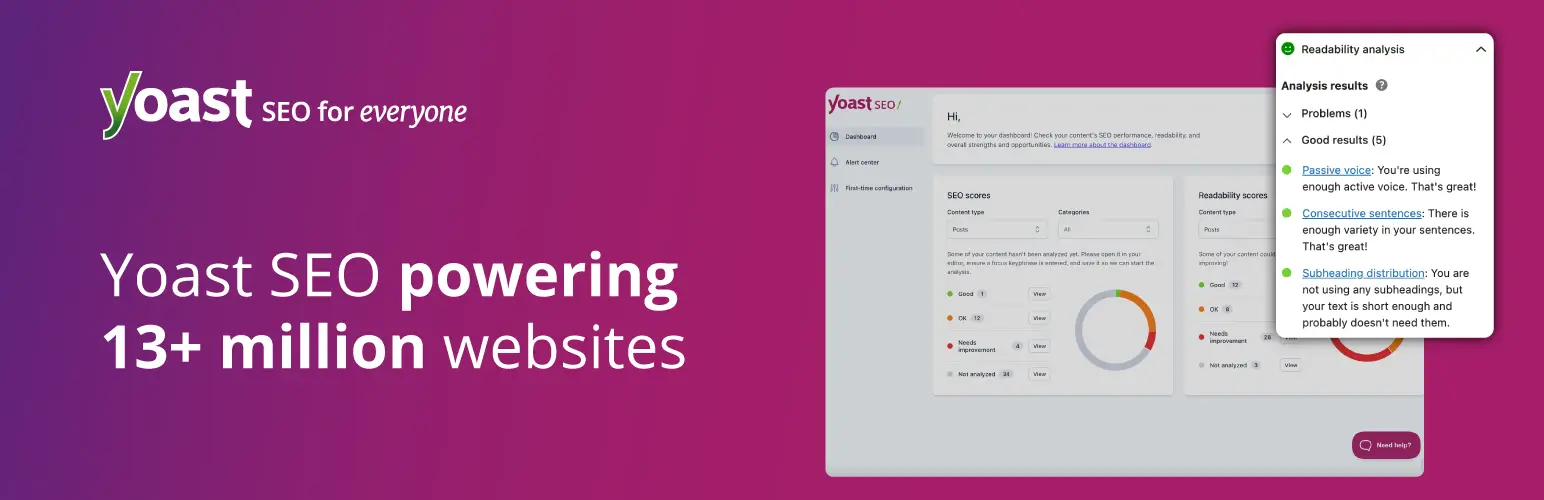
Yoast SEO is a comprehensive plugin that optimizes WordPress sites for search engines. It enhances discoverability through tools like keyword optimization, image sitemaps, and meta tag management. It provides real-time analysis of content readability and SEO performance.
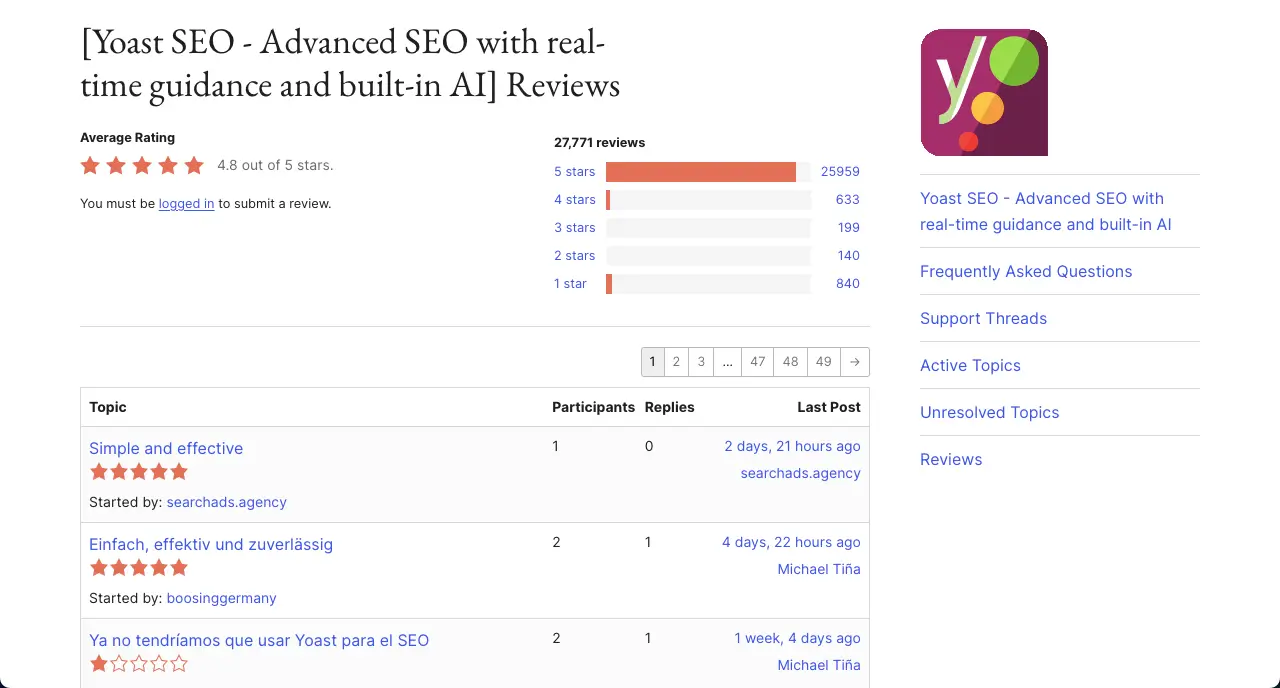
It’s almost impossible today to manage a website without at least one SEO plugin. So, in this case, you can consider the Yoast SEO plugin. You can get keyword suggestions from the plugin that you can optimize your images’ alt-text, meta description, blog posts, and landing pages for better performance on Google.
Key features of Yoast SEO
XML Sitemap Generation: It can automatically create XML sitemaps, including image sitemaps. This verifies search engines index photography portfolios efficiently. You can even customize sitemaps to prioritize key galleries that matter the most for your business and portfolio.
Readability Analysis: Yoast evaluates content clarity and suggests how to make your blog posts and other content easier to read. So, if you ever feel like writing descriptions about photographs, this feature can really add crucial value.
Internal Linking Suggestions: Real-time suggestions can guide photographers to link related galleries or blog posts. This can push visitors to explore your image content and galleries from blog posts and landing pages.
Canonical URL Management: Often, you may create multiple similar types of photographs, galleries, and albums that result in similar types of URLs that may look duplicated. Canonical URLs can prevent duplicate content issues and save you from many potential penalties.
Robots.txt and .htaccess Editing: Yoast allows photographers to manage robots.txt files to block search engines from crawling irrelevant pages, like login or draft galleries. This optimizes crawl budget and lets Google focus on high-value portfolio pages.
Lots of Integrations: Yoast has integrations with Google Search Console, Semrush, Wincher, and many other tools. As a result, you can check the performance of your posts, pages, galleries, and albums directly from the backend.
Pros
-
Handles large websites
-
AI-powered title generation
-
Automatically redirects broken links
-
Preview social media
Cons
-
Advanced features require steep learning
-
May conflict with other SEO plugins
Pricing of Yoast SEO
Yoast SEO has a free version available. Its premium version starts from $118.80/year with a 30-day refund policy.
3. UpdraftPlus

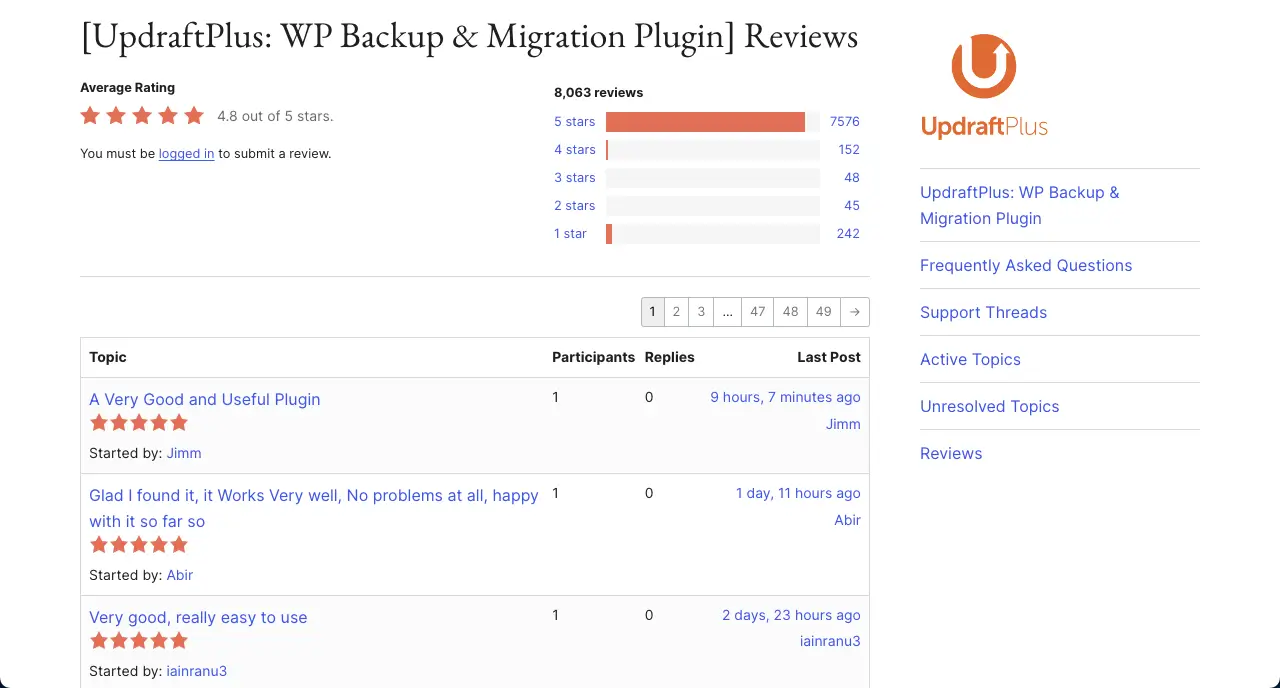
UpdraftPlus is a reliable backup plugin. It automatically creates a backup version of your WordPress site, including images, databases, and other files, to cloud services like Google Drive, Dropbox, or Amazon S3. It offers scheduled backups, one-click restores, and site migration tools.
So, due to any accidental case, if your site crashes, you can instantly recover it from the cloud storage. Otherwise, you have to start from scratch. So, isn’t it a good idea to maintain backups before any hazard takes place? The plugin is very intuitive, has a straightforward interface, and integrates with numerous platforms.
Key features of UpdraftPlus
Database Backup and Encryption: UpdraftPlus backs up everything with optional encryption for security. You, as a photographer, can protect sensitive information like client proofing details or eCommerce transactions.
Site Migration and Cloning: The plugin’s migrator tool can help you transfer your entire site to a new domain or host, preserving all images and settings. This is a great way to rebrand your site by relocating everything.
Backup Splitting: It splits large backups into smaller files, preventing issues with server limits on image-heavy sites. This is extremely helpful in the case of heavy websites that have to handle thousands of photographs.
Multi-Site: UpdraftPlus supports WordPress multisite networks, enabling photographers with multiple portfolios or client subdomains to manage backups centrally. This is ideal for studios running separate sites for weddings, portraits, or stock photography. It simplifies administration for complex setups.
UpdraftVault Storage: The plugin itself offers its own cloud storage service, UpdraftVault, for secure backup storage without third-party accounts. So, in addition to other cloud storage services, you can save your files in UpdraftVault.
Pros
-
Secures high-resolution images
-
Supports multiple cloud storage
-
Provides detailed backup logs
-
Encrypted database backups
Cons
-
Setup can be complex
-
Premium features cost extra
Pricing of UpdraftPlus
UpdraftPlus has a free version available. Its premium version starts from $70/year with a 10-day refund policy.
4. Smush
Smush is an image optimization plugin that compresses and resizes high-resolution photos without compromising quality. They reduce file sizes to improve site speed. It offers bulk optimization, lazy loading, and automatic resizing for fast-loading galleries, which is a must for top-notch SEO performance.
Smush has integration with Envira Gallery and many other gallery plugins. It features WebP conversion to boost the site’s performance on modern browsers. The premium version of the plugin has CDN support, which is invaluable if you want to prioritize the speed of your image-heavy website.
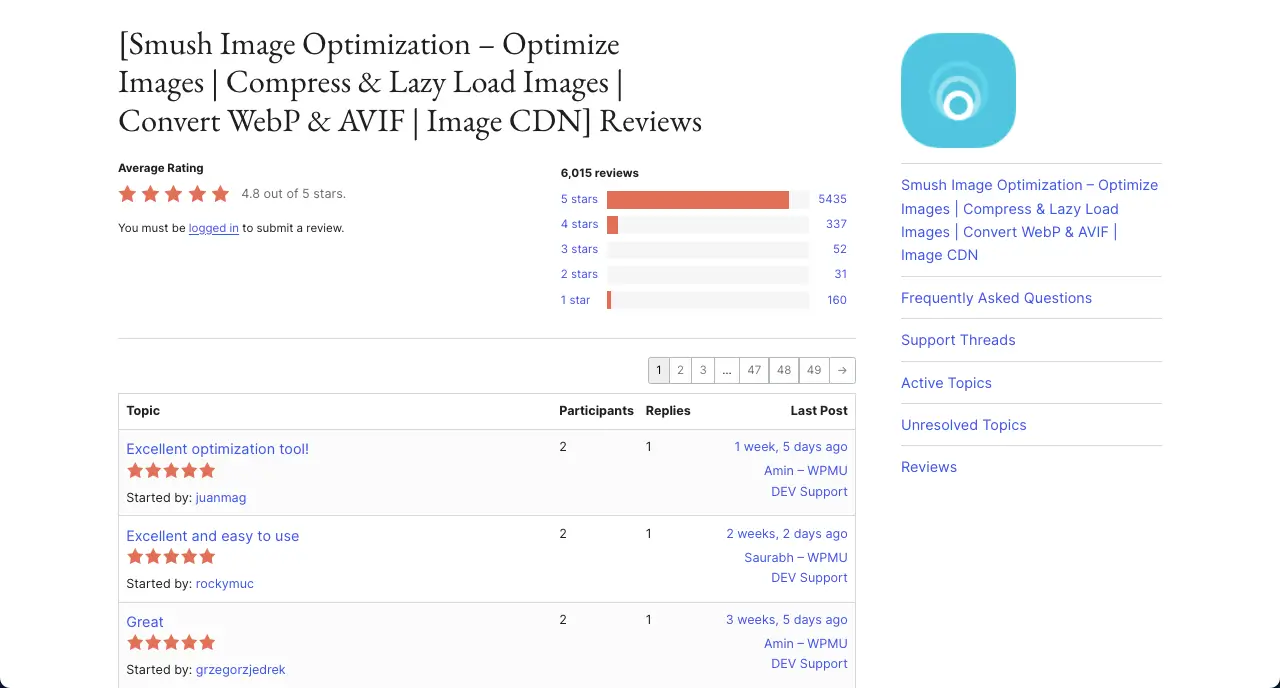
Key features of Smush
Lossless Compression: This reduces image file sizes without visible quality loss. It removes unnecessary metadata (e.g., camera settings, EXIF data) while preserving visual clarity to make sure fast-loading galleries.
Lossy Compression: Super-Smush delivers up to 5x greater compression without noticeable quality degradation. But this feature is limited only to the premium users.
Bulk Optimization: Smush optimizes all existing media library images with one click. It can process up to 50 images at a time in the free version, with unlimited processing in Pro.
Lazy Loading: Hope you are already familiar with this feature. It defers offscreen image loading until users scroll, reducing initial page load times.
WebP and AVIF Conversion: It converts images to next-gen WebP or AVIF formats, reducing file sizes by 25-60% compared to JPEG/PNG.
Pros
-
Saves original backups
-
Reduces server load
-
Detects incorrect image sizes
-
Multisite-friendly settings
Cons
-
Most advanced features are for Pro
-
Costly premium version
Pricing of Smush
Smush has a free version available. Its premium version starts from $15/month with a 30-day refund policy.
5. Social Snap

Social Snap is a lightweight social media plugin that adds customizable sharing and follow buttons to WordPress sites. It enables photographers to promote their work on platforms like Instagram, Pinterest, and Twitter.
It includes click-to-tweet functionality, social sharing analytics, and auto-posting to social networks for driving engagement with minimal setup. Its analytics track share performance and helps refine social strategy to target ideal clients.
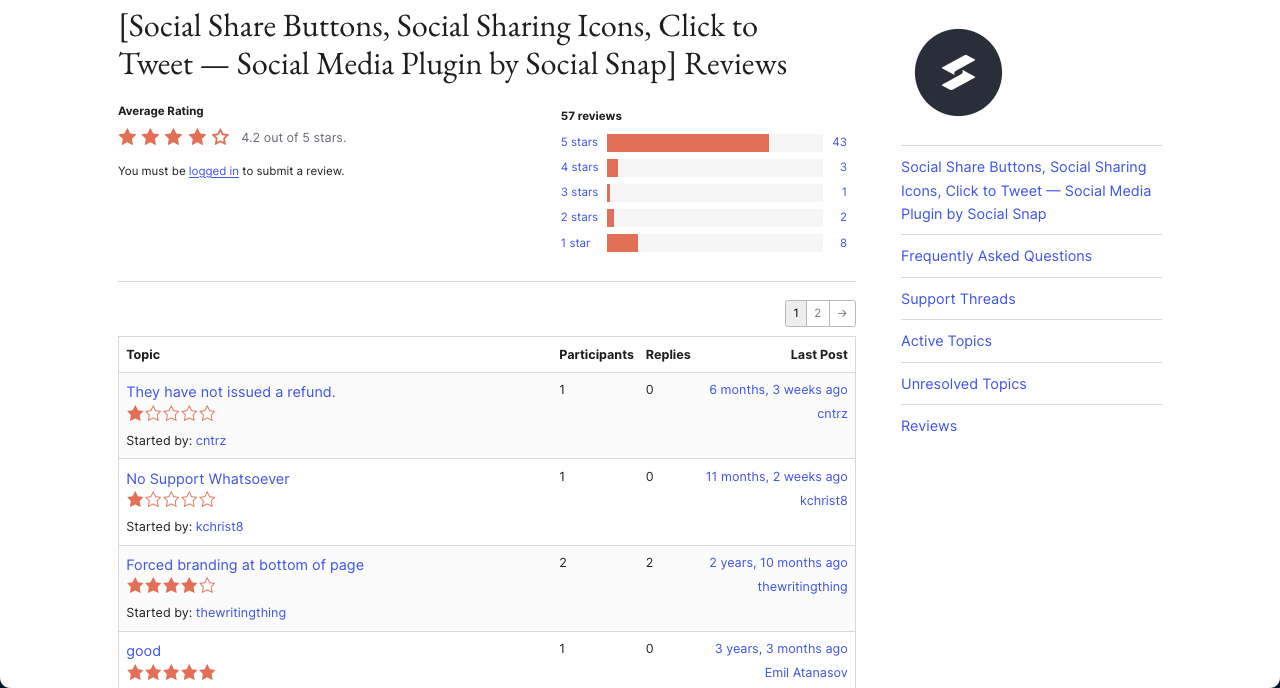
Key features of Social Snap
Social Sharing Buttons: It provides customizable sharing buttons for over 30 social networks, like Facebook, Pinterest, Tumblr, Instagram, and more.
Social Meta Tags: You can set specific titles, descriptions, and featured images for each gallery or post. It creates visually appealing previews that attract clicks.
Advanced Analytics: It integrates with Google Analytics to track share button clicks and social engagement via UTM parameters.
Boost Old Posts: This addon automatically reposts older content to Twitter and LinkedIn for reviving past galleries or blog posts.
Device Targeting: You can display specific social networks based on device type, such as WhatsApp for mobile users and Facebook for desktop.
Pros
-
Recovers lost shares
-
Automates social posting
-
Supports client logins
-
Tracks engagement analytics
Cons
-
Limited free features
-
No Facebook auto-posting
Pricing of Social Snap
Social Snap has a free version available. Its premium version starts from $39/year with a 30-day money-back guarantee.
6. Easy Watermark

Easy Watermark automatically applies watermarks to images to protect the intellectual property from unauthorized use. It allows you to add customizable text or logo watermarks, bulk application, and adjustable opacity.
Its ability to apply watermarks to existing and new images saves time, and the option to remove watermarks for licensed downloads adds flexibility for sales. The free version meets basic needs.
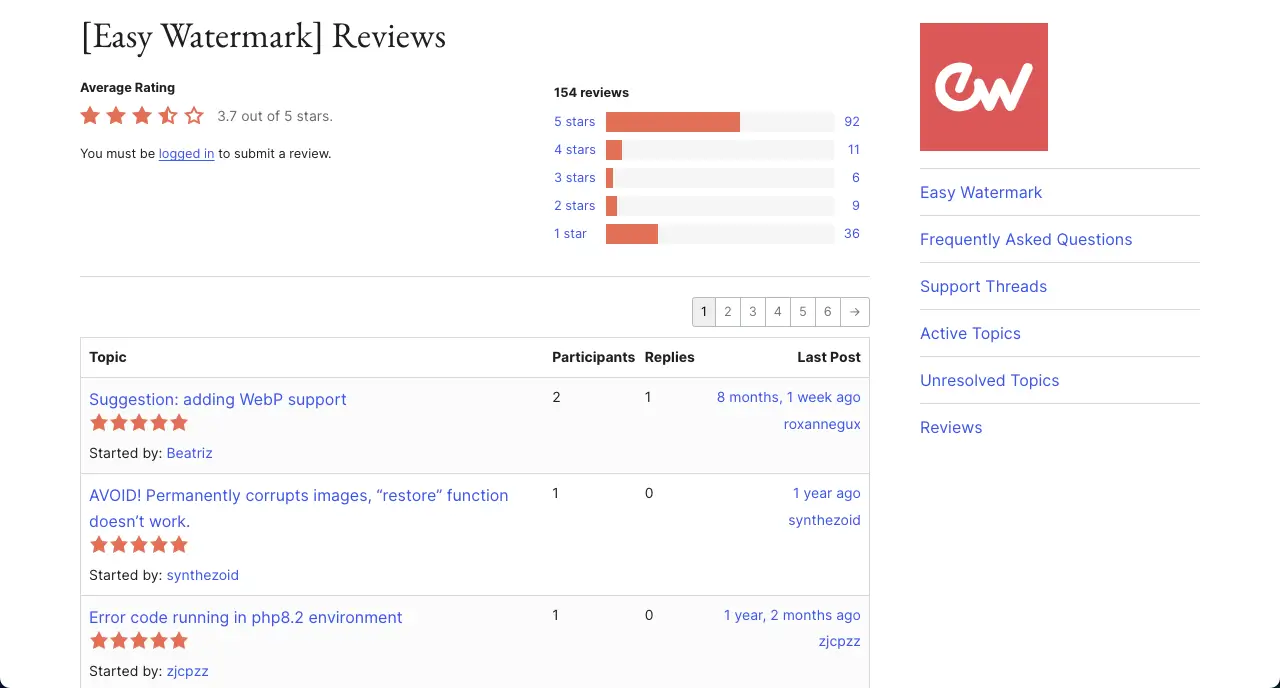
Key features of Easy Watermark
Bulk Watermarking for Existing Images: Not only can it add watermarks to new images, but also to the galleries and images that are already existing on your site.
Dual Watermark (Text and Image): Allows both text and image watermarks on a single photo. This is flexible for branding and copyright protection.
Nine Watermark Positions: Offers nine placement options (e.g., top-left, center, bottom-right) for precise watermark positioning on images.
Customizable Opacity and Size: Provides control over watermark opacity (0-100%) and size for JPG, PNG, and GIF formats.
Customizable Text Watermark Styling: Easy to customize text watermark font, color, size, and rotation for precise branding.
Pros
-
Provides backup and restoration
-
Integrates with gallery plugins
-
Customizes opacity and positioning
Cons
-
Lacks WebP format support
-
No repeating watermark option
Pricing of Easy Watermark
Easy Watermark is free to use. We haven’t found any premium version so far.
7. Easy Digital Downloads
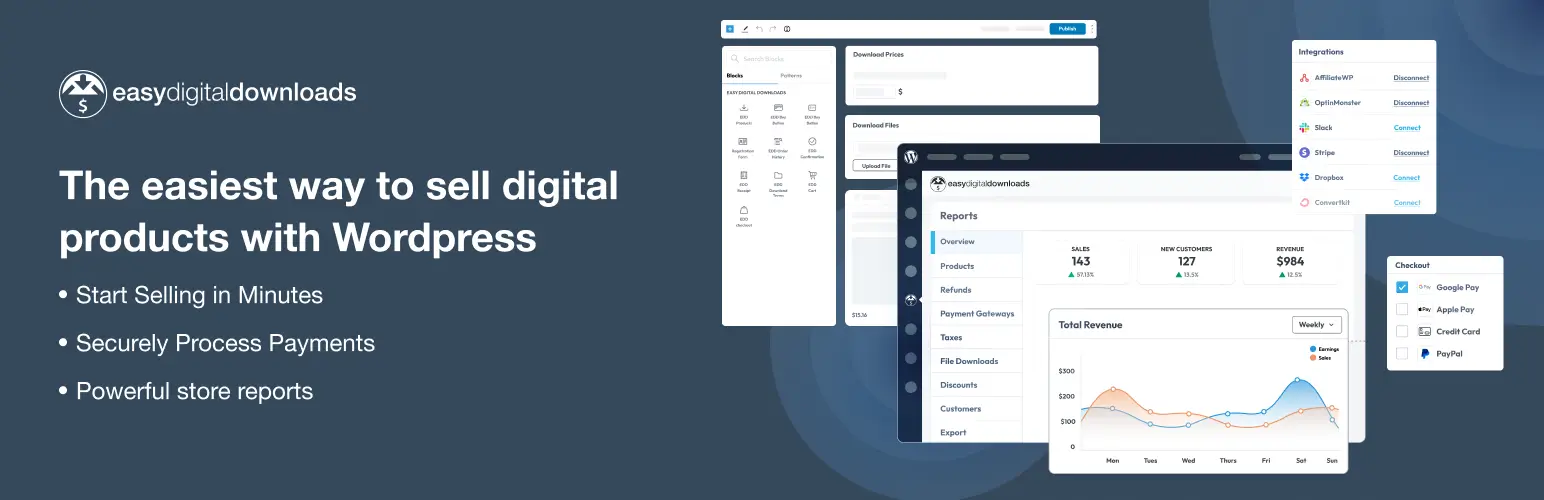
Easy Digital Downloads (EDD) is a renowned eCommerce plugin designed for selling digital products like photos. It offers secure file delivery, multiple payment gateway integrations (e.g., PayPal, Stripe), and features like discount codes and sales reporting.
If you are dreaming of creating an online business for selling your photographs, Easy Digital Downloads (EDD) can make everything super-easy. You’ll hardly find a similar alternative tool online.
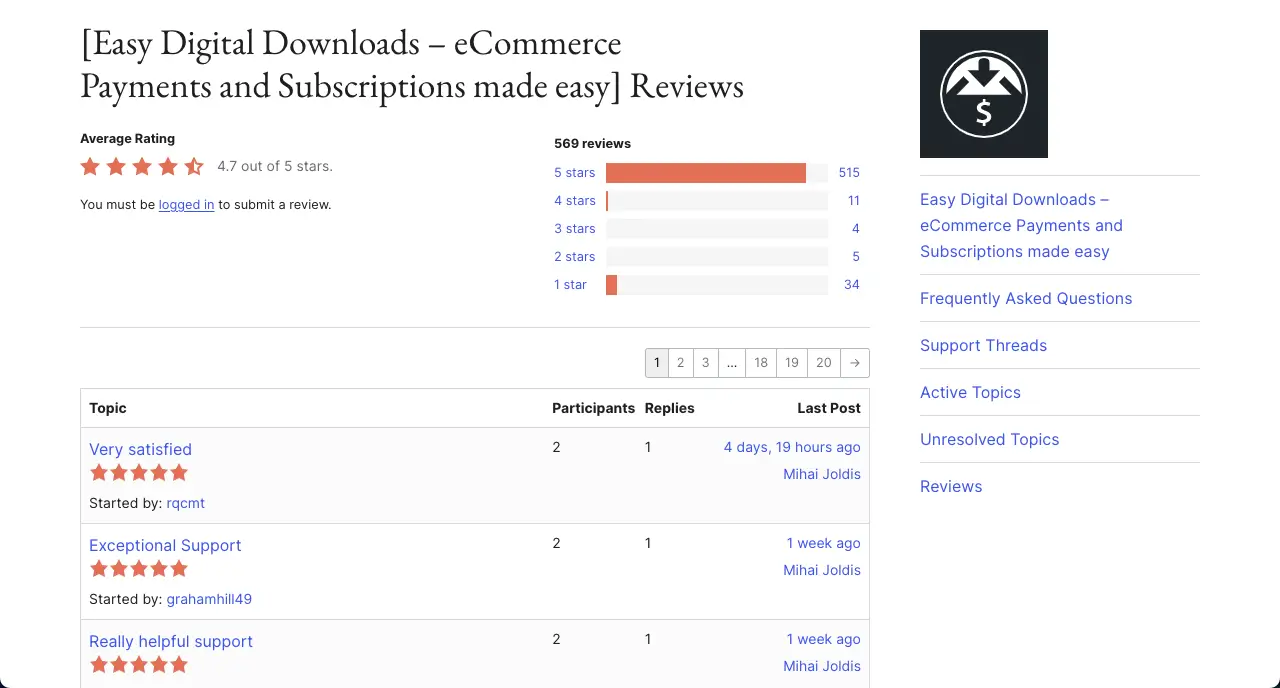
Key features of Easy Digital Downloads
Unlimited Listings: You can list unlimited digital photos and classify them through various categories for efficient exploration.
Complete Shopping Cart System: Provides a feature-rich shopping cart for instant purchases or cart-based checkouts. Customers can buy single/multiple photos or stock bundles.
Multiple Payment Gateways: You can accept payments via Stripe, PayPal, Apple Pay, and Google Pay. This offers flexibility to customers.
Variable Pricing Options: You can sell photos based on variables, like resolutions, raw/edited, camera types, objects, etc.
Discount Code Management: You can create time-sensitive or one-time discount codes to boost photo sales anytime.
Pros
-
Secure file delivery system
-
Tracks download activity
-
Integrates with email marketing
-
Scalable with extensive addons
Cons
-
Limited physical product support
-
Setup complexity for beginners
-
Lacks built-in watermarking tools
Price of Easy Digital Downloads
Easy Digital Downloads has a free version available. Its premium version starts from $199/year with a 14-day refund policy.
8. WP Rocket

WP Rocket is a premium caching plugin. It accelerates WordPress site performance through page caching, file minification, and lazy loading. It optimizes database performance and integrates with CDNs.
Having this plugin on your site will ensure that it will load quickly, no matter how image-heavy it is. Besides, if your site is built with any page builder, you will definitely need a tool like WP Rocket.
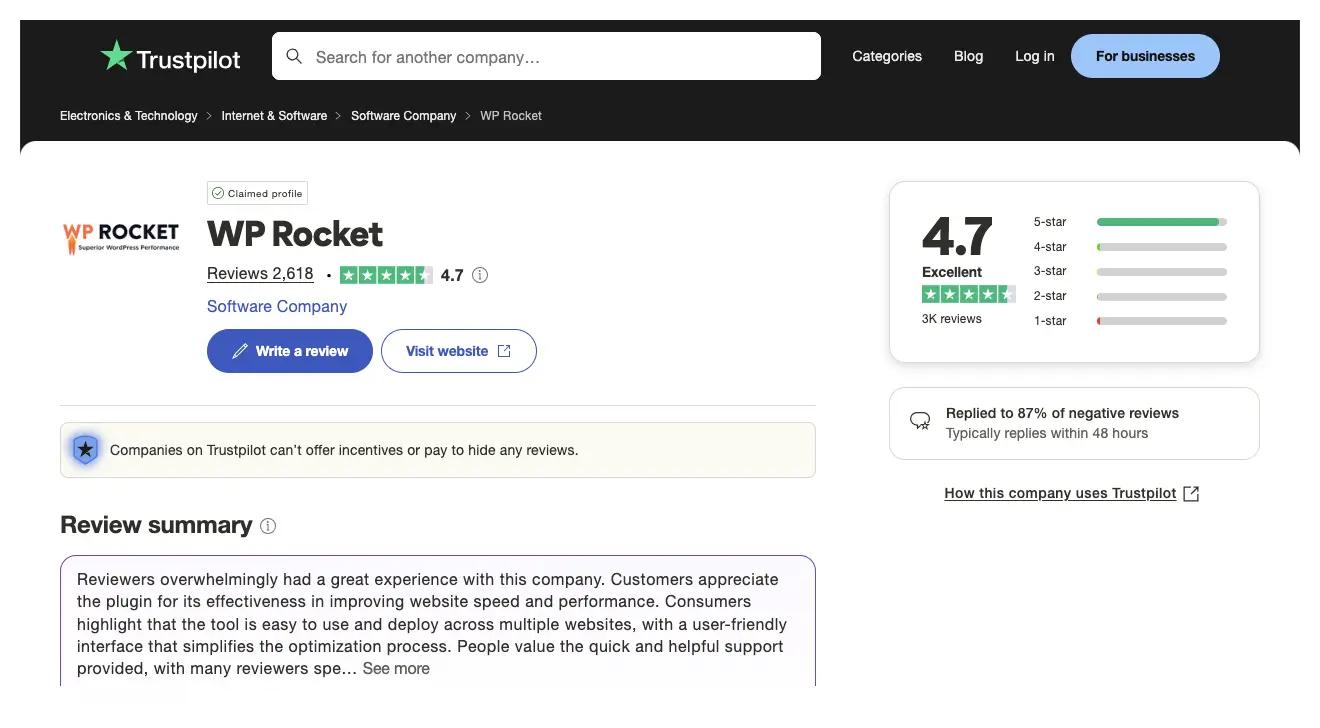
Key features of WP Rocket
Page Caching: Generates static HTML files to serve pages faster. It reduces server load for photography sites with large image galleries.
Cache Preloading: Automatically preloads cached pages and sitemaps, which guarantees that your site is instantly available to visitors and search engine crawlers.
CDN Integration: Integrates with content delivery networks (CDNs) like Cloudflare to serve images from servers closer to visitors.
File Optimization: Concatenates and minifies CSS/JavaScript files to reduce HTTP requests for faster page rendering.
Remove Unused CSS: Eliminates unused CSS from pages to lessen bloat and speed up gallery load times.
Browser Caching: Leverages browser caching to store static resources locally, speeding up repeat visits to photography galleries.
Pros
-
Enhances SEO with speed
-
Simplifies performance optimization
-
Minimizes server resource usage
-
Reduces mobile load times
Cons
-
Premium-only, no free version
-
RocketCDN adds extra cost
Pricing of WP Rocket
WP Rocket has no free version available. Its premium plan starts from $59/year with a 14-day refund policy.
9. OptinMonster
OptinMonster is a highly recommended popup and lead generation plugin. It creates targeted popups, slide-ins, and opt-in forms to capture visitor emails. With integrations for email marketing platforms like Mailchimp and ConvertKit, it can help you build mailing lists for promoting services, workshops, or photo sales.
You can leverage its exit-intent technology and behavior-based triggers to convert site visitors into clients. You can also run A/B tests to evaluate which version will work the best for the campaign.
Key features of OptinMonster
Drag-and-Drop Builder: Due to this feature, even beginners can create appealing popups and opt-in forms without coding.
Pre-Made Templates: It offers 700+ customizable templates for various niches. So, you can instantly prepare for campaigns without wasting much time.
Exit-Intent Technology: It detects when visitors are about to leave and shows the popup right before that to hook visitors’ attention.
Multiple Campaign Types: It supports popups, floating bars, slide-ins, fullscreen overlays, and gamified wheels. You can choose the right option according to your campaign type.
Geo-Location Targeting: You can display location-specific popups, which enable you to create and run hyper-targeted campaigns.
Pros
-
AI optimizes campaign copy
-
Mobile-friendly designs
-
Customizable templates save time
-
Campaign scheduling
Cons
-
Requires Google Analytics integration
Pricing of OptinMonster
OptinMonster has a free version available. Its premium version starts from $210/year with a 14-day refund policy.
10. Amelia

Amelia is a booking plugin. If you are a professional photographer, you may want clients to book you for programs like weddings, birthdays, convocations, festivals, etc. This plugin will allow them to make an appointment or book you.
It provides customizable booking forms, calendar integration, automated email/SMS reminders, and payment gateway support (e.g., Stripe, PayPal). Amelia is invaluable if you are a service-based photographer.
Key features of Amelia
Customizable Booking Forms: You can create customized booking forms to collect specific client details. Clients can select preferred photographers or add notes for specialized shoots.
Payment Gateway Integration: Amelia supports PayPal, Stripe, and WooCommerce for secure online payments.
Automated Notifications and Reminders: The plugin automatically sends email and SMS confirmations and reminders to clients once enabled.
Client Panel: Clients can access a front-end panel to manage, reschedule, or cancel bookings without contacting the photographer.
Custom Fields: You can add custom fields to booking forms to collect more specific information about clients. For example, if you wish for any specific shooting theme, equipment, editing skills, etc.
Pros
-
Syncs with Google Calendar
-
Automates session scheduling
-
GDPR-compliant data handling
Cons
-
Complex initial setup
-
Most advanced features are for higher plans
Pricing of Amelia
Amelia has a free version available. Its premium version starts from $49/year with a 15-day refund policy.
Final Thoughts!
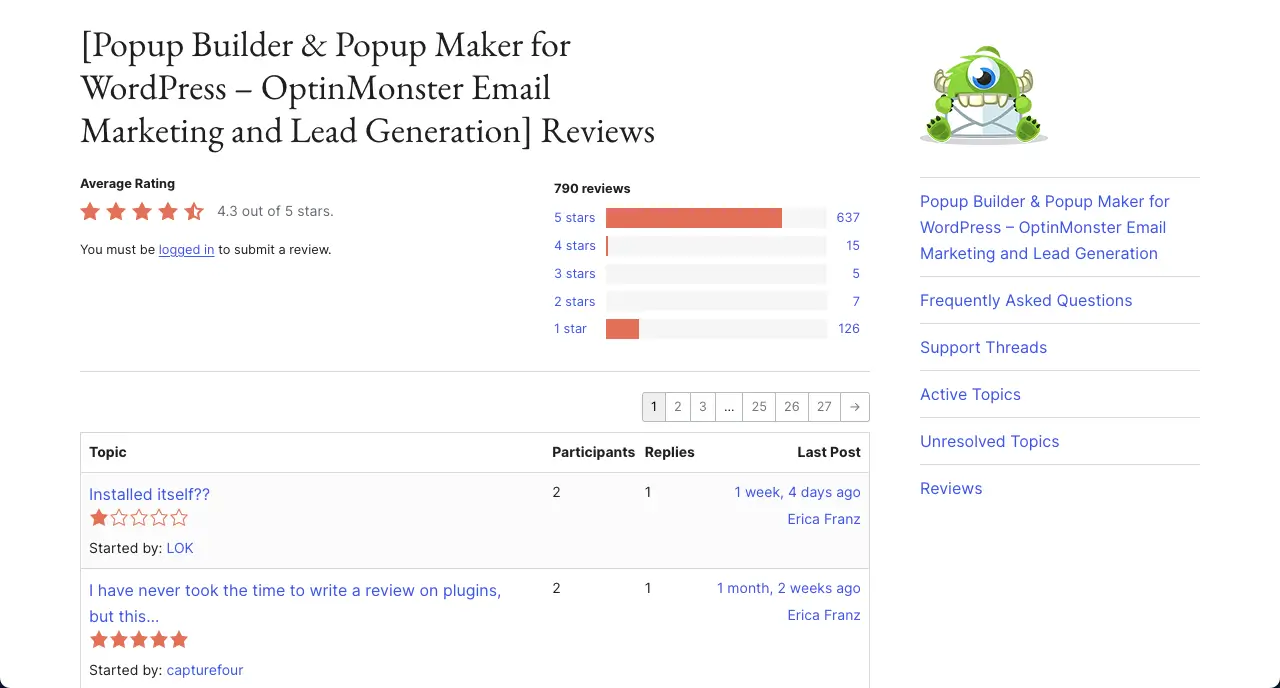
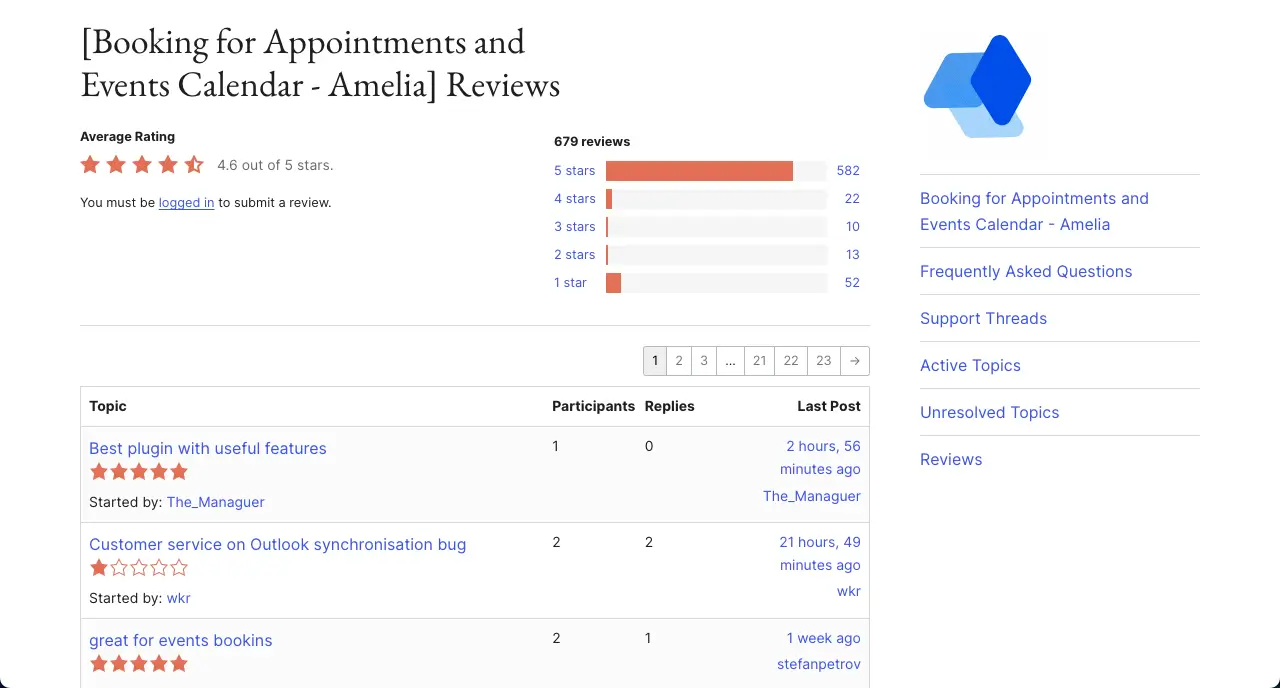
You’ll find plenty of alternatives to each plugin we have discussed above. But the reason we have listed and discussed them is that they are highly recommended by millions of users with very few negative ratings. Don’t forget to let us know the plugin you are going to choose for your site.
Besides, to succeed as a professional photographer, remember to prioritize visual quality, client management, and transparency in the business. Build a strategic plan with a budget in mind. Only after that will you be able to select the best WordPress plugins for photographers.
Leave a Reply