


Photographers today can’t rely on just a good camera and editing software to succeed. Most of them also maintain a personal website to showcase their works, build a brand, and attract clients. And to do that well, they need the right set of plugins to support their goals.
Well-picked plugins not only can help photographers display images in beautiful galleries but also protect their photos, speed up their site, and even sell prints or digital files. The wrong plugin, on the other hand, can slow down the site or limit its features.
From gallery builders to SEO tools, photographers need many plugins that enhance both visual appeal and performance. In this post, we’ll present the best WordPress plugins for photographers, along with their key features and other issues.
Choosing the Best WordPress Plugins for Photographers
While building a photography website, presenting your photos isn’t the only thing that matters. You also need features to optimize the site, back up your content, ensure security, and more. So, let’s look at the key points you should consider when choosing plugins in this regard.
Gallery-Builder to Present Photographs
Choose a gallery plugin that offers responsive and customizable layouts to showcase high-resolution portfolios professionally. Ensure it supports SEO-friendly deeplinking and integrates with social or eCommerce tools to maximize visibility.
SEO Capabilities to Boost Discoverability
Prioritize an SEO plugin that optimizes images and content for search engines. It should create image sitemaps to improve keyword rankings and attract clients searching for photography services.
Backup Reliability for Data Protection
Select a backup plugin that automates secure and off-site backups of your image-heavy site to cloud storage. For photographers, this guarantees protection of large photo libraries and client data against server failures or hacks.
Image Optimization for Speed and Quality
Opt for an image optimization plugin that compresses high-resolution photos without quality loss. It should support lazy loading and convert to modern formats like WebP. This supports fast load times for galleries.
Social Media Integration for Promotion
A social media plugin can provide customizable sharing and follow buttons. Users can easily share their photos on social platforms like Instagram, Pinterest, and Facebook just by clicking the buttons.
Tools for Sales and Bookings
If you want to do business, you must have some plugins by which you can run marketing campaigns, allow users to book an appointment with you, and pay for premium work.
Best WordPress Plugins for Photographers
Keeping the above points in mind, in this section, we’ll discuss the ten best WordPress plugins that can play crucial roles in the success of your photography website. Let’s explore them.
1. Galleryberg

With its modern block-based approach, Galleryberg is one of the best free Gutenberg Gallery Block plugins for WordPress. Designed to work seamlessly within the block editor, it enhances the default Gallery block by adding more layouts, lightbox functionality, and customization options. Whether you’re a photographer, designer, or blogger, Galleryberg makes it effortless to showcase your images beautifully.
It comes with four layout styles (Tiled, Square, Masonry, and Justified) ensuring your photos look stunning on all devices. The plugin is lightweight, responsive, and optimized for performance, helping your galleries load fast and look professional. Plus, it offers a one-click transformation from the default Gallery block, making it beginner-friendly and easy to use.
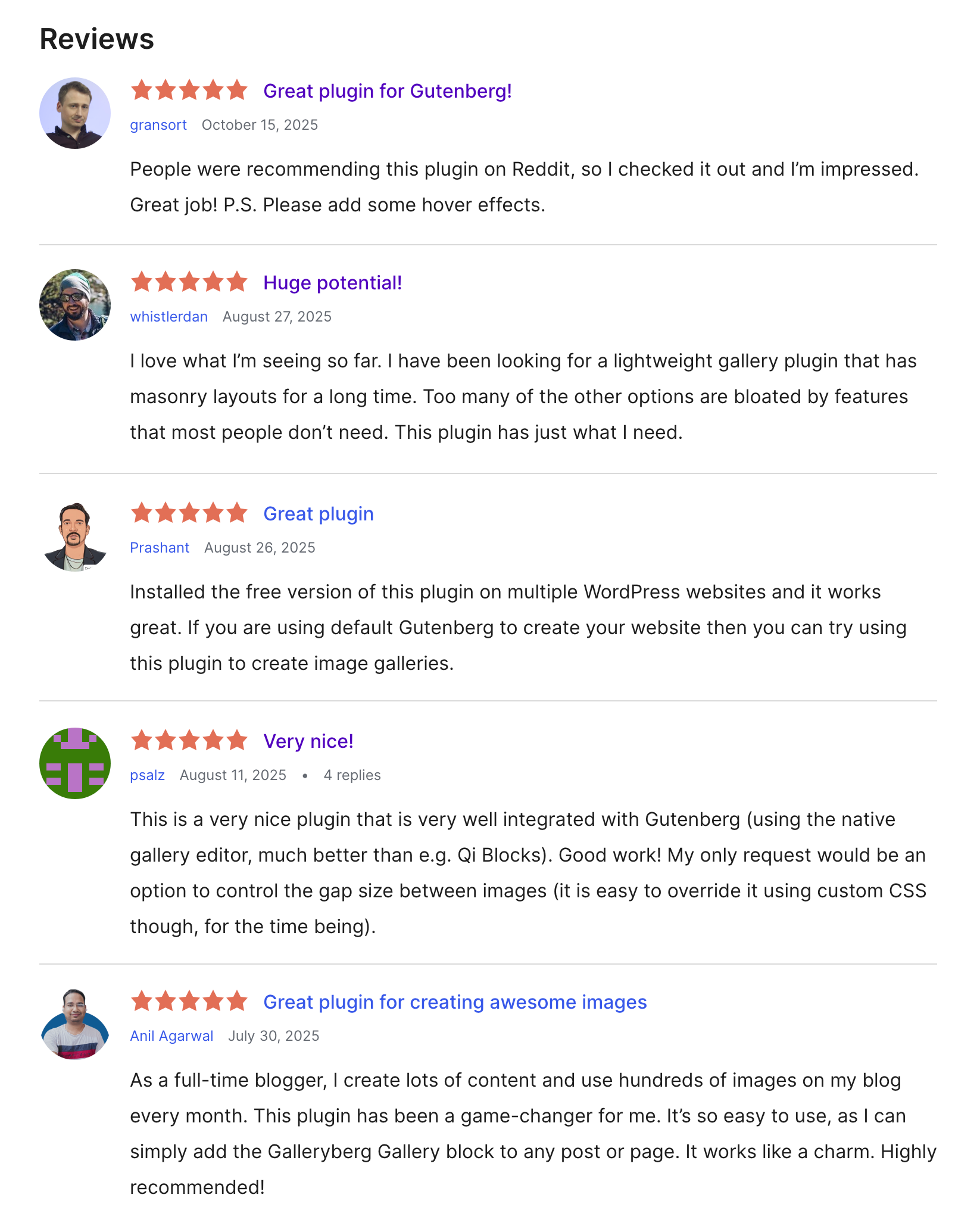
Key features of Galleryberg
Multiple Layouts: Choose from Tiled, Square, Masonry, and Justified layouts to create visually captivating galleries that match your site’s style.
Built-in Lightbox: Enable elegant lightbox popups for all your images, allowing visitors to view them in a distraction-free environment.
Responsive Design: Every layout automatically adjusts to different screen sizes, ensuring your galleries look perfect on mobile, tablet, and desktop.
Column Control: Customize the number of columns for your gallery to achieve your desired grid structure without any coding.
Row Height Control (Justified Layout): Easily adjust row heights to maintain balanced and proportional image displays in Justified galleries.
One-Click Transformation: Instantly convert WordPress’s default Gallery block to Galleryberg, keeping your existing content intact while gaining advanced features.
Pros
-
100% Gutenberg-native
-
Four stunning gallery layouts
-
Responsive and lightweight
-
One-click block transformation
-
Free and beginner-friendly
Cons
-
No hover effects yet
-
Lacks category/filtering feature
Pricing of Galleryberg
Galleryberg is completely free and available on the WordPress.org plugin repository.
Its Pro version (coming soon) will include more layouts, lightbox thumbnails, and advanced customization options.
2. Yoast SEO
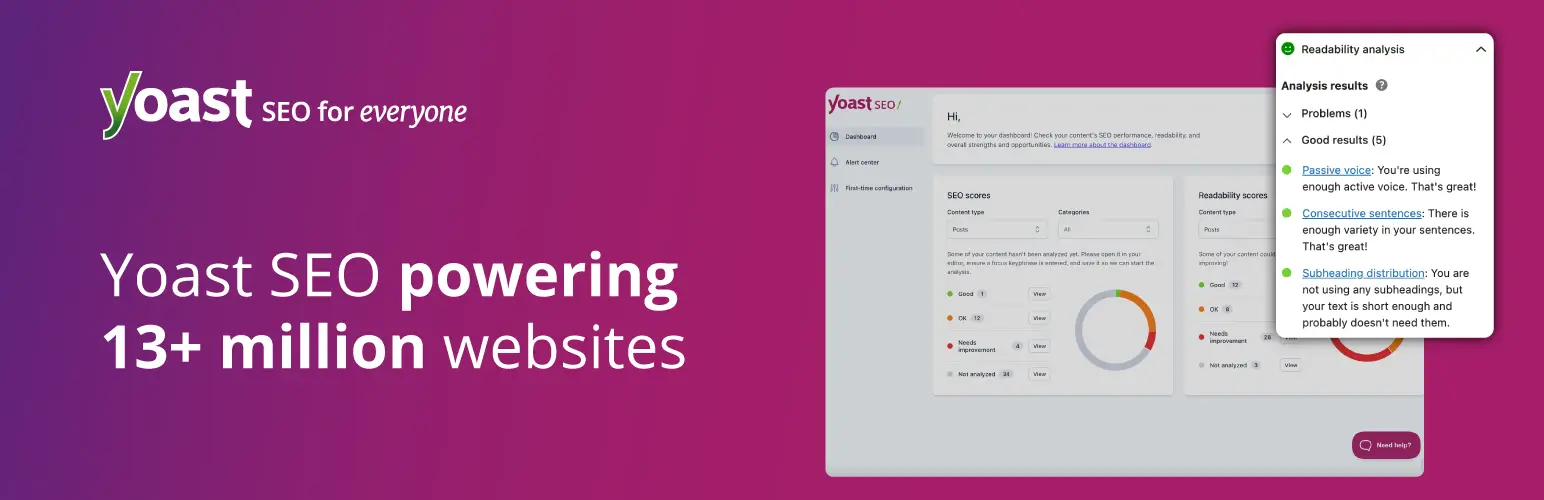
Yoast SEO is a comprehensive plugin that optimizes WordPress sites for search engines. It enhances discoverability through tools like keyword optimization, image sitemaps, and meta tag management. It provides real-time analysis of content readability and SEO performance.
It’s almost impossible today to manage a website without at least one SEO plugin. So, in this case, you can consider the Yoast SEO plugin. You can get keyword suggestions from the plugin that you can optimize your images’ alt-text, meta description, blog posts, and landing pages for better performance on Google.
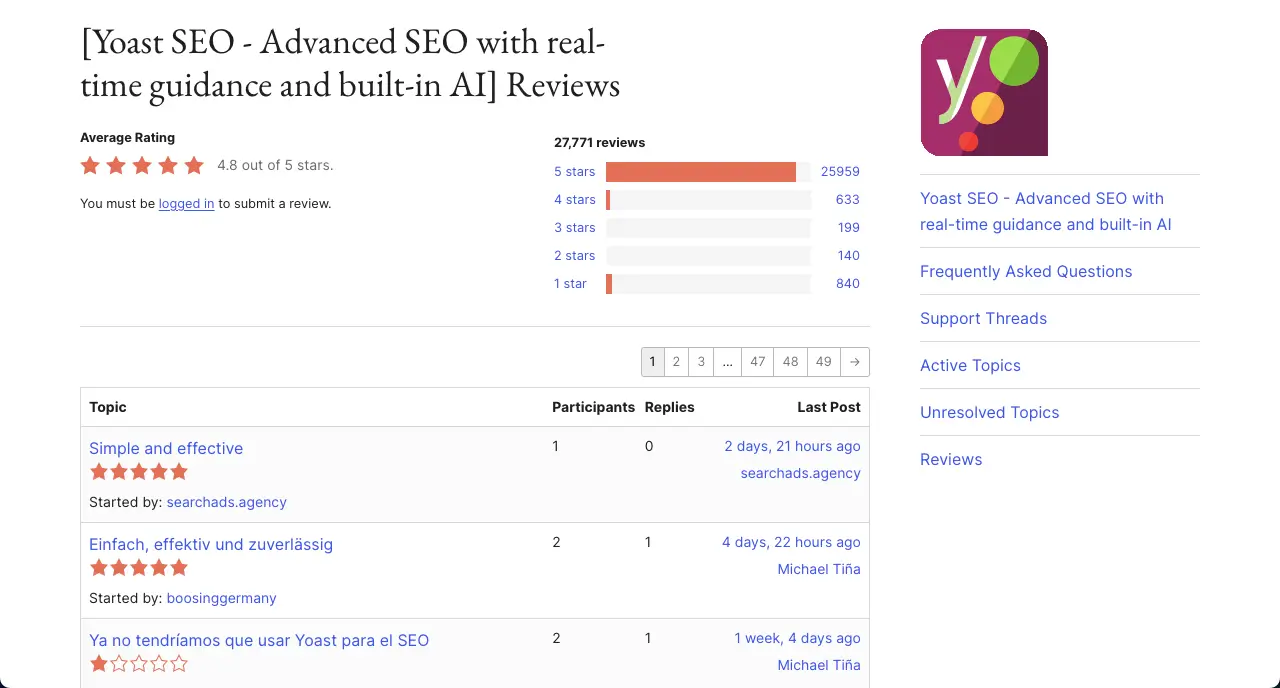
Key features of Yoast SEO
XML Sitemap Generation: It can automatically create XML sitemaps, including image sitemaps. This verifies search engines index photography portfolios efficiently. You can even customize sitemaps to prioritize key galleries that matter the most for your business and portfolio.
Readability Analysis: Yoast evaluates content clarity and suggests how to make your blog posts and other content easier to read. So, if you ever feel like writing descriptions about photographs, this feature can really add crucial value.
Internal Linking Suggestions: Real-time suggestions can guide photographers to link related galleries or blog posts. This can push visitors to explore your image content and galleries from blog posts and landing pages.
Canonical URL Management: Often, you may create multiple similar types of photographs, galleries, and albums that result in similar types of URLs that may look duplicated. Canonical URLs can prevent duplicate content issues and save you from many potential penalties.
Robots.txt and .htaccess Editing: Yoast allows photographers to manage robots.txt files to block search engines from crawling irrelevant pages, like login or draft galleries. This optimizes crawl budget and lets Google focus on high-value portfolio pages.
Lots of Integrations: Yoast has integrations with Google Search Console, Semrush, Wincher, and many other tools. As a result, you can check the performance of your posts, pages, galleries, and albums directly from the backend.
Pros
-
Handles large websites
-
AI-powered title generation
-
Automatically redirects broken links
-
Preview social media
Cons
-
Advanced features require steep learning
-
May conflict with other SEO plugins
Pricing of Yoast SEO
Yoast SEO has a free version available. Its premium version starts from $118.80/year with a 30-day refund policy.
3. UpdraftPlus

UpdraftPlus is a reliable backup plugin. It automatically creates a backup version of your WordPress site, including images, databases, and other files, to cloud services like Google Drive, Dropbox, or Amazon S3. It offers scheduled backups, one-click restores, and site migration tools.
So, due to any accidental case, if your site crashes, you can instantly recover it from the cloud storage. Otherwise, you have to start from scratch. So, isn’t it a good idea to maintain backups before any hazard takes place? The plugin is very intuitive, has a straightforward interface, and integrates with numerous platforms.
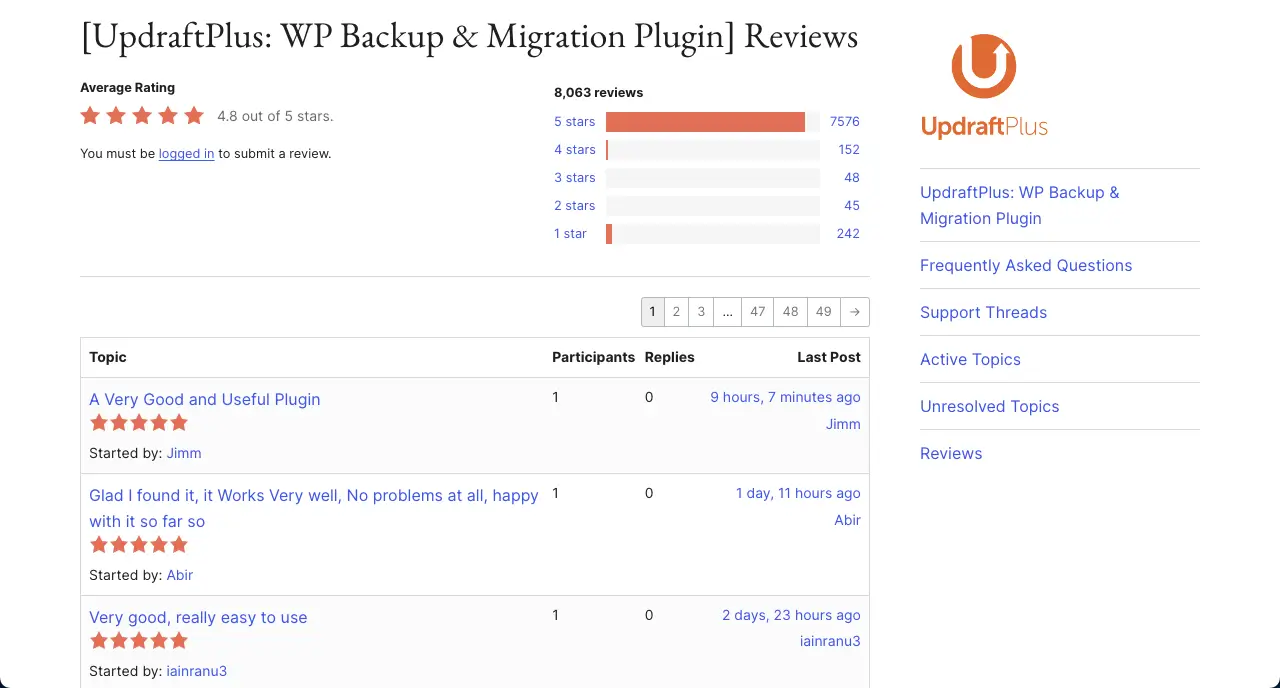
Key features of UpdraftPlus
Database Backup and Encryption: UpdraftPlus backs up everything with optional encryption for security. You, as a photographer, can protect sensitive information like client proofing details or eCommerce transactions.
Site Migration and Cloning: The plugin’s migrator tool can help you transfer your entire site to a new domain or host, preserving all images and settings. This is a great way to rebrand your site by relocating everything.