


A portfolio site is a personal website that shows your work, skills, and projects. Designers, developers, photographers, and freelancers use it to present their best work online. It helps people understand what you do at a glance.
A clean and well-organized portfolio site builds trust and shows professionalism. Good hosting is very important for a portfolio site. Otherwise, your site may load slow, creating a bad impression among your web visitors.
Without a strong WordPress hosting, it’s impossible to keep your site fast, secure, and smooth. So, in this article, we’ll introduce you to some of the best WordPress hosting for portfolio sites, explaining their key features, and pros & cons. Get started!
Best WordPress Hosting for Portfolio Sites
There are thousands of web hosting providers online. Almost all of them offer a solution for WordPress as well. But choosing the best one out of all these options is not only a challenge but also extremely time-consuming. So, to help you out, we’ll list and discuss the five best WordPress hosting portfolio sites.
1. Kinsta
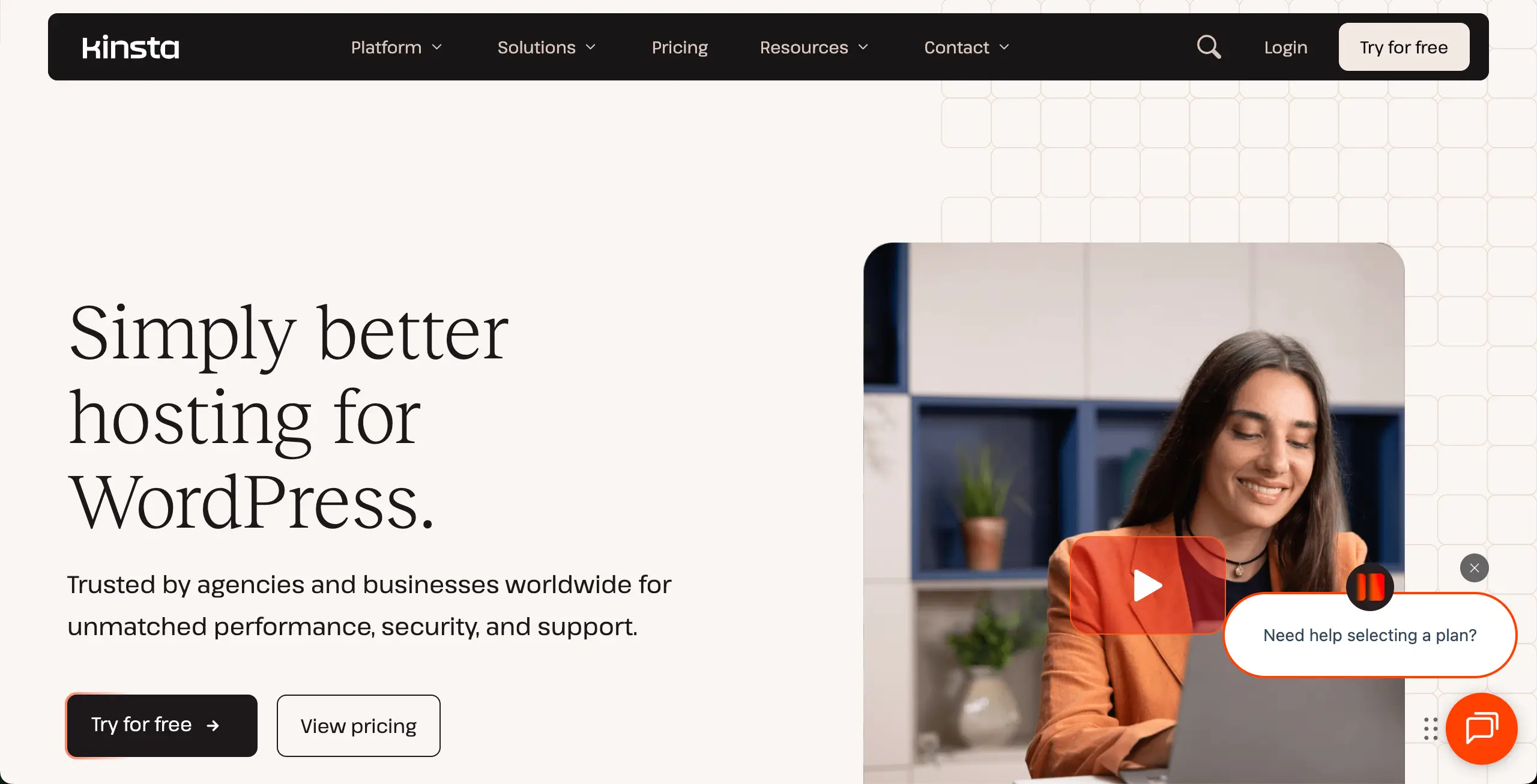
Kinsta is built specifically for WordPress. So, if you are planning to build your portfolio site in WordPress, you must keep Kinsta hosting in your shortlist. Its isolated-site setup prevents your site from sharing resources with other websites. This is extremely useful for image-heavy portfolios with sliders, galleries, and animations.
Another strong side is how it handles global visitors. It can load your portfolio fast, no matter where your audience lives. Built-in image optimization reduces image size without hurting quality. You’ll also get a safe staging area to test new layouts or gallery styles. This can help you update without breaking your live site.
Check the best green web hosting providers.
Key features of Kinsta
- Google Cloud C3D Virtual Machines: The latest in high-performance hardware for ultra-fast gallery rendering.
- Edge Caching: Reduces page load times by up to 49% by serving content from the nearest global server.
- Automatic WebP Conversion: Built-in tool to optimize portfolio images without needing extra plugins.
- Isolated Resource Technology: Dedicated CPU and RAM for your site to prevent slowdowns during traffic spikes.
- Enterprise-Grade Security: Free DDoS protection and a hardware firewall provided by Cloudflare.
- Staging Environments: A safe space to test new portfolio layouts or themes before going live.
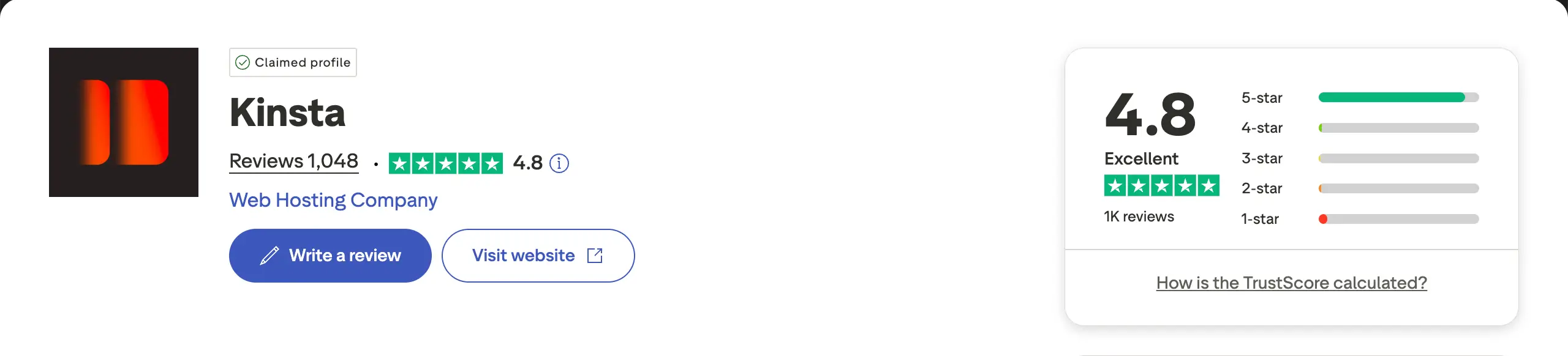
Pros
-
Top-Tier Performance
-
High-End Security
-
Expert 24/7 Support
-
Global CDN Included
-
Automatic Daily Backups
Cons
-
Premium Price Tag
-
No Email Hosting
-
Strict Traffic Caps
-
No Domain Registration
Pricing of Kinsta
Price starts from $350/year with a 30-day refund policy.
2. Hostinger
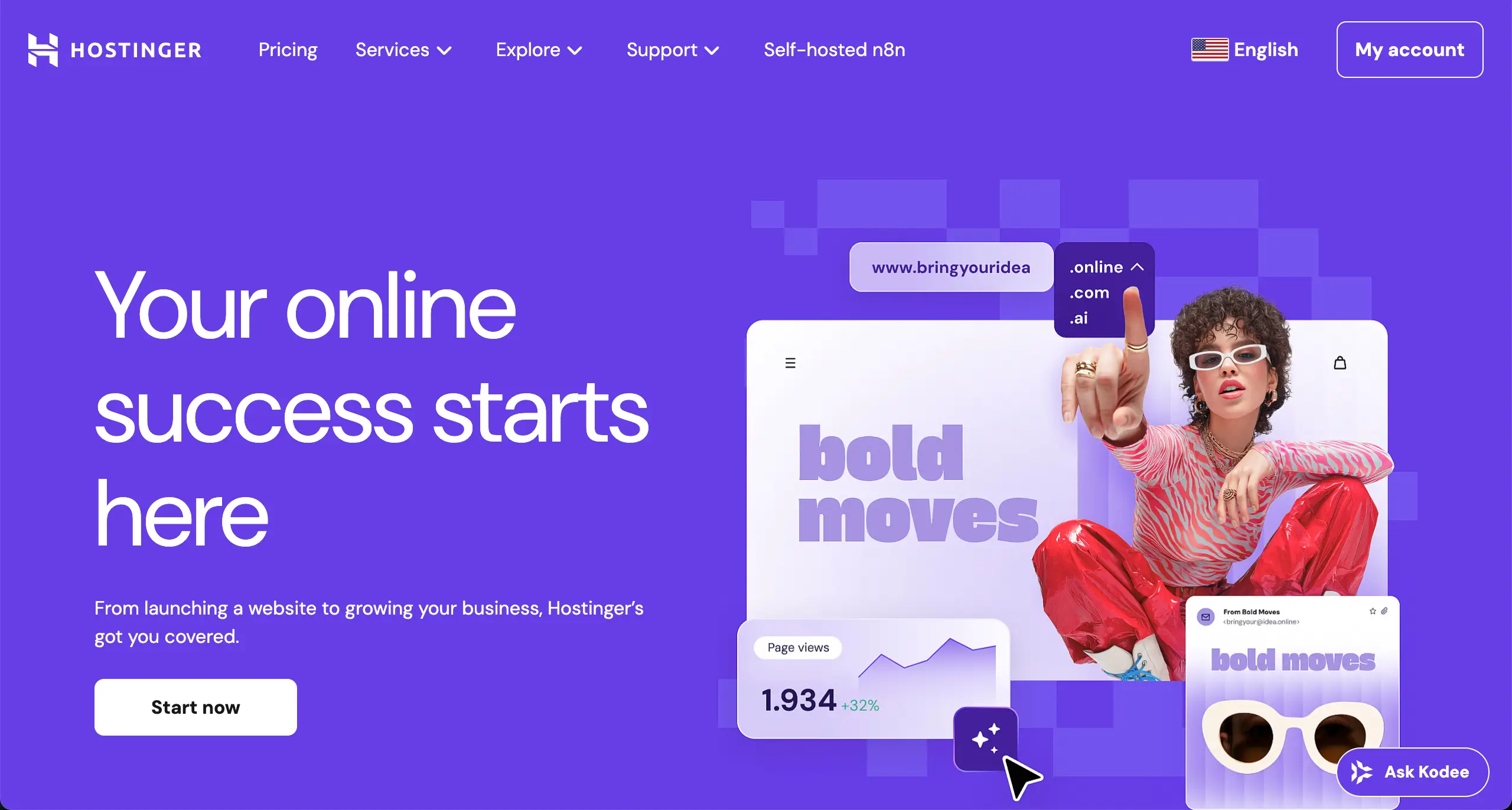
If you are looking for budget-friendly hosting, you must keep Hostinger in your shortlist. This one is also great as a shared hosting solution. Its NVMe storage helps portfolio pages load faster than many shared hosts. This matters a lot when your site includes large images or video sections.
You can host multiple portfolio sites under one plan, which is useful if you manage client work. LiteSpeed servers also reduce load stress and improve performance without extra setup. The control panel is simple and clean. The AI website builder can create a basic portfolio layout in minutes.
Check the best cloud hosting providers for WordPress.
Key features of Hostinger
- LiteSpeed Web Servers: Specifically optimized to handle high-resolution visual content with ease.
- NVMe Storage: Next-generation storage hardware that significantly improves site backend and frontend speed.
- AI Portfolio Builder: Generates a custom-designed site based on your specific creative industry.
- Object Cache for WordPress: Enhances database performance, making large portfolios feel snappy and responsive.
- 100-Site Capacity: Most mid-tier plans allow you to host multiple portfolios or client projects under one account.
- Weekly & Daily Backups: Redundant data protection to ensure your creative assets are never lost.
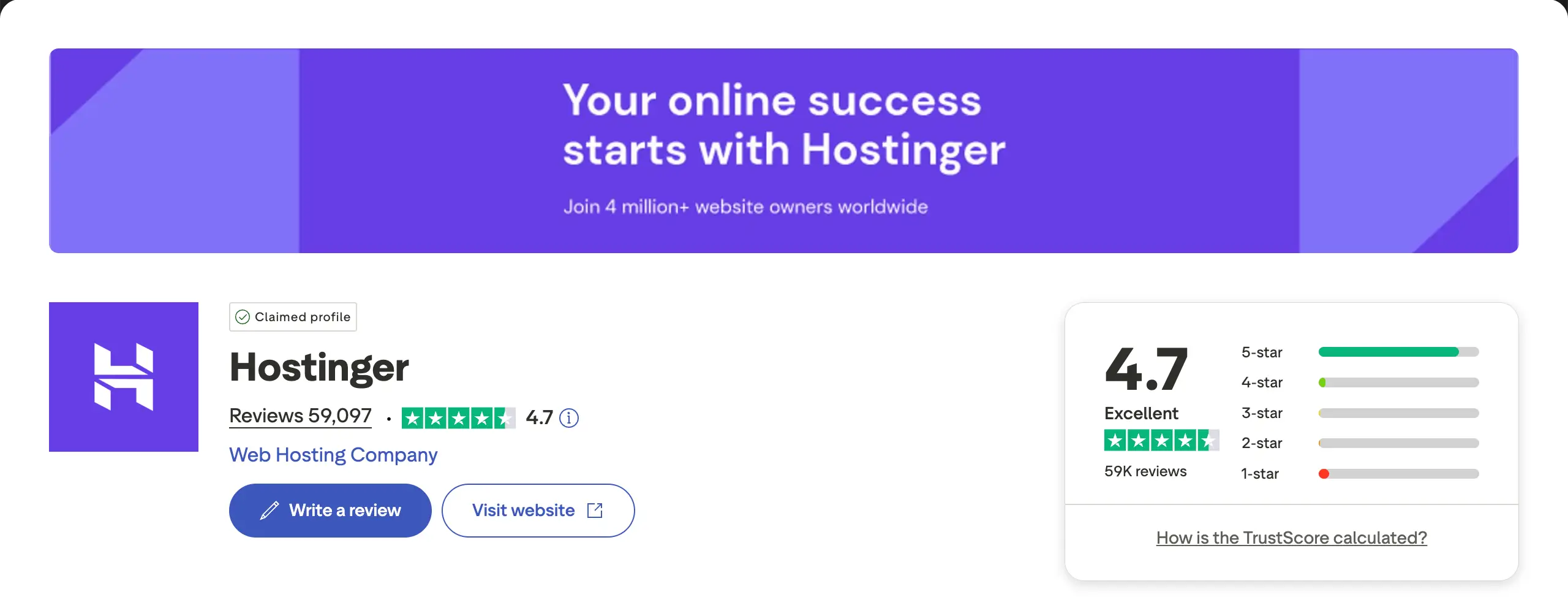
Pros
-
Intuitive hPanel Interface
-
Fast NVMe Storage
-
Free Domain & SSL
-
24/7 Live Chat Support
-
99.9% Uptime Guarantee
Cons
-
High Renewal Rates
-
No Phone Support
-
Limited Basic Plan Storage
-
Upselling in Dashboard
Pricing of Hostinger
Pricing starts from $143.52/four years with a 30-day refund policy.
3. Bluehost
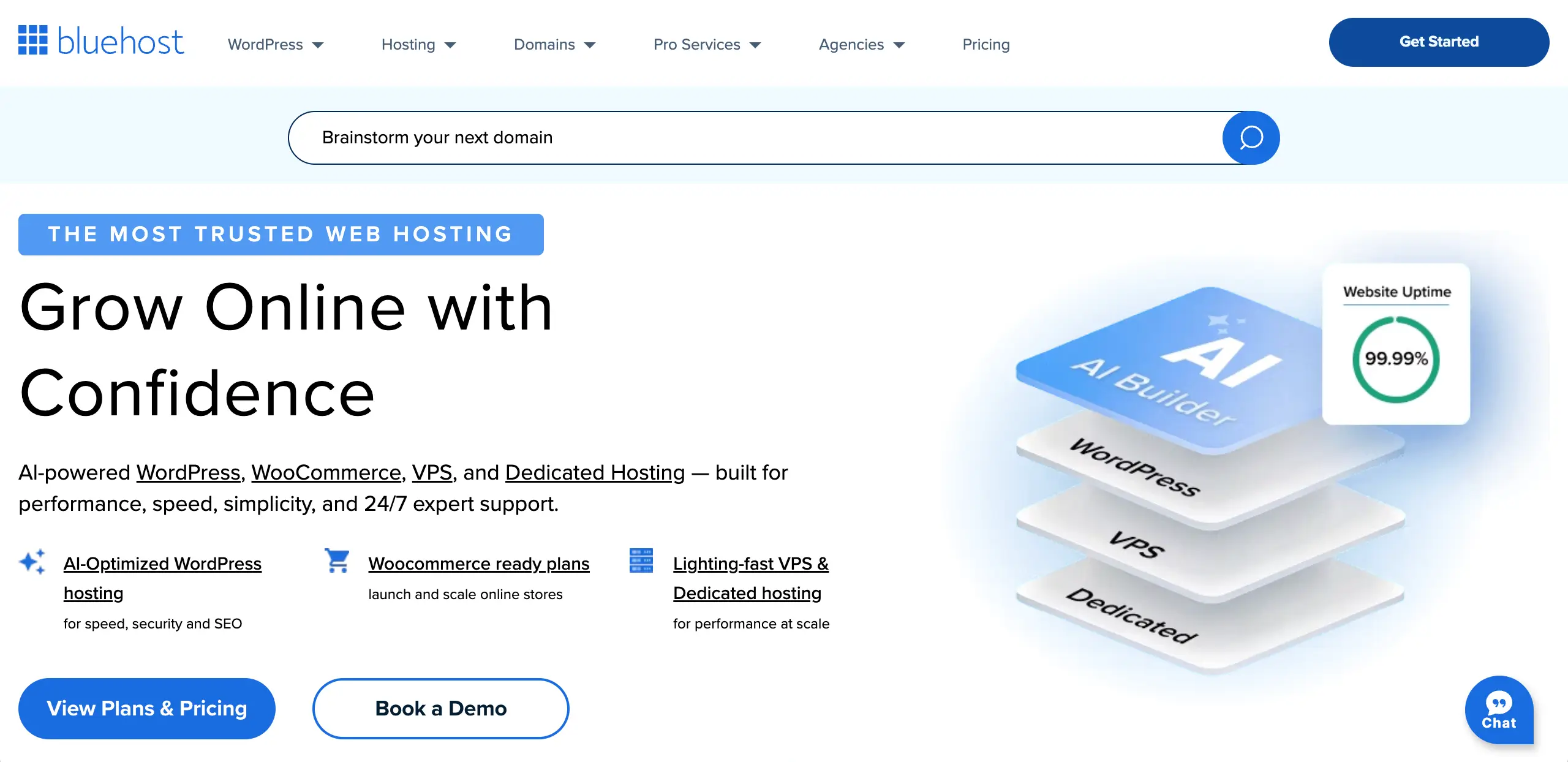
Bluehost focuses on simplicity and WordPress compatibility. Its intelligent wizard provides guided setup, so creative professionals can build portfolios without any confusion. Theme and plugin suggestions are tailored for professional sites. This saves time and reduces wrong choices during setup.
Another benefit is how Bluehost handles traffic growth. Unmetered bandwidth allows your portfolio to handle sudden attention. This is useful when your work gets shared or featured online. Phone support is also a big plus for users who prefer voice help over chat.
Explore the best Gutenberg block plugins for content marketing.
Key features of Bluehost
- WonderSuite Onboarding: AI-driven setup tailored specifically for creative and professional portfolios.
- WordPress-Optimized Infrastructure: Specifically tuned servers for the best compatibility with WP themes and plugins.
- Free Domain for 12 Months: Eliminates the initial cost of securing your professional brand name.
- Unmetered Bandwidth: Allows your portfolio to scale without penalties if your work goes viral.
- Built-in Staging Sites: Test new gallery plugins or design changes in a private environment.
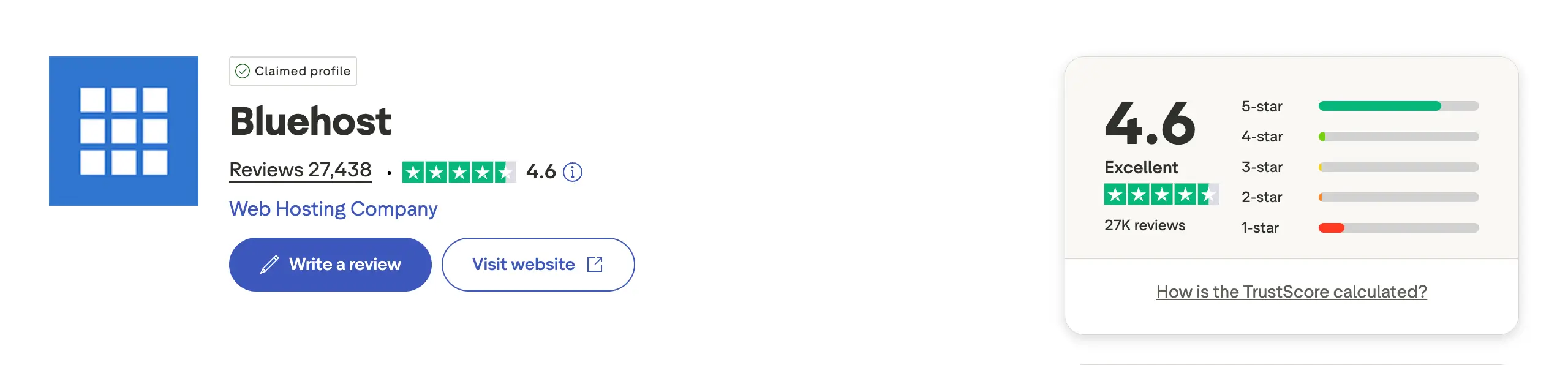
- 24/7 Phone Support: Direct access to technicians for real-time troubleshooting and guidance.
Pros
-
Beginner-Friendly
-
Excellent Guided Setup
-
Reliable Uptime
-
Integrated SEO Tools
-
Free SSL Included
Cons
-
Aggressive Renewal Pricing
-
Paid Site Migrations
-
Frequent Promotional Pop-ups
Pricing of Bluehost
Pricing starts from $59.9/year with a 30-day refund policy.
4. SiteGround
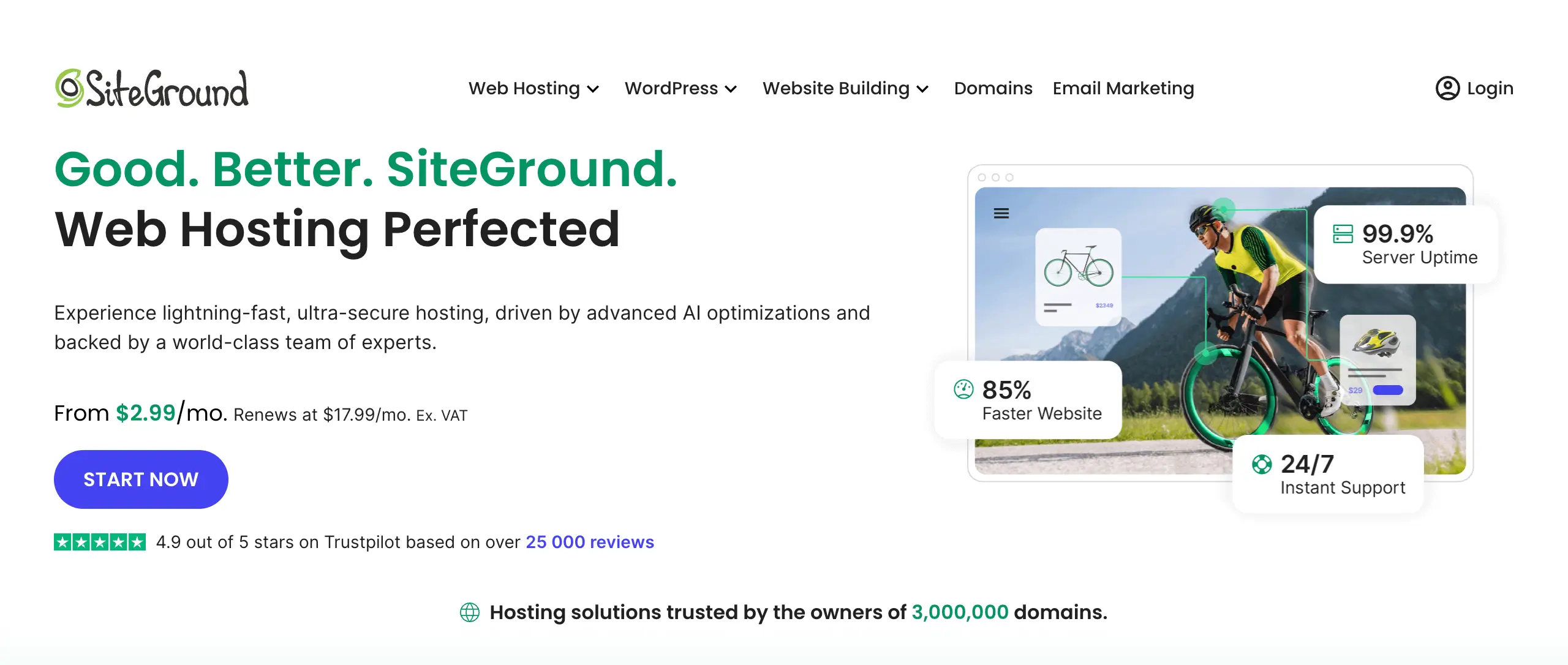
SiteGround is known for strong uptime and stable performance. Its caching system keeps images ready in memory. It has the power to load portfolio web pages almost instantly. It is a good choice for professionals who want consistent performance without daily maintenance.
Security is another strong area of this hosting solution. Its automatic backups and bot protection keep your work safe. You can restore your site with one click if something goes wrong. SiteGround also allows team access, which is helpful if you work with designers or developers.
Key features of SiteGround
- Ultrafast PHP: A custom PHP implementation that can speed up your portfolio by up to 30%.
- SuperCacher Technology: Three levels of caching to ensure high-resolution images load instantly.
- On-Demand Backups: Create a manual restore point before making major design edits to your portfolio.
- Easy Staging Tool: Create a copy of your site to experiment with new layouts before going live.
- Collaboration Tools: Easily add developers or clients to your site management without sharing your password.
- Free Email Hosting: Create unlimited professional email addresses linked to your domain.
Pros
-
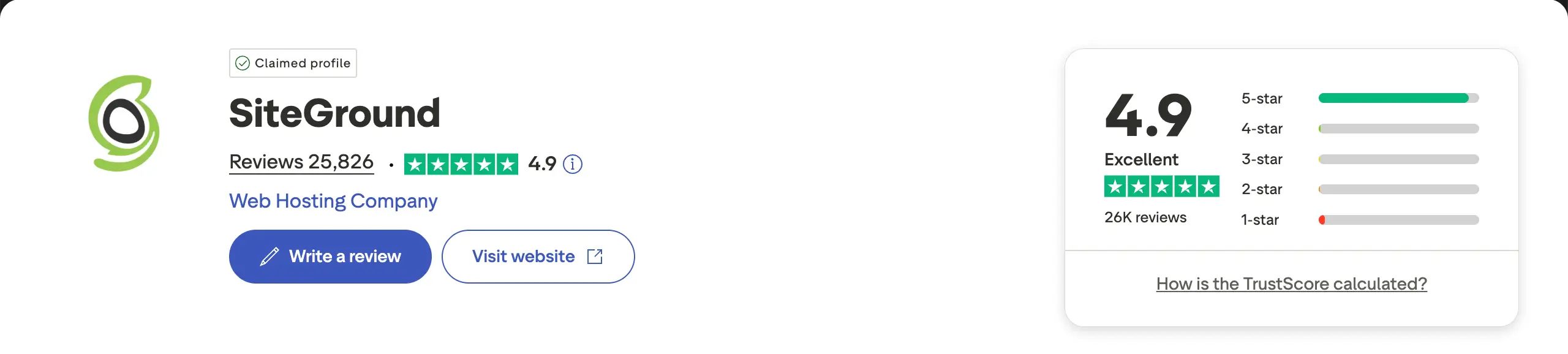
Industry-Leading Support
-
Top-Tier Caching System
-
Google Cloud Reliability
-
Advanced Security
-
Free Daily Backups
Cons
-
Strict Storage Limits
-
High Renewal Pricing
-
No Free Domain
-
Limited Visit Caps
Pricing of SiteGround
Pricing starts from $47.9/year with a 30-day refund policy.
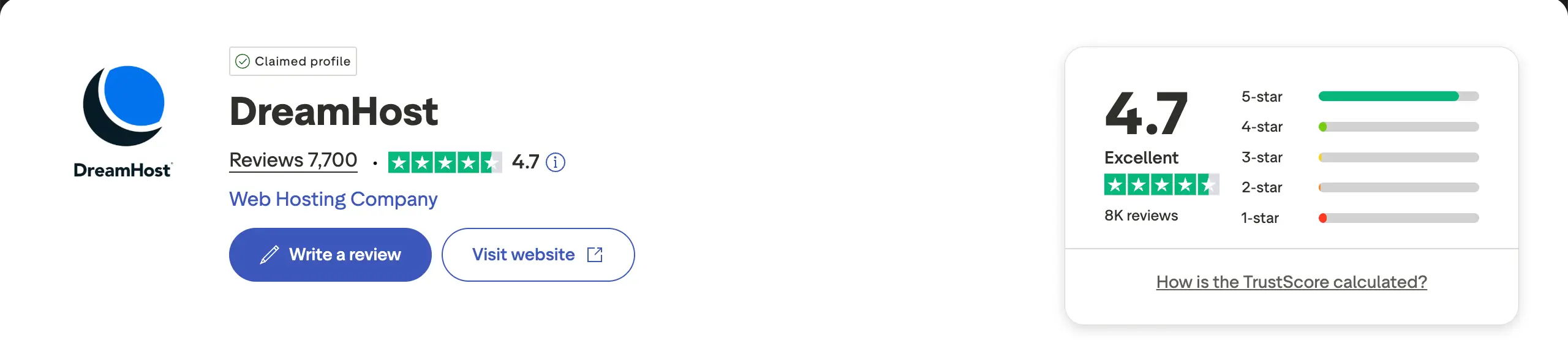
5. DreamHost

DreamHost is another ideal hosting solution for growing portfolio websites. Its unlimited storage allows you to upload large image collections without worry. This is helpful for photographers and videographers who update their work often. There are no surprise limits as your portfolio grows.
DreamHost also focuses on privacy and long-term testing. The long refund period lets you test real performance without pressure. Free domain privacy protects your personal details. It is a good option for creators who want freedom and fewer restrictions over time.
Take a look at the best Gutenberg gallery block plugins for WordPress.
Key features of DreamHost
- Unlimited SSD Storage: No caps on how many images or videos you can host on your portfolio.
- 100% Uptime Guarantee: A bold commitment to reliability, with financial compensation for any downtime.
- Free Whois Privacy: Protects your personal information from spammers and public databases.
- Automated Daily Backups: Peace of mind with automatic copies of your work stored off-site.
- Pre-installed WordPress: Your site is ready to be designed the moment you finish the signup process.
- Custom Control Panel: A clean, simplified alternative to cPanel designed for easy navigation.
Pros
-
Unlimited Storage & Bandwidth
-
High Privacy Standards
-
Solid 100% Uptime
-
No Overage Fees
-
Free Professional Email
Cons
-
Slower Support Response Times
-
Fewer Global Data Centers
-
Dashboard Learning Curve
Pricing of DreamHost
Pricing starts from $35.88/year with a 97-day refund policy.
Final Takeaways!
Hope you have benefited from the post and are able to choose a good hosting. Remember that a strong portfolio website grows when it is built with purpose, not just design. So, structure your site around clear goals, such as getting client inquiries or showcasing a specific service.
Long-term growth also depends on visibility and trust. Connect your portfolio with analytics to see what people view most. Improve those sections over time. Use clean URLs and basic SEO settings so your work appears in search results.
Also, add clear contact options and social proof like testimonials or client logos. These steps help turn your portfolio from a gallery into a growth tool. Now, if you have any questions not answered yet, mention them in the comment box below.
Leave a Reply