


A portfolio site is a personal website that shows your work, skills, and projects. Designers, developers, photographers, and freelancers use it to present their best work online. It helps people understand what you do at a glance.
A clean and well-organized portfolio site builds trust and shows professionalism. Good hosting is very important for a portfolio site. Otherwise, your site may load slow, creating a bad impression among your web visitors.
Without a strong WordPress hosting, it’s impossible to keep your site fast, secure, and smooth. So, in this article, we’ll introduce you to some of the best WordPress hosting for portfolio sites, explaining their key features, and pros & cons. Get started!
Best WordPress Hosting for Portfolio Sites
There are thousands of web hosting providers online. Almost all of them offer a solution for WordPress as well. But choosing the best one out of all these options is not only a challenge but also extremely time-consuming. So, to help you out, we’ll list and discuss the five best WordPress hosting portfolio sites.
1. Kinsta
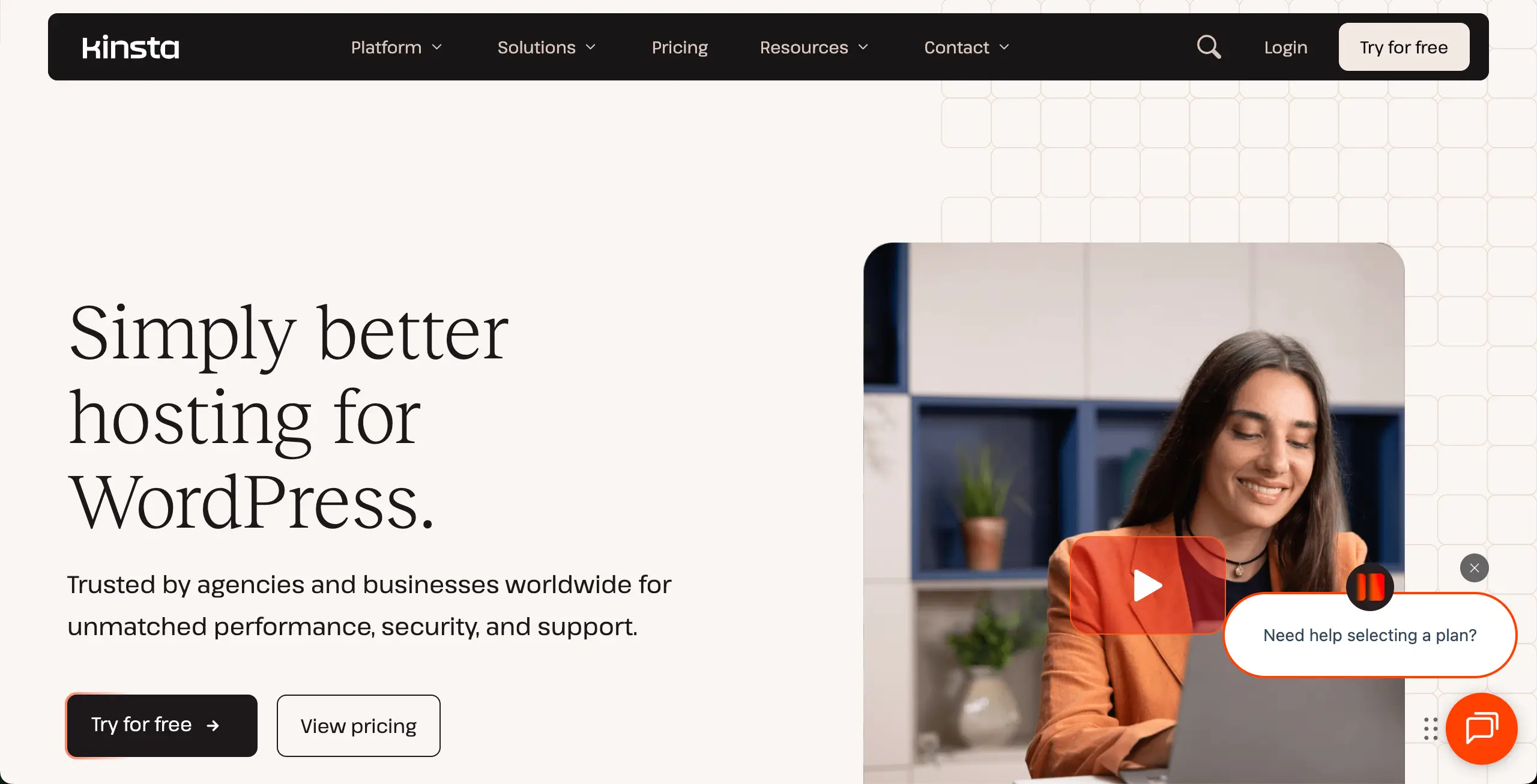
Kinsta is built specifically for WordPress. So, if you are planning to build your portfolio site in WordPress, you must keep Kinsta hosting in your shortlist. Its isolated-site setup prevents your site from sharing resources with other websites. This is extremely useful for image-heavy portfolios with sliders, galleries, and animations.
Another strong side is how it handles global visitors. It can load your portfolio fast, no matter where your audience lives. Built-in image optimization reduces image size without hurting quality. You’ll also get a safe staging area to test new layouts or gallery styles. This can help you update without breaking your live site.
Check the best green web hosting providers.
Key features of Kinsta
- Google Cloud C3D Virtual Machines: The latest in high-performance hardware for ultra-fast gallery rendering.
- Edge Caching: Reduces page load times by up to 49% by serving content from the nearest global server.
- Automatic WebP Conversion: Built-in tool to optimize portfolio images without needing extra plugins.
- Isolated Resource Technology: Dedicated CPU and RAM for your site to prevent slowdowns during traffic spikes.
- Enterprise-Grade Security: Free DDoS protection and a hardware firewall provided by Cloudflare.
- Staging Environments: A safe space to test new portfolio layouts or themes before going live.
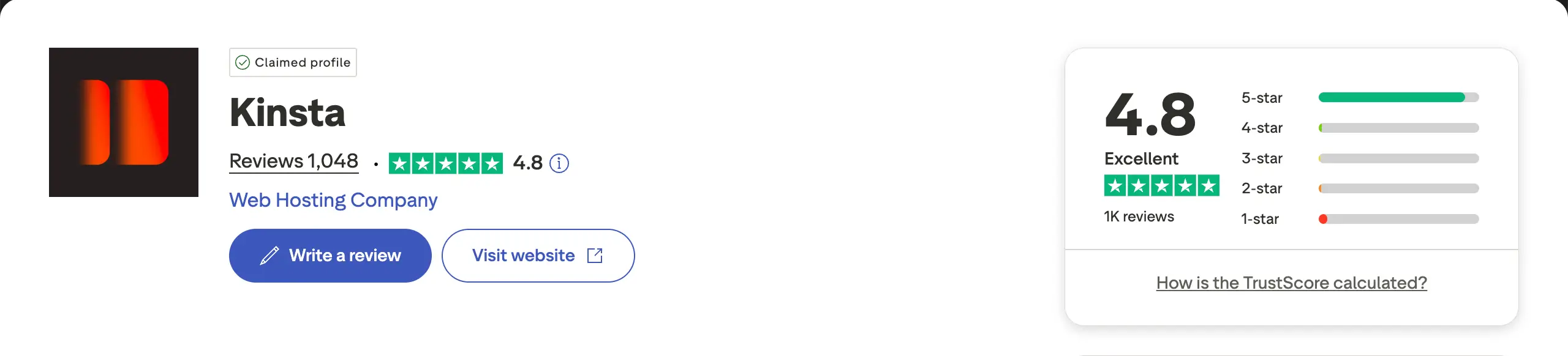
Pros
-
Top-Tier Performance
-
High-End Security
-
Expert 24/7 Support
-
Global CDN Included
-
Automatic Daily Backups
Cons
-
Premium Price Tag
-
No Email Hosting
-
Strict Traffic Caps
-
No Domain Registration
Pricing of Kinsta
Price starts from $350/year with a 30-day refund policy.
2. Hostinger
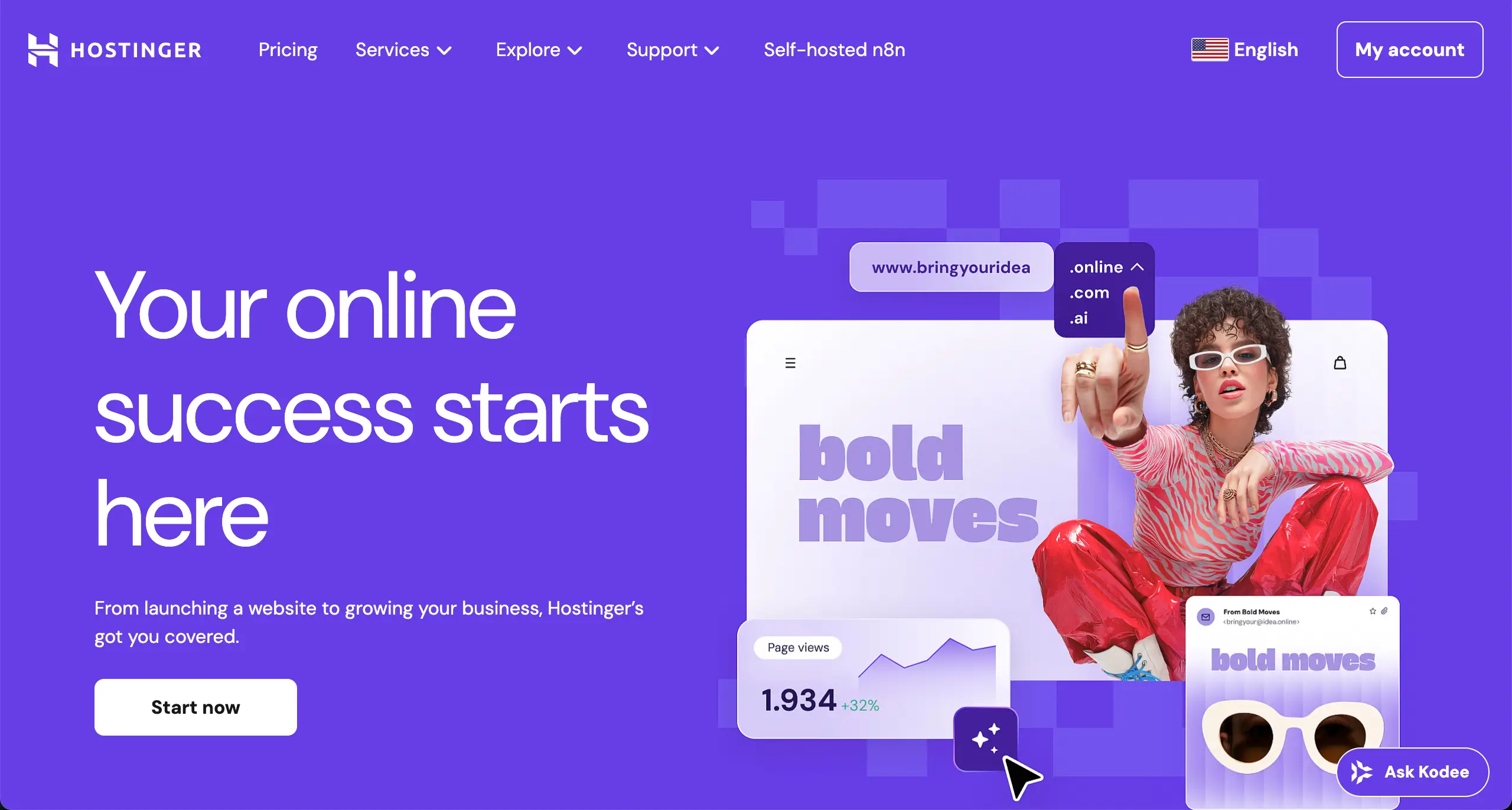
If you are looking for budget-friendly hosting, you must keep Hostinger in your shortlist. This one is also great as a shared hosting solution. Its NVMe storage helps portfolio pages load faster than many shared hosts. This matters a lot when your site includes large images or video sections.
You can host multiple portfolio sites under one plan, which is useful if you manage client work. LiteSpeed servers also reduce load stress and improve performance without extra setup. The control panel is simple and clean. The AI website builder can create a basic portfolio layout in minutes.
Check the best cloud hosting providers for WordPress.
Key features of Hostinger
- LiteSpeed Web Servers: Specifically optimized to handle high-resolution visual content with ease.
- NVMe Storage: Next-generation storage hardware that significantly improves site backend and frontend speed.
- AI Portfolio Builder: Generates a custom-designed site based on your specific creative industry.
- Object Cache for WordPress: Enhances database performance, making large portfolios feel snappy and responsive.
- 100-Site Capacity: Most mid-tier plans allow you to host multiple portfolios or client projects under one account.
- Weekly & Daily Backups: Redundant data protection to ensure your creative assets are never lost.
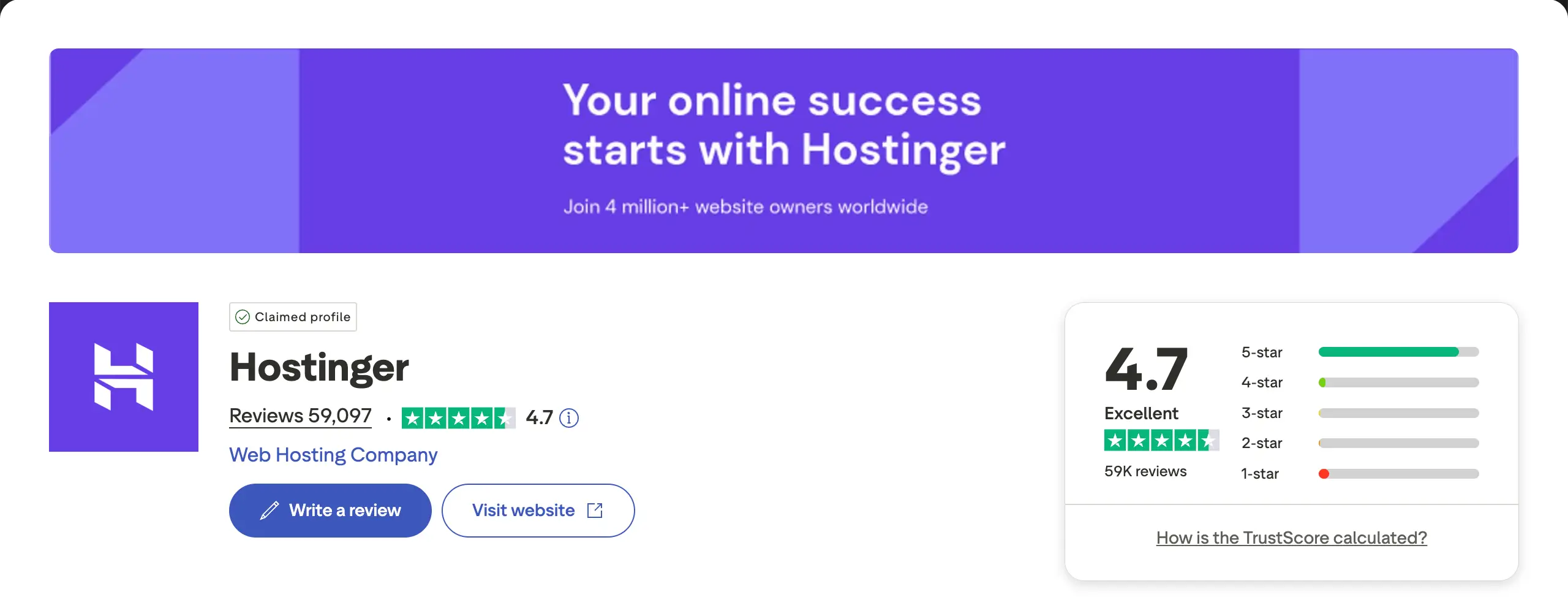
Pros
-
Intuitive hPanel Interface
-
Fast NVMe Storage
-
Free Domain & SSL
-
24/7 Live Chat Support
-
99.9% Uptime Guarantee
Cons
-
High Renewal Rates
-
No Phone Support
-
Limited Basic Plan Storage
-
Upselling in Dashboard
Pricing of Hostinger
Pricing starts from $143.52/four years with a 30-day refund policy.
3. Bluehost
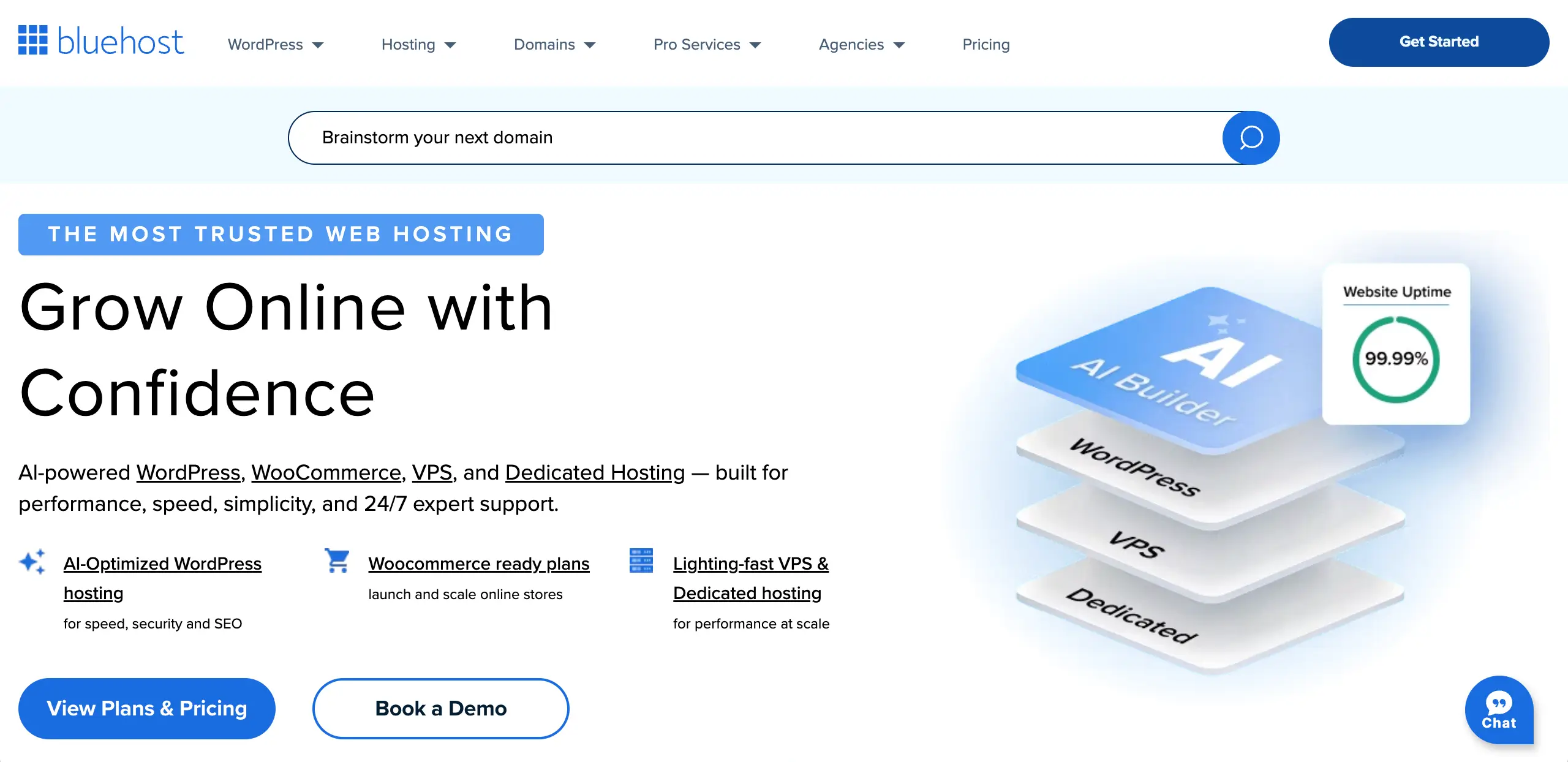
Bluehost focuses on simplicity and WordPress compatibility. Its intelligent wizard provides guided setup, so creative professionals can build portfolios without any confusion. Theme and plugin suggestions are tailored for professional sites. This saves time and reduces wrong choices during setup.
Another benefit is how Bluehost handles traffic growth. Unmetered bandwidth allows your portfolio to handle sudden attention. This is useful when your work gets shared or featured online. Phone support is also a big plus for users who prefer voice help over chat.
Explore the best Gutenberg block plugins for content marketing.
Key features of Bluehost
- WonderSuite Onboarding: AI-driven setup tailored specifically for creative and professional portfolios.
- WordPress-Optimized Infrastructure: Specifically tuned servers for the best compatibility with WP themes and plugins.
- Free Domain for 12 Months: Eliminates the initial cost of securing your professional brand name.
- Unmetered Bandwidth: Allows your portfolio to scale without penalties if your work goes viral.
- Built-in Staging Sites: Test new gallery plugins or design changes in a private environment.
- 24/7 Phone Support: Direct access to technicians for real-time troubleshooting and guidance.
Pros
-
Beginner-Friendly
-
Excellent Guided Setup