


WordPress introduced the Block Editor (Gutenberg) in 2018, replacing the Classic Editor to make content creation more visual and flexible. While the default block editor covers the basics, it quickly feels limiting when you want to build richer layouts, add interactive elements, or create conversion-focused content.
That’s where Gutenberg block plugins come in. These plugins extend the default editor by adding new blocks and advanced controls—allowing you to design everything from image galleries and sliders to tables, forms, call-to-action sections, and full WooCommerce layouts, all without leaving the block editor.
Some block plugins act as all-in-one block libraries, offering dozens of blocks in a single plugin. Others focus on specific use cases, such as media galleries, tables, interactive polls, marketing CTAs, or WooCommerce product layouts. Choosing the right plugin often depends on what type of content you want to build.
In this guide, we’ve categorized the best Gutenberg block plugins for WordPress based on their primary use cases. For each plugin, we’ll highlight key features, pros and cons, and who it’s best suited for—so you can quickly find the right solution for your site.
Choosing the Best Gutenberg Block Plugins
Today, Gutenberg block plugins can be used for creating almost all types of content. If you plan to design your entire website with the Gutenberg editor, you’ll need different types of plugins. That’s why it’s important to follow a smart checklist before choosing the best Gutenberg block plugins for WordPress. Explore the checklist below.
Plugin Purpose and Block Variety
Before choosing any plugin, understand what type of blocks you need. It could be for text content, buttons, tables, media, galleries, social, eCommerce, etc.
Customization Options
A good block plugin should allow design flexibility. You should be able to change colors, fonts, padding, and layout without needing custom CSS.
Template and Layout Library
Some plugins offer pre-built templates and layouts. Make sure your desired plugins also have a vast template library because they can save you a lot of time.
Conversion-Focused Elements
If your goal is lead generation or product sales, choose plugins that offer conversion-focused blocks, like CTAs, opt-in forms, testimonials, countdowns, coupons, etc.
Regular Updates and Support
Always choose plugins that are actively maintained. Otherwise, if you ever face any bug issue, it may ruin your entire site, breaching security.
Always choose plugins that are actively maintained. Otherwise, if you ever face any bug issue, it may ruin your entire site, breaching security.
All-in-One Gutenberg Block Libraries
If you want a wide range of blocks without installing multiple plugins, these all-in-one Gutenberg block libraries are the best place to start.
Ultimate Blocks
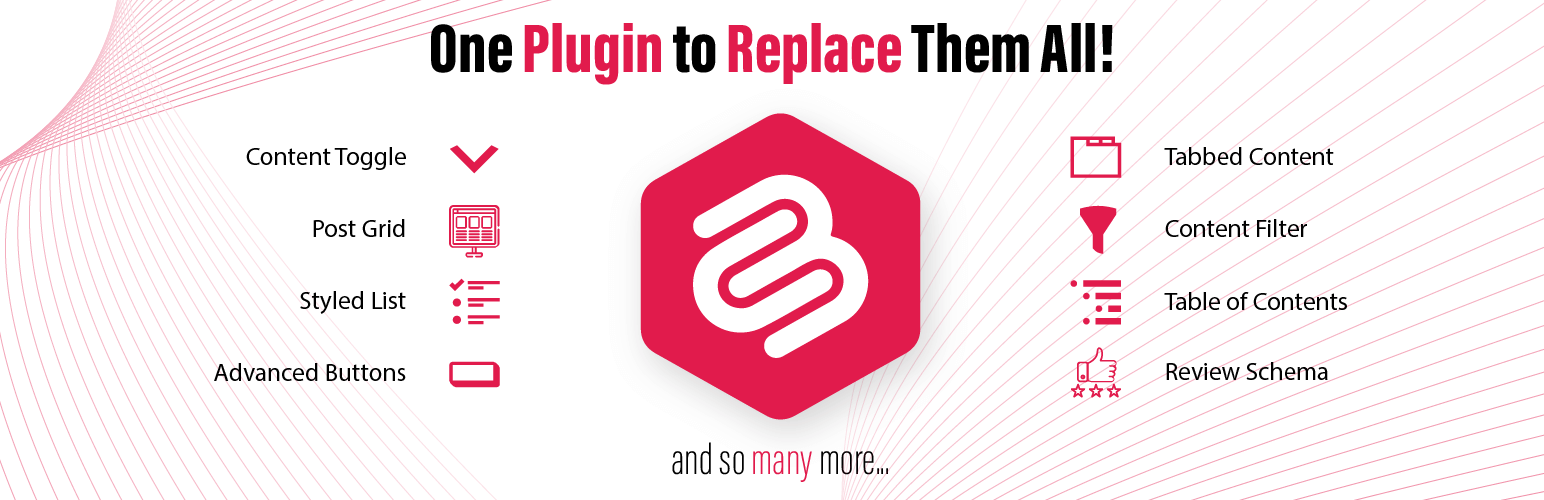
Ultimate Blocks is a well-known Gutenberg block plugin with 25+ custom blocks, especially developed for content creators and marketers. Some of its popular blocks are coupon, review, rating, styled list, social share, countdown, how-to, button, content filter, progress bar, tabbed content, testimonial, etc.
These blocks are built to improve both the structure and the readability of your content. Each block comes with extensive customization options. The plugin is lightweight and fast. If you are a blogger and dreaming of presenting your content in compelling ways, Ultimate Blocks must be in your shortlist.

Key features of Ultimate Blocks
Gutenberg-Native Experience: It is designed to work natively with the Gutenberg editor. It feels like a natural extension of WordPress itself. So, no learning curve is required.
Focused on Content Creation: It avoids flashy, unnecessary features but focuses on blocks that improve writing, formatting, and reader engagement. This makes it ideal for bloggers, writers, and marketers who want clean and effective content tools.
Customization Options: Most blocks come with customization settings. You can easily change colors, typography, spacing, and padding to reflect your desired styles.
SEO-Friendly Markup: Some blocks, like the Review Box and FAQ, are built with schema markup. They help your content get rich results in Google search.
Control Mobile Breakpoints: All blocks are fully responsive. Some blocks even allow you to adjust how they behave on mobile devices using breakpoint controls.
Pros
-
Extensive block collection
-
Performance focused
-
Free version is available
-
SEO optimization
Cons
-
Should have more blocks
-
Still, it misses AI integration
Pricing of Ultimate Blocks
Ultimate Blocks has a free version available. Its premium version starts from $49/year with a 14-day money-back guarantee.
WPMozo Blocks and Addons
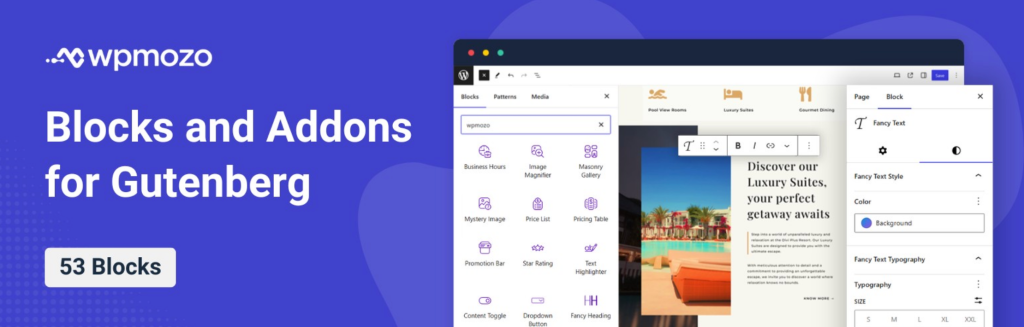
WPMozo Blocks and Addons plugin is a free WordPress plugin for the Gutenberg editor with over 50 blocks. Using the blocks of this plugin, you can create various types of webpage elements right on the Gutenberg page editor. For instance, you can create Content Toggle, Before and After Image Slider, Testimonial Slider, Vertical Blog Timeline, and more.
Each block is extremely easy to use and offers many features. Thus, enabling you to utilize the block in the most preferred way. It is developed by Elicus, the team behind the #1 Best-selling developers on the Elegant Themes marketplace.
Key Features of WPMozo Blocks and Addons
All the Essential Blocks in a Single Plugin: With a total of 53 blocks in this plugin, you make your Gutenberg editor so rich that you can possibly create any webpage elements. Whether a Fancy Heading or showing Facebook comments, with this plugin, you’re covered.
Fully Gutenberg-supported controls: For each Block, you’ll find the controls in the Block options of the Gutenberg editor on the right side.
Advanced Controls: You can add the WPMozo Blocks and customize them on a high level, whether text, color, or even the layout, with the built-in options, no custom code required.
Supports All Themes: The Blocks are fully compatible with a wide range of WordPress themes. So, you won’t find any issues, no matter the design configuration you have.
Lightweight and Fast: Because the blocks of the WPMozo Blocks and Addons plugin are built on the Gutenberg core, they are lightweight and fast, making your website serve your customers/visitors without stopping.
Pros
-
Multiple blocks in a single plugin.
-
Easy controls.
-
Available for free.
-
Developed by Experts.
Cons
-
No prebuilt templates.
-
Lacks Woo Blocks.
Pricing of WPMozo Blocks and Addons Plugin
The WPMozo Blocks and Addons plugin is available for free from the WordPress Repository. Use it on multiple websites, for a lifetime.
PostX

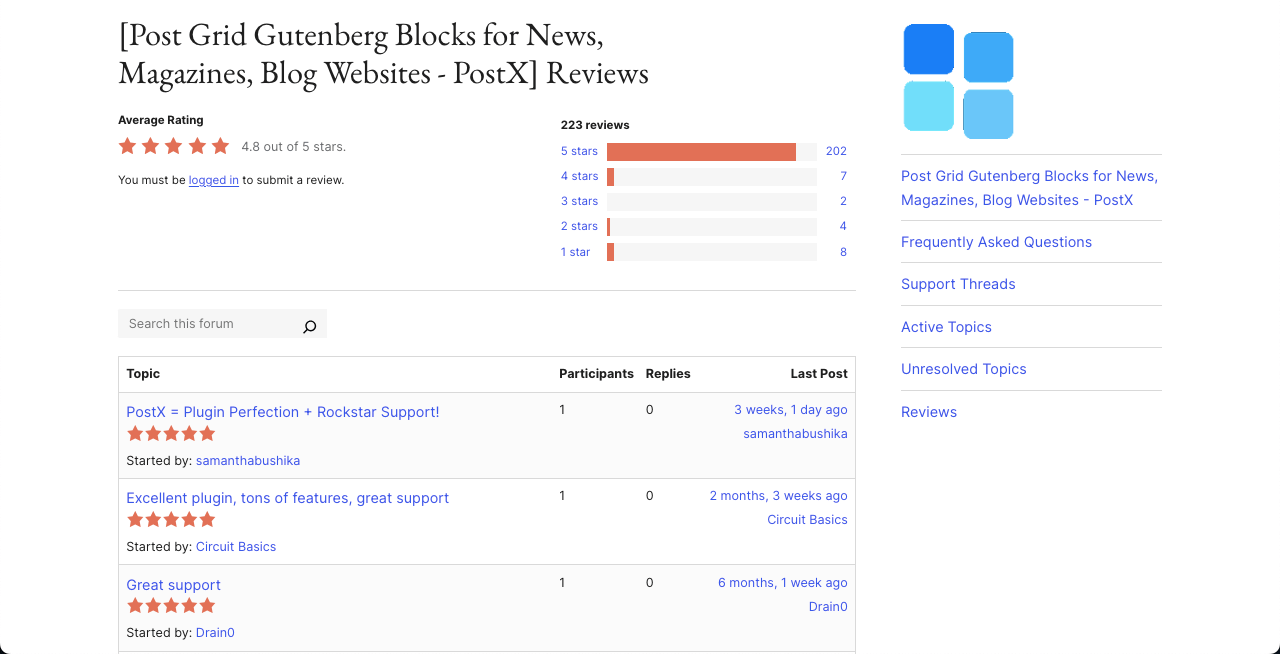
PostX has been designed especially to build dynamic blogs, magazines, and news websites in WordPress. With over 40 customizable post blocks and 250+ ready-to-use patterns, the plugin lets you create layouts and display blog posts in grid, list, slider, carousel, or module formats.
The plugin also includes a live Ajax search block, post filters, and flexible pagination so readers can easily filter and navigate to your content without refreshing or switching to another page. Users can sort and see posts by category, tags, authors, custom post types, and more using its advanced query builder.
Key features of PostX
Starter Sites: PostX comes with a great collection of templates for news, magazine, and blog websites. Just pick a template, customize it, and publish if you are short on time.
Advanced Query Builder: You can easily choose which posts to show using the query builder, so users can filter by categories, tags, authors, post types, popularity, etc.
Dynamic Site Builder: PostX includes a Gutenberg-based site builder to customize key pages, like Homepage, Archive pages, Author and tag pages, etc.
Global Styles: You can override your theme’s design with PostX global settings. Also, you can use custom color palettes, typography, and spacing across your site.
Front-End Submission: You can allow guest authors or clients to submit posts from the front end. You can review, add comments, and publish them from the dashboard.
Dynamic Content Support: PostX works with ACF (Advanced Custom Fields), so you can add custom fields inside post blocks to present content dynamically.
Pros
-
Extensive templates
-
Custom Font Upload
-
Includes reading progress bar
-
Integrates many page builders
Cons
-
Steep learning curve
-
Niche focused
Pricing of PostX
PostX has a free version available. Its premium version starts from $49/year with a 14-day refund policy.
Media & Visual Content Blocks
These Gutenberg block plugins are designed specifically for visual content such as image galleries, sliders, and media-rich layouts.
Galleryberg

If you are thinking of creating a website that will have to rely on visual content a lot, you might need a feature-rich gallery builder plugin. For example, websites like eCommerce, photography, portfolio, event management, travel agency, magazine, art gallery, etc., have to depend on such a solution a lot.
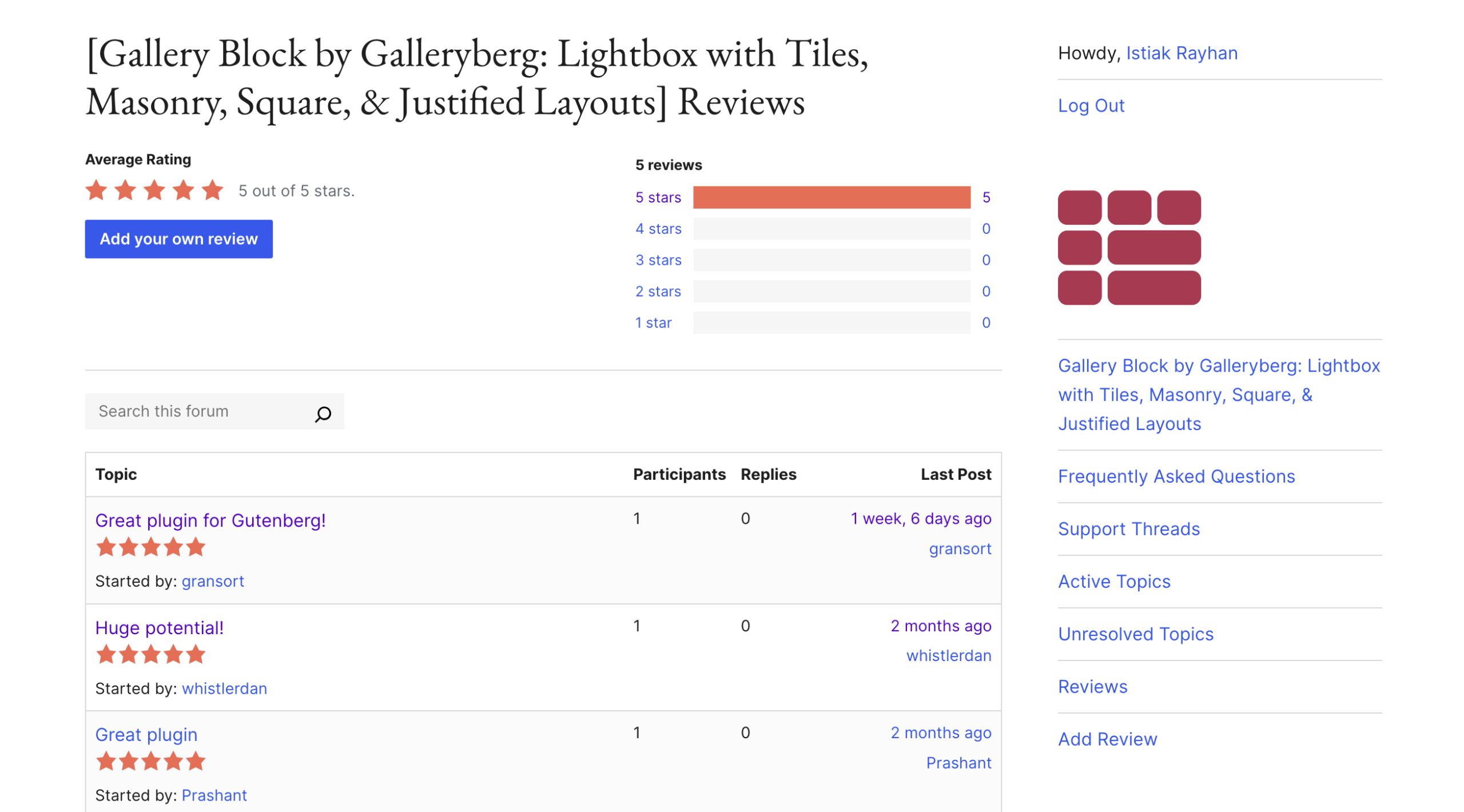
Galleryberg is a Gutenberg-friendly plugin that can help you in this case. You can create stunning and responsive image galleries anywhere on your posts and pages on WordPress. You’ll get all the features and support that a modern gallery builder must have today.
Key features of Galleryberg
Built-in Lightbox: Galleryberg includes a beautiful lightbox feature. When someone clicks on a photo, it opens in a full-screen popup with smooth animations.
Multiple Layouts: You can choose from several gallery layouts to display your content. They are Grid, Masonry, Justified, and Carousel.
Hover Effects: It makes your galleries more engaging with hover animations. When visitors move their mouse over an image, beautiful effects appear.
Easy Customization: You can adjust spacing between images, border radius, colors & backgrounds, number of columns, etc., to customize the gallery.
Mobile Responsive: Galleries built with the plugin look perfectly well on all device types – mobile phones, tablets, and desktops.
Pros
-
Multiple layouts
-
Easy to use
-
Free to use
Cons
-
Limited features
-
More advanced features are required
Pricing of Galleryberg
Galleryberg is completely free to use. It doesn’t have a premium version yet.
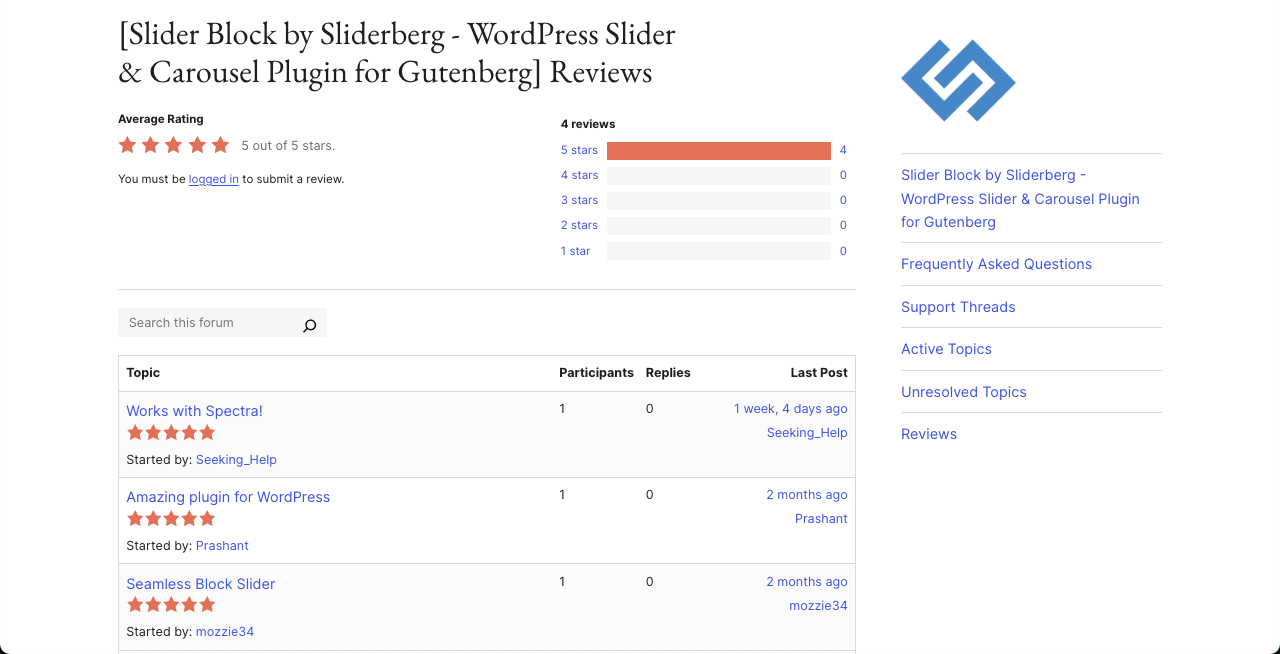
Sliderberg

If you were ever wondering about a feature-rich and Gutenberg-friendly slider plugin, you can try the Sliderberg plugin. Not only can you showcase images, but you can also showcase products, testimonials, features, portfolio, videos, and much more content smoothly on the WordPress editor with this plugin.
Its Carousel Mode allows you to display multiple slides at once with custom breakpoints for mobile, tablet, and desktop. If you are thinking of running any campaign, you can display promotional banners in the slider format in the hero section.
Key features of Sliderberg
Flexible Navigation: You can control how users move through slides. It includes Arrows (positioned at the top, bottom, or split sides) and Dots below the slider. You can customize their style, color, and placement.
Custom Styling: You can control how your slider looks with options for Colors, Backgrounds, Opacity, Spacing, and Slide positioning.
Slide Almost Anything You Like: You’re not limited to just images. You can place any block (text, video, buttons, testimonials, products, etc.) inside each slide.
Beautiful Transition Effects: Sliderberg offers smooth and modern transition effects like Slide, Fade, and Zoom.
Accessibility First: It’s built with ARIA labels and supports full keyboard navigation. This makes it easy for people using assistive technologies to navigate your content.
Pros
-
Lightweight plugin
-
Easy to use
-
Fully responsive
Cons
-
Limited advanced features
-
Basic support
Pricing of Sliderberg
Sliderberg has a free version available. It doesn’t have a premium version yet.
Table & Structured Content Blocks
When your content involves comparisons, pricing, or structured data, table-focused Gutenberg plugins give you far more control than default blocks.
Tableberg
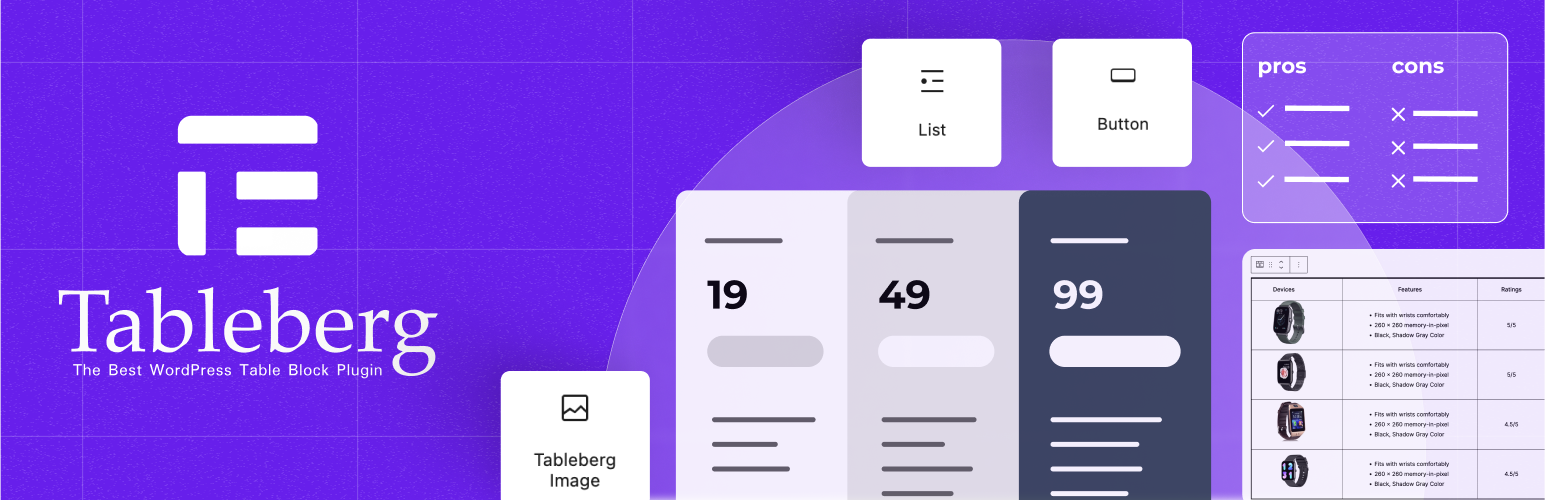
Tableberg is a specialized Gutenberg block plugin for creating responsive tables. It allows you to insert images, buttons, star ratings, icons, ribbons, styled lists, and more through custom blocks. This makes the plugin ideal for creating comparison tables, product tables, directory listings, and more.
In addition to an intuitive interface, the plugin includes a library of readymade templates so you can instantly prepare your tables, saving valuable time. So, if you feel like the default table block isn’t enough for your professional data presentation, Tableberg is ready to satisfy all your needs.

Key features of Tableberg
Gutenberg-Native Experience: Like Ultimate Blocks, this Tableberg plugin is also designed to work natively with the Gutenberg editor. So, you don’t have to invest any time in the learning curve.
Comprehensive Customization: You can customize the header, footer, border, color, and each cell individually to make the table look as you want.
Rich Content Support: As already said, Tableberg allows you to display various types of content, like images, buttons, icons, lists, styled lists, ribbons, and more. This isn’t possible with the default table block.
Cell Merging: You can merge multiple cells as you can in Excel and Google Spreadsheets. This is great for advanced data presentation.
AI Table Builder: If you don’t have enough to build a table, just describe the type of table and data you want to present. Its AI feature will generate a table instantly for you.
Pros
-
Easy to display different types of content
-
Continuous development
-
Easy to use and customize
-
AI integration
Cons
-
Limited custom block collection
-
Limited template library
Pricing of Tableberg
Tableberg has a free version available. Its premium version starts from $50/year with a 30-day money-back guarantee.
Forms, Polls & Interactive Blocks
Interactive Gutenberg blocks help you collect leads, feedback, and opinions directly from your content.
WPForms
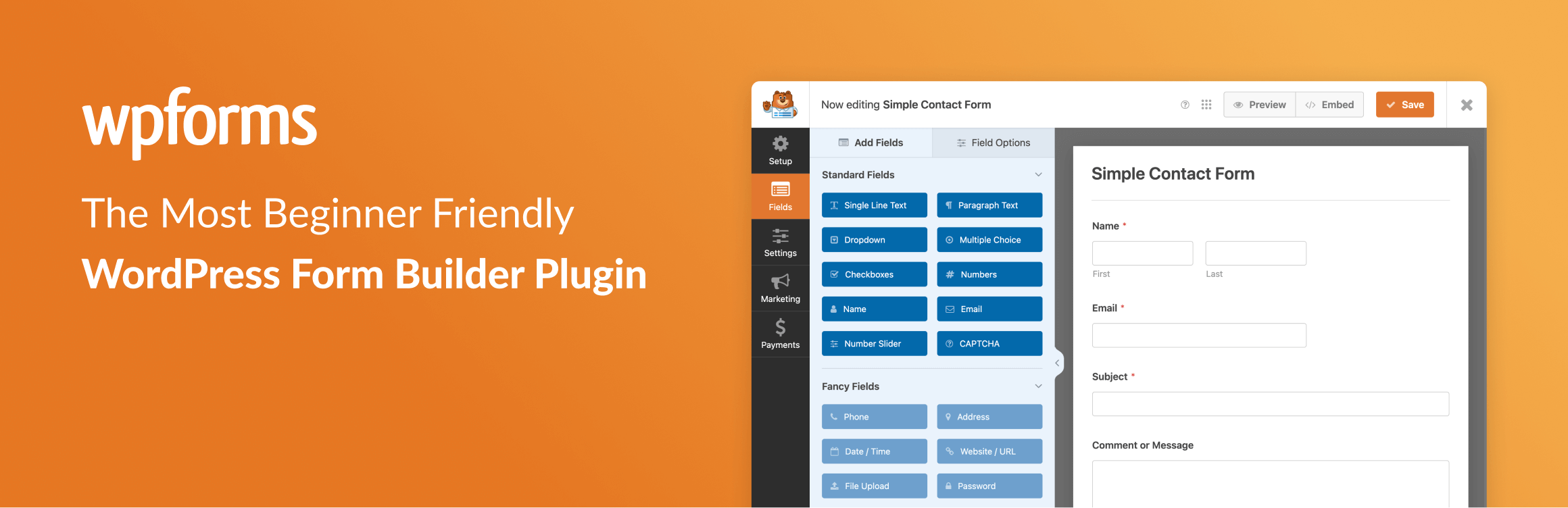
Without a form plugin, it’s impossible to collect leads and grow a loyal audience base for your website. WPForms is one of the most popular form builder plugins for WordPress. It comes with a simple drag-and-drop form builder that helps you create any kind of form in just a few minutes.
You can build contact forms, feedback forms, payment forms, booking forms, survey forms, and even advanced calculator forms without writing a single line of code. You can design your form in the backend. Once done, you can easily add it to your posts and pages via a dedicated block coming with the plugin.
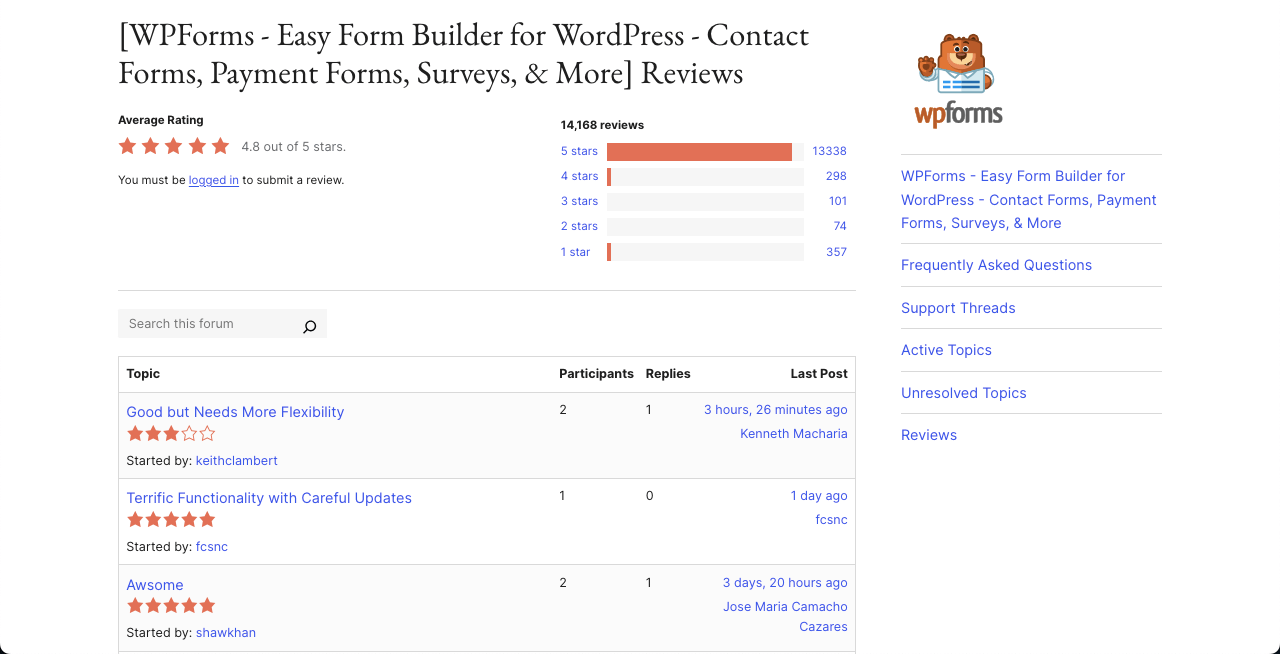
Key features of WPForms
Pre-Built Form Templates: WPForms gives you over 2000 ready-to-use templates. These include contact forms, feedback forms, registration forms, job application forms, donation forms, and more.
Payment Forms: You can collect payments directly through your forms using Stripe, PayPal, Square, and Authorize.Net. It supports both one-time and recurring payments, which are perfect for booking, orders, or donation forms.
User Registration and Login Forms: You can create custom WordPress login forms and user registration forms.
Calculator Forms: Using the Calculations addon, you can create forms that do math for price, loan, shipping cost, and quote calculations.
Conditional Logic: It’s easy to show or hide form fields based on what users select. E.g., if someone chooses ‘Credit Card’, only then will the credit card field appear.
File Uploads: It lets users upload files, images, or documents through the form. Ideal for resumes, applications, support tickets, etc.
Pros
-
Spam protection
-
Support & Documentation
-
Multi-page forms
-
AI Form Generator
-
Geolocation support
Cons
-
Beginners may get overwhelmed by many features
-
Costly premium plans
Pricing of WPForms
WPForms has a free version available. Its premium version starts from $99/year with a 14-day refund policy.
OpinionCamp
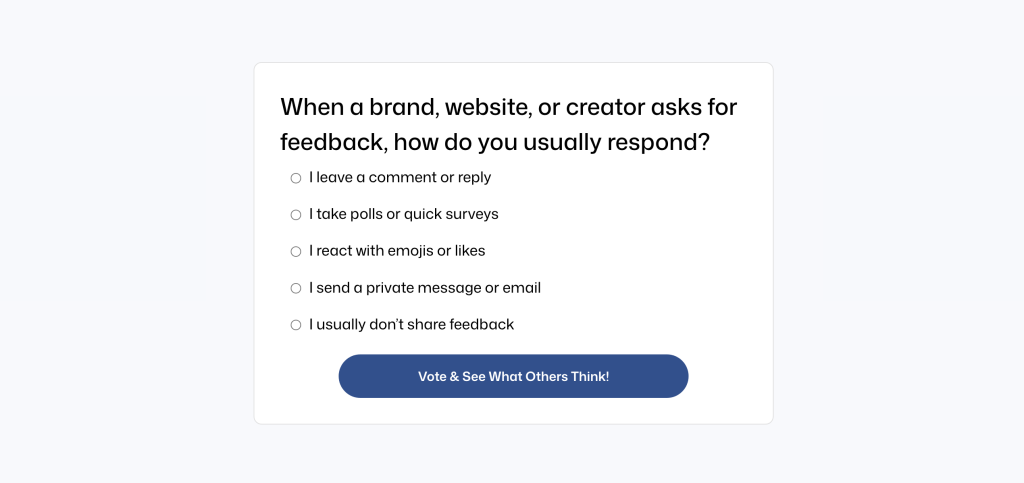
OpinionCamp is a modern poll plugin built exclusively for the Gutenberg editor. It lets you add interactive polls directly to posts or pages without relying on third‑party platforms or shortcodes.
The plugin provides complete control over poll settings, layout, and voting behaviour through an intuitive block interface. You can customise question types, choose between single‑choice or multiple‑choice polls, and adjust colours, typography, and layout styles from the native WordPress editor. Because OpinionCamp is block‑based, it loads quickly and blends seamlessly into your content, making it ideal for blogs, WooCommerce stores, or membership sites where quick feedback and engagement are important.
Key features of OpinionCamp
Gutenberg‑native Poll Block: You create polls directly inside the WordPress block editor without shortcodes or external forms.
Live Preview While Building: You can see changes to your poll instantly as you edit.
Multiple Poll Types: Support for single‑choice and multiple‑choice polls.
Style Controls for Colours, Typography, and Layout: You can customise the look and feel of polls to match your site.
Mobile‑responsive and Lightweight: Polls load quickly and display properly on different devices.
Future‑ready Roadmap: Features such as beautiful results display, quizzes, surveys, and reaction widgets are planned for future releases.
Pros
-
Built exclusively for Gutenberg
-
Highly customisable
-
User-friendly and lightweight
-
Expandable roadmap
Cons
-
Currently limited to polls
-
Results display and analytics are basic
CTA, Marketing & Conversion Blocks
These Gutenberg block plugins are built to help turn visitors into leads or customers using call-to-action focused blocks.
ConvertForce
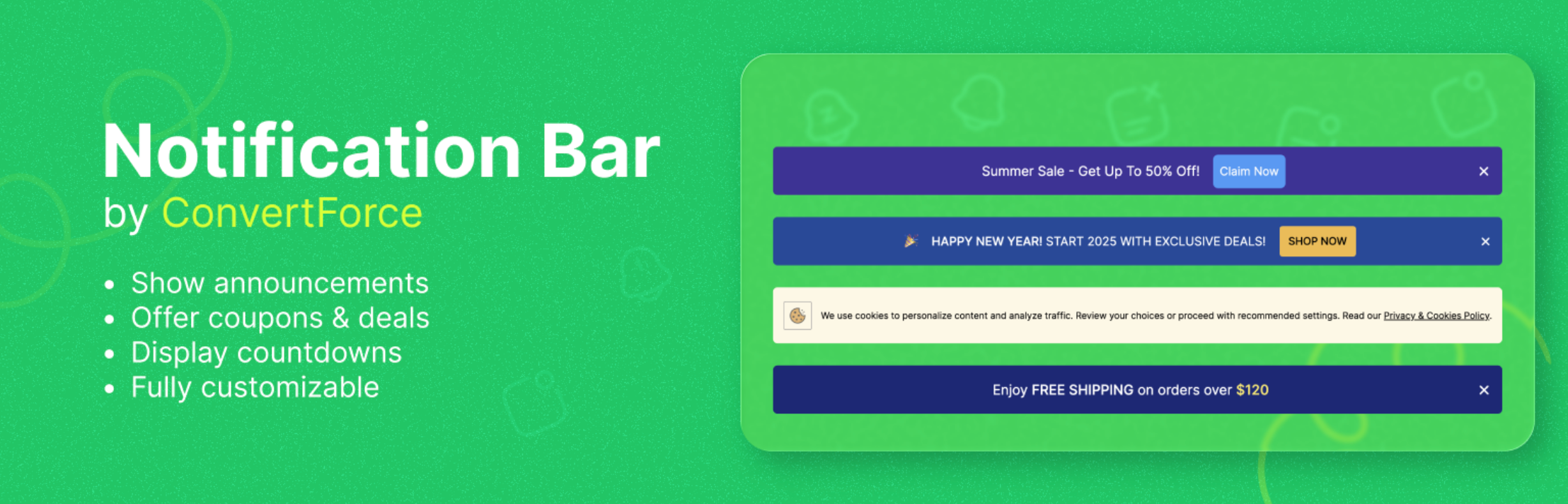
ConvertForce is a lightweight WordPress plugin that helps site owners add notification bars, sticky calls to action, and floating buttons using the Gutenberg editor.
The plugin is built for performance; it loads only the necessary assets and uses a native block interface so you can design notification bars without any shortcodes or external builders. The plugin is ideal for promoting discounts, announcing product launches, or highlighting important messages. Because it works inside the WordPress editor, you can customise text, colours, buttons, and icons, and control when and where bars appear using simple display rules.
Key features of ConvertForce
Gutenberg‑native Notification Bar: You can design notification bars using the block editor without shortcodes or third‑party builders.
Sticky or Floating Bars at Top/Bottom: You can show bars at the top or bottom of any page and make them stick as the reader scrolls.
Fully Customisable Text, Buttons, and Colours: Adjust typography, colours, backgrounds, and icons to match your branding.
Smart Targeting Rules: You can control where and when bars appear by targeting specific pages.
Responsive Design: Bars adapt to desktop and mobile screens.
Lightweight and Fast: The plugin prioritises performance and does not slow down your site at convertforce.com.
Pros
-
Seamless WordPress integration
-
Highly customisable design options
-
Performance-friendly
-
Beginner-friendly
Cons
-
No analytics yet
-
Limited advanced features
Pricing of ConvertForce
ConvertForce offers a free version on WordPress.org. A pro version with advanced targeting, scheduling, and more design options is in development.
WP Call Button
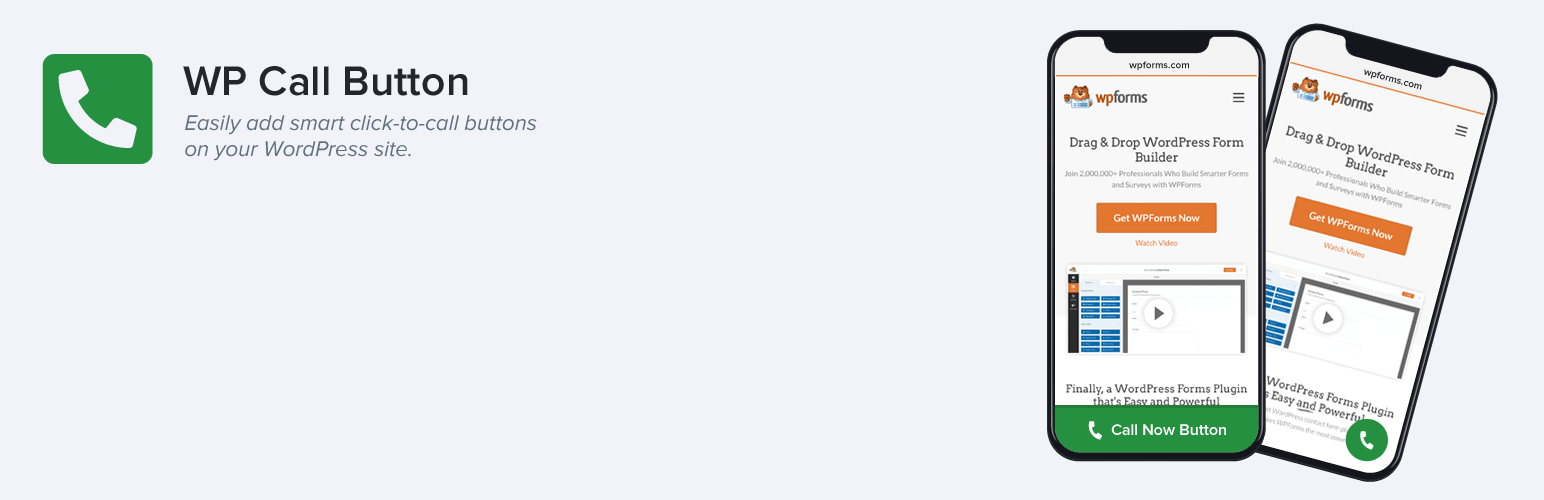
With the WP Call Button, you can create and add customizable call-to-action buttons, specifically for initiating phone calls, within the WordPress block editor. The plugin comes with a smart floating call button that stays visible as users scroll, which can help increase engagement.
Although the button works on all device types, you may limit it only to specific device types as well. For example, you may hide the button on desktops and tablets, but display it only on mobile browsers. In addition to Gutenberg, it works well with Classic Editor, Elementor, WPForms, and WooCommerce.
Key features of WP Call Button
Built-in Country Code Picker: WP Call Button includes a smart country picker. It ensures your phone number includes the correct country code for global calling.
Static Call Button Generator: Besides the floating button, you can use the static button generator to place a call button anywhere on your site.
Google Analytics Event Tracking: WP Call Button comes with built-in event tracking. It works with Google Analytics to show you which pages bring in the most phone calls.
Compatible with Popular Plugins: It works perfectly with major plugins like WPForms, Elementor, and WooCommerce. You can easily add a call button inside forms, product pages, or any part of your site.
Customizable Design: You can easily change the button color, text, style, and size to match your website branding.
Pros
-
Conversion-focused
-
Customizable design
-
Simple setup
-
Compatible with many plugins
Cons
-
Limited feature
-
Niche centric
Pricing of WP Call Button
WP Call Button is free to use. We haven’t found its premium version yet.
WooCommerce Gutenberg Block Plugins
If you’re running a WooCommerce store with block-based layouts, these plugins add powerful product-focused Gutenberg blocks.
WowAddons
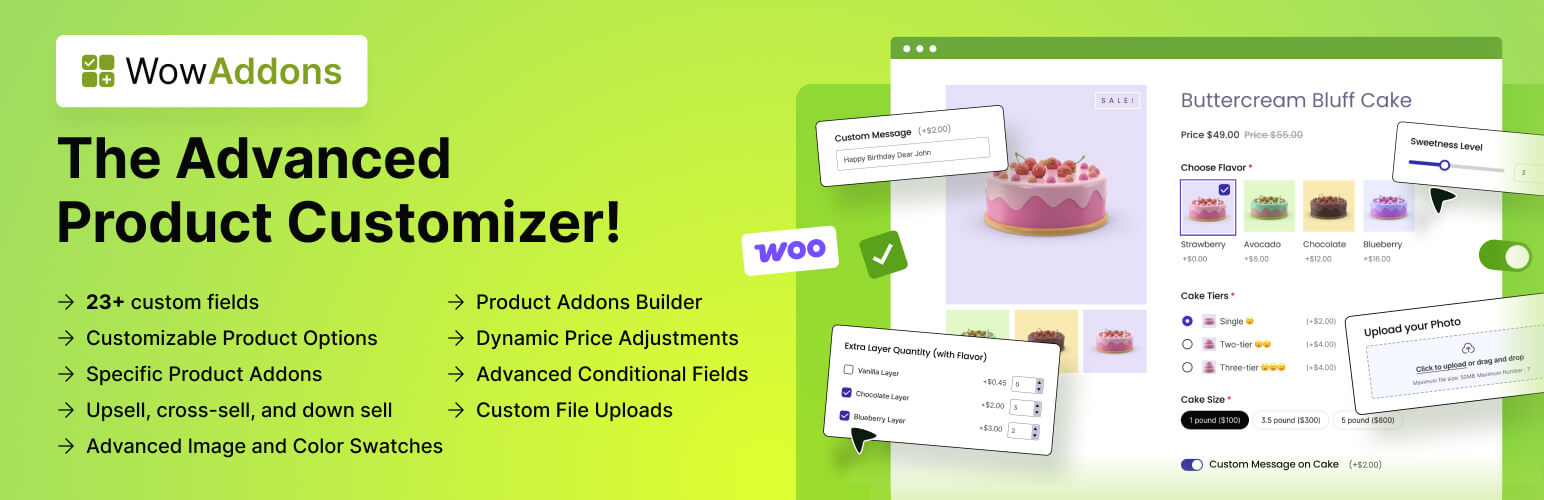
If you are looking for any Gutenberg block-friendly WooCommerce product addon, you must give WowAddons a try. It lets you add 23+ custom product fields like swatches, radio buttons, dropdowns, file uploads, date pickers, sliders, and more to the product page that was once impossible without page builders.
Whether you want customers to upload a design for a T-shirt or select delivery dates, WowAddons makes product customization simple and flexible. Its lightweight design and advanced conditional logic let you show or hide fields based on user selections. It includes the upsell and cross-sell features as well.
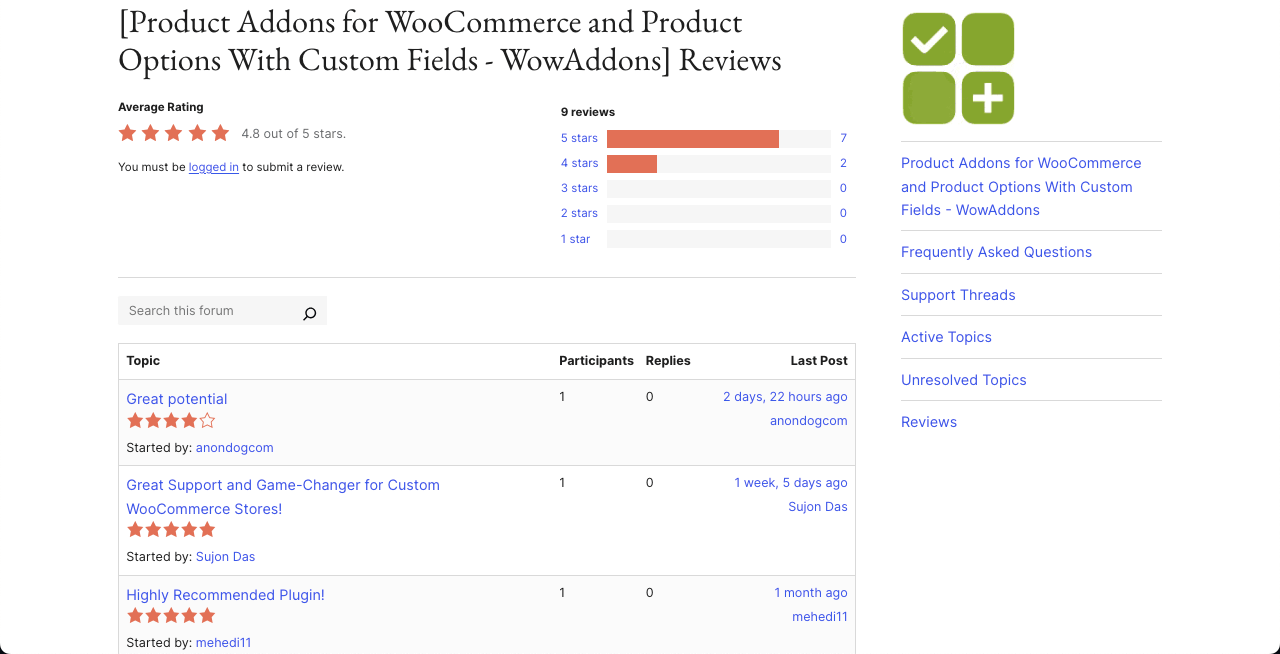
Key features of WowAddons
File Upload Field: It lets users upload files directly on the product page, which is perfect for print-on-demand businesses.
Date and Time Picker: This allows you to collect delivery or booking dates from users. This is ideal for offering scheduled services or date-sensitive products.
Range Slider: With this feature, users can pick a number within a range. This is useful for selecting quantities, lengths, weights, or price estimates.
Custom Buttons: You can add custom buttons to help users make quick decisions while choosing product features.
Advanced Conditional Logic: It’s easy to show or hide fields based on what the customer chooses. For example, show the date field only if the buyer selects ‘Scheduled Delivery.’
Pros
-
Dynamic pricing option
-
Many customization options
-
Conditional logic
Cons
-
Learning curve
-
Limited features in the free version
Pricing of WowAddons
WowAddons has a free version available. Its premium version starts from $69/year with a 14-day refund policy.
WowStore
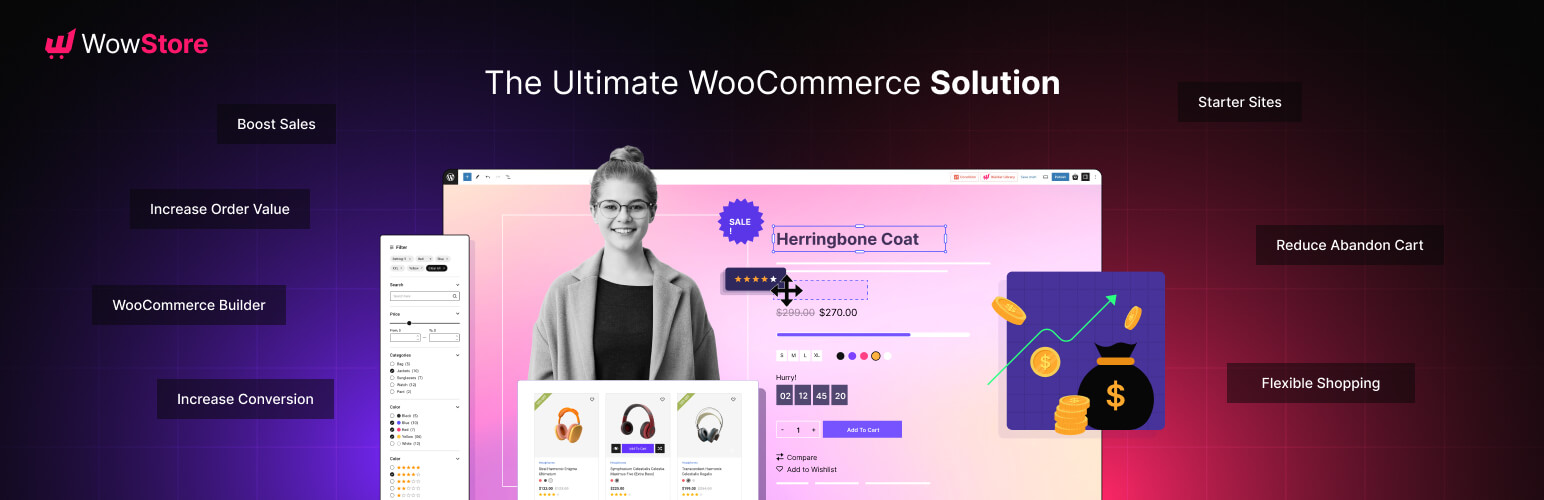
WowStore is WooCommerce builder plugin that has been designed to create professional eCommerce websites within the WordPress block editor. It offers over 53 blocks, including product grids, sliders, category displays, and advanced features like pre-order, currency switchers, and more.
It enables you to build fully functional online stores with customizable templates for home, shop, and checkout pages. It’s best suited for online retailers, small businesses, and WooCommerce users looking to create fast, conversion-optimized stores without complex coding.
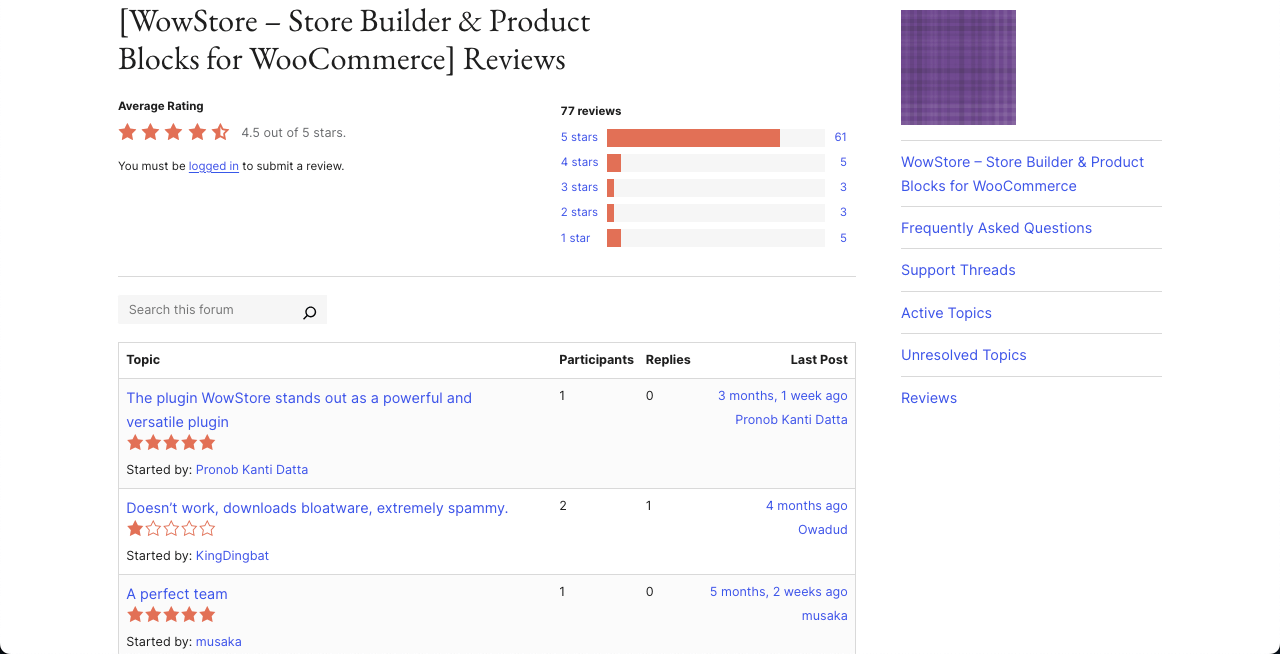
Key features of WowStore
WooCommerce Builder: You can build all the necessary pages, like shop, product archive, product category, single product, cart, checkout, etc., that are a must for WooCommerce.
Advanced Shopping Experience: You can offer an advanced shopping experience to the customer by product filters, variation switchers, quick view, wishlist, and more options.
Sales Boosting: Preorder, backorder, partial payments, currency switcher, stock progress bar, etc., can help you boost sales.
Increase Average Order Value: Upsell, cross-selling, and free shipping bar can remarkably increase average order value.
Pros
-
SEO friendly
-
Comprehensive integration
-
Customer support
-
Reduces cart abandonment
Cons
-
Security concerns
-
Limited scalability
Pricing of WowStore
WowStore has a free version. Its premium version starts from $49/year with a 14-day refund policy.
Final Thoughts!
You won’t find a shortage of Gutenberg block plugins these days. There are many high-performing block plugins. But in this article, we’ve listed some of the best Gutenberg block plugins for WordPress, covering different types and use cases so you can find everything you need in one place.
We hope this article serves as a helpful checklist for you. If you find it useful, don’t forget to let us know in the comments. Your feedback will inspire us a lot!
Leave a Reply