


WordPress introduced the Block Editor (Gutenberg) in 2018, replacing the Classic Editor to make content creation more visual and flexible. While the default block editor covers the basics, it quickly feels limiting when you want to build richer layouts, add interactive elements, or create conversion-focused content.
That’s where Gutenberg block plugins come in. These plugins extend the default editor by adding new blocks and advanced controls—allowing you to design everything from image galleries and sliders to tables, forms, call-to-action sections, and full WooCommerce layouts, all without leaving the block editor.
Some block plugins act as all-in-one block libraries, offering dozens of blocks in a single plugin. Others focus on specific use cases, such as media galleries, tables, interactive polls, marketing CTAs, or WooCommerce product layouts. Choosing the right plugin often depends on what type of content you want to build.
In this guide, we’ve categorized the best Gutenberg block plugins for WordPress based on their primary use cases. For each plugin, we’ll highlight key features, pros and cons, and who it’s best suited for—so you can quickly find the right solution for your site.
Choosing the Best Gutenberg Block Plugins
Today, Gutenberg block plugins can be used for creating almost all types of content. If you plan to design your entire website with the Gutenberg editor, you’ll need different types of plugins. That’s why it’s important to follow a smart checklist before choosing the best Gutenberg block plugins for WordPress. Explore the checklist below.
Plugin Purpose and Block Variety
Before choosing any plugin, understand what type of blocks you need. It could be for text content, buttons, tables, media, galleries, social, eCommerce, etc.
Customization Options
A good block plugin should allow design flexibility. You should be able to change colors, fonts, padding, and layout without needing custom CSS.
Template and Layout Library
Some plugins offer pre-built templates and layouts. Make sure your desired plugins also have a vast template library because they can save you a lot of time.
Conversion-Focused Elements
If your goal is lead generation or product sales, choose plugins that offer conversion-focused blocks, like CTAs, opt-in forms, testimonials, countdowns, coupons, etc.
Regular Updates and Support
Always choose plugins that are actively maintained. Otherwise, if you ever face any bug issue, it may ruin your entire site, breaching security.
Always choose plugins that are actively maintained. Otherwise, if you ever face any bug issue, it may ruin your entire site, breaching security.
All-in-One Gutenberg Block Libraries
If you want a wide range of blocks without installing multiple plugins, these all-in-one Gutenberg block libraries are the best place to start.
Ultimate Blocks
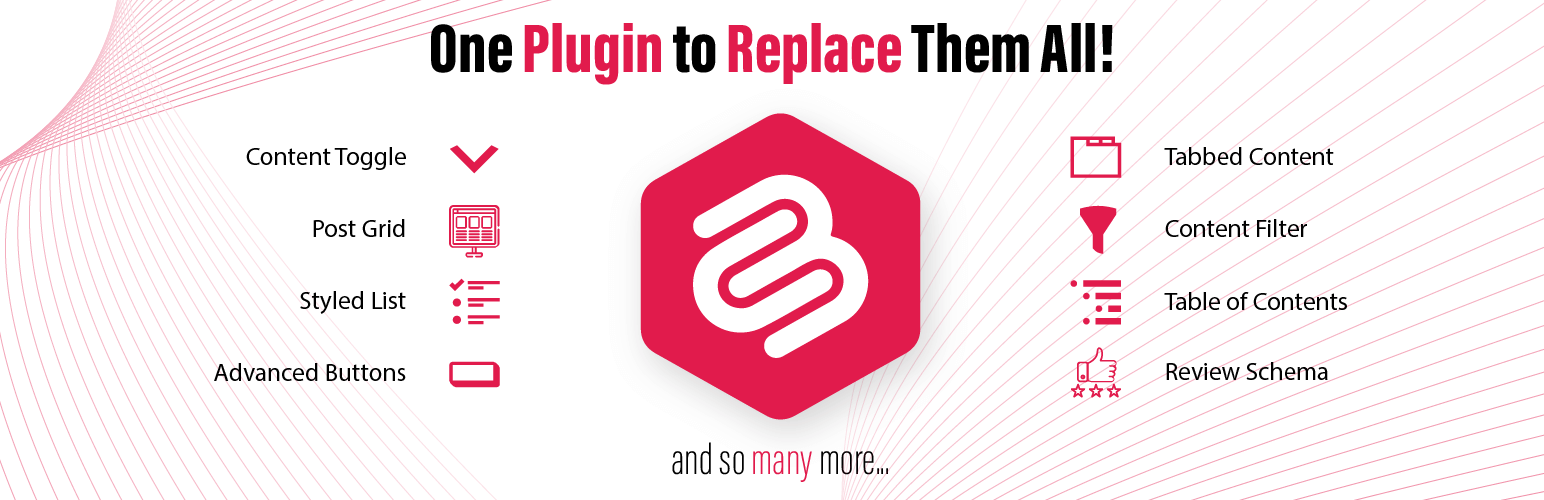
Ultimate Blocks is a well-known Gutenberg block plugin with 25+ custom blocks, especially developed for content creators and marketers. Some of its popular blocks are coupon, review, rating, styled list, social share, countdown, how-to, button, content filter, progress bar, tabbed content, testimonial, etc.
These blocks are built to improve both the structure and the readability of your content. Each block comes with extensive customization options. The plugin is lightweight and fast. If you are a blogger and dreaming of presenting your content in compelling ways, Ultimate Blocks must be in your shortlist.

Key features of Ultimate Blocks
Gutenberg-Native Experience: It is designed to work natively with the Gutenberg editor. It feels like a natural extension of WordPress itself. So, no learning curve is required.
Focused on Content Creation: It avoids flashy, unnecessary features but focuses on blocks that improve writing, formatting, and reader engagement. This makes it ideal for bloggers, writers, and marketers who want clean and effective content tools.
Customization Options: Most blocks come with customization settings. You can easily change colors, typography, spacing, and padding to reflect your desired styles.
SEO-Friendly Markup: Some blocks, like the Review Box and FAQ, are built with schema markup. They help your content get rich results in Google search.
Control Mobile Breakpoints: All blocks are fully responsive. Some blocks even allow you to adjust how they behave on mobile devices using breakpoint controls.
Pros
-
Extensive block collection
-
Performance focused
-
Free version is available
-
SEO optimization
Cons
-
Should have more blocks
-
Still, it misses AI integration
Pricing of Ultimate Blocks
Ultimate Blocks has a free version available. Its premium version starts from $49/year with a 14-day money-back guarantee.
WPMozo Blocks and Addons
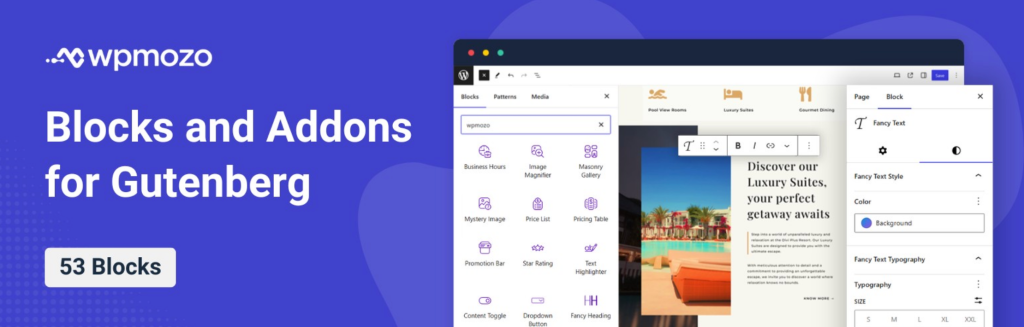
WPMozo Blocks and Addons plugin is a free WordPress plugin for the Gutenberg editor with over 50 blocks. Using the blocks of this plugin, you can create various types of webpage elements right on the Gutenberg page editor. For instance, you can create Content Toggle, Before and After Image Slider, Testimonial Slider, Vertical Blog Timeline, and more.
Each block is extremely easy to use and offers many features. Thus, enabling you to utilize the block in the most preferred way. It is developed by Elicus, the team behind the #1 Best-selling developers on the Elegant Themes marketplace.
Key Features of WPMozo Blocks and Addons
All the Essential Blocks in a Single Plugin: With a total of 53 blocks in this plugin, you make your Gutenberg editor so rich that you can possibly create any webpage elements. Whether a Fancy Heading or showing Facebook comments, with this plugin, you’re covered.
Fully Gutenberg-supported controls: For each Block, you’ll find the controls in the Block options of the Gutenberg editor on the right side.
Advanced Controls: You can add the WPMozo Blocks and customize them on a high level, whether text, color, or even the layout, with the built-in options, no custom code required.
Supports All Themes: The Blocks are fully compatible with a wide range of WordPress themes. So, you won’t find any issues, no matter the design configuration you have.
Lightweight and Fast: Because the blocks of the WPMozo Blocks and Addons plugin are built on the Gutenberg core, they are lightweight and fast, making your website serve your customers/visitors without stopping.
Pros
-
Multiple blocks in a single plugin.
-
Easy controls.
-
Available for free.
-
Developed by Experts.
Cons
-
No prebuilt templates.
-
Lacks Woo Blocks.
Pricing of WPMozo Blocks and Addons Plugin
The WPMozo Blocks and Addons plugin is available for free from the WordPress Repository. Use it on multiple websites, for a lifetime.
PostX

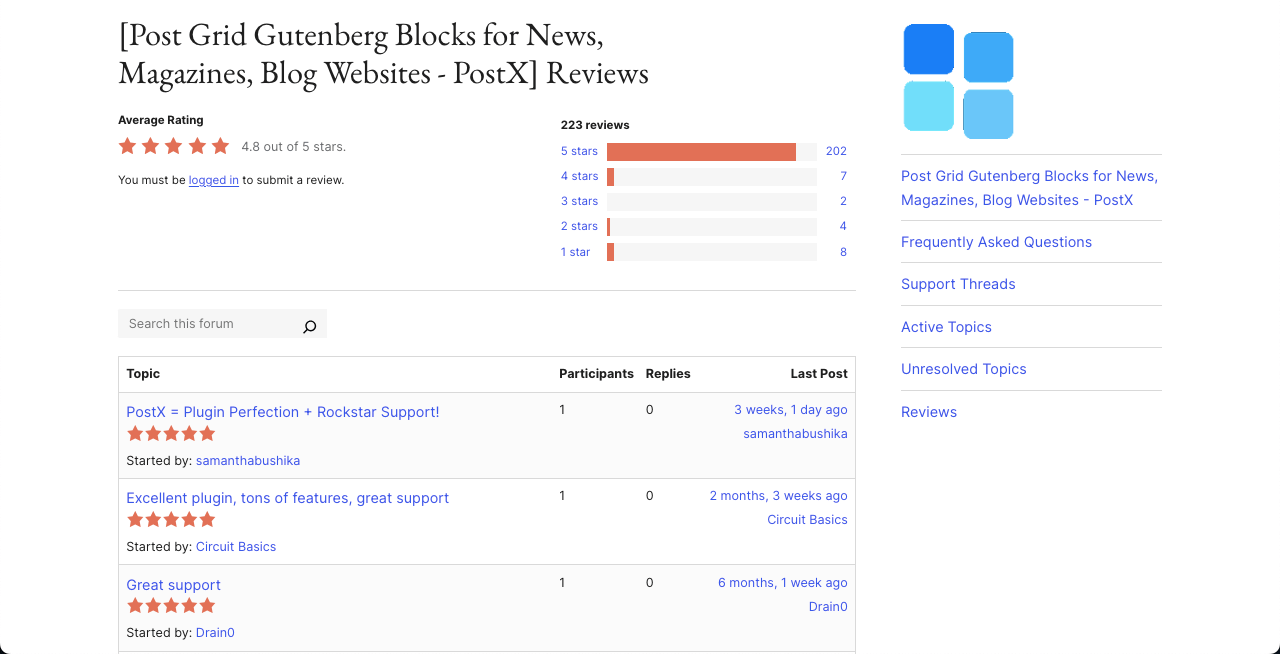
PostX has been designed especially to build dynamic blogs, magazines, and news websites in WordPress. With over 40 customizable post blocks and 250+ ready-to-use patterns, the plugin lets you create layouts and display blog posts in grid, list, slider, carousel, or module formats.
The plugin also includes a live Ajax search block, post filters, and flexible pagination so readers can easily filter and navigate to your content without refreshing or switching to another page. Users can sort and see posts by category, tags, authors, custom post types, and more using its advanced query builder.
Key features of PostX
Starter Sites: PostX comes with a great collection of templates for news, magazine, and blog websites. Just pick a template, customize it, and publish if you are short on time.
Advanced Query Builder: You can easily choose which posts to show using the query builder, so users can filter by categories, tags, authors, post types, popularity, etc.
Dynamic Site Builder: PostX includes a Gutenberg-based site builder to customize key pages, like Homepage, Archive pages, Author and tag pages, etc.
Global Styles: You can override your theme’s design with PostX global settings. Also, you can use custom color palettes, typography, and spacing across your site.
Front-End Submission: You can allow guest authors or clients to submit posts from the front end. You can review, add comments, and publish them from the dashboard.
Dynamic Content Support: PostX works with ACF (Advanced Custom Fields), so you can add custom fields inside post blocks to present content dynamically.
Pros
-
Extensive templates
-
Custom Font Upload
-
Includes reading progress bar