

Page builders such as Elementor, Divi, and Beaver Builder have undoubtedly made web design easier for everyone. You can drag blocks, tweak styling, and build complex layouts without touching code. They are great tools when you need fast design power and freedom.
But when it comes to image galleries, many page builder galleries offer more than most websites actually need. They load heavy scripts, add extra layers of settings, and depend on the builder’s structure. This can hurt the page loading speed and cause bugs after updates.
Today, WordPress offers strong native tools through Gutenberg and simple gallery plugins. These options are lighter, faster, and easier to maintain. So the question becomes simple: do you really need the extra weight of a page builder gallery when simpler solutions work better?
We’ll comprehensively discuss this question in this article and introduce you to a Gutenberg-native gallery builder plugin in the end. Be with us till the end!
The Appeal of Page Builder Galleries (At First)
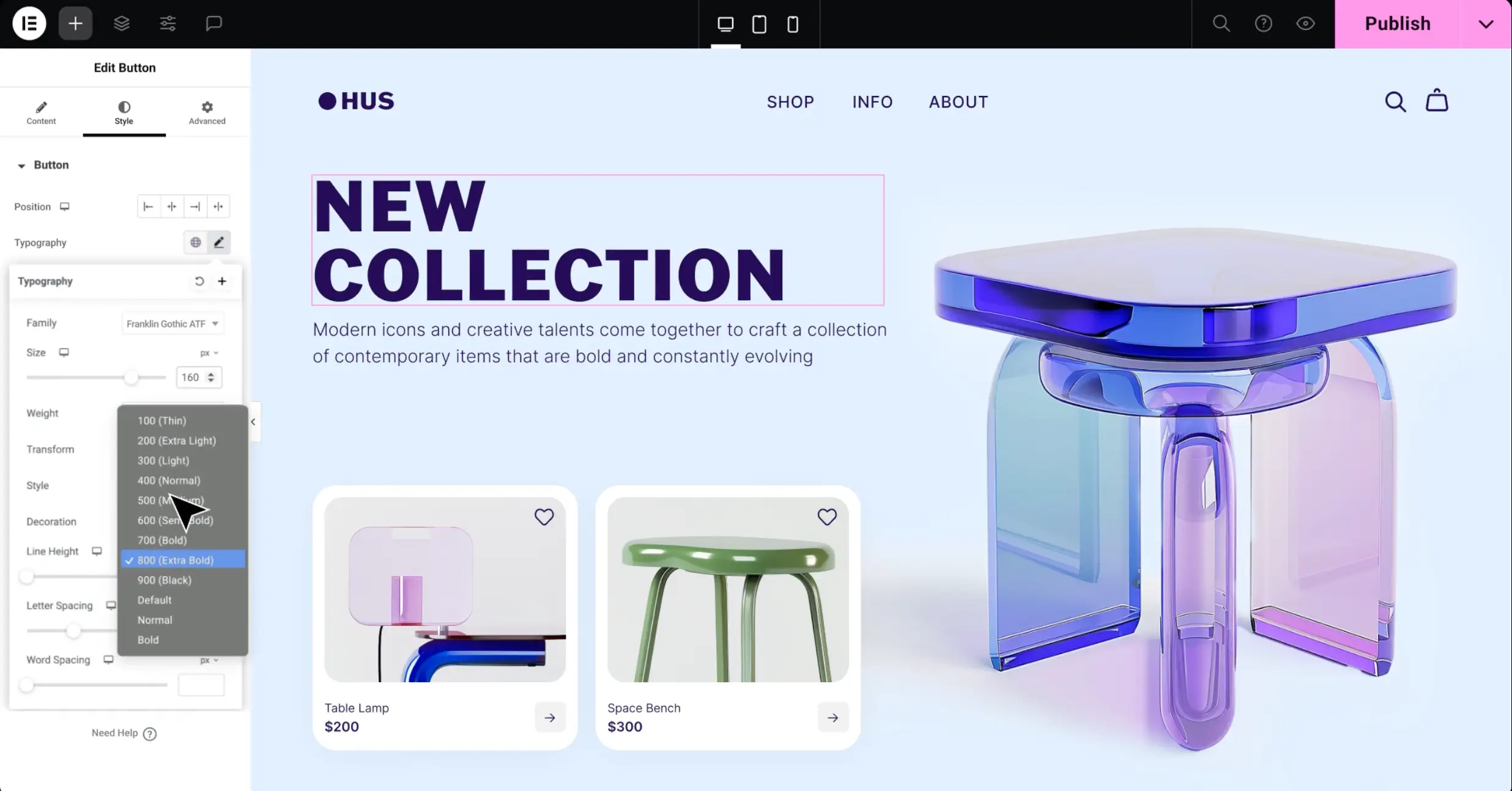
At first sight, page builder galleries look attractive because they offer many design choices. You can control layouts, hover effects, lightboxes, and animations. Beginners love this because it feels like creative freedom without coding. For agencies and freelancers, it speeds up client work and helps produce polished visuals.
However, this first excitement often fades when you use the website for real work. Fancy effects and designer-level controls usually come with extra code and scripts, which slow down page speed. The gallery also becomes locked inside the page builder, so you cannot easily switch themes or tools without breaking layouts.
What looked impressive during setup can later turn into a slow, hard-to-edit, and high-maintenance part of the site. In this case, you need to use additional tools, plugins, or technology to keep the website lightweight. But this can again add up a few layers of additional costs.
Why Page Builder Galleries Are Often Overkill
Page builder galleries look impressive at first. They offer many controls, layouts, and effects. But most WordPress sites do not need this much power for a basic task like showing photos. This is where things start to feel heavy instead of helpful. Let’s take a look at how page builder galleries are often overkill.
1. Too Much UI for a Simple Task
Creating an image gallery is one of the most basic needs on a website. What you have to do is just pick up photos, choose a layout, define their sizes, enable the lightbox feature, etc. This is simple and should take only a few clicks.
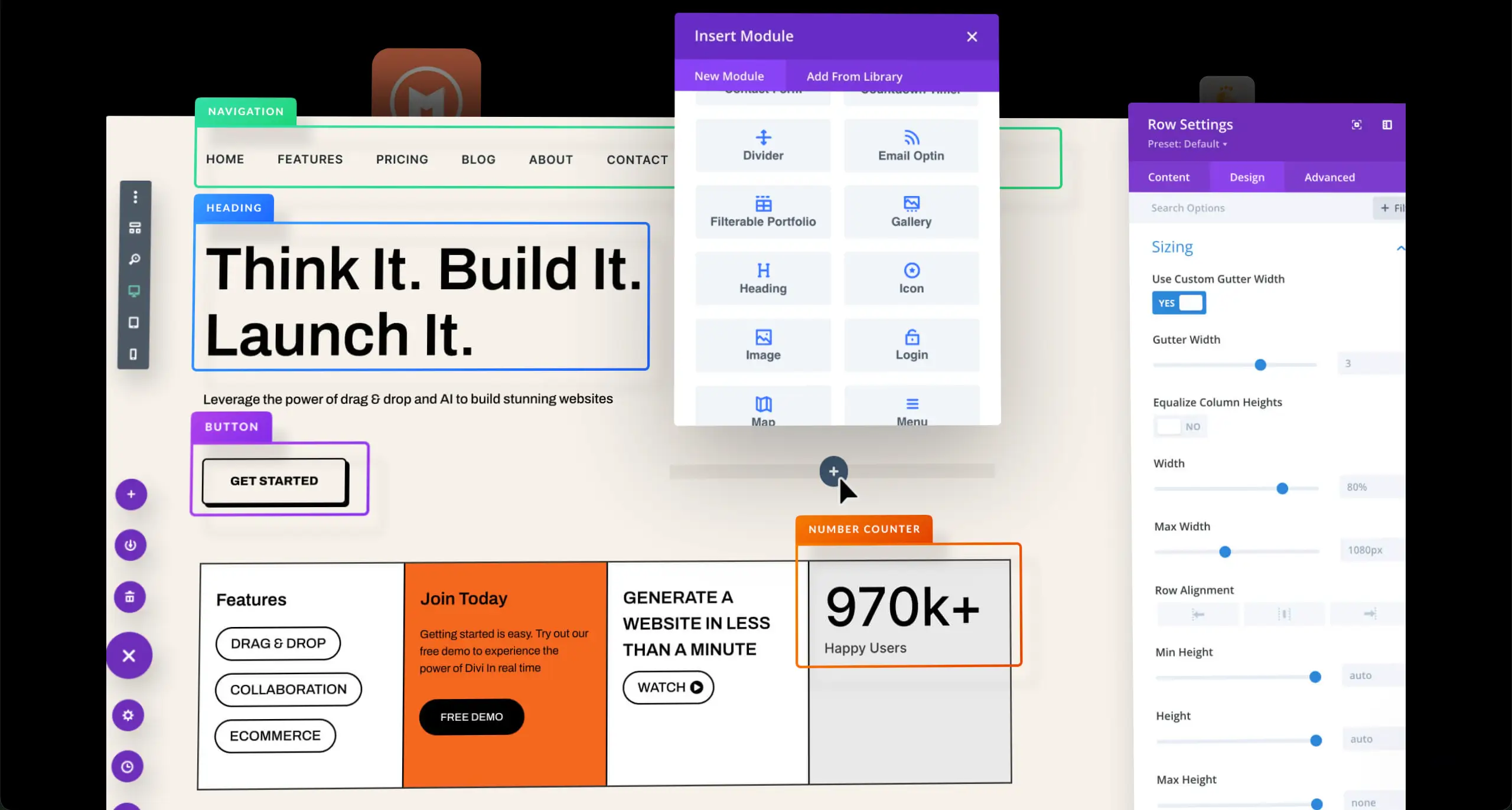
But Page builders turn this simple job into a long setup process. You jump through widget settings, advanced tabs, responsive overrides, motion effects, and styling controls. None of these is wrong on paper.

These many layers of tasks could slow down your work process. It solves a problem that doesn’t need solving but disturbs your productivity. Explore the best WordPress landing page builders.
2. Performance Overhead You Don’t See Immediately
Page builder galleries rarely load light. They bring extra CSS files, JavaScript dependencies, inline styling, and container wrappers. These assets build up and sit in the background, even if the page looks simple to the user.
The results are slower speed, weaker Core Web Vitals, and less smooth performance on mobile. While it may not hurt a small gallery on day one, it becomes noticeable as you add more pages and visual content. Galleries should be visual assets, not silent performance killers that slow down the experience.
3. Vendor Lock-In Becomes a Real Problem
A gallery built with Elementor, Divi, or Beaver Builder depends on the tool used. If you switch to Gutenberg or another builder in the future, layouts can break, and shortcodes may stop working. In the worst case scenario, some widget data may fail to migrate cleanly.
This issue does not show up on launch day. It hits years later when you try to redesign or simplify your setup. Many site owners learn this the hard way. For non-tech users, a simple gallery can quietly turn into long-term technical debt and lock them into a builder they never meant to depend on.
Take a look at the best WordPress maintenance service providers.
4. Page Builders Duplicate What Gutenberg Already Does
WordPress has changed a lot. Gutenberg is now a full layout and site-building experience. It handles responsive design, global styles, block patterns, and native performance benefits. It also does galleries without extra dependencies.
Using a page builder just for galleries means you are adding a second system to do the same job. It duplicates efforts and introduces complexity that adds no real value. For most websites today, Gutenberg is already the smarter and lighter choice.
Why Gutenberg Is a Better Foundation for Galleries
Gutenberg gives WordPress users a clean and efficient way to build galleries without extra tools. It focuses on content first, works well across devices, and keeps websites fast and easy to maintain. It also stays close to how WordPress is meant to work, both today and in the future.

a. Native to WordPress
Gutenberg is built into WordPress by default. There is no plugin to install, no UI to learn, and no separate system to manage. This makes it simple for beginners and comfortable for users who want fewer moving parts on their site.
Because the gallery block is native, it feels natural in the workflow. You select images, organize them, and publish. There is no technical overhead or extra learning curve. It does the job, and it does it without noise. Explore how to create galleries in Gutenberg.
b. Actively Developed by the WordPress Core Team
Gutenberg evolves with each WordPress update. The core team improves blocks, adds new features, and refines the editing experience. These changes benefit every WordPress user without locking them into a third-party ecosystem.
This steady development means galleries will continue to get better and more polished. Improvements come automatically during core updates, which keep the editor modern without extra effort from the user.

c. Performance-Focused
Gutenberg blocks are light by design. They avoid heavy scripts, unnecessary wrappers, and builder-side styling systems. This makes galleries less demanding on browsers and more friendly to mobile devices.
Better performance means faster load times and improved Core Web Vitals. For SEO, conversions, and user satisfaction, this is a big win, especially on content-heavy sites.
d. Future-Proof
Gutenberg is part of WordPress’ long-term plan. It is shaping how themes, layouts, and design systems work across the entire platform. This makes it safer for site owners who want stability and control for the next five or ten years.
Because it is part of the core, Gutenberg is unlikely to become outdated or abandoned. It grows with WordPress rather than against it. Take a look at the best WordPress portfolio plugins.
What Does Gutenberg-First Gallery Mean?
A Gutenberg-first gallery means building your image galleries directly with WordPress’ native editor, without relying on page builders or third-party tools. There are no shortcodes, no external editors, and no hidden dependencies.
This approach keeps your content independent, so you are not locked into a specific plugin or system just to display images. Because it uses native blocks, a Gutenberg-first gallery produces cleaner markup and integrates smoothly with your theme.
This makes updates easier and long-term maintenance simpler. Over time, your galleries remain easy to edit, migrate, or style without extra work, giving your site a lighter, faster, and more future-proof foundation.

Where Page Builder Galleries Still Make Sense
Page builder galleries are not useless. They have a place in certain scenarios. When your website needs advanced visual effects, marketing-focused layouts, or relies heavily on a page builder already, these galleries can offer tools that Gutenberg alone cannot match. Below are some usecases where they are still relevant.
Building Highly Animated Landing Pages
If your goal is designing a landing page with dramatic animations, hover effects, and interactive transitions, page builder galleries can be very useful. They allow you to control every visual detail without coding, making it easier to create a polished and engaging experience.
Galleries Are Part of a Marketing Funnel
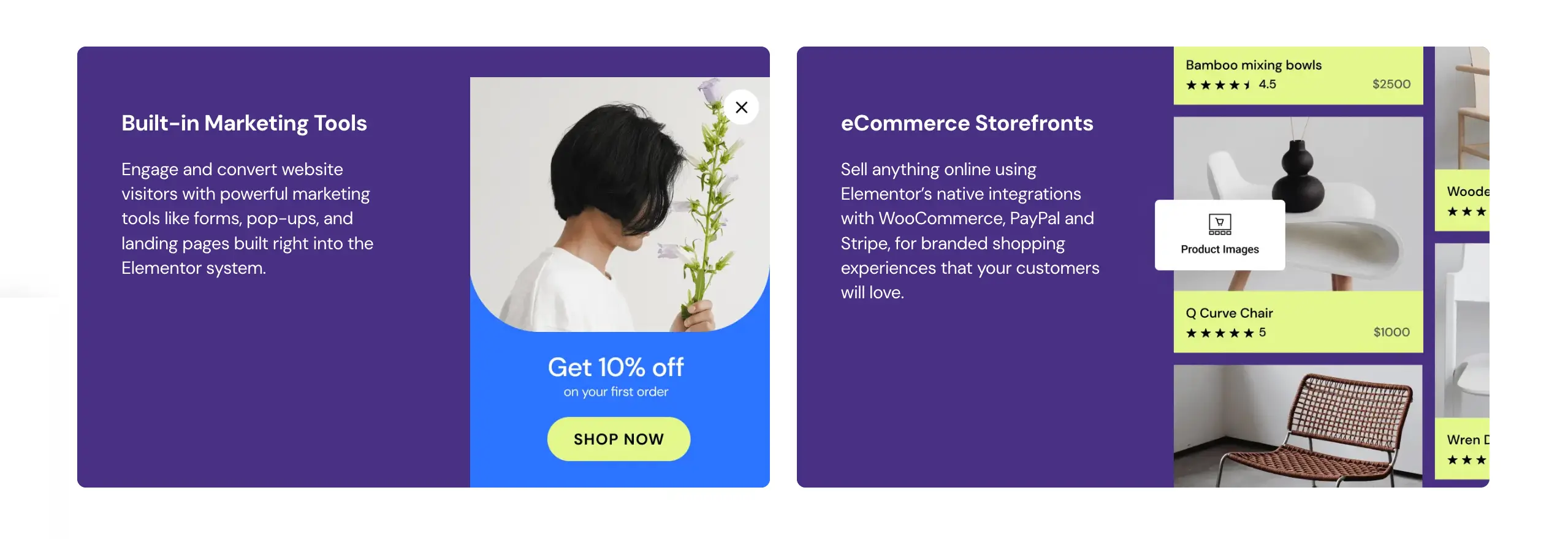
In marketing funnels, images are often not just decorative elements. They guide visitors toward a goal. Page builder galleries let you integrate calls-to-action, pop-ups, or dynamic interactions directly within the gallery layout. This is something Gutenberg alone cannot handle easily.
You Rely Heavily on Motion Effects
Motion effects, like scrolling animations, parallax, or hover interactions, are built into many page builder galleries. For sites that depend on these features for user experience or branding, the native Gutenberg gallery cannot replicate them.
Site Already Depends on a Builder
If your website is fully built with a page builder and it has a gallery module/widget, it’s better to stay with the same system. Because switching to another system overnight isn’t possible. This may break down your site and create lots of problems.
Galleryberg – A Powerful Gutenberg Gallery Solution
Galleryberg is a WordPress plugin designed to work natively with Gutenberg. Unlike page builder galleries, it does not rely on external editors or shortcodes. It integrates directly into the Gutenberg workflow, giving users a familiar block-based interface while adding more gallery-specific features.
The plugin is lightweight, performance-focused, and built to stay compatible with future WordPress updates. It offers advanced layouts, better image controls, and responsive designs, all while keeping markup clean and avoiding builder lock-in.

Users can create visually appealing galleries with hover effects, lightboxes, and custom spacing, but without the heavy scripts or styling overhead that come with page builder widgets.
To sum up, what stands out in Galleryberg are:
- Works natively inside Gutenberg without external editors
- No shortcodes, keeping content clean and portable
- Lightweight and performance-focused for faster pages
- Offers advanced gallery layouts and designs
- Responsive and mobile-friendly by default
- Supports hover effects and lightboxes for better visuals
- Keeps markup clean and easy to maintain long-term
- Avoids vendor lock-in, so galleries stay editable in the future
How Gutenberg-Friendly Galleries Stay Useful for a Long Time
Gutenberg-friendly galleries stay useful longer because they are part of the native WordPress system. Websites change over time. Themes get replaced, layouts get refreshed, and new design standards appear. Since Gutenberg evolves with WordPress itself, galleries built with it adapt naturally to these changes.
Below we have discussed several points explaining how Gutenberg-friendly galleries stay useful over time. Take a look.

Easy to Maintain
Websites become easier to maintain when they use fewer external tools. Gutenberg galleries do not depend on shortcodes, custom widgets, or heavy third-party builders. This reduces the chance of bugs, conflicts, or broken layouts during updates.
Faster Performance
Performance expectations keep rising as users browse more on mobile. Gutenberg-first galleries avoid extra scripts and CSS layers. This means faster loading speeds and better Core Web Vitals. A small improvement today can deliver big wins later.
Better Theme Compatibility
Themes change often during redesigns or rebrands. Gutenberg galleries adapt more naturally because they use native blocks and clean markup. There’s no fight between builder styling systems and theme styling. Everything stays smoother.
Simpler to Redesign
When a site redesign happens, complex page builder galleries can slow the process or even break. Gutenberg galleries are easier to restyle or restructure because they are treated as normal content. This cuts the time and cost of big changes.
Fewer Dependencies to Worry About
Sites with fewer external tools tend to age more sustainably. When you avoid page builder widgets and custom editors, you reduce the chances of plugins breaking, being abandoned, or causing conflicts during updates.
Final Thoughts
Indeed, page builders are powerful tools, but not every task needs that level of power. Most websites do not need animated galleries, complex widgets, or builder-only features to display images. In many cases, these extras create more problems than they solve, especially when it comes to performance and long-term maintenance.
A Gutenberg-first approach keeps galleries clean, fast, and easy to manage. Your content stays portable, your site stays lighter, and your future redesigns become simpler. And if you need more than the default Gutenberg gallery, extending it instead of replacing it is often the smarter and more sustainable choice.
It’s now your turn to choose the platform for creating galleries on your website according to your requirements. Hope you will choose the right one. However, don’t forget to let us know which one you choose.
Leave a Reply