-
·
How to Change Image Border Radius of a Gallery in WordPress (2 Easy Methods)
Rounded corners can make your galleries feel softer, cleaner, and more modern. They’re also great for matching a brand style that uses pills, cards, and smooth UI elements. In WordPress, there are two common ways to round gallery images. The default Gallery block lets you do it, but you have to adjust each image individually.…
-

·
Spectra Image Gallery vs Galleryberg: Which Gutenberg Gallery Plugin Should You Use?
Choosing the right gallery plugin for Gutenberg can feel confusing. There are many options, and each one claims to be the best. Two popular names you may hear often are Spectra Image Gallery and Galleryberg. Both help show images in a clean and modern way. But they work in different styles and serve different user…
-
·
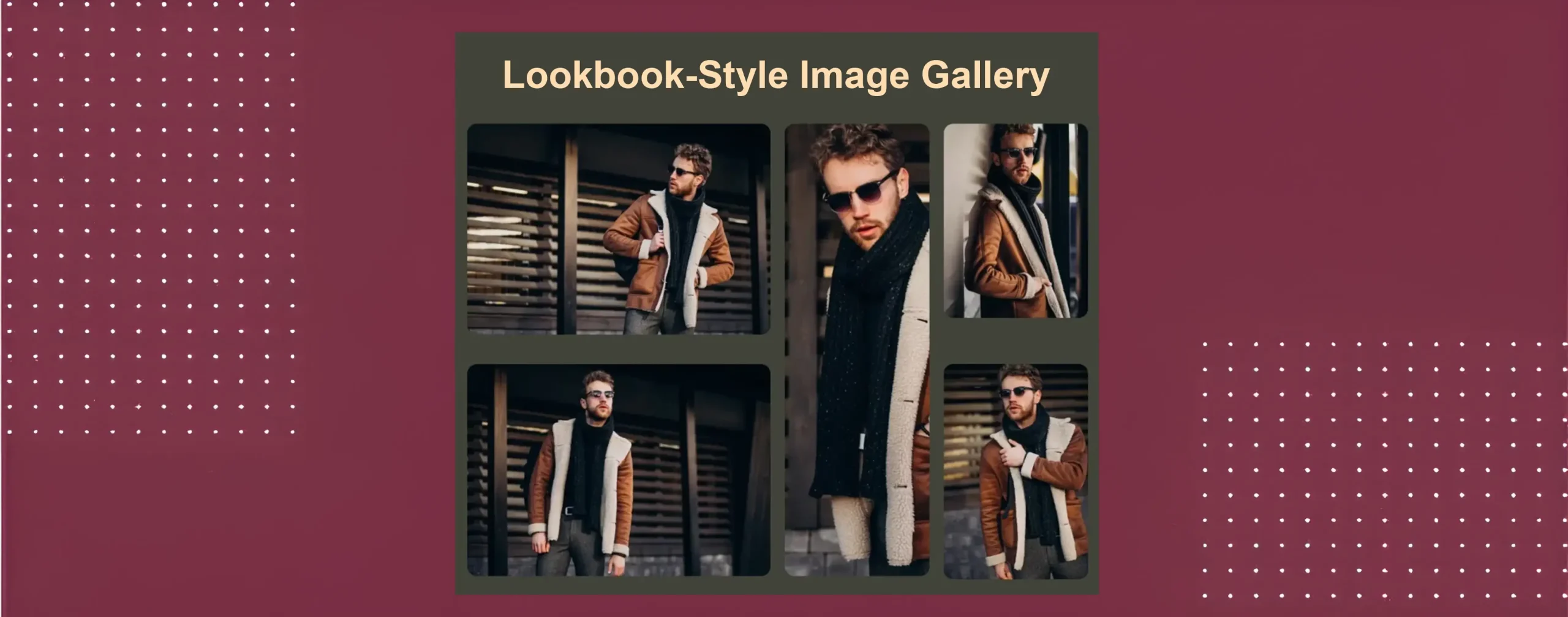
How to Create a Lookbook-Style Fashion Gallery in WordPress
A lookbook-style fashion gallery is a visual gallery that showcases fashion items in a story-driven, stylish way. It is often used by fashion brands, designers, and bloggers. The main goal is to present outfits, collections, or styles in attractive ways. In a lookbook gallery, images are not shown like a normal photo grid. Each image…
-
·
How to Create a Mosaic Image Gallery in WordPress (Step-by-Step)
A mosaic image gallery is a visual layout where images are placed in different sizes and shapes. This layout does not follow equal rows and columns. Instead, it creates a creative look where some images look bigger, and some look smaller. It makes the gallery more dynamic and helps highlight important photos. This type of…
-

·
Kadence Gallery Block vs Galleryberg: A Complete Gutenberg Gallery Comparison
You’ll find a few dozens of WordPress plugins to build galleries. So, you might get confused about which one to choose out of too many options. However, if you are using the Gutenberg editor, the two most popular options at present are the Kadence Gallery block and Galleryberg. Although both promise to make your images…
-

·
How to Create Pinterest-Style Masonry Galleries in WordPress
Pinterest changed how people enjoy pictures online. It made visual content feel fun, clean, and easy to scroll through. The card-style layout, also known as a masonry layout, is now popular on blogs, portfolios, travel sites, and online shops. It helps show many images at once without making the page look messy or heavy. A…
-

·
Gutenberg Gallery Block vs Galleryberg: Which One Should You Use?
Gutenberg is the default editor in WordPress. It comes with a ready Gallery block that allows you to place images in rows and grids inside your posts or pages. Galleryberg is a separate gallery plugin that also works with Gutenberg, but it comes with more advanced options to create better galleries than the default option.…
-

·
Envira Gallery Alternative for WordPress: A Simpler, Block-Based Approach
Looking for an Envira Gallery Alternative? Discover faster, block-based gallery plugins for WordPress that offer simpler workflows and fewer premium limitations.
-
·
Default WordPress Gallery Block vs Galleryberg: Which One Should You Use?
WordPress comes with a built-in Gallery block. It lets you create image galleries without installing any extra plugin. For simple use cases, this block works well. You can add images, arrange them in a grid, and publish the gallery quickly. But problems appear when you need more control. The default Gallery block offers only one…
-

·
How to Create a Travel Photo Gallery in WordPress (Step-by-Step)
Photos can speak more than plain text. So, with a travel photo gallery, you can share your journey with a wide audience globally in a visual way. You can showcase the places, moments, and stories through images. A well-made gallery keeps visitors interested and makes your travel stories more memorable. WordPress is a great platform…
