-
·
How to Change Image Border Radius of a Gallery in WordPress (2 Easy Methods)
Rounded corners can make your galleries feel softer, cleaner, and more modern. They’re also great for matching a brand style that uses pills, cards, and smooth UI elements. In WordPress, there are two common ways to round gallery images. The default Gallery block lets you do it, but you have to adjust each image individually.…
-

·
How to Add Lightbox Effects to WordPress Galleries (3 Methods)
Adding a lightbox effect to your WordPress image galleries improves user experience by allowing visitors to view larger images without leaving the page. Lightboxes reduce distractions, keep users engaged longer, and are especially useful for photography, portfolios, and visual blogs. In this guide, you’ll learn three practical ways to add a lightbox to WordPress galleries,…
-
·
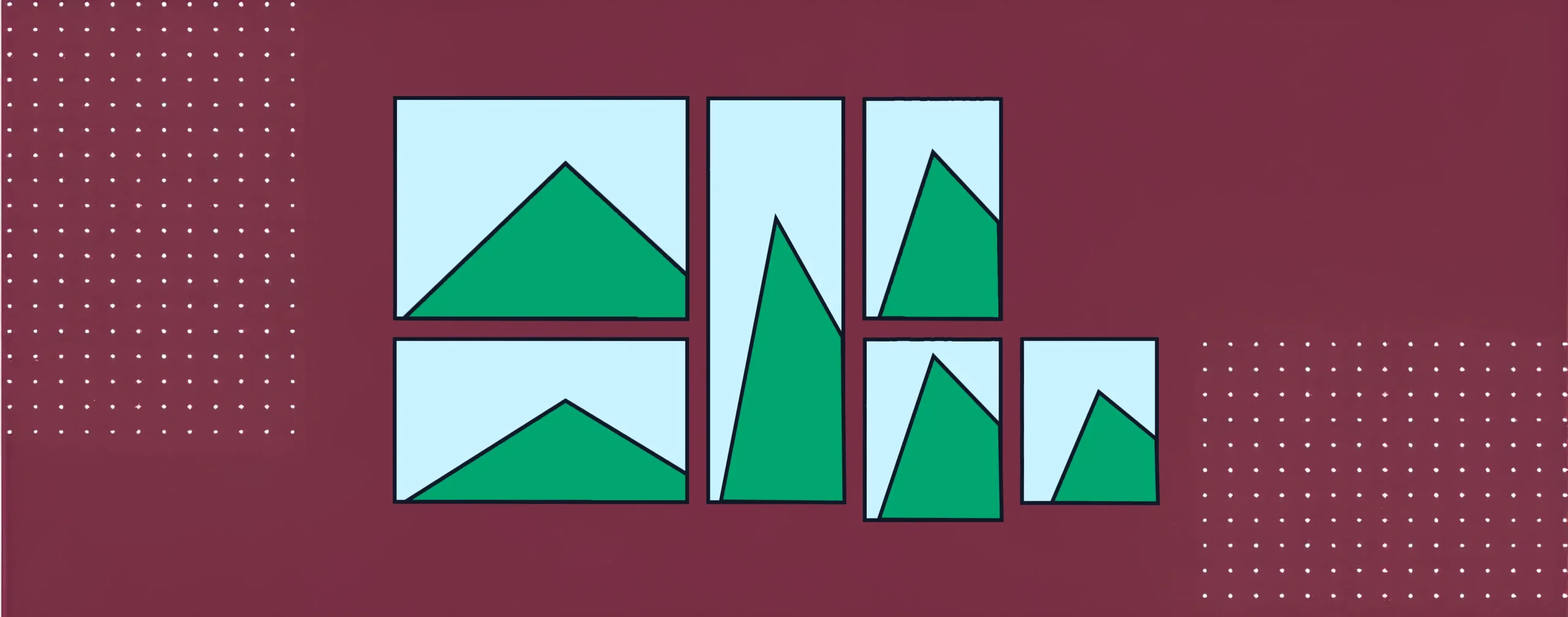
How to Create a Mosaic Image Gallery in WordPress (Step-by-Step)
A mosaic image gallery is a visual layout where images are placed in different sizes and shapes. This layout does not follow equal rows and columns. Instead, it creates a creative look where some images look bigger, and some look smaller. It makes the gallery more dynamic and helps highlight important photos. This type of…
-

·
9 Best Logo Showcase WordPress Plugins
When you visit a professional website, whether it’s an agency, product, service, or portfolio portal, you often see logos of brands, partners, and clients displayed in a section. It has become a standard feature for modern websites today. This section is created to build trust and credibility with visitors, especially with new visitors. Because it…
-

·
How to Create an Image Gallery in WordPress (2 Easy Ways)
An image gallery is a collection of photos displayed together in one place on a web page or blog post. It helps you organize visuals neatly and present them in an engaging, professional-looking layout. WordPress includes a built-in Gallery block that allows you to create simple galleries without installing any plugin. Whether you run a…
-

·
8 Best Gutenberg Gallery Block Plugins for WordPress
Gutenberg is the default editor for WordPress. It allows you to create various content using blocks like paragraphs, images, buttons, etc. One useful block of them is the gallery block, with which you can display multiple images together in a clean layout. However, the default gallery block is quite basic. You can’t create complex layouts…
-

·
How to Create Pinterest-Style Masonry Galleries in WordPress
Pinterest changed how people enjoy pictures online. It made visual content feel fun, clean, and easy to scroll through. The card-style layout, also known as a masonry layout, is now popular on blogs, portfolios, travel sites, and online shops. It helps show many images at once without making the page look messy or heavy. A…
-

·
Why Page Builder Galleries Are Overkill for Most WordPress Sites
Page builders such as Elementor, Divi, and Beaver Builder have undoubtedly made web design easier for everyone. You can drag blocks, tweak styling, and build complex layouts without touching code. They are great tools when you need fast design power and freedom. But when it comes to image galleries, many page builder galleries offer more…
-

·
Gutenberg Gallery Block vs Galleryberg: Which One Should You Use?
Gutenberg is the default editor in WordPress. It comes with a ready Gallery block that allows you to place images in rows and grids inside your posts or pages. Galleryberg is a separate gallery plugin that also works with Gutenberg, but it comes with more advanced options to create better galleries than the default option.…
-
·
How to Add a Lightbox to the Gutenberg Gallery Block
Lightbox is a must-have feature in galleries on any website today. It lets visitors click on an image and view it in full-screen mode in a pop-up without leaving the page. This makes image viewing more attractive and user-friendly. Unfortunately, the default Gallery block in WordPress does not include a lightbox. When someone clicks on…
