


Image galleries are no longer just design elements. In modern WordPress sites, galleries play a direct role in search visibility, page performance, accessibility, and even AI-powered discovery.
If your galleries are slow, poorly structured, or missing context, search engines and AI assistants will struggle to understand and surface your content.
In this guide, you’ll learn how to optimize image galleries in WordPress for both traditional search engines and emerging AI systems, using practical, future-proof best practices.
- What Is Gallery SEO?
- Why Gallery SEO Matters More Than Ever
- How Search Engines Understand Image Galleries
- Best Practices for Optimizing the Gallery for SEO
- How to Optimize WordPress Galleries for Search & AI
- Gallery SEO Checklist (Quick Reference)
- Common Gallery SEO Mistakes to Avoid
- Final Thoughts: Gallery SEO Is Not Optional Anymore
What Is Gallery SEO?
Gallery SEO is the practice of optimizing image galleries so search engines and AI systems can understand, index, and surface your visual content without sacrificing performance or user experience.
It typically involves optimizing:
- Images inside a gallery
- Gallery structure and layout
- Captions, alt text, and surrounding content
- Performance factors like loading behavior, file size, and responsiveness
This approach ensures your galleries are both search-friendly and user-friendly, across devices and platforms.
Why Gallery SEO Matters More Than Ever
Galleries often contain your most valuable visual content, but they’re also one of the easiest ways to damage SEO if handled incorrectly.
|
Poorly optimized galleries: |
Well-optimized galleries: |
|
|
How Search Engines Understand Image Galleries
Search engines don’t “see” images the way humans do. They rely on:
- File names
- Alt text
- Captions
- Page context (headings & text)
- Image loading behavior
- Structured layout
A gallery without proper metadata is basically invisible SEO-wise.
Best Practices for Optimizing the Gallery for SEO
Search engines don’t rely on a single factor to understand image galleries. Instead, they use a combination of image-level signals and page-level context to interpret what each image represents and how it relates to the surrounding content.
These signals include file names, alt text, captions, layout structure, and loading behavior. The following best practices focus on optimizing those exact signals—starting with one of the simplest and most overlooked elements: image file names.
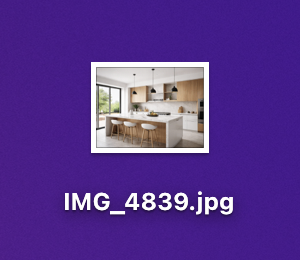
1. Use SEO-Friendly Image File Names
|
❌ Bad |
✅ Good |
|

|
Best practices
-
Describe what’s in the image
-
Use hyphens, not underscores
-
Keep it readable and natural
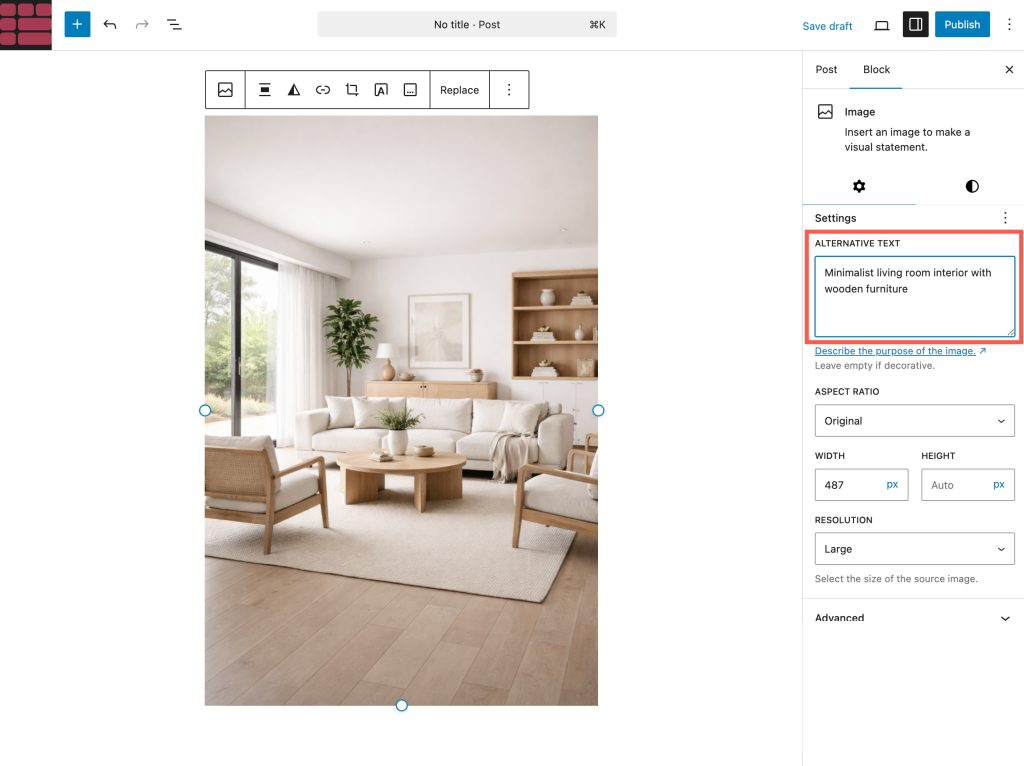
2. Always Add Alt Text to Gallery Images
Alt text helps with:
-
Image search rankings
-
Accessibility (screen readers)
-
Context when images fail to load
Example
Alt text: Minimalist living room interior with wooden furniture
Tip: Avoid keyword stuffing. Write alt text for humans first, SEO second.
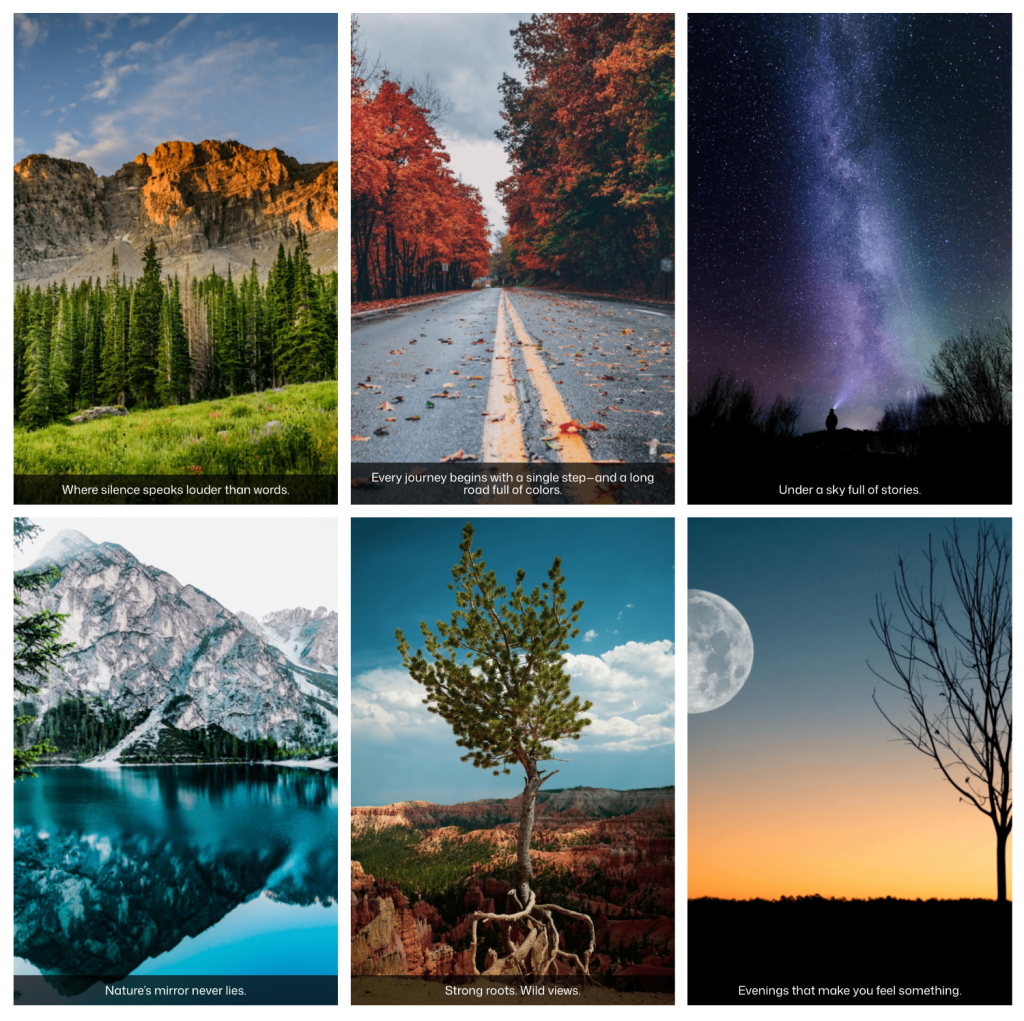
3. Use Captions Strategically (They Matter for SEO)
Captions are often the most-read text on a page.
Well-written captions:
- Add context
- Improve engagement
- Help search engines associate meaning with images
Best caption practices
- Keep captions short but descriptive
- Avoid repeating the same text for every image
- Use captions where context matters (portfolio, travel, food, tutorials)
4. Choose the Right Gallery Layout (UX = SEO)
Gallery layout impacts:
- Time on page
- Scrolling behavior
- Mobile usability
SEO-friendly layouts:
- Grid (clean & predictable)
- Masonry (great for portfolios)
- Justified (balanced image rows)
Avoid layouts that:
- Cause layout shift
- Load everything at once
- Break on mobile
5. Optimize Image Size & Compression
Large images = slow pages = lower rankings.
Recommended image sizes
- Max width: 1600–2000px
- Resolution: 72–96 DPI
- Format: WebP (preferred), JPG
Compression tips
- Compress before uploading
- Use modern formats (WebP)
- Avoid uploading camera-original images
6. Enable Lazy Loading for Galleries
Lazy loading ensures images load only when needed.
Benefits:
- Faster initial load
- Better Core Web Vitals
- Improved mobile performance
Most modern WordPress galleries support lazy loading—but not all do it well.
7. Use Lightbox Carefully (SEO + UX Balance)
Lightboxes improve user experience, but:
- Images inside the lightbox should still be crawlable
- Captions shouldn’t disappear completely
- Avoid JS-heavy lightboxes that block indexing
Best practice
- Keep captions visible or accessible
- Don’t rely solely on hover-based content
- Ensure images exist in the DOM (not injected late)
Read: How to Add Lightbox Effects to WordPress Galleries
8. Add Context Around Your Gallery
A gallery without text is weak for SEO.
Always include:
- A heading before the gallery
- 1–2 paragraphs explaining what users are seeing
- Relevant keywords naturally in surrounding content
Search engines rank <