-
·
How to Change Image Border Radius of a Gallery in WordPress (2 Easy Methods)
Rounded corners can make your galleries feel softer, cleaner, and more modern. They’re also great for matching a brand style that uses pills, cards, and smooth UI elements. In WordPress, there are two common ways to round gallery images. The default Gallery block lets you do it, but you have to adjust each image individually.…
-

·
How to Display WordPress Images in Columns and Rows
Displaying images in columns and rows is a way to showcase images in a custom grid format. Instead of showing images one after another in a long list, arranging them in a grid format helps save space and makes it easier for visitors to view related visuals at once. If your site is built on…
-

·
How to Create Responsive Galleries in WordPress
A responsive gallery is a group of images that automatically changes its layout based on screen size. The images resize smoothly and stay clear. Users do not need to zoom or scroll sideways, making it perfect on all device types. Creating a responsive gallery is very important for modern websites. Most people today tend to…
-

·
How to Add Lightbox Effects to WordPress Galleries (3 Methods)
Adding a lightbox effect to your WordPress image galleries improves user experience by allowing visitors to view larger images without leaving the page. Lightboxes reduce distractions, keep users engaged longer, and are especially useful for photography, portfolios, and visual blogs. In this guide, you’ll learn three practical ways to add a lightbox to WordPress galleries,…
-
·
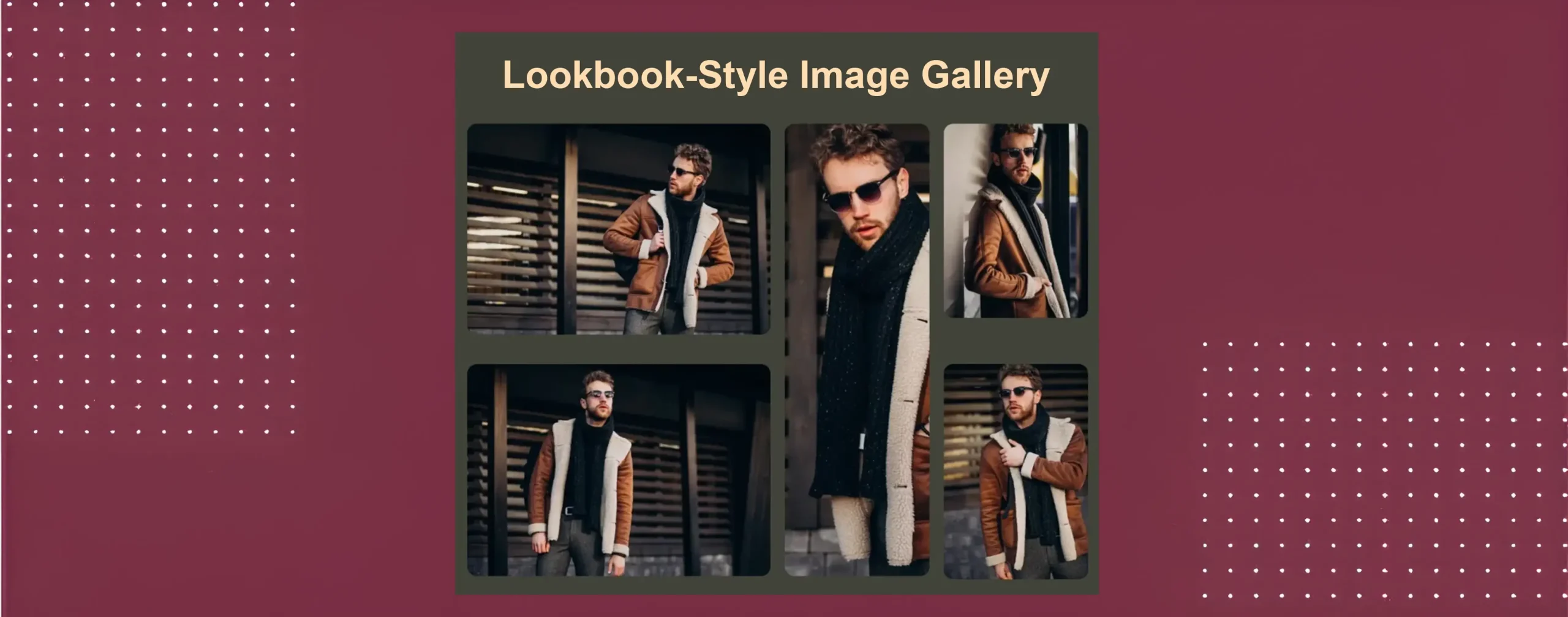
How to Create a Lookbook-Style Fashion Gallery in WordPress
A lookbook-style fashion gallery is a visual gallery that showcases fashion items in a story-driven, stylish way. It is often used by fashion brands, designers, and bloggers. The main goal is to present outfits, collections, or styles in attractive ways. In a lookbook gallery, images are not shown like a normal photo grid. Each image…
-
·
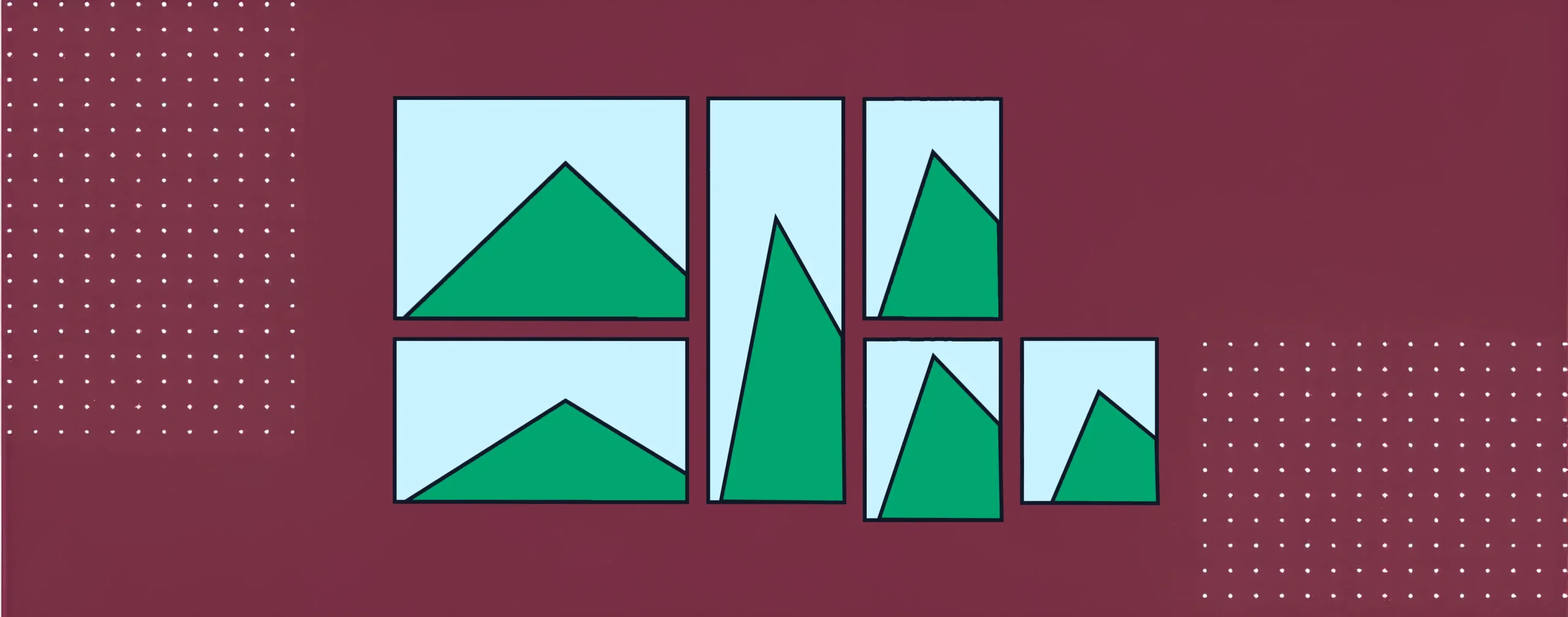
How to Create a Mosaic Image Gallery in WordPress (Step-by-Step)
A mosaic image gallery is a visual layout where images are placed in different sizes and shapes. This layout does not follow equal rows and columns. Instead, it creates a creative look where some images look bigger, and some look smaller. It makes the gallery more dynamic and helps highlight important photos. This type of…
-

·
How to Create Pinterest-Style Masonry Galleries in WordPress
Pinterest changed how people enjoy pictures online. It made visual content feel fun, clean, and easy to scroll through. The card-style layout, also known as a masonry layout, is now popular on blogs, portfolios, travel sites, and online shops. It helps show many images at once without making the page look messy or heavy. A…
-
·
How to Enlarge Image on Click in WordPress (Lightbox Effect)
When someone clicks a photo on your site, you want it to open bigger and beautifully without loading the page. That’s exactly what the lightbox effect does: it shows a larger version of the image in a clean overlay. In this post, we’ll cover two straightforward ways to add that “enlarge on click” experience in…
-

·
How to Put Images Side by Side in WordPress (4 Easy Ways)
If you run a WordPress website, there may be times when you want to display two or more images side by side instead of stacking them one after another. This layout is useful for comparing images, showing before-and-after photos, or presenting related visuals together in a clean way. The good news is that WordPress makes…
-

·
How to Add a Photo Grid in WordPress (With/Without a Plugin)
A photo grid is a layout that displays multiple images in a structured format using rows and columns. It helps present visuals in a clean, organized, and easy-to-browse way, making it a popular choice for showcasing portfolios, product images, travel photos, and other visual content. In WordPress, there are multiple ways to create a photo…
