


An image grid plugin helps you show images in a clean and organized layout. It places photos in rows and columns with equal spacing. This makes images look balanced and easy to view. They are great for visual storytelling.
They do more than just place images on a page. They help manage image size, spacing, and alignment. Many image grid plugins also support filters, hover effects, and lightbox views. This improves how users interact with images.
Photographers, eCommerce, and portfolio site builders depend on such plugins to showcase their products and work images in a clean and professional way. So, in this post, we’ll list and discuss the best WordPress image grid plugins in detail.
Best WordPress Image Grid Plugins
There are different types of image grid plugins online, such as block-based, page builder, and shortcode-based. Among them, we will highlight the top five plugins along with their key details and features in this section.
1. Galleryberg: Best for Gutenberg Users

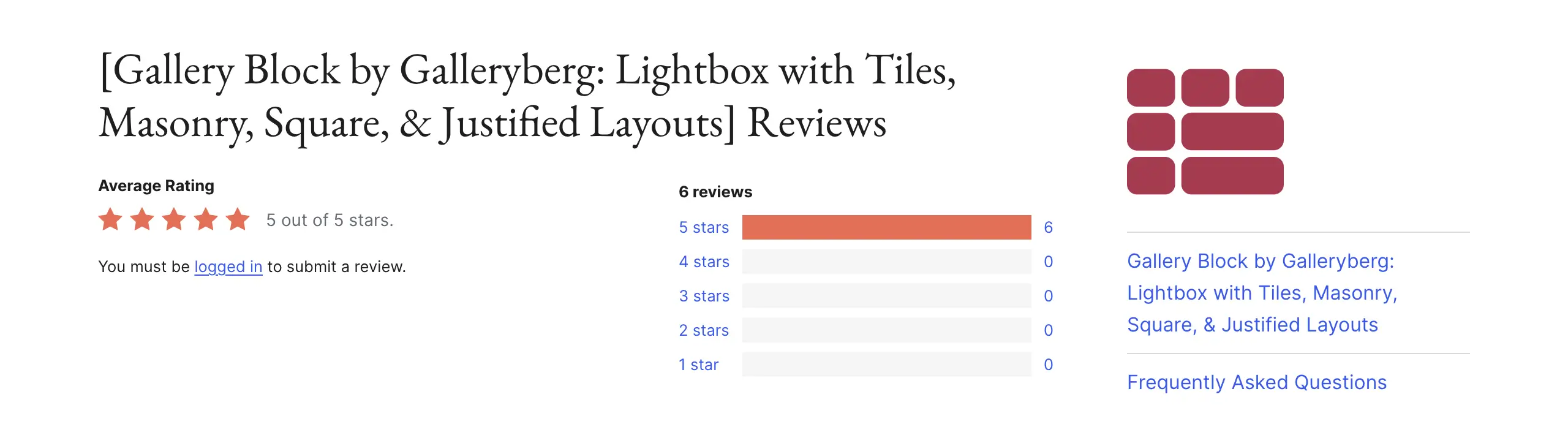
Galleryberg is built for people who want to create image galleries directly in the WordPress editor. It does not use shortcodes or extra panels. Just add the gallery block and design it directly in the editor. This saves time and avoids layout surprises after publishing, as you can see everything in real-time.
Another strong point is how Galleryberg handles performance and layout control. It loads only the blocks you use, not the whole plugin system. This helps pages stay fast, even with image-heavy grids. Small details like gutter spacing and caption styles help you fine-tune the visual look without custom CSS.
Key features of Galleryberg
- Five Layouts: It offers five gallery layouts – Tiles, Masonry, Justified, Square, and Mosaic.
- Lazy Loading for Grids: Specifically optimized to load images only as the user scrolls, boosting initial page load speeds.
- Draggable Masonry Layouts: Easily rearrange images within a masonry grid using a simple drag-and-drop interface.
- Customizable Gutter Control: Precision control over the spacing between images to achieve a minimalist or dense look.
- Social Sharing Integration: Built-in buttons that allow visitors to share specific images directly from the grid to Pinterest or Instagram.
- Native Lightbox Support: High-performance popup effects that display high-resolution versions of images without reloading the page.
Pros
-
Lightweight performance
-
Real-time block editing
-
Mobile-first design
-
Clean user interface
-
Fast onboarding
Cons
-
Fewer third-party addons
-
Needs to add more animations
Pricing of Galleryberg
Galleryberg has a free version available. Its premium version starts from $49/year with a 30-day refund policy. Explore the best WordPress plugins for content marketers.
2. Modula: Best for Custom Layouts

Modula focuses on creative freedom. It lets you resize images inside a grid by dragging them. This helps you highlight key photos instead of forcing all images into the same shape. The result feels more like a designed collage than a standard gallery. Modula also gives you the power over image control and protection.
Features like smart cropping and watermarking help keep image focus and ownership safe. Private and password-protected galleries are useful for client previews. These features make Modula a good choice for photographers who want both design control and client-focused tools in one place.
Take a look at the best table builder plugins for WordPress.
Key features of Modula
- Drag-and-Drop Custom Grids: Complete creative freedom to resize and reposition any image within the gallery layout.
- Video Integration: Flawlessly mix self-hosted or YouTube/Vimeo videos into your image grids.
- Password-Protected Galleries: Create secure, private grids for client proofing or exclusive content.
- EXIF Data Display: Automatically pull and display camera settings (ISO, Aperture) beneath your images.
- Smart Watermarking: Protect your intellectual property with automated, bulk-applied watermarks.
- GIF Support: Full compatibility for animated GIFs within the grid, perfect for creative digital artists.

Pros
-
Advanced image protection
-
Built-in optimization
-
Video-image hybrid grids
-
Detailed hover effects
-
Client proofing features
Cons
-
Complexity for Beginners
-
Higher Renewal Costs
-
Limited Free Version
Pricing of Modula
Modula has a free version available. Its premium version starts from $78/year with a 14-day refund policy.
3. Envira Gallery: Best for Beginners

Envira Gallery is a shortcode-based plugin. It’s great for the users who want advanced features with low setup hassles. It guides you step by step, so you do not feel lost. You can upload images, choose a layout, and publish in minutes. This is helpful for new WordPress users or busy site owners.
It’s a great tool to manage large image sets. It avoids heavy database usage, which keeps sites stable over time. Ready-made templates help you match different photo presentation styles. Features like pagination and image deep linking improve both speed and search visibility without extra work.
Here’s a list of the best WordPress hosting for portfolio websites.
Key features of Envira Gallery
- Drag-and-Drop Gallery Builder: Another intuitive interface for arranging and organizing large batches of photos.
- Standalone Galleries: Create galleries that have their own dedicated URLs, independent of pages or posts.
- Deep Linking: SEO-friendly URLs for individual images within a grid to improve search engine discoverability.
- Adobe Lightroom Integration: Automatically sync your Lightroom collections directly to your WordPress grids.
- Pagination Support: Break massive galleries into multiple pages to keep load times lightning-fast.
- Instagram Import: Quickly turn your social media feed into a professional website grid.

Pros
-
Easiest learning curve
-
Lightroom synchronization
-
SEO optimized
-
Template-based design
-
Excellent documentation
Cons
-
Strict feature tiering
-
Limited custom CSS
-
Interface may feel old
-
Upsell notifications
Pricing of Envira Gallery
Envira Gallery has a free version available. Its premium version starts from $79/year with a 14-day refund policy.
4. FooGallery: Best for Customization

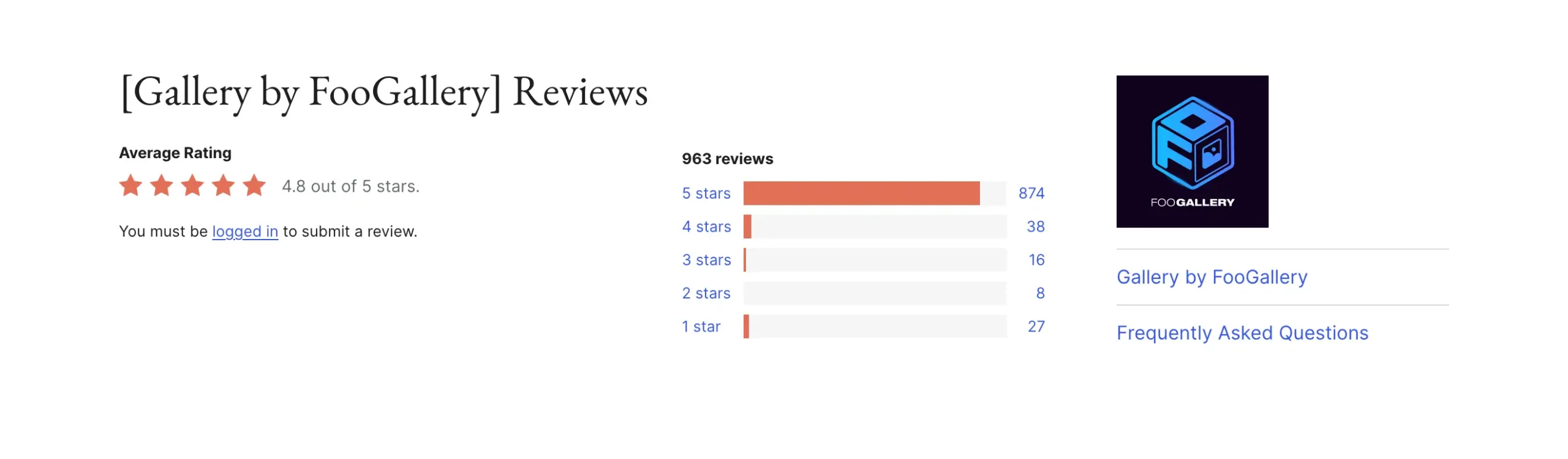
FooGallery is ideal for users who want full control over how galleries behave. It offers many layout types and lets you enable only the features you need. This keeps the site flexible and avoids unnecessary load. Developers like it because it supports custom CSS and dynamic image sources.
Its filtering system is very powerful for large collections. Visitors can sort images by tags or categories on the front end. This is useful for stock photos, archives, or large portfolios. Retina image support also ensures galleries look sharp on modern screens without wasting bandwidth.
Take a look at the best Gutenberg slider block plugins.
Key features of FooGallery
- Multi-Level Filtering: Allow users to sort images by multiple categories or tags via a front-end menu.
- Retina Ready: Intelligent detection of high-resolution screens to serve ultra-sharp image variants.
- Dynamic Galleries: Automatically pull images from specific folders, categories, or even other plugins.
- Infinite Scroll: Keep visitors engaged by loading more images as they scroll down the page.
- Custom CSS Classes: Add unique styling hooks to every individual gallery for bespoke design work.
- Physical Media Library Folders: Organize your images into physical folders on your server for better management.
Pros
-
Powerful sorting tools
-
Beautiful loading animations
-
Sharp retina visuals
-
Excellent value for money
Cons
-
Steeper learning curve
-
Extensions can be overwhelming
-
Requires Pro for filtering
Pricing of FooGallery
FooGallery has a free version. Its premium version starts from $33.99/year with a 30-day refund policy.
5. NextGEN Gallery: Best for Photographers

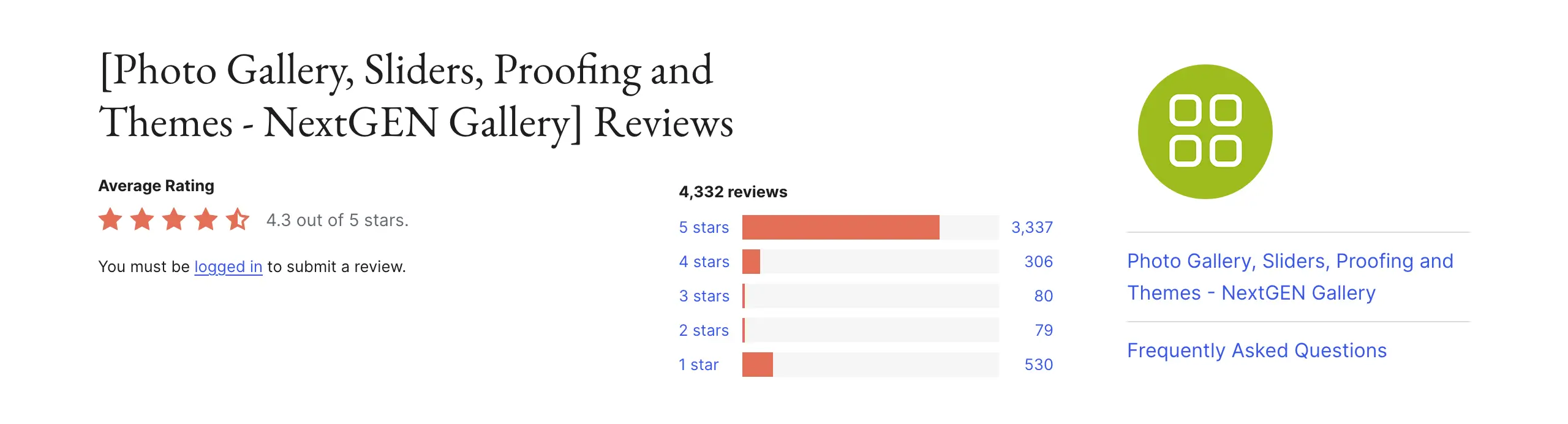
NextGEN Gallery is built for professionals who manage many photos daily. It has its own image management system, separate from the WordPress media library. This makes bulk editing, watermarking, and metadata handling easier. It suits studios and photographers with thousands of images.
What makes NextGEN different is its business features. You can sell prints and digital files directly from galleries. Client proofing tools allow feedback and image selection. Integrated lab fulfillment saves time on order handling. It works best on strong hosting, but it offers tools that few other gallery plugins provide.
Key features of NextGEN Gallery
- Integrated eCommerce: Sell prints, digital downloads, and licenses directly from your image grids.
- Automatic Print Fulfillment: Ship physical prints to clients automatically through integrated pro-labs.
- Proofing Galleries: Allow clients to “star” or “comment” on images for selection and review.
- IPTC Metadata Support: Import and manage photo data directly for professional archival purposes.
- Bulk Image Management: Specialized interface for handling thousands of images across hundreds of galleries.
- Coupon & Tax Management: Built-in financial tools for managing professional photography sales.
Pros
-
Supports sales & fulfillment
-
Professional proofing
-
Handles metadata
-
Large-scale management
-
Secure image protection
Cons
-
Complex configuration
-
Slow on weak hosting
-
Expensive pro tiers
Pricing of NextGEN Gallery
NextGEN gallery has a free version. Its premium version starts from $69.50/year with a 14-day money-back guarantee.
Final Words!
Today is the world of visuals and graphics. Creating only text-based content is no longer enough. Unless you can incorporate visual graphics effectively, your content will lose its appeal. A gallery-builder plugin can be helpful a lot in this case.
Hope the shortlist covered above can help you choose the right gallery-builder plugin for your WordPress site. However, once you are all set to create your first gallery, for the best results, always optimize images before uploading them.
Use clear file names and proper captions for better organization. Avoid loading too many images on one page. Test galleries on mobile and slow connections. Keep plugins updated and remove unused features. These small practices help your galleries stay fast, clean, and professional.
But before you exit, you can spare a minute to explore the best Gutenberg gallery block plugins.
Leave a Reply