

Starting a food blog could be a joyful journey. It gives an opportunity to share your recipes, food photos, and cooking stories with people. But to run a successful food blog, you need a strong and reliable hosting provider for your website. If your hosting is slow, your images may take forever to load.
Good hosting keeps your food blogging website fast, stable, and ready for growth. Fast websites get better visibility on Google, which means more traffic and more followers. When visitors can move from one recipe to another without waiting, they surely enjoy spending more time on your content.
There are many hosting providers in the market. Each offers different features, pricing, and performance levels, which may confuse you. So, to help you out, we’ll list and discuss the best WordPress hosting for food blogs in this article. Get started!
Best WordPress Hosting for Food Blogs
With the right hosting, your blog feels faster and stronger. It gives you the freedom to focus on cooking, writing, and inspiring others, while the technical part runs smoothly in the background. Now, we’ll look at the pros & cons, pricing, and other factors of the best WordPress hosting options for food blogs. Keep reading!
1. Kinsta (Premium Managed Hosting)
Kinsta is a premium managed WordPress hosting platform. It runs on the Google Cloud Platform and uses a modern infrastructure built for speed, uptime, and security. It also reduces stress during busy traffic periods when visitors land on your site from social media or search engines.
It also removes many technical headaches that bloggers face. You don’t have to worry about server setup, security audits, backups, or optimizations. Their team handles these tasks so you can focus on writing recipes, editing photos, and building your audience. The whole experience feels polished, stable, and ready for growth.
Key features of Kinsta
- Application Performance Monitoring (APM) – Kinsta includes a built-in APM that helps you find plugins, queries, or scripts that slow down your site.
- Edge Caching via Cloudflare – Your blog’s pages get cached at global edge locations, which lets readers view recipes and photos with almost no delay.
- Isolated Container Setup – Each site runs in its own container with dedicated resources. So, other websites cannot affect your performance or stability.
- Advanced Security Stack – Kinsta includes firewall protection, DDoS defense, scans, and a hack-fix guarantee if your site gets compromised.
- One-Click Staging Environment – You can test new layouts, themes, or cooking plugins in staging before publishing to avoid mistakes on your live site.
Pros & Cons of Kinsta
Pros
-
Exceptional speed and performance
-
Highly scalable
-
Top-notch security
-
Developer-friendly
Cons
-
No built-in email hosting
-
Limited backup retention
-
No domain registration
Pricing of Kinsta
The hosting plan of Kinsta starts from $350/year with a 30-day refund policy.
2. SiteGround (Best Overall Hosting)
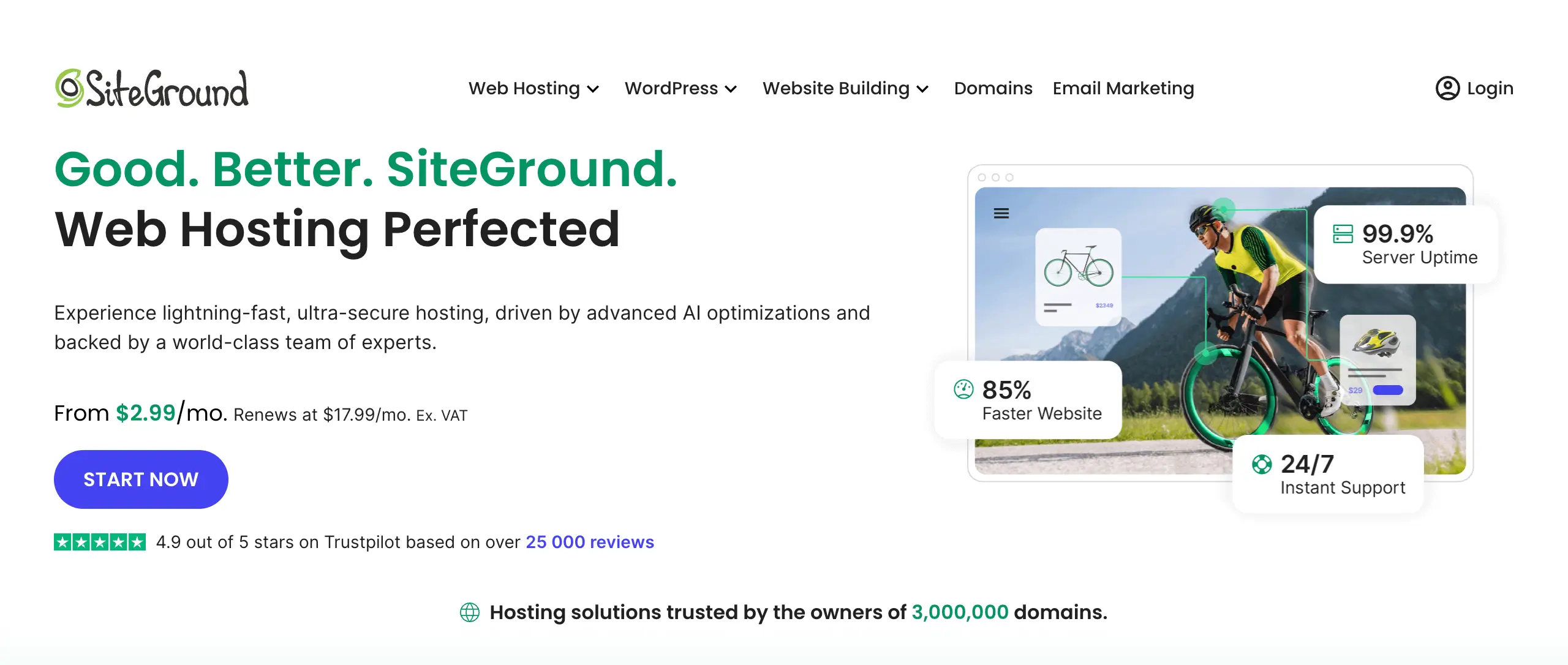
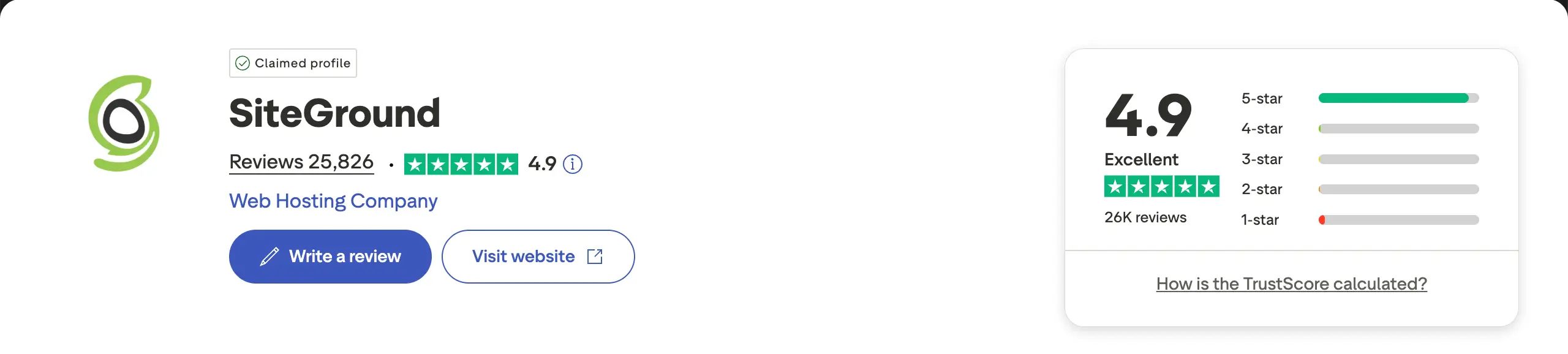
SiteGround is a reliable and well-balanced hosting service. It offers fast performance, strong security, and easy tools for beginners. It is officially recommended by WordPress.org and runs on Google Cloud. This gives good uptime and smooth loading speed for visitors from any country.
Food blogs often use large photos, recipe images, and short videos. These elements help readers enjoy the food content, but they can also slow down a website. SiteGround solves this problem with caching and image optimization. It keeps your blog light and fast without extra paid plugins.
Key features of SiteGround
- Google Cloud Infrastructure: Built on Google’s powerful network for superior uptime and fast global content delivery.
- SuperCacher Technology: A powerful 3-layer caching system that speeds up your site by serving frequently accessed data almost instantly.
- SiteGround Optimizer Plugin: This plugin can handle image compression, lazy loading, and code minification to boost the site’s performance.
- Free Daily Backups: Automatically saves a copy of your site every day, allowing you to restore your blog with a single click if something goes wrong.
- Managed WordPress Security: Includes a custom Web Application Firewall (WAF) and an AI-driven anti-bot system to block 99% of malicious traffic.
Pros & Cons of SiteGround
Pros
-
Excellent Global Speed & Uptime
-
Free SSL & Email Accounts
-
Free Domain – First Year
-
User-Friendly Custom Control Panel
Cons
-
Steep Renewal Price Increase
-
Limited Disk Space on Lower Plans
-
Monthly Visitor Caps
Pricing of SiteGround
The pricing starts from $47.9/year with a 30-day refund policy.
Explore the best WordPress hosting for portfolio sites.
3. Hostinger (Budget-Friendly Hosting)
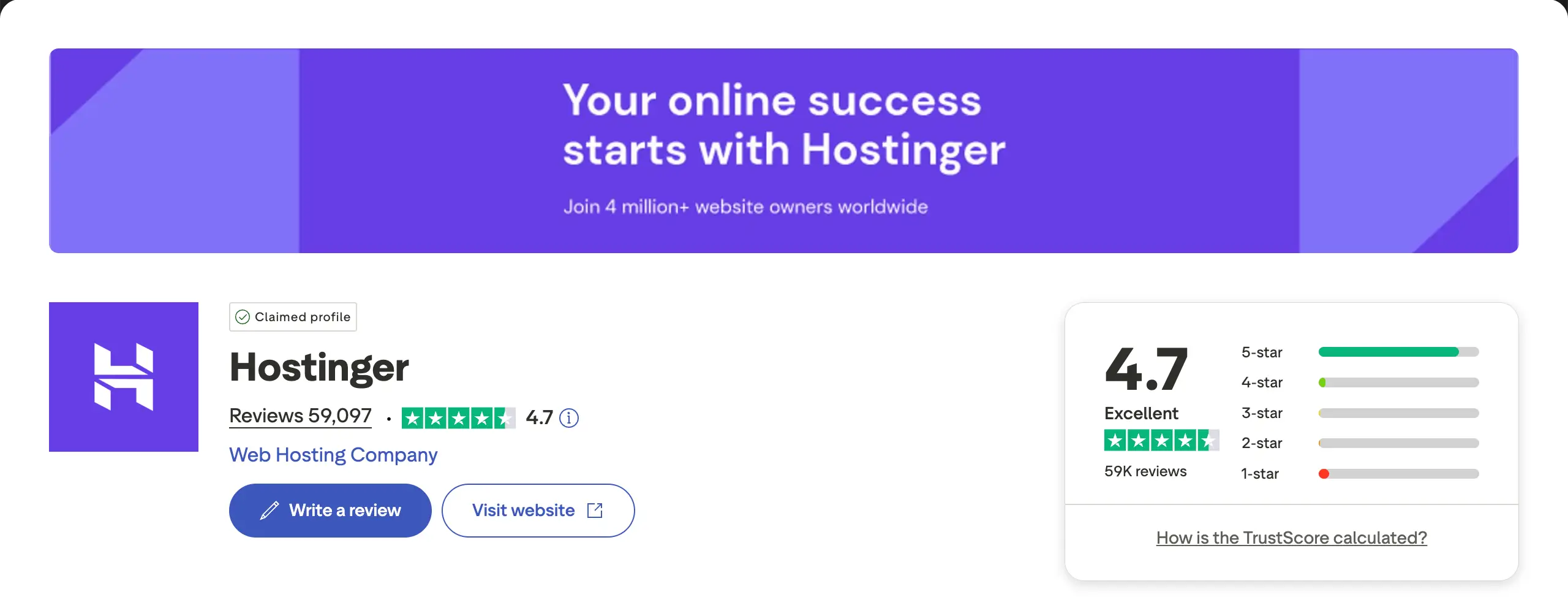
Hostinger is one of the best budget hosting services for new food bloggers. It offers good performance for a low price. It uses LiteSpeed servers and NVMe SSD storage, which helps food blogs load fast even with many recipe images. This makes Hostinger a strong starting point for beginners without spending a lot.
The custom dashboard called hPanel is simple and clear. You can install WordPress with one click, create email accounts, and manage basic settings without any technical skills. Many Hostinger plans also include a free domain for the first year, which helps reduce startup costs.
Key features of Hostinger
- LiteSpeed Web Servers & Cache: These ensure fast loading times and superior site performance for image-heavy food blogs.
- Free Domain Name: Annual plans (Premium and above) include a free domain name for the first year, a great saving for new bloggers.
- User-Friendly hPanel: This custom control panel is intuitive and much easier to use than traditional cPanel. Perfect for those without technical knowledge.
- Free SSL Certificate: All plans include a free SSL certificate to keep your website secure and boost your SEO rankings.
- AI-Powered Tools: Access to AI website building, content generation, and optimization assistants to help streamline site creation and management.
- Global Data Centers: Multiple server locations across the globe (including North America, Europe, and Asia) ensure your food blog loads quickly for your target audience.
Pros & Cons of Hostinger
Pros
-
Unbeatable pricing
-
Excellent performance
-
Easy to set up
-
24/7 customer support
-
Free automatic website migration service
Cons
-
Steep renewal costs after the initial discount ends
-
Does not offer phone support
Pricing of Hostinger
The pricing of Hostinger starts from $143.52/four years with a 30-day refund policy.
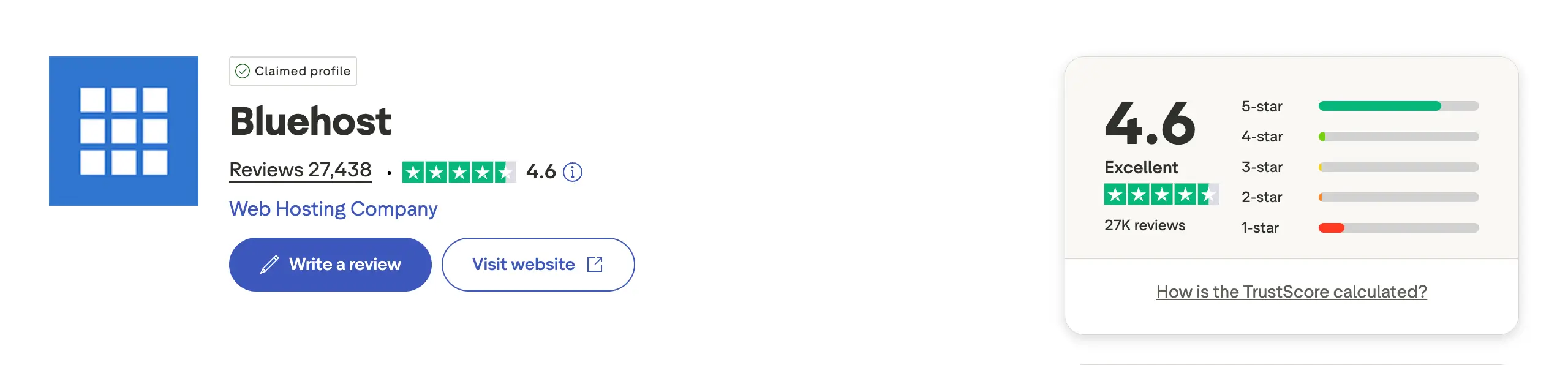
4. Bluehost (Beginner-Friendly Hosting)
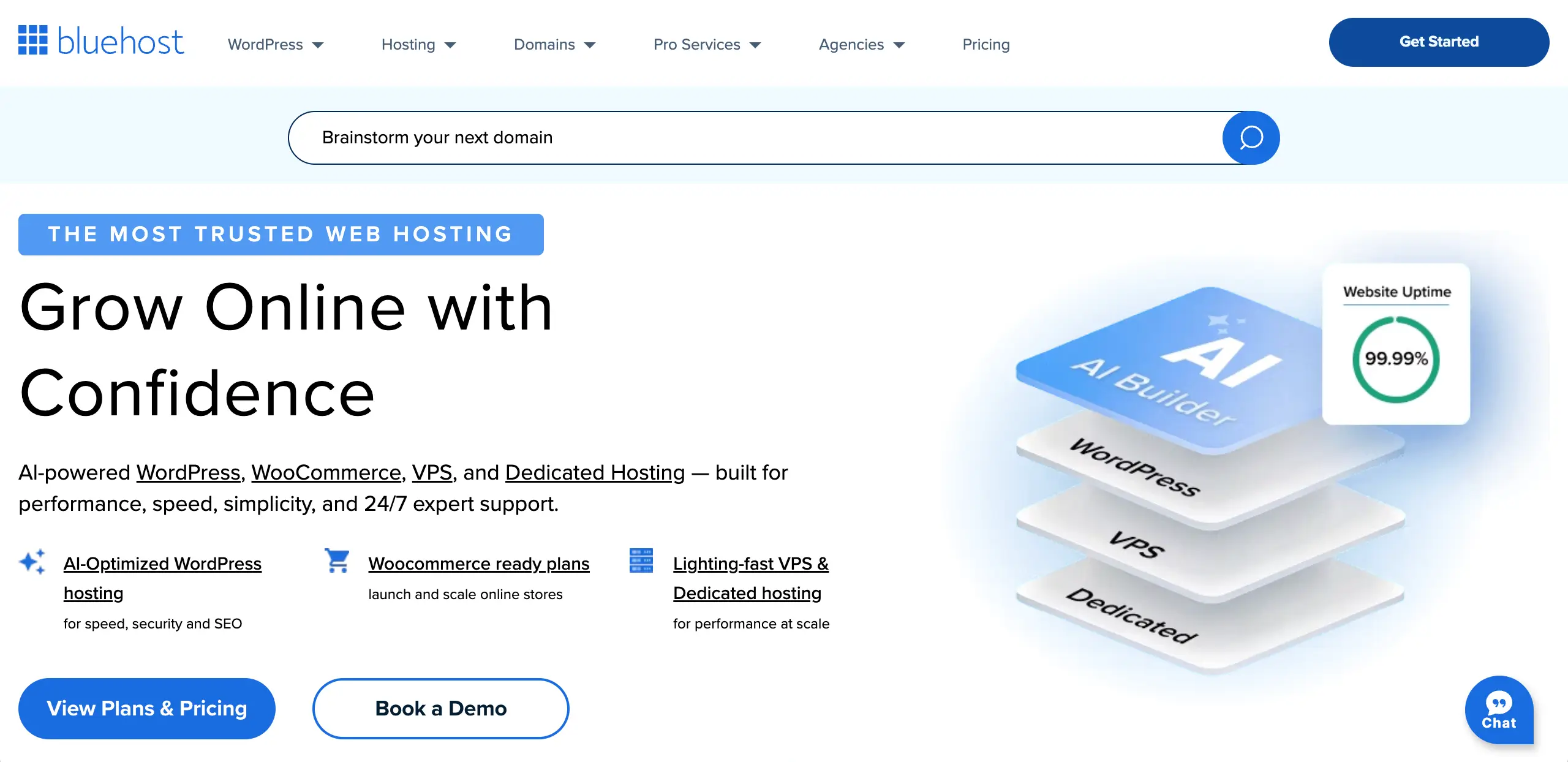
Bluehost is officially recommended by WordPress.org. It is a great option for beginner food bloggers who want a simple setup process. Bluehost guides you through the steps of installing WordPress, picking a theme, and publishing content. So, you don’t need to know a lot of technical skills beforehand.
Food blogs usually need a good loading speed for recipe photos and cooking videos. Bluehost offers stable performance and includes a built-in CDN to help your content load quickly for readers from around the world. Every plan includes a free domain for the first year and a free SSL certificate, which makes the startup cost lower.
Key features of Bluehost
- Guided WordPress Installation: One-click setup that puts your WordPress blog online fast, without complicated steps.
- User-Friendly Dashboard: A clean control panel (with cPanel access) that makes it easy to manage your site, domains, and performance tools.
- Free Domain Name for 1st Year: Annual plans include a free domain for the first year, which lowers your starting cost.
- Free SSL & CDN: Free SSL keeps your site secure, and the built-in CDN helps your blog load faster for visitors around the world.
- AI Site Creation Tools: AI helps you design and organize your blog with smart layout and content suggestions.
Pros
-
Officially recommended by WordPress.org
-
Affordable pricing plans
-
30-day refund period
-
Free professional email included
Cons
-
Higher renewal costs
-
Irritating upselling ads
-
Site migration isn’t free
Pricing of Bluehost
The pricing of Bluehost starts from $59.9/year with a 30-day refund policy.
Take a look at the best WordPress hosting for photographers.
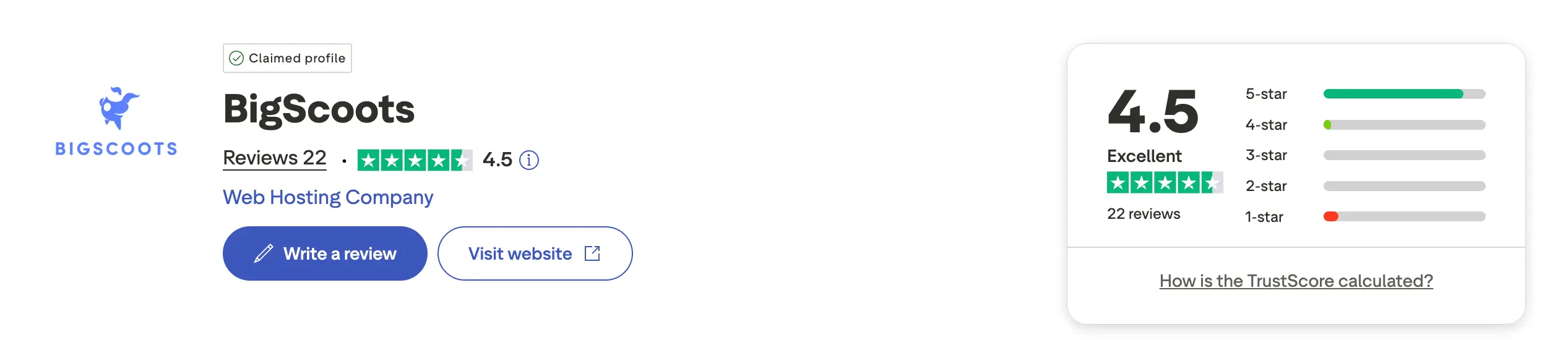
5. BigScoots (Performance & Growth-focused Hosting)

BigScoots is a premium hosting provider. As it’s fully-managed, the BigScoots team takes care of technical tasks such as updates, security, and monitoring. You can be sure of its fast loading speed and strong performance. This makes it a great choice for growing food blogs and creators who expect high traffic or viral spikes.
Their Cloudflare Enterprise CDN and advanced caching help heavy recipe pages, photos, and videos load fast for readers all around the world. Their customer support is also a major highlight. Real experts respond quickly, help optimize your site, and manage migrations for free.
Key features of BigScoots
- Fully Managed Service: BigScoots handles updates, security, monitoring, and performance for you.
- Owned Infrastructure: They run their own hardware and data centers for better speed and faster problem-solving.
- Cloudflare Enterprise CDN: Strong security and faster global delivery so your images load quickly everywhere.
- Image & Performance Optimization: Automatic image compression and WebP conversion at the server level, with no extra plugins needed.
- Protected Growth Policy: Your site won’t slow down or get suspended during traffic spikes or viral moments.
- Fast Support Response: 24/7 expert support with response times under 90 seconds.
Pros
-
Exceptional customer support
-
High-performance infrastructure
-
Hands-off management
-
Scalable solutions for growing
Cons
-
Premium price tag
-
Lower-tier plans have limited storage
Pricing of BigScoots
The pricing of BigScoots starts from $377.46/year with a 45-day refund period.
Conclusion
Hope you enjoyed the post. Lastly, choosing the best WordPress hosting for a food blog depends on your current goals, budget, and how fast you expect to grow. Beginners who want an affordable start can go with budget-friendly providers, while serious food bloggers with high traffic and lots of recipe photos may prefer premium managed hosting for better speed and reliability.
No matter which host you choose, make sure it offers good performance, uptime, security, and helpful customer support, as these factors directly affect user experience and search rankings. Once your hosting is set, focus on food blog best practices to get the most out of your website.
Leave a Reply