


Sliders have been very popular in web design today because they allow you to display multiple pieces of content in a limited space with smooth and eye-catching transitions. You can use them to display different types of content like images, videos, texts, testimonials, and more.
A slider block plugin comes with a dedicated block for Gutenberg that lets you create beautiful sliders in the editor. Well-built slider block plugins can be lighter than some page builder sliders, but any slider adds assets. For the best Core Web Vitals, optimize images, enable lazy loading, and choose plugins that ship minimal JS/CSS.
In this article, you’ll explore the best Gutenberg slider block plugins for WordPress, including their key features, pros & cons, and pricing. Hope this will help you a lot in choosing the best slider block plugin for your website. Let’s get started.
Key Things to Check While Choosing a Gutenberg Slider Block Plugin
You’ll surely find lots of slider block plugins online, with different sets of features. But to get the best from a block slider plugin, there are some common features that must be present in a good plugin. Check them below.
a. Content Support
Check what kind of content you can use inside the slider. Some plugins only allow images, while others support text, buttons, videos, or even reusable blocks. The more content types supported, the more creative freedom you get.
b. Animation and Transition Effects
Sliders have become so popular because of their animation and transition effects. So, make sure the plugin has enough animation and transition effects. Otherwise, it will be completely worthless.
c. Integration with Other Plugins or Blocks
If you’re using tools like WooCommerce, EDD, custom post types, or form plugins, make sure the slider block plugin integrates with them. Without this, you’ll fail to display content dynamically through the slider.
d. Customization Options
Check if the plugin allows you to change the colors, fonts, spacing, transition, height, width, the number of sliders, and navigation arrows. Only then can you align the slider’s appearance with your website.
e. Speed and Performance
Some slider plugins have been reported to slow down the site speed. So, first test your chosen plugin on a local site and check the performance using page speed tools like PageSpeed Insights. Thus, you can choose a good one in the end.
Best Gutenberg Slider Block Plugins for WordPress
Hope you enjoyed the introductory parts and are aware of the things that must be present in your desired slider block plugin. Now, in this section, we’ll shortlist and discuss the best Gutenberg slider block plugins for WordPress.
1. Sliderberg

Sliderberg is a promising slider and carousel block plugin. It lets you create beautiful and fully responsive sliders with very minimal effort. You can create image galleries, product sliders, testimonial sections, blog post carousels, and many more types of sliders quite easily.
It will give you a native Gutenberg block experience, as its features and customization options are nearly identical to the default WordPress blocks. With the plugin, you can slide any content, such as text, images, videos, buttons, and even other Gutenberg blocks. You’ll find it an extremely flexible slider plugin.
A Typical Slider Created With Sliderberg Looks Like…
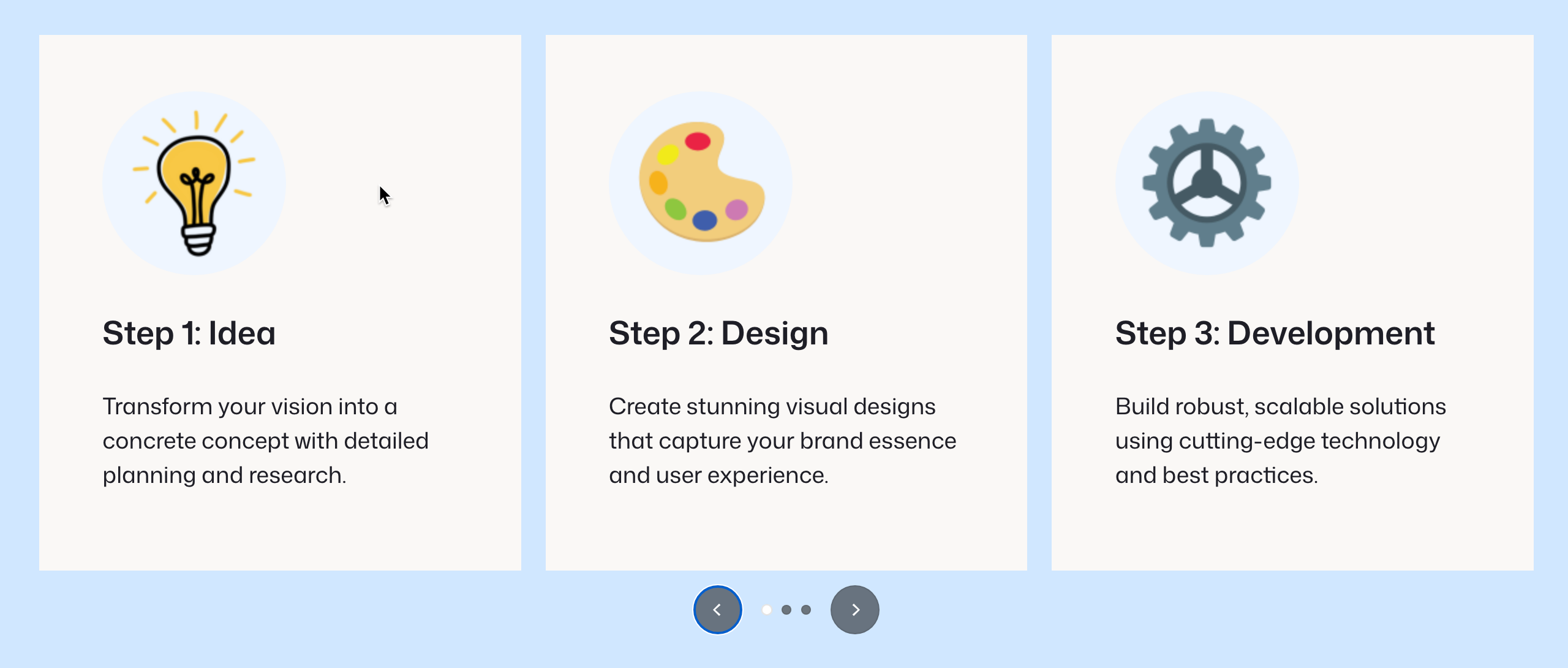
Key features of Sliderberg
Carousel Mode with Responsive Settings: Its carousel mode allows you to display multiple slides at once. You can control how many slides are visible on different screen sizes.
Beautiful Transition Effects: You can select and add smooth transition styles like Slide, Fade, and Zoom to make the slider captivating.
Flexible Navigation Controls: Sliderberg includes customizable navigation arrows and dots. You can display them at the top, bottom, or as split arrows.
Advanced Custom Styling: You can customize the color, opacity, position, and spacing of your slider elements directly within the block settings.
Security and Updates: Sliderberg has been developed by DotCamp, which is behind the development of many popular plugins like Ultimate Blocks, WP Table Builder, and Tableberg. So, you don’t have to worry about their security and regular updates.
Pros
-
Easy to control sliders
-
Responsive carousel
-
Growing template library
Cons
-
Needs more advanced features
-
Limited support
Pricing of Sliderberg
Sliderberg is completely free to use. It doesn’t have a premium version yet. We’ll update you whenever it releases the pro version.
2. Ultimate Blocks
If you are looking for a multipurpose Gutenberg block plugin including the image slider option, you must try the Ultimate Blocks plugin. It’s currently one of the top-rated block plugins with hundreds of five-star ratings and many positive reviews.
The plugin has 25+ custom blocks with which you can create content boxes, testimonials, tabbed sections, star ratings, styled lists, and more. These blocks are designed to improve content layout and increase reader engagement. Its image slider can add a positive vibe to your content.
A Typical Slider Created With Ultimate Blocks Looks Like…
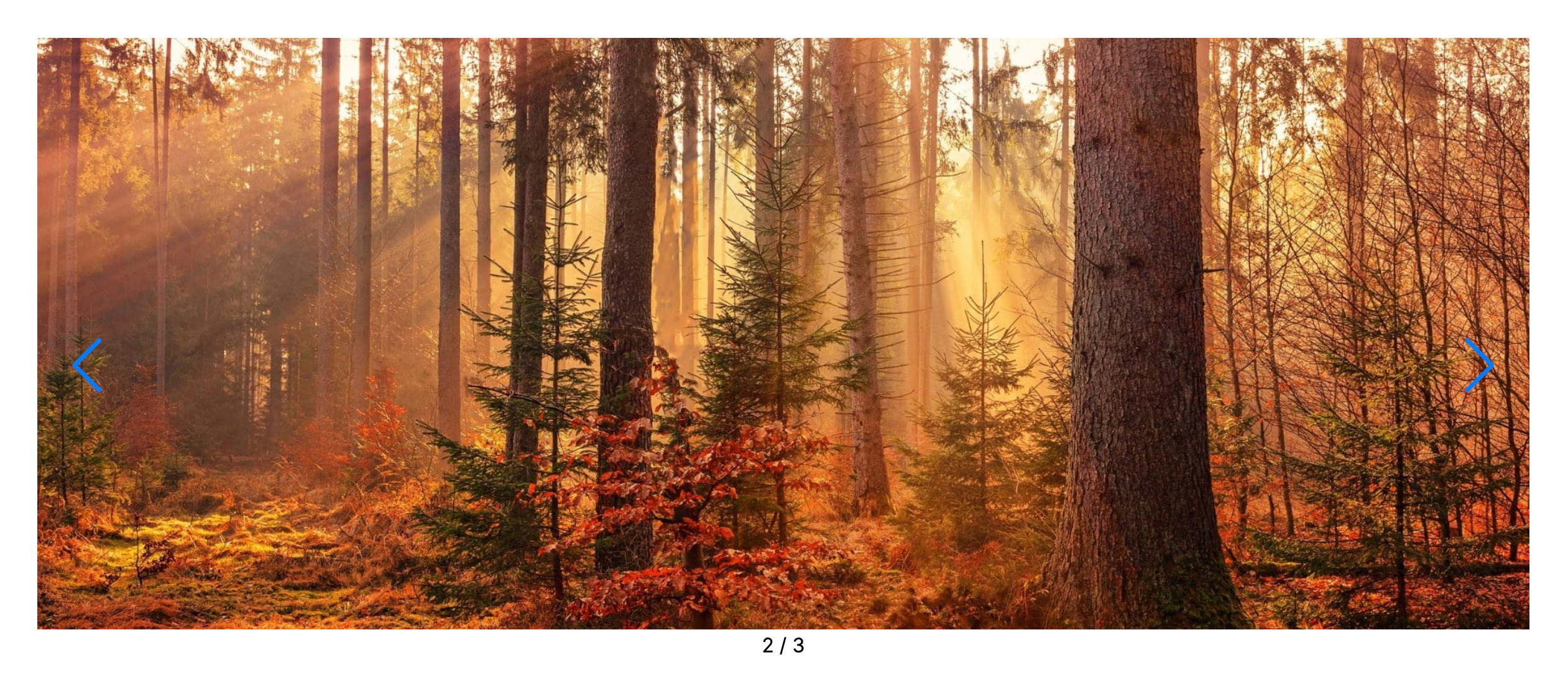
Key features of Ultimate Blocks
Slide Per View: You can configure how many slides appear on the screen at once. This is perfect for creating multi-image carousels, product showcases, or logo sliders.
Pagination Styles: The plugin offers multiple pagination styles. They are bullets, fractions, and progress bars. Choose the option that fits your needs.
Transition Effects: You can choose from a variety of transition effects, including slide and fade.
Styling Controls: Like any other block, you can customize its padding, alignment, background settings, column width, height, and more for the image slider.
Lightning-fast: Ultimate Blocks is well known for its lightweight performance, so it will not slow down your page loading speed.
Pros
-
Free version is available
-
Affordable pro version
-
Secured u0026amp; regular updates
-
SEO focused
Cons
-
Misses AI integration
Pricing of Ultimate Blocks
Ultimate Blocks has a free version available. Premium plans are offered on annual licenses with a refund window.
3. Super Block Slider
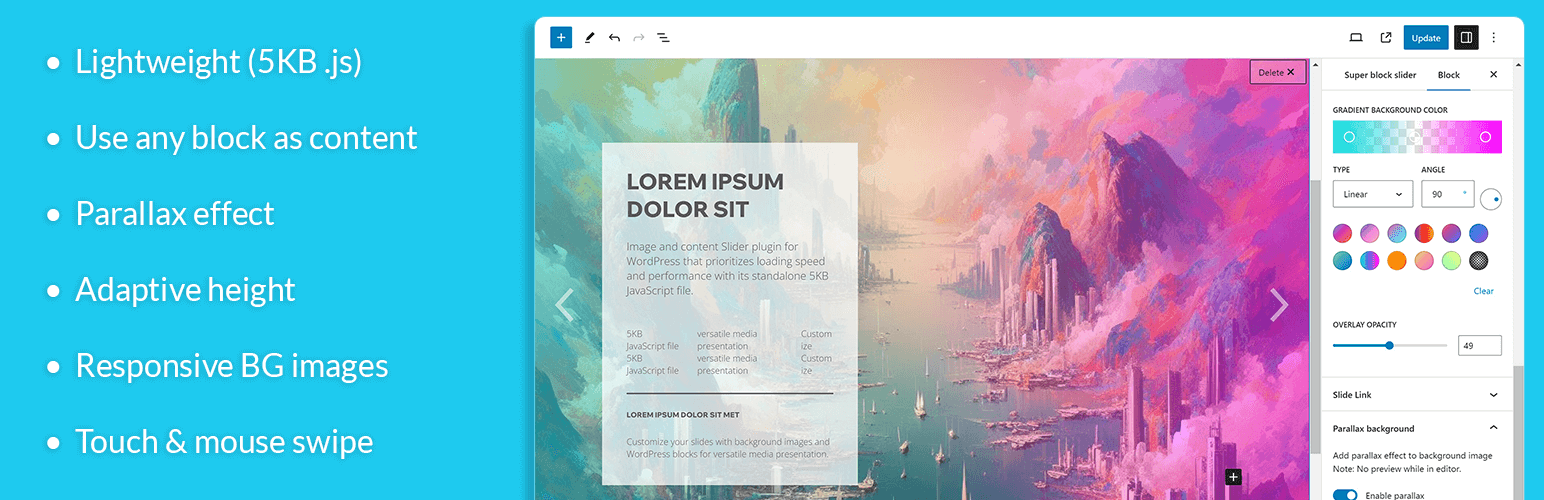
Super Block Slider is an image and content slider plugin. With a tiny JavaScript footprint, the plugin is extremely lightweight and highly optimized for fast loading and smooth performance. No matter whether you want to create a simple image or content slider, you can use any Gutenberg blocks within this plugin’s slider.
If you are still in love with the classic editor, you can display sliders built with this plugin via a shortcode. This means the plugin is compatible with different types of WordPress setups, which makes it highly flexible. As it supports shortcodes, you can use it with page builder plugins as well.
A Typical Slider Created With Super Block Slider Looks Like…
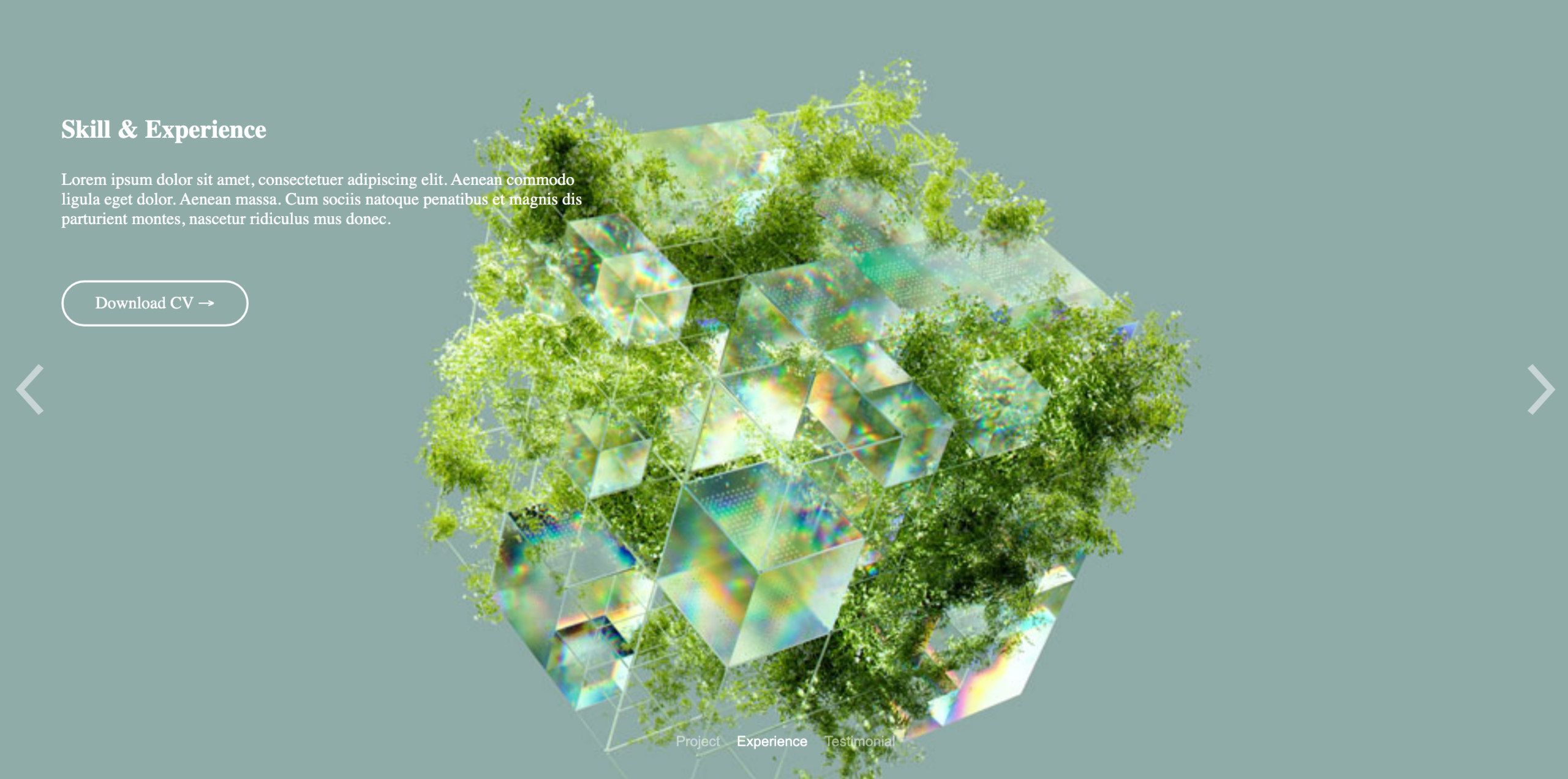
Key features of Super Block Slider
Flexible Content Slider: It allows you to add any Gutenberg blocks inside your slides, such as text, buttons, headings, or forms, using the native WordPress block editor.
Gradient & Color Overlay: You can add solid or gradient overlays to your slider to create a contrast between the background and images and foreground text.
Parallax Effect: It gives your slider depth and movement by allowing the background to move at a different speed than the content during scrolling.
Transition Animations: The plugin comes with multiple transition animations so you can control how slides move in and out.
Responsive Background Images: You can set different background images for desktop, tablet, and mobile views so the slider looks perfect on all screen types.
Pros
-
Lightweight and optimized
-
Live preview