


If you want to display a collection of YouTube videos together in a single layout, YouTube video gallery plugins could be the best solution. They can help you showcase videos in a grid, list, carousel, or other creative layouts so visitors can explore them and watch the one they need.
This type of layout is ideal for showcasing an entire playlist, a channel, or a handpicked collection of videos. They could be for educational courses, tutorials, drama serials, etc. In this article, you’ll explore the best YouTube video gallery WordPress plugins, including their key features.
Also, you’ll learn their pros & cons. This will help you compare and choose the right one for your website. Get started!
Plugin |
Primary Use Case |
Layout Options |
Lightbox |
YouTube Source Support |
Auto Sync |
Performance Features |
|---|---|---|---|---|---|---|
Multimedia galleries |
Grid, Masonry |
Yes |
Playlist, Channel |
Limited |
Lazy load |
|
Video embedding & feeds |
List, Grid |
Limited |
Channel, Playlist, Live |
Yes |
API caching |
|
Designer-focused galleries |
Grid, Masonry, Custom |
Yes |
Playlist, Channel |
No |
Basic optimization |
|
Gutenberg galleries |
Grid, Masonry |
Yes |
Playlist, Channel |
Limited |
Lightweight |
|
Auto-updating feeds |
Grid, List |
Limited |
Channel, Playlist |
Yes |
API-based loading |
|
Feeds for YouTube (Smash Balloon) |
High-traffic YouTube feeds |
Grid, Carousel |
Yes |
Channel, Playlist, Live |
Yes |
Optimized API usage |
How to Choose the Best YouTube Video Gallery Plugin
You might be wondering how to choose the best YouTube video gallery plugin out of too many options online! To help you out, in this section, we’ll discuss a few points that you can consider as a checklist. Keep reading!
1. Multi-Source Support
Although YouTube should be the focus, it could be helpful if the plugin also supports videos from other platforms like Vimeo or self-hosted MP4 files. This will give you more flexibility.
2. Lightbox or Popup
Many users don’t want to leave your site to watch a video. A lightbox or popup video player lets them watch directly on your page in an overlay.
3. Lazy Loading and Speed Optimization
Videos can slow down your page if not handled well. Look for plugins that use lazy loading. This is a must for good page speed and performance.
4. Playlist and Channel Support
The plugin should allow full playlist or channel embedding so you don’t have to add videos one by one. This will be a big time-saver.
5. Filtering and Sorting Options
Ensure the plugin allows you to add categories and tags to the galleries, enabling users to easily filter them by topic, date, popularity, or other criteria.
6. Multiple Gallery Layout Options
Check if the plugin offers different layout styles, such as grid, list, carousel, or masonry. This will give you flexibility in video presentation.
Best YouTube Video Gallery WordPress Plugins
You will definitely find lots of YouTube video gallery plugins, but most of them are page builder-based. Not many Gutenberg-friendly tools are available. Yet, we have found a handful of Gutenberg-friendly YouTube video gallery plugins, which we’ll discuss here. Stay tuned!
1. Envira Gallery

Envira Gallery is one of the most popular and trusted gallery plugins for WordPress, with 1450+ positive ratings. After the plugin is installed, it creates an additional menu on the backend admin bar. From there, you can create different types of galleries, not only for YouTube videos but also for images.
So, it’s a flexible solution for anyone who wants to showcase both images and videos in one place. It offers a drag-and-drop builder, responsive design, lightbox popup, and fast loading performance, which are essential for creating professional-looking video galleries.

Key features of Envira Gallery
Video Playback Settings: With its Video addon, it becomes easy to enable/disable autoplay, show/hide player controls, display/remove related videos at the end, and allow fullscreen viewing.
Multiple Gallery Layouts: It offers grid, masonry, slideshow, and many other layout options. You just have to specify the number of columns, spacing, and thumbnail sizes for them.
Video + Image Support: One unique feature is that you can create mixed galleries that combine both images and YouTube videos.
Social Media Integration: With the social sharing addon, visitors can share your videos on platforms like Facebook, Twitter, and Pinterest directly from the gallery.
Pagination for Large Galleries: If your gallery includes many YouTube videos, you can split it across multiple pages using pagination.
Watermarking: If you want to protect your original content from being misused or stolen, watermarking can help.
Pros
-
SEO-friendly & deep-linking
-
Lots of modular addons
-
Integrates WooCommerce
-
Social sharing integration
Cons
-
Extremely dependent on addons, which can increase the cost
-
Costly premium plans
Pricing of Envira Gallery
Envira Gallery has a free version available. Its premium plans start from $79/year with a 14-day refund policy.
2. Embed Plus

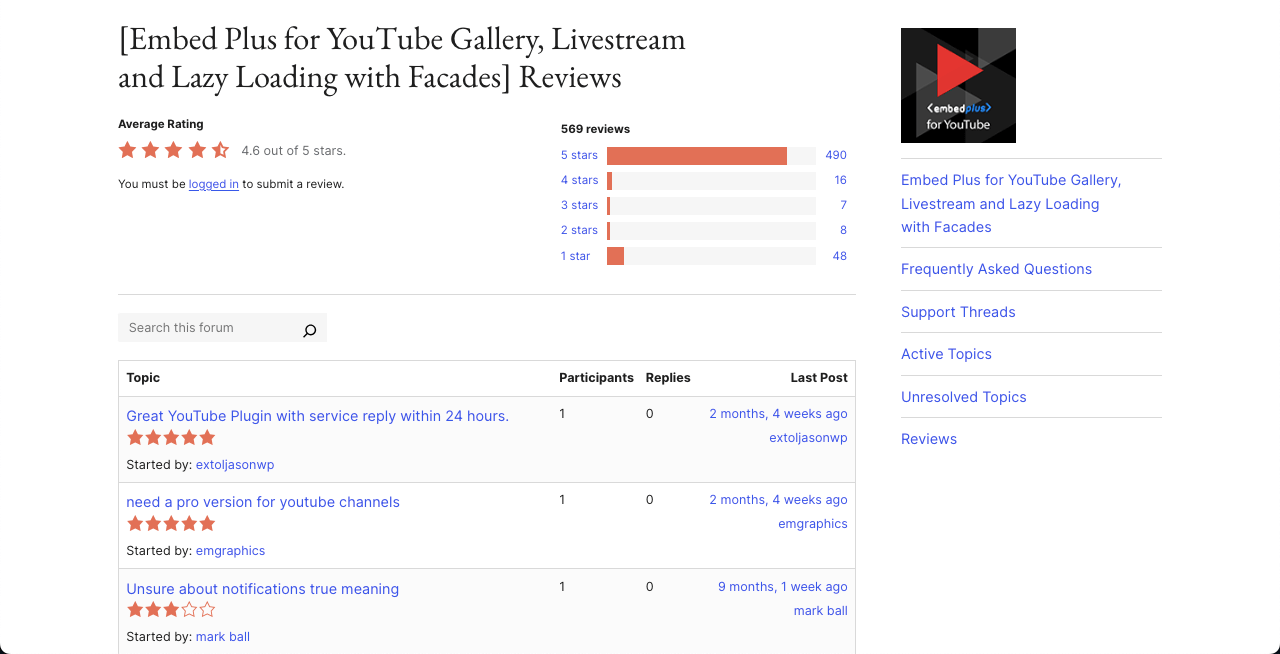
Embed Plus is a dedicated plugin to display YouTube videos on WordPress in galleries. No matter if you want to display a full YouTube channel, playlist, or even livestream, this plugin is ready to help you build a smooth, responsive, and customizable video gallery with just a few clicks.
It supports YouTube premieres, shorts, and standard videos. Not only is Gutenberg compatible with Elementor and other major page builder plugins. The Pro version can extend its power with additional gallery layouts, SEO tagging, deleted video alerts, thumbnail automation, and even live chat integration.
Key features of Embed Plus
Playlist Support: You can create full galleries from the YouTube channel or playlist. Display the collection of videos in a grid layout and let users scroll through them.
Shorts Support: Shots are a maximum of 60-second video clips, which are now tremendously popular, and you can display them on WordPress with this plugin.
Livestream and Premiere Embeds: You can embed YouTube livestreams or scheduled Premieres using a simple URL.
Facade Mode: It loads a lightweight image preview instead of the full YouTube iframe. The full player only loads when a user clicks to watch. This reduces page weight.
YouTube API Integration: Advanced users can link the plugin with the YouTube Data API for better gallery control, faster syncing, and more dynamic updates.
Pros
-
Analytics dashboard
-
Deleted video alerts
-
Advanced player controls
-
GDPR-friendly
Cons
-
No advanced filtering
-
Caching issues reported
-
Limited layouts
Pricing of Embed Plus
Embed Plus has a free version available. Its premium version starts from $59/six months. However, it has no clear refund policy.
3. Modula

Modula is a multipurpose gallery builder plugin. Not only video galleries, but it also helps you create image galleries. It covers many powerful features for creating engaging YouTube video galleries. You can even combine YouTube, Vimeo, and even self-hosted videos within a single gallery.
Once added, these videos can be displayed in lightbox slideshows or modern slider formats. After the plugin is installed, it adds a menu in the backend admin menu bar. You’ll get an editor there to create the galleries you want. Then, those galleries can be displayed on the editor using the Modular Gallery block.

Key features of Modular
Modula AI: It comes with a built-in AI assistant to automatically generate optimized titles, captions, and ALT text. It can save time and boost SEO score.
Instagram Integration: You can connect your Instagram account and import images automatically into Modula galleries.
Slider Gallery: It’s easy to create modern slider-style galleries, including arrows, dots, fade effects, center mode, and loop options.
Gallery Filters: It enables you to sort and filter videos and images via tags and categories. This is great for large galleries.
Watermarking: You can protect your original images from unauthorized use by adding watermarks.
Pros
-
AI support
-
Works with multiple video platforms
-
Generate Shortcodes
-
Whitelabel
Cons
-
Basic video lightbox
-
Addons increase costs
Pricing of Modular
Modular has a free version available. Its premium version starts from $39/year with a 14-day refund policy.
4. SimpLy Gallery Blocks

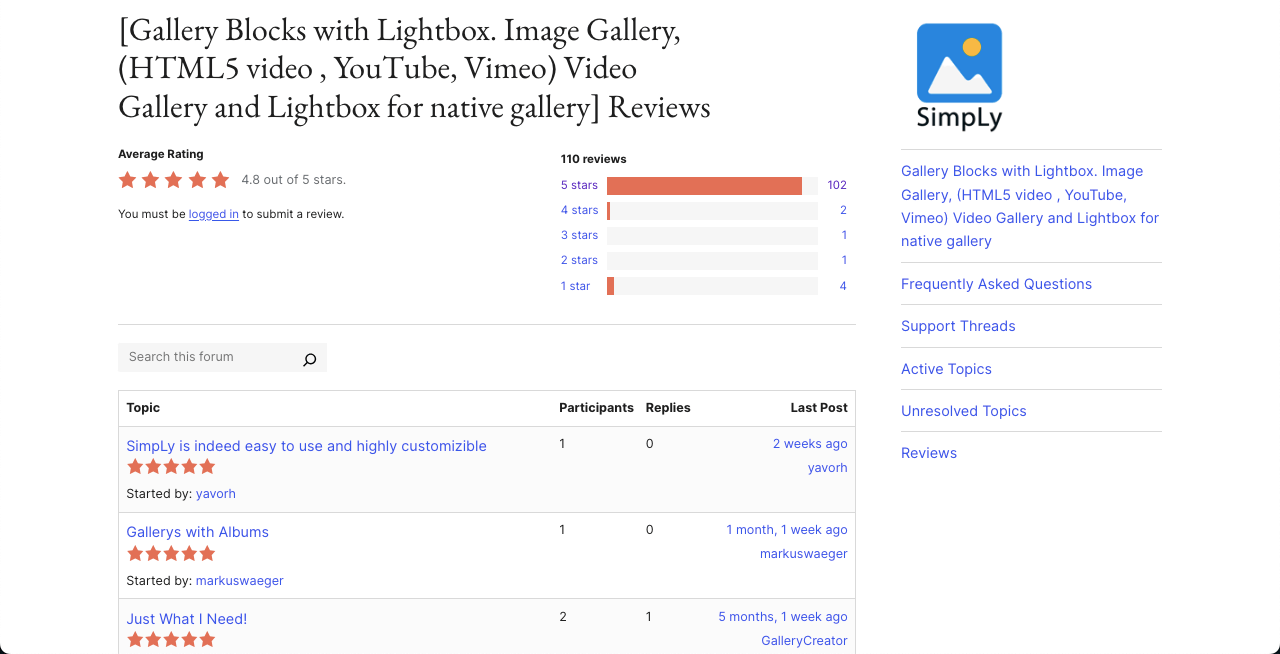
SimpLy Gallery Blocks is another feature-rich and multipurpose gallery block plugin to create and display YouTube videos in galleries on WordPress. It supports displaying images, audio, self-hosted video files, and YouTube videos.
It offers many layout blocks like Masonry, Grid, Justified, Slider, and Carousel, which are fully mobile-responsive. The Pro version lets you build dynamic video galleries by linking a YouTube playlist or even Vimeo channels and showcases. The drag-and-drop interface provides extra advantages in reordering content.
Key features of SimpLy Gallery Blocks
Supports YouTube and Vimeo: It allows you to build dynamic video galleries from YouTube and Vimeo videos.
Lightbox Integration: It includes an advanced lightbox called SimpLy Lightbox. It supports touch gestures, keyboard navigation, mouse wheel scrolling, and zoom.
Advanced Tags Filter with Deep Linking: You can assign tags to your gallery items and allow users to filter them. This also includes support for deep linking so users can access filtered views directly through a URL.
Social Sharing Features: The plugin allows visitors to share videos and images directly to social platforms like Facebook, Twitter, and Pinterest.
Poster Generator for MP4 Videos: If you use self-hosted .mp4 videos, the plugin offers a poster generator feature. You can take a frame from the video and use it as the video thumbnail.
Pros
-
AJAX loading speed
-
FileBird folder support
-
Drag-and-drop interface
-
WooCommerce integration
Cons
-
No shortcode support
-
No livestream auto-detection
Pricing of SimpLy Gallery Blocks
SimpLy Gallery Blocks has a free version available. Its premium version starts from $24.99/year. Although they have a refund policy, we could not find how many days you have to claim it.
5. Automatic YouTube Gallery

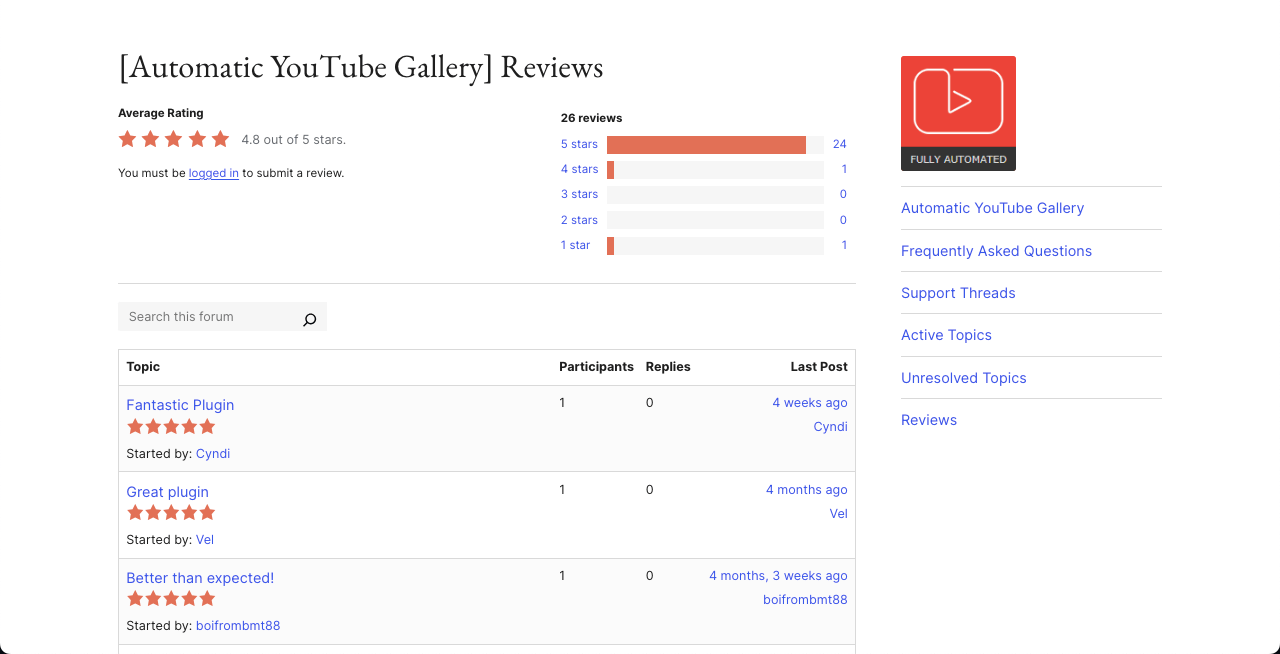
The Automatic YouTube Gallery plugin empowers you to build YouTube galleries automatically by simply adding a username, channel ID, playlist, search keyword, or even a custom list of video URLs.
With just a few clicks, you can create unlimited galleries that update themselves based on the content of your selected YouTube source. The plugin supports Gutenberg blocks, shortcodes for classic editors, and sidebar widgets that work with page builders like Elementor.
Key features of Automatic YouTube Gallery
Searchable Galleries: Galleries built with this plugin are searchable. Visitors can easily search inside a gallery to find specific videos based on keywords.
Auto Embed YouTube Live Streams: If your YouTube channel goes live, the gallery will detect and embed the live stream automatically.
Built-in Caching System: It uses built-in caching to reduce the number of requests sent to YouTube to help your website load faster and reduce server load.
Multiple Gallery Themes: The premium version includes different gallery layouts like popup, inline, slider, and playlist themes.
Translation Ready: You can easily convert the plugin text into your own language, which is helpful for non-English websites
Pros
-
Auto-fetch YouTube videos
-
Developer-friendly hooks
-
Schema markup
-
Deeplinking for SEO
Cons
-
No visual thumbnail editor
-
Not ideal for self-hosted videos
Pricing of Automatic YouTube Gallery
Automatic YouTube Gallery has a free version available. Its premium version starts from $4.99/month with a 30-day refund policy.
6. Feeds for YouTube (by Smash Balloon)

Using the Feeds for YouTube plugin, you can automatically fetch videos from any YouTube channel and show them in list, grid, or gallery styles. It supports multiple feeds on different pages. It uses caching and smart loading techniques so your pages load quickly, even with lots of videos.
Visitors can load more videos with a button click, which keeps your page clean and fast. It’s extremely lightweight, easy to set up, and fully responsive, so it works great on all screen sizes. Integration with the YouTube API keeps your gallery updated whenever something changes in the respective YouTube channel.

Key features of Feeds for YouTube
Support for Multiple Feeds: You can display multiple YouTube feeds from different channels. You can place them on different pages, in different widgets, or even show them all together.
Dynamic Content: It creates crawlable content by pulling video titles and metadata from YouTube. This can help search engines index your site content better.
Live Stream Video: You can connect to the YouTube Live API to show live streaming videos from your channel directly on your website.
Video Filtering by Keywords: Users can filter videos by keywords found in the title or description to help them quickly find their desired content.
Convert Videos into WordPress Posts: You can download video data into WordPress as custom post types, which is hardly found in other plugins.
Pros
-
Shortcode & widget support
-
Smart caching system
-
Translation ready
-
Supports multiple feeds
Cons
-
Lacks deep linking
-
No schema markup
Pricing of Feeds for YouTube
Feeds for YouTube has a free version available. Its premium plans start from $98/year with a 14-day refund policy.
Bonus: Best Photo Gallery Plugin (Not for Video)

Galleryberg is a relatively new gallery builder plugin for WordPress. Although it doesn’t have a big user base yet, you still can consider it in your shortlist because of its feature-richness and potential future.
While it’s primarily focused on image galleries, it can also be effectively used to showcase YouTube videos. You can create video galleries by uploading YouTube video thumbnails and linking them to the YouTube video URLs.
Once clicked, the videos will be opened in a smooth interface. Users will have optimum control over the playback settings and navigation between them.
Key features of Galleryberg
Multiple Gallery Layouts: The plugin offers several layout options to display YouTube videos. For example, Tiles, Square, Masonry, Justified, etc.
Built-in Lightbox: Galleryberg has a built-in lightbox powered by GLightbox. It allows users to open videos in a popup with smooth zoom effects. Also, it lets navigate using keyboard arrows, dragging, zooming, and looping.
Advanced Layout Customizations: You have a wide range of customization options for each gallery, like borders, radius, captions, aspect ratio, and duotone filters.
Custom Link Destinations: Each gallery item can be linked to a custom URL. Just upload a YouTube thumbnail and paste the video URL as the link — that’s it!
Pros
-
Clean visual styling
-
GDPR-compliant
-
Hundred percent mobile responsive
-
Performance optimized
Cons
-
Limited for dynamic content
-
Manual thumbnail setup
Pricing of Galleryberg
Galleryberg doesn’t have a pro version. So, it’s completely free to use. Once it releases pro versions, we’ll update it here.
Which YouTube Video Gallery plugin you’re going to choose?
Closing Up!
In addition to the above plugins, you’ll definitely find numerous other tools to create galleries for dispalying YouTube videos on WordPress. Besides, there are many developers who are still trying to come up with newer tools in the coming days.
You may explore them, no problem. But the ones we have discussed in this post are highly recommended by other users. They already have humangous positive ratings and reviews including social proofs. Besides, we have personally explored them.
So, with confidence, we can say that you will really be an winner if you choose any tool from the list. If you have any feedback, let us know through the comment box below.
Leave a Reply