

People do not like only text anymore. They want to see stories with images, motion, and clear flow. This is why the idea of visual storytelling has been so important. Not only does this create a humanized appeal, but it also connects users with a feeling and keeps them engaged for a long time.
WordPress is not only for blogs. It is also a strong platform for visual content. With the right storytelling plugin, you can turn simple images into engaging stories. You can guide users step by step. You can show emotions, moments, and messages in a smooth way, removing boredom.
In this blog post, we introduce you to the best WordPress storytelling plugins for visual content. We will focus on plugins that are feature-rich but user-friendly and flexible. Let’s get started!
Key Things to Check When Choosing a Storytelling Plugin
Not every plugin fits every website. Some are good for images, while others work better for long visual stories. So, there are several points you must check carefully for choosing the right storytelling plugin for your website. Below we’ve discussed them.
a. Visual Layout Options
A good storytelling plugin should offer multiple layout styles. For example, full-width sections, sliders, or scroll-based stories. This will give you more creative freedom and help present your stories more engagingly.
b. Image and Media Support
Visual storytelling depends heavily on images and media. The plugin should support high-quality images and videos. It should also handle galleries smoothly. Media should load properly without breaking the layout.
c. Mobile Responsiveness
As over 50% traffic on most websites today comes from mobile devices, the plugin must work well on all screen sizes. Stories should scroll smoothly on phones and tablets. Text and images should adjust automatically.
Explore how to create a mobile-responsive image gallery in WordPress.
d. Performance and Loading Speed
Heavy visuals may often slow down a website. A good plugin should be optimized for speed. It should load images efficiently and avoid unnecessary scripts. Fast-loading stories definitely can improve user experience.
e. Compatibility with Themes and Builders
The plugin must flawlessly work well with most WordPress themes. It should also support popular page builders. This avoids layout issues and conflicts. Good compatibility ensures smooth content creation. Check 30 best free Gutenberg-friendly themes.
f. Regular updates and support
A reliable plugin is updated regularly. Otherwise, if there are any bugs or issues in your plugin, it will be difficult to fix. This will impact you and cause a breakdown in your content layout, disturbing your visual storytelling.
Best WordPress Storytelling Plugins for Visual Content
Now, we’re in the main part of today’s discussion. In this section, we’ll list and talk about the best WordPress storytelling plugins, key features, pros & cons, and more. Let’s explore them.
1. Galleryberg – Best for Visual Storytelling with Images

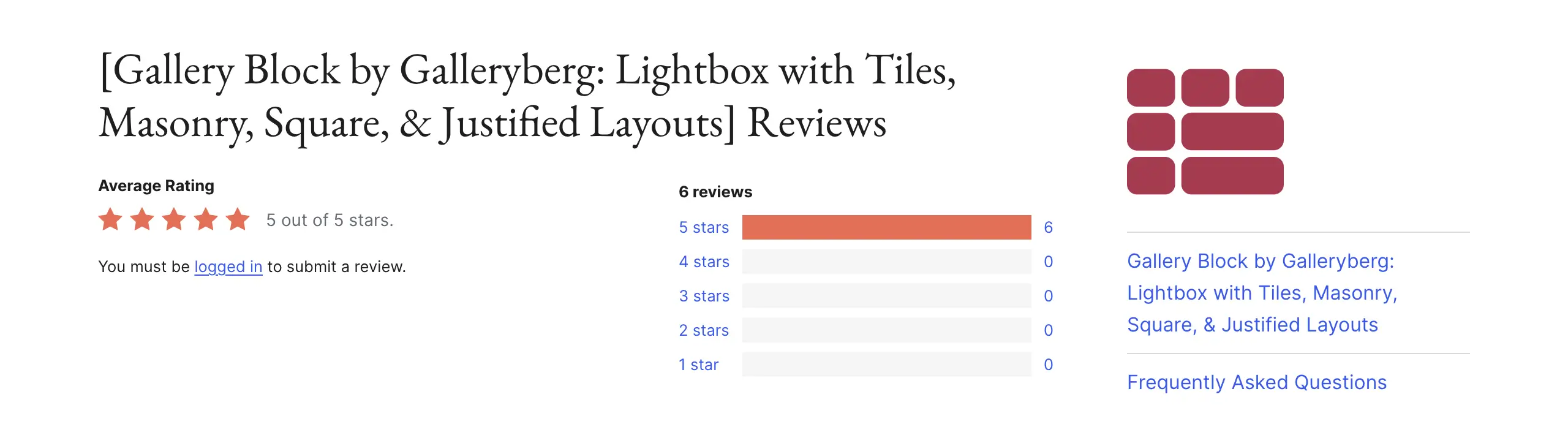
Galleryberg is a Gutenberg-native gallery builder plugin, superbly great for creating visual storytelling with images. You can create beautiful image stories using masonry, justified, or square layouts. Everything feels natural inside the editor. What you see while editing is what visitors see on the front end.
This makes Galleryberg a great choice for bloggers, photographers, and creators who want images to flow smoothly with their written content. You don’t have to depend on shortcodes or extra builders to display them on the editor. Built with performance in mind, so it never slows down your galleries, even if they are image-heavy.
Key features of Galleryberg
Flexible gallery layouts: Galleryberg offers five built-in gallery layouts. They are Tiles, Masonry, Justified, Square, and Mosaic. You can instantly switch to other layouts and decide how your images should look on the post or page.
Lightbox image viewing: The plugin includes a built-in lightbox feature. When users click an image, it opens in a clean popup. This helps viewers focus on image details. It keeps them on the same page while exploring the story.
Duotone and visual effects: Galleryberg allows you to apply duotone filters to images. This allows you to set a mood for your story. You can match image colors with your brand style. It adds emotional depth to visual content.
Custom captions and links: You can add captions to each image easily. Captions help explain the image story. You can also add custom links to images. This is useful for guides, portfolios, or product stories.
Accessibility-friendly design: Galleryberg supports accessibility standards. It automatically adds ARIA labels for screen readers. This simplifies for users with disabilities to easily understand your visual content.
Fast loading performance: The plugin is optimized for speed. It uses server-side rendering to load galleries faster. Even image-heavy pages stay smooth. This improves user experience and SEO performance.
Pros
-
Clean and modern gallery layouts
-
Mobile-friendly
-
No coding required
-
Comprehensive knowledgebase
Cons
-
Lacks video tutorials
-
Needs more advanced features that many popular plugins have
Pricing of Galleryberg
Galleryberg has a free version available. Its premium version starts from $49/lifetime, with a 30-day refund policy.
2. Ultimate Blocks – Best for Content-Driven Stories
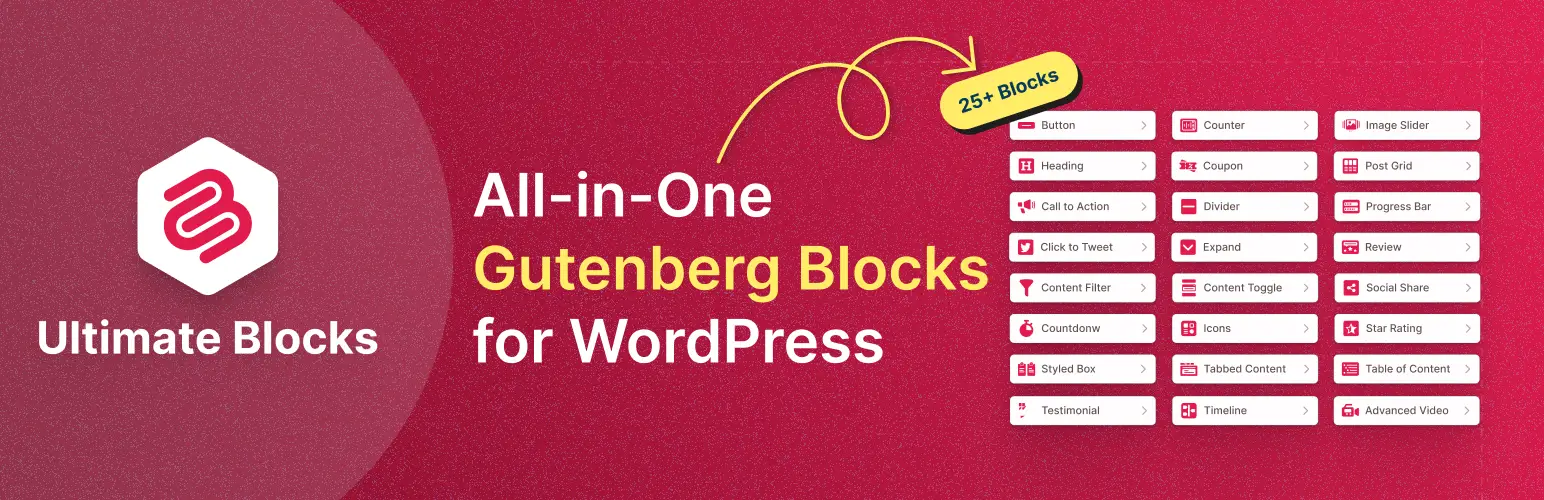
Ultimate Blocks is a comprehensive plugin with 26+ custom blocks for the Gutenberg editor. Some of its popular blocks are call to action, content filter, tabbed content, accordion, styled box, icons, timeline, social share, review, progress bar, image slider, testimonial, star rating, and more.
With them, you can remarkably extend the functionalities of your default block library and create different types of content in more meaningful and appealing ways. This plugin is especially good for bloggers and content creators who want more than basic content blocks.
Key features of Ultimate Blocks
Media combinations: Ultimate Blocks offers several media-focused blocks, including video, image, and image slider. They work well together and help you place visuals naturally inside your story. So, the media does not feel separate from the content.
Create tabs: Using its Tabbed Content block, you can create unlimited tabs, and inside each tab, you can again add any type of block you want. Users can explore by switching between them. Thus, you can cover humongous content in a small space.
Dynamic content filtering: The filter block lets users sort and view content based on categories or choices. This is useful for visual portfolios, tutorials, or travel stories. Readers can explore only what they care about.
Built-in schema markup: It includes automatic schema support for blocks like FAQ and Review. This helps search engines understand your content better. It can also improve visibility in search results.
Custom CSS: For users who want more design control, Ultimate Blocks allows you to do this by adding custom CSS codes to respective blocks. This helps match the story design with your brand. However, it’s more useful for advanced users.
Trust-building tools: Using blocks like rating, testimonial, and review, you can create an environment that motivates people trust your content and stories. You can support your narrative with real feedback or scores. They are useful for reviews, comparisons, and case studies.
Pros
-
Gutenberg optimized
-
Highly modular
-
SEO friendly
-
Fast loading
Cons
-
Misses the Gallery block
-
Lacks the popup block
Pricing of Ultimate Blocks
Ultimate Blocks has a free version available. Its premium version starts from $59/year with a 30-day money-back guarantee.
3. Web Stories – Best for Immersive Visual Narratives
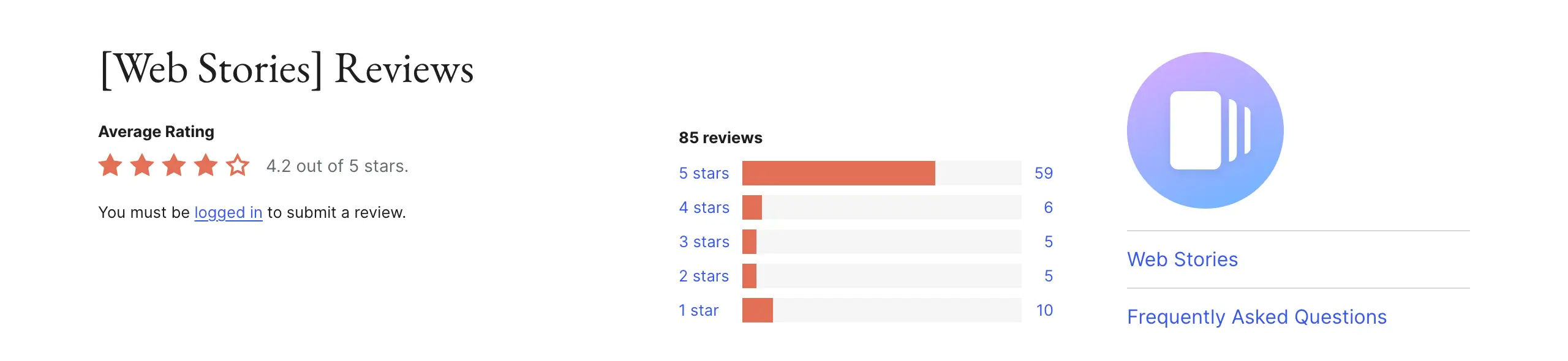
Web Stories for WordPress is made by Google. It brings the popular story format from social media directly to WordPress. You can create full-screen visual stories that load very fast, mainly built for mobile users. You can use images, videos, text, and even audio in one smooth flow.
The editor is drag and drop, so you do not need design skills. It feels similar to tools like Canva. What makes Web Stories special is its strong connection with Google Search and Google Discover. These stories can appear separately from normal blog posts. This helps your visual content reach a wider audience.
Key features of Web Stories
Drag-and-drop visual editor: The editor is simple and powerful. You can place text, images, and videos anywhere on the screen. This gives full control over story design. It is beginner-friendly and easy to learn.
Full-screen vertical stories: All stories use a vertical, full-screen layout. This removes distractions like menus and sidebars. So, readers can focus only on the story. It increases attention and engagement.
Built-in media library: The plugin offers access to a large stock media library. You can use photos and videos directly inside the editor. This saves time and helps you remarkably improve the visual quality.
Tap-based navigation: Users can navigate through stories only by tapping the screen. There is no need for scrolling. This feels natural for mobile users and makes the experience fast and interactive.
Google Discover visibility: Web Stories are optimized for Google Discover and Search. They load very fast using AMP technology. As a result, your stories are supposed to get more organic traffic.
Call-to-action and product links: You can add buttons and links inside stories. This helps drive actions like visits or sales. It is useful for promotions and affiliate content.
Pros
-
Mobile optimized
-
Highly interactive
-
Search engine visible
-
Completely free
Cons
-
Mobile-only focus
-
Steep learning curve
Pricing of Web Stories
Web Stories is completely free to use. It doesn’t have a premium version yet.
4. Sliderberg – Best for Slide-Based Storytelling

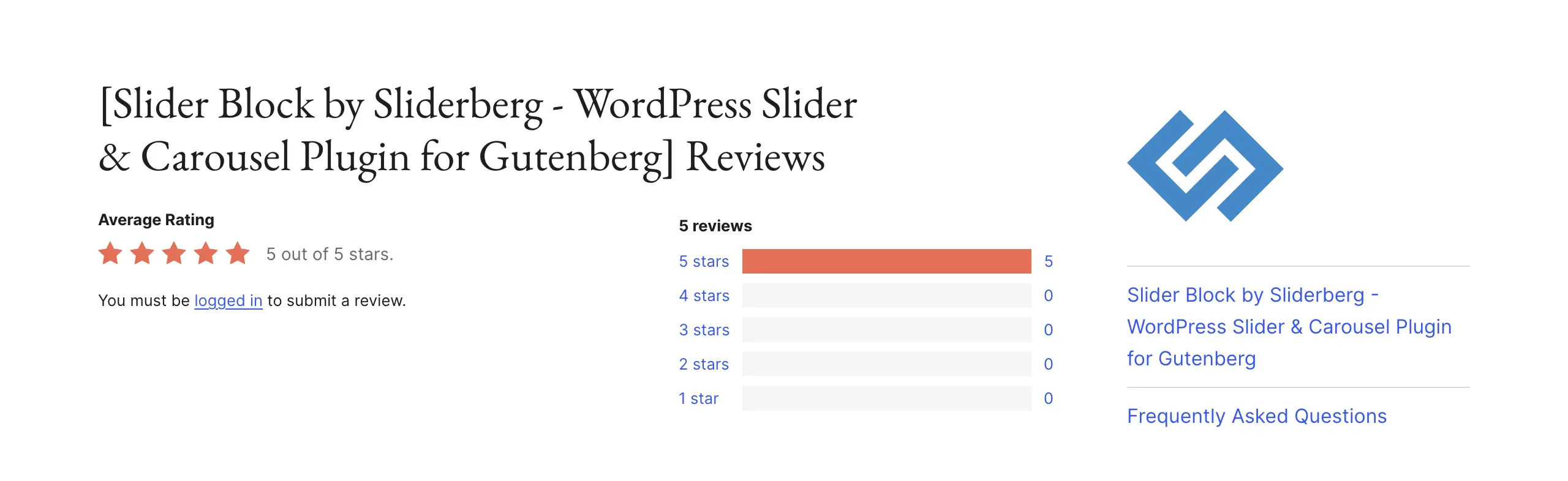
Sliderberg is a Gutenberg-based plugin made for creating image sliders. It helps you show multiple images in a smooth slider. This is useful when you want to tell a story in steps, like a tutorial, timeline, or event journey. Instead of showing many images one after another, you can place them inside a single slider.
It follows a true ‘what you see is what you get‘ editing style. You can make changes and see them instantly. Sliderberg is lightweight and fast, so it does not slow down your site. It also supports modern design and accessibility standards. This makes your visual stories feel natural and professional on any device.
Key features of Sliderberg
Sequential image storytelling: Sliderberg lets you group related images, testimonials, and portfolio items into one slider. This is perfect for step-by-step stories or timelines. Images stay connected and easy to follow. It helps maintain a clear story flow.
Block nesting inside slides: You can place text, buttons, or other blocks inside each slide. This allows you to explain each image clearly. You can add captions or calls to action directly on the visuals. This makes the story more informative.
Navigation controls: The plugin includes dots and arrow navigation. Users can move through the slider easily. You can style these controls to match your website design. This improves usability and visual consistency.
Accessibility support: Sliderberg adds ARIA labels automatically. This helps screen readers understand the slider content. It makes your visual stories accessible to more users. Its inclusive design philosophy gives you a strong plus point.
Custom CSS options: For advanced users, Sliderberg allows custom CSS. You can control animations, borders, and spacing. This helps match the slider with your brand style. It adds flexibility without complexity.
Responsive design settings: You can set different behaviors for mobile, tablet, and desktop. Images adjust properly on all screen sizes. This prevents awkward cropping. Your story looks good everywhere.
Pros
-
Gutenberg native
-
Very lightweight
-
Highly responsive
-
User friendly
Cons
-
Doesn’t support shortcodes
-
Doesn’t work with page builders
Pricing of Sliderberg
Sliderberg doesn’t have a premium version yet. So, it’s completely free to use.
Final Words!
Visual storytelling works best when it feels natural and easy to follow. The right WordPress plugin can help you turn simple images into meaningful stories. But the tool alone is not enough. You should plan your story before building it. Use images that support the message, not distract from it.
Keep layouts clean and avoid adding too many effects. Simple design helps readers focus on the story, not the animation. To get better results, always think about your audience and device type. Make sure your stories look good on mobile screens. Optimize images so pages load fast.
Don’t forget to use captions to add context and guide readers. Test your stories before publishing to check flow and usability. When visuals, structure, and performance work together, storytelling becomes smoother and more powerful.
Leave a Reply