


An image block allows you to upload an image or choose one from the media library. It helps you create better image layouts inside the Gutenberg editor. Although WordPress has a default image block, it works well for basic images but lacks advanced options. Image block plugins come with advanced options.
They give you more control over how images look and behave on your site. You can add grids, galleries, hover effects, and lightbox views. You can create complex layouts and styled galleries, which are essential to enhance storytelling with visual graphics.
There are numerous image block plugins online. In this discussion, we’ll present the three best Gutenberg image block plugins for WordPress. We’ll explain their key features, pros & cons, and many other points as well. Get started!
Best Gutenberg Image Block Plugins for WordPress
If you don’t love to use page builder or depend on shortcode solutions for creating advanced image layouts, using an image block plugin is the best option. Check the best ones below.
1. Gallerberg
Galleryberg is a promising gallery-builder plugin. But no matter if you want to create layouts for displaying single images. You can use all the settings in image layouts that the plugin offers for creating galleries. Besides, if you ever want to decorate posts and pages with galleries, it’s also possible with this plugin.
Although the plugin is still new, it covers enough calibre to support your advanced design requirements. You can add hover effects, lightbox effects, animation effects, coloring, and more. Developers are constantly working to come up with new features in the near future. This is a hundred percent great for beginners.
Take a look at the best image grid plugins.
Key features of Galleryberg
- Five Gallery Layouts: As it’s basically a gallery builder, it offers five gallery layouts. They are Tiles, Masonry, Justified, Square, and Mosaic.
- Fast Loading: It’s extremely lightweight. The plugin never slows down your web pages with heavy code.
- Built-in GLightbox: It lets you add smooth zooming, fade animations, loop navigation, keyboard navigation, and thumbnail navigation.
- Performance Optimized: Due to its server-side rendering, it doesn’t require heavy scripts, which ensures the image blocks are lightweight.
- Customization Options: You can adjust the block layout by customizing its padding, margin, spacing, radius, border color, and more.
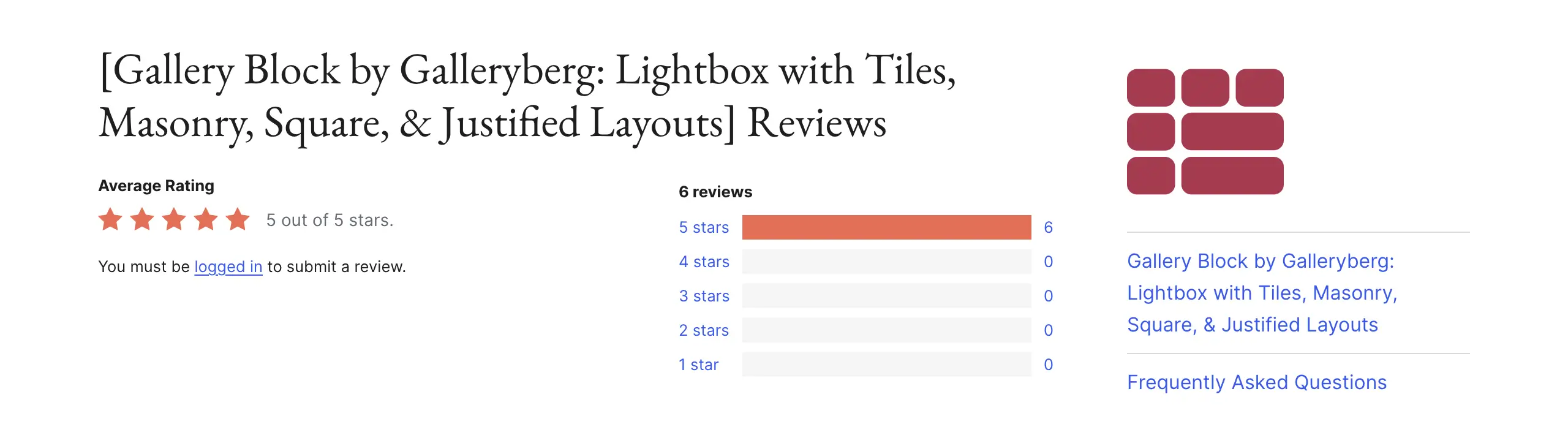
Pros
-
Beginner-friendly
-
Extremely lightweight
-
Highly flexible
-
Coming with many new features
Cons
-
Needs to add many more features
-
Lacks many animation effects
Pricing of Galleryberg
Galleryberg has a free version available. Its premium version starts from $49/year with a 30-day refund policy.
2. Sliderberg

Sliderberg is a specialized plugin to create sliders and carousels. Not only can you use this plugin to showcase simple images, but you can also use it to showcase your portfolio, product, testimonial, promotional banner, and more through slideshows. If not a slideshow, no worries! You can use it to display a single image.
Sliderberg is fully mobile-responsive. It can automatically adapt your slides on desktop, tablet, and mobile phones, without breaking the slider’s layout. If you are short of time, you can use its pre-designed slider patterns. By incorporating transitions and animations, you can certainly beautify your image slideshows.
Explore the best WordPress hosting for photographers.
Key features of Sliderberg
- Template Library: Sliderberg offers over a dozen readymade templates that you can directly import to the editor and customize right away.
- Lightning-Fast Performance: Server-side rendering and no bloated code can give you a lightning-fast loading experience.
- Custom Styling: It’s easy to customize the layout of the image by adjusting its color, opacity, position, padding, margin, and more.
- Slide Anything You Want: As already said above, not only images but also any type of content you can put in a slideshow with this plugin.
Pros
-
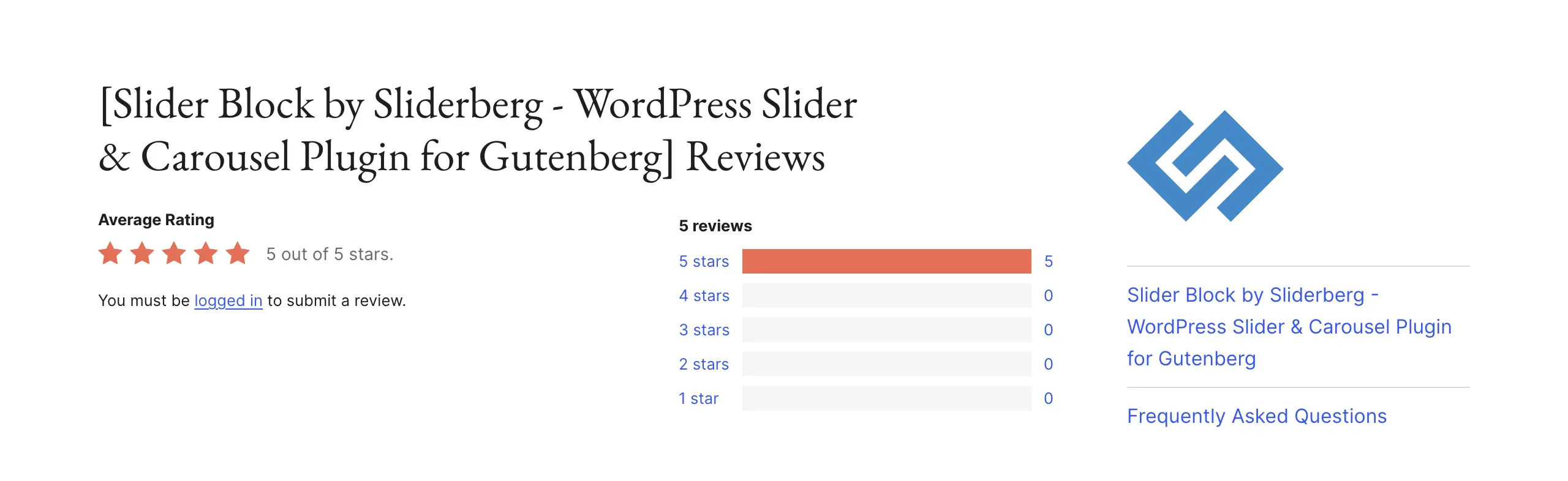
Multipurpose use cases
-
Supports all screen sizes
-
Flexible navigation options
Cons
-
No premium version
-
Needs to add more features
Pricing of Sliderberg
Sliderberg is completely free to use. It doesn’t have a premium version yet.
3. Ultimate Blocks
Ultimate Blocks is a multipurpose Gutenberg block plugin. It comes with 26+ custom blocks to enrich your default block library. If you are a content marketer, blog writer, or want to design your web pages with Gutenberg blocks, this plugin can help you a lot. It has an image slider and an image block.
With them, you can easily present graphical content in flexible layouts. Besides, as the plugin has many more blocks, you can decorate the image and slider blocks with other types of content so your posts and pages become more meaningful. As a result, you can use this plugin on all types of websites.
Here’s a detailed discussion of the best Gutenberg slider block plugins.
Key features of Ultimate Blocks
- Supports Various Content: Not only images, but it also allows you to add and display all types of content with its blocks.
- Customization Options: Each block of the plugin comes with tons of settings and stylization options so you can customize the block content.
- Community Support: Ultimate Blocks has an active Facebook community. You’ll surely get quick support regarding any of your problems once you post there.
- SEO-Friendly: Each block of the plugin is highly optimized for SEO. Not only are they lightweight. Many allow you to add texts, descriptions, and keywords.
Pros
-
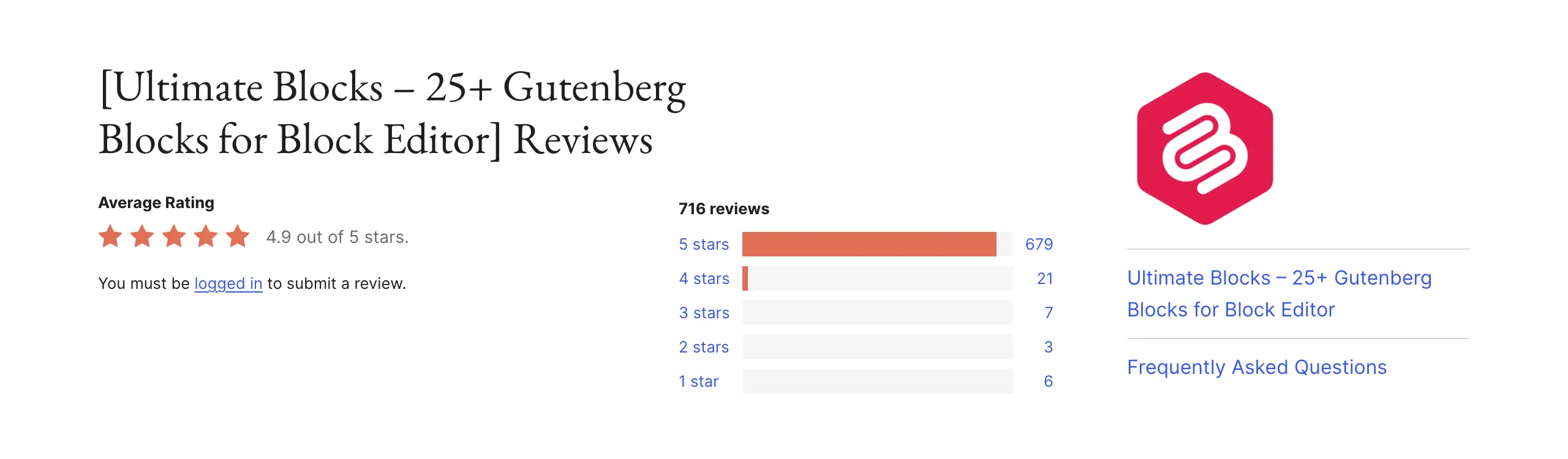
Releases regular updates
-
Extremely user-friendly
-
Free version available
-
Highly flexible
Cons
-
Doesn’t support dynamic content
-
No flexbox container
Pricing of Ultimate Blocks
Ultimate Blocks has a free version available. Its premium version starts from $49/year with a 30-day money-back guarantee.
Final Words!
No doubt, with the custom image block, you can overcome the limitations of the basic image block. You can have better layouts, cleaner design, and more control inside the editor. Thus, you can make your content look more professional. But there are some best practices to follow to get the best results.
Always optimize images before uploading. Use the right image size for each block. Avoid adding too many effects at once. Keep layouts simple and clear. Finally, preview your design on different screen sizes to check how it will look.
Spare a few more minutes to read the best Gutenberg gallery block plugins.
Leave a Reply